Inloggen vereist
Log in met je iOSGods-account om door te gaan.
Log in met je iOSGods-account om door te gaan.

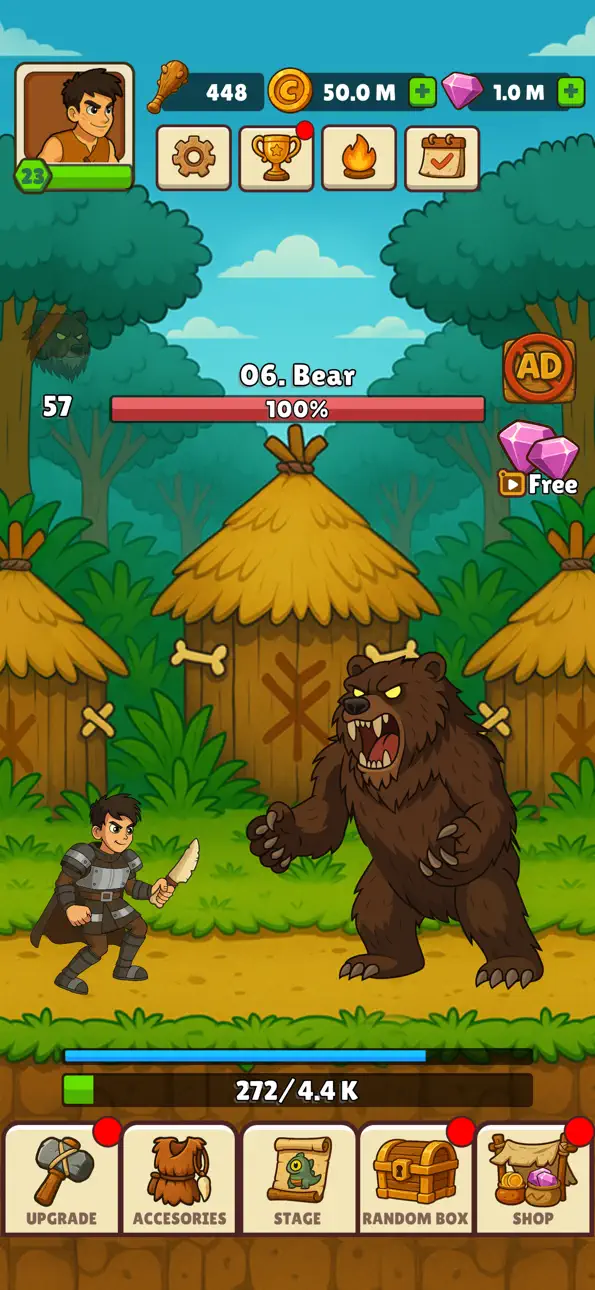
Hunt Master 3D is een idle hunting game waarbij je op het scherm tikt om wapens te gooien, je uitrusting upgradet en steeds mythischere wezens bestrijdt. Deze Mod IPA geeft je krachtige cheats om de evolutie van je jager door de eeuwen heen te versnellen.
Zodra je de hack activeert, boost je onmiddellijk je uithoudingsvermogen, herstel en aanvalsstats, zodat je sneller door de prehistorische niveaus kunt gaan en tegen sterkere vijanden kunt vechten zonder te hoeven grinden. Gebruik het modmenu om elke upgrade in en uit te schakelen wanneer je je doelniveau bereikt, en schakel het vervolgens uit om natuurlijk verder te spelen.
- Uithoudingsvermogen upgraden → verhoog de duurzaamheid van je jager
- Uithoudingsvermogen herstel upgraden → regenereer uithoudingsvermogen sneller tussen aanvallen
- Super aanvalssterkte upgraden → verhoog de schade van je speciale aanvallen
- Super aanvalskans upgraden → verhoog de kans om super aanvallen uit te voeren
- Wapeninsterkte upgraden → verbeter de basisschadeopbrengst van je wapen
Opmerking: Schakel in en schakel vervolgens uit zodra je je gewenste niveau bereikt hebt; houd de schakelaar niet actief.
Deze app bevat ook iGameGod, waarmee je toegang krijgt tot Auto Touch om repetitieve taken te automatiseren, App Speed Manager voor een aanpasbare spelsnelheid, het bewerken van waarden met Memory Engine en andere krachtige iOS-gametools.
Download Hunt Master 3D Hack modded IPA via de bovenstaande links. Tik op de installatieknop en volg de instructies om deze iOS-app-hack op je iPhone, iPad of Apple Silicon te installeren.
Meer hulp nodig? Bekijk onze Veelgestelde vragen over de iOSGods-app voor uitgebreide antwoorden en probleemoplossingstips.
Ready to become the ultimate hunter?
Start small, grow stronger, and take down legendary creatures in Legend Of Hunter – the addictive idle hunting game loved by players worldwide!
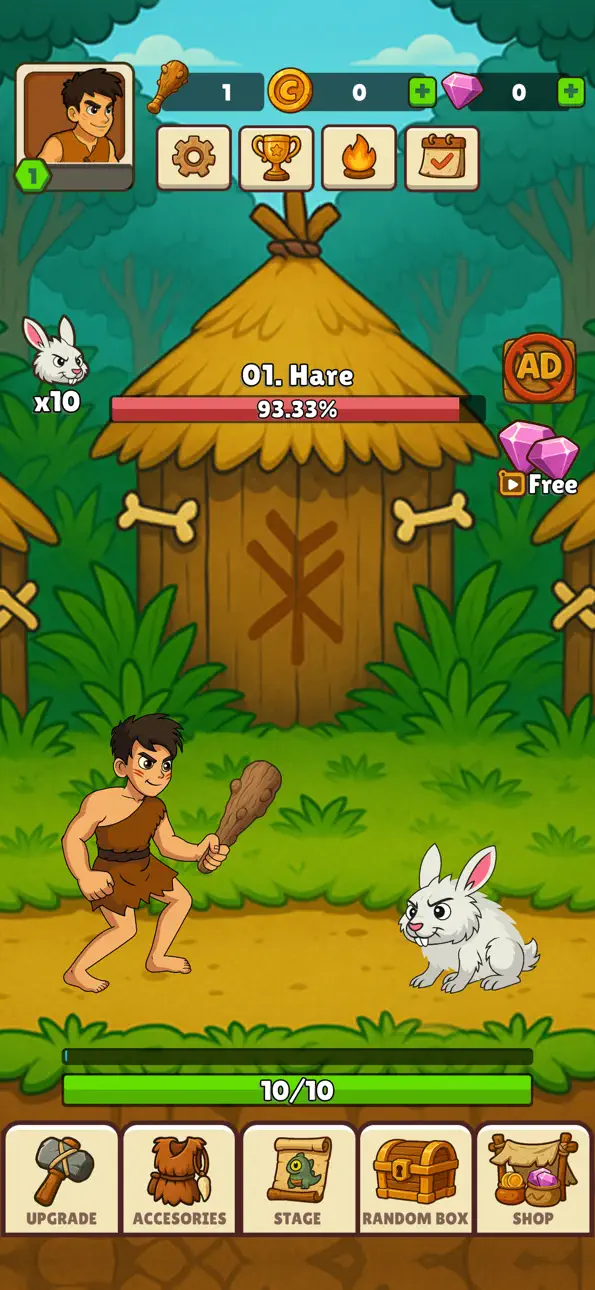
In this action-packed idle adventure, you control a prehistoric hunter who rises through the ages. Begin with nothing but a wooden stick… then upgrade your weapons, evolve your gear, and face enemies that grow larger, stronger, and more mythical at every stage. From rabbits and boars to mammoths, stone giants, and fire-breathing dragons — the hunt never ends!
▶ Easy & Addictive Idle Gameplay
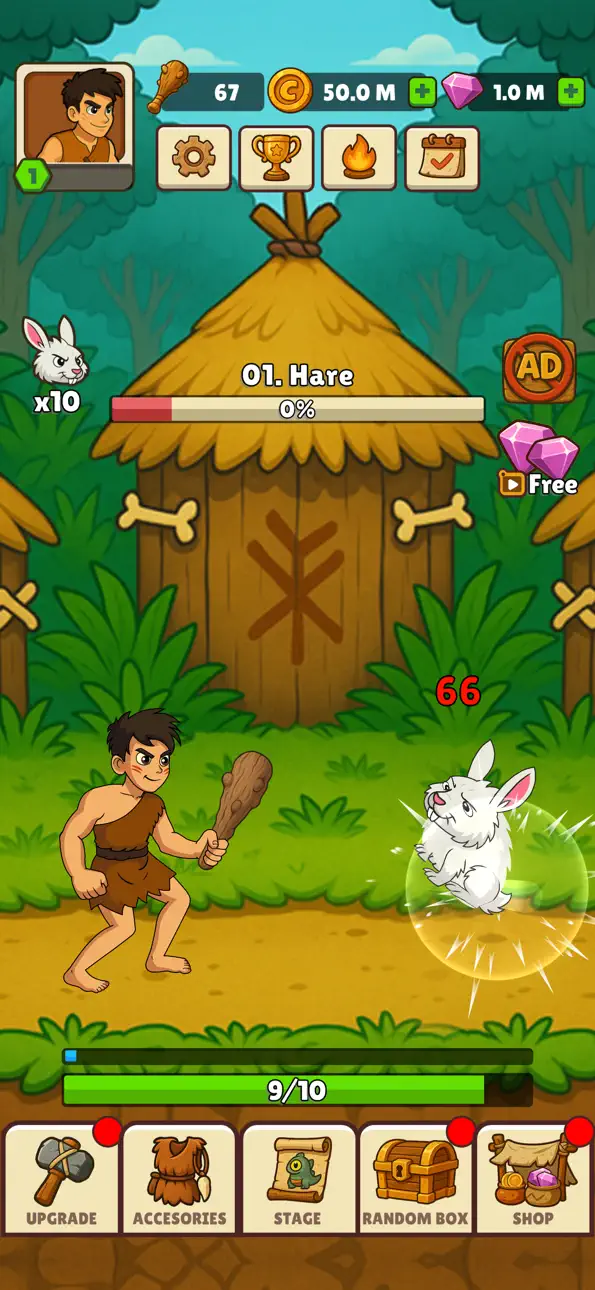
Tap the screen to throw weapons and deal damage.
Simple mechanics, endless satisfaction.
▶ Epic Enemy Progression
Hunt over 10 unique creatures: from prehistoric beasts to legendary dragons.
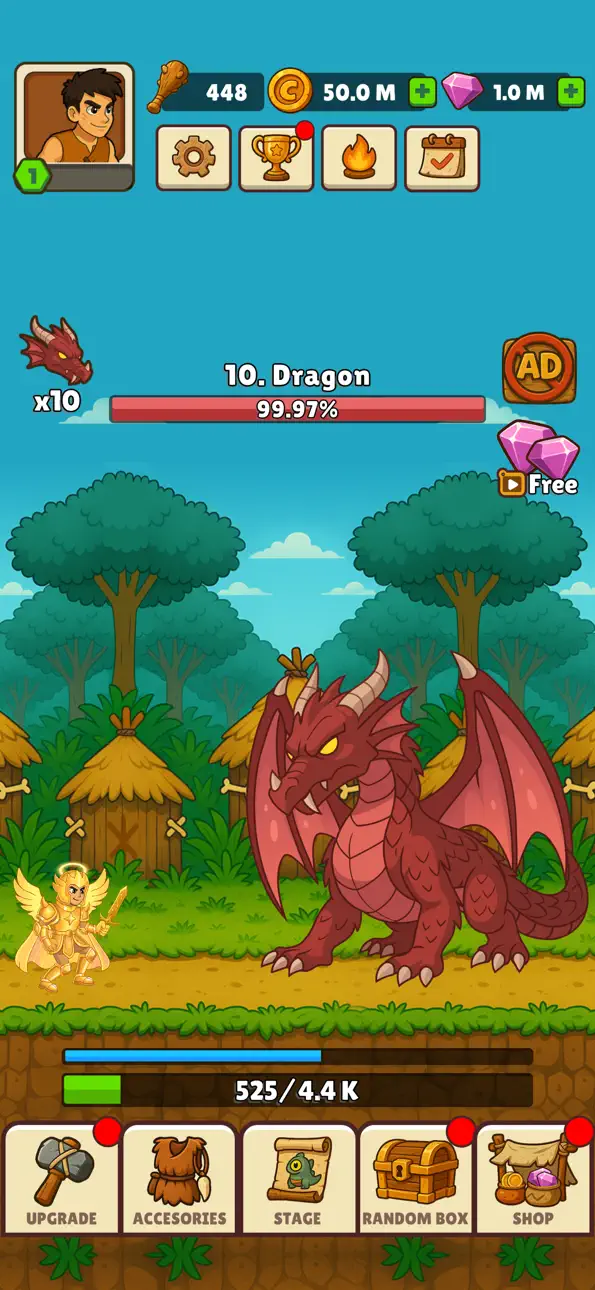
Each enemy comes with massive HP bars — can your weapons break through?
▶ Weapon Evolution
Start with a stick, unlock slingshots, bows, hammers, spears, and more!
Every weapon upgrade brings new power, animations, and effects.
▶ Character Outfits & Upgrades
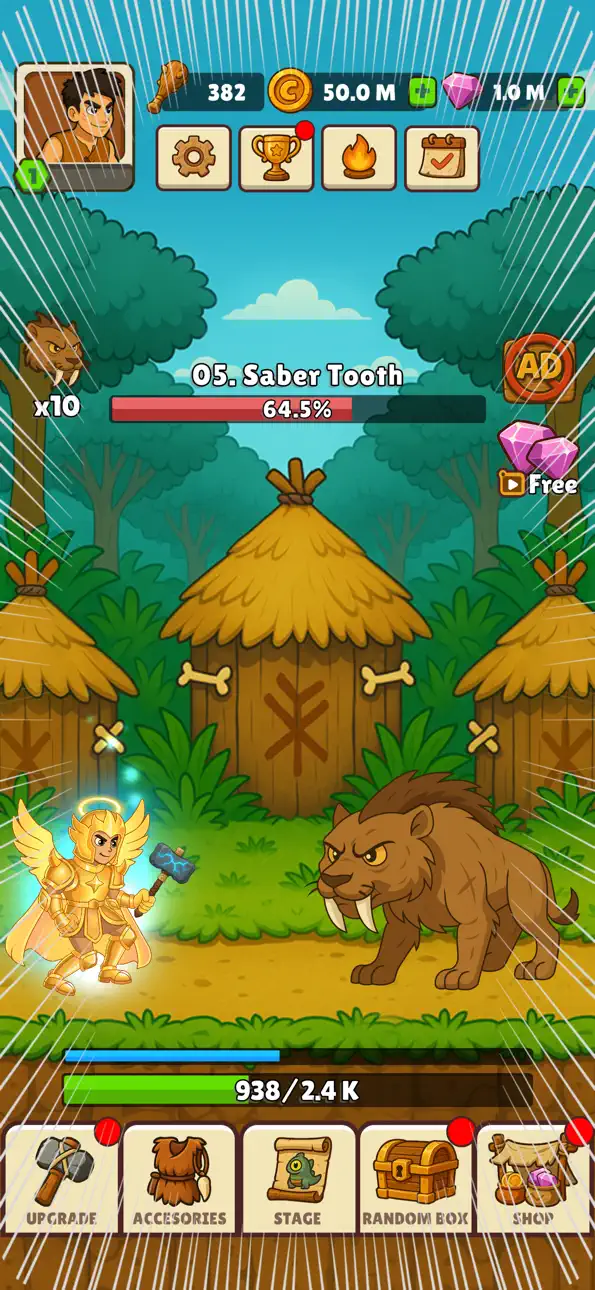
Transform your hunter from caveman → medieval warrior → knight → legendary god.
Each outfit unlocks multipliers, stamina boosts, and epic visuals.
▶ Satisfying Attack System
Normal attacks keep the action flowing.
Fast attacks give you speed bursts.
Super attacks deliver insane critical hits with explosive effects.
▶ Loot, Rewards & Progression
Collect gold and XP after every hunt.
Open loot boxes for weapons, costumes, and relics.
Merge items to unlock rare and legendary gear.
▶ Challenges & Stages
Complete challenges to unlock new enemies.
Beat the stage, move to the next biome, and face tougher creatures.
▶ Play Anytime, Anywhere
Idle system lets you progress even when you’re offline.
Perfect for short sessions or long playtimes.
Why Players Can’t Stop Playing:
The thrill of upgrading from weak stick throws to godlike lightning spears.
The satisfaction of crushing massive HP bars with every tap.
The excitement of unlocking new enemies and seeing what comes next.
The endless loop of hunt → upgrade → conquer → prestige.
Hunter’s Legend is designed to keep you hooked with satisfying gameplay, long-term progression, and huge upgrade payoffs.
Play for FREE today!
Think you can survive against a dragon with 999,999 HP?
Only 1% of hunters can… will you be one of them?
Download Legend Of Hunter now and prove your skills!
Screenshots © respectieve eigenaren · App Store


iOSGods is niet verbonden aan, onderschreven door of gesponsord door Apple Inc., Google LLC of de ontwikkelaars van de hier vermelde apps. Apple, iOS en App Store zijn handelsmerken van Apple Inc. Android en Google Play zijn handelsmerken van Google LLC. Alle overige app-namen, iconen, afbeeldingen en handelsmerken behoren toe aan hun respectieve eigenaren.
- Niet-jailbroken/jailed of jailbroken iPhone of iPad.
- Sideloadly of alternatieven.
- Computer met Windows/macOS/Linux en iTunes geïnstalleerd.
STAP 1: Download het vooraf gehackte .IPA-bestand via de link hierboven naar uw computer. Om het te downloaden vanuit de iOSGods App, bekijk onze iOSGods App IPA-downloadhandleiding met een videovoorbeeld.
STAP 2: Download Sideloadly en installeer het op uw Windows of Mac.
STAP 3: Open Sideloadly op uw computer, sluit uw iOS-apparaat aan en wacht tot de naam van uw apparaat in Sideloadly verschijnt.
STAP 4: Zodra uw iDevice is herkend, sleept u het gedownloade gemodde .IPA-bestand naar de Sideloadly-applicatie.
STAP 5: Voer het e-mailadres van uw Apple Account in en druk op “Start”. U wordt vervolgens gevraagd om uw wachtwoord in te voeren. Geef de gevraagde informatie op.
STAP 6: Wacht tot Sideloadly het sideloaden/installeren van de gehackte IPA heeft voltooid. Als er problemen zijn tijdens de installatie, lees dan onderstaande opmerking.
STAP 7: Zodra de installatie is voltooid en u de app op uw beginscherm ziet, gaat u naar Instellingen → Algemeen → Profielen / VPN- en apparaatbeheer. Tik daar op het e-mailadres dat u in stap 6 hebt ingevoerd en tik vervolgens op “Vertrouw [email protected]”.
STAP 8: Ga nu naar uw beginscherm en open de zojuist geïnstalleerde app; alles zou correct moeten werken. Mogelijk moet u verdere app-specifieke instructies volgen in de hack-popup in het spel.
OPMERKING: Op iOS/iPadOS 16 en later moet u Ontwikkelaarsmodus inschakelen. Voor gratis Apple Developer-accounts moet u dit proces elke 7 dagen herhalen. Als u vragen of problemen hebt, lees dan onze Sideloadly FAQ-sectie van het onderwerp.
Game Name iOS Mod IPA is an action adventure game enhanced with powerful gameplay boosts and quality-of-life improvements. Win battles faster, earn rewards quicker, and enjoy uninterrupted play without ads.
- Unlimited Gold - spend freely to unlock premium content
- Damage Multiplier - deal significantly more damage in combat
- Defense Multiplier - take less damage and survive longer
- Reward Multiplier - earn more loot from every battle
- Max Level - instantly reach the highest player rank
- No Ads - play without interruptions or advertisements
This app also comes with iGameGod, giving you access to Auto Touch to automate repetitive tasks, App Speed Manager for adjustable gameplay speed, Memory Engine value editing, and more powerful iOS game tools.
Download Game Name Mod IPA via de bovenstaande links. Tik op de installatieknop en volg de instructies om deze iOS-app-hack op je iPhone, iPad of Apple Silicon te installeren.
Meer hulp nodig Bekijk onze Veelgestelde vragen over de iOSGods-app voor uitgebreide antwoorden en probleemoplossingstips.
----------------------------------------------------------
--------------------------------------------------