Cần đăng nhập
Đăng nhập bằng tài khoản iOSGods để tiếp tục.
Đăng nhập bằng tài khoản iOSGods để tiếp tục.
- Auto ADS OFF
- Unlimited Gems / Earn
- Unlimited Coins / Earn
- Unlimited ADS Ticket / Earn
- Unlimited Keys +2 / Earn
- Unlimited Scrolls / Earn
- HP / AiD Kit Use In Battle
- ATK / Linked
Note:- Currency & Resources Disable Before The Battle
Ứng dụng này cũng đi kèm với iGameGod, cho phép bạn truy cập Auto Touch để tự động hóa các thao tác lặp lại, App Speed Manager để điều chỉnh tốc độ chơi game, chỉnh sửa giá trị bằng Memory Engine, và nhiều công cụ mạnh mẽ khác cho game iOS.
Tải Gun Hero: Cat Survival Shooter iOS Mod IPA từ các liên kết ở trên. Nhấn nút cài đặt và làm theo hướng dẫn để cài bản hack iOS lên iPhone, iPad hoặc Apple Silicon.
Cần thêm trợ giúp? Hãy xem Câu hỏi thường gặp ứng dụng iOSGods để có câu trả lời chi tiết và mẹo khắc phục sự cố.
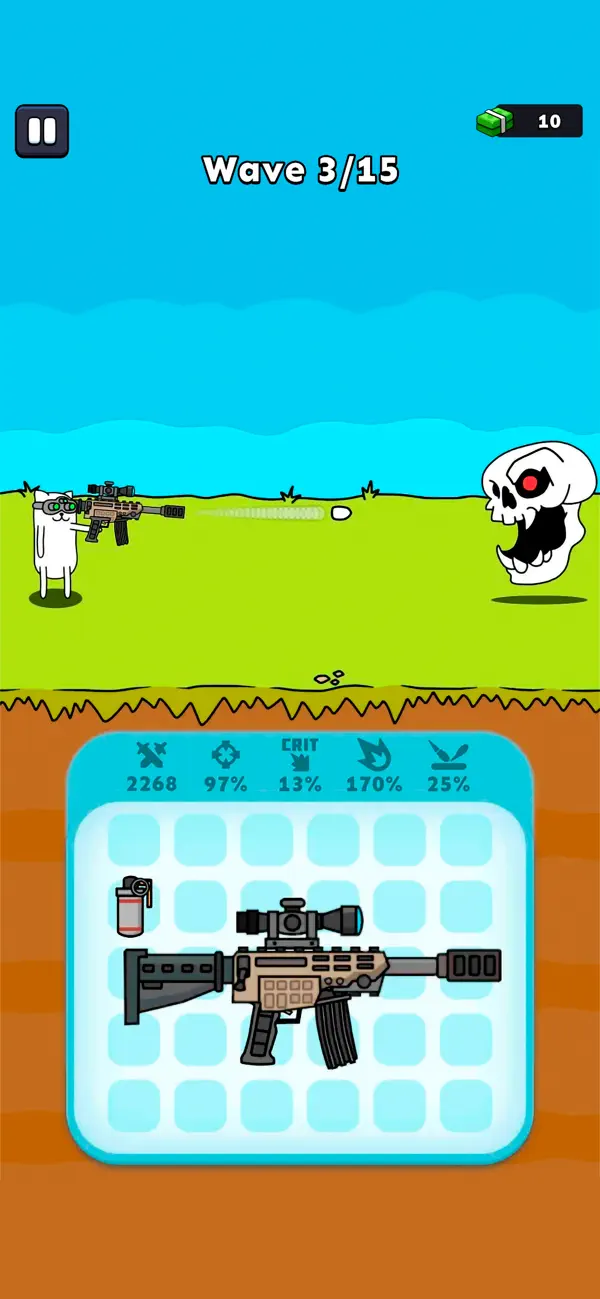
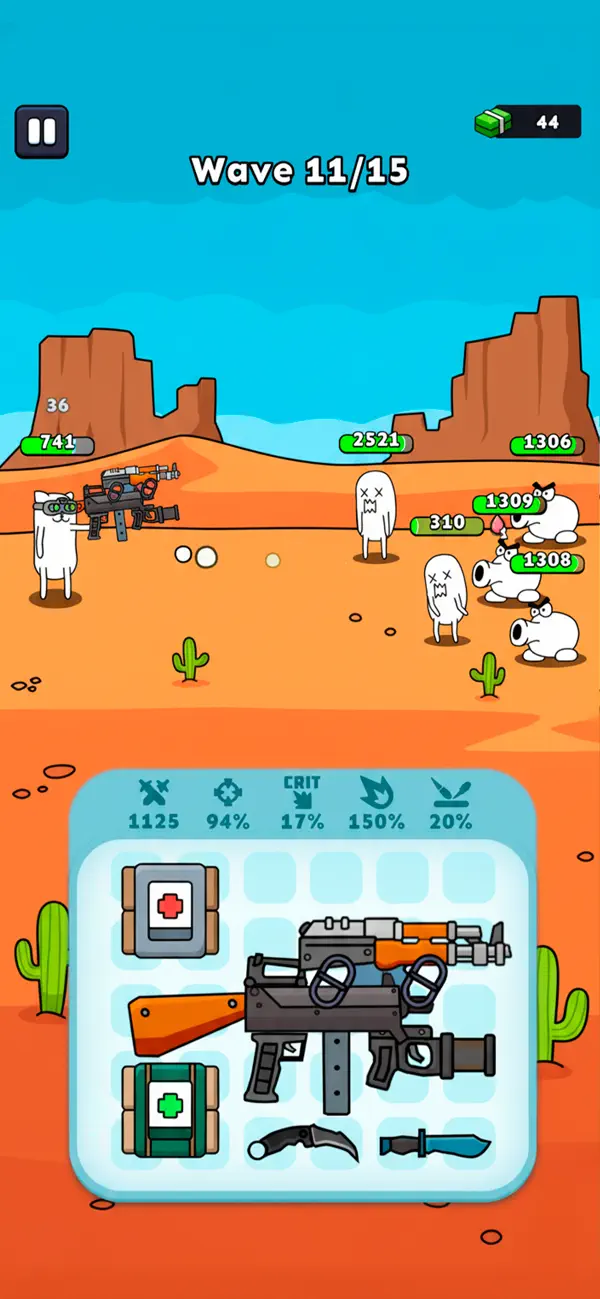
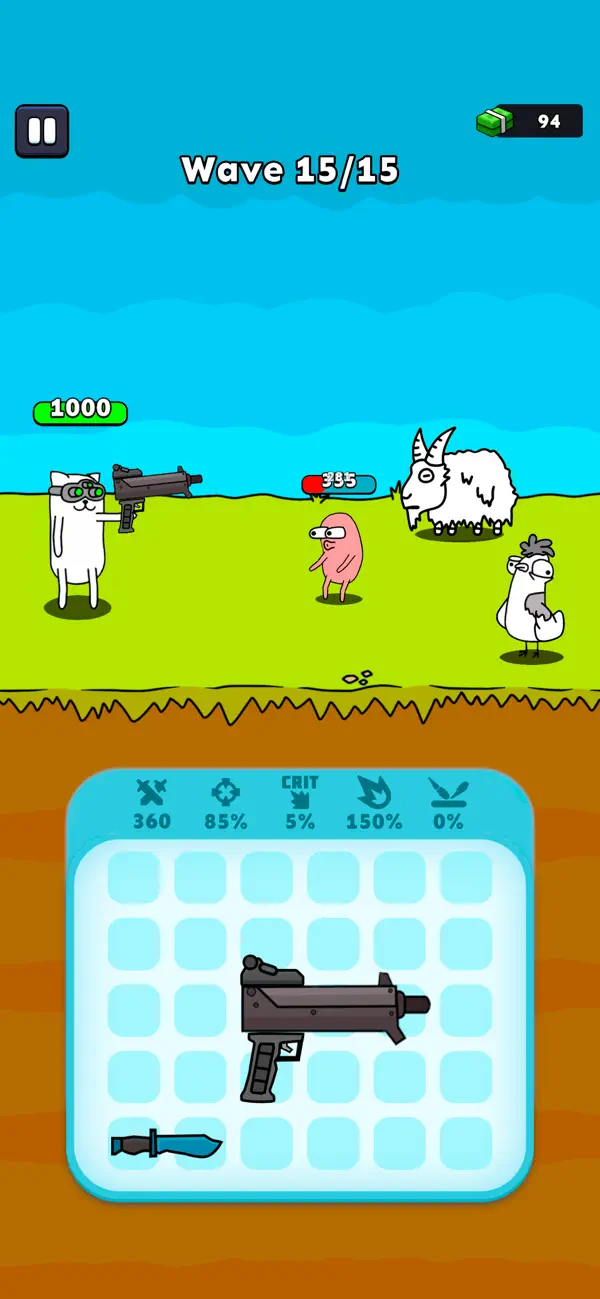
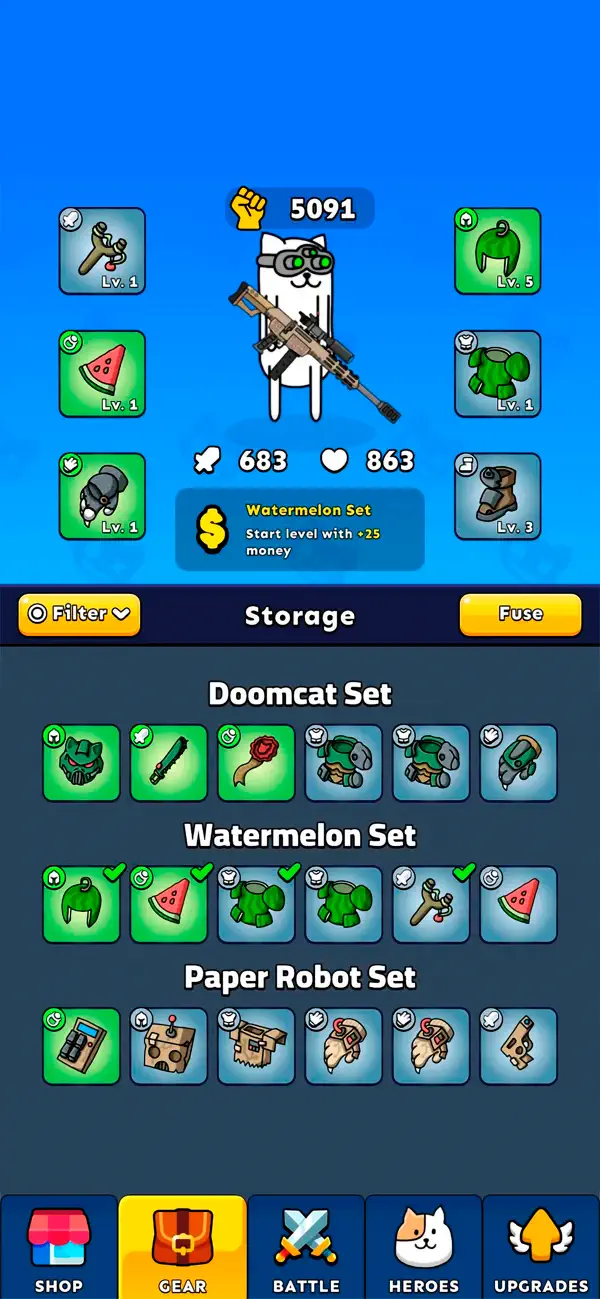
Gun Hero es un juego de disparos 2D en el que controlas a un gato héroe decidido a sobrevivir contra hordas infinitas de monstruos. Una mezcla de supervivencia roguelite y acción intensa, pensado para quienes disfrutan de los shooters, las mejoras constantes y la pura adrenalina.
Combina armas, mejóralas y adapta tu estilo en cada partida. Con el sistema exclusivo de fusión, construyes tus armas pieza por pieza en el editor de armas. Cada mejora cambia tu forma de jugar, añade más potencia de fuego y nuevas maneras de dominar el combate.
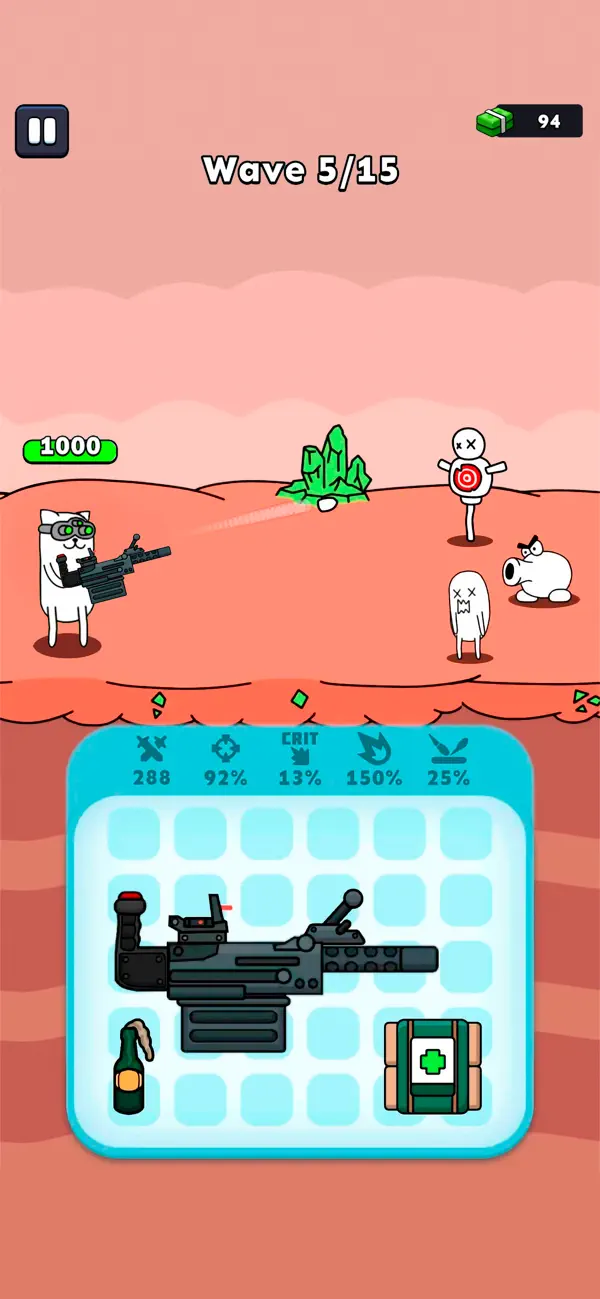
Usa objetos para activar potenciadores poderosos y resistir las olas más difíciles. Supervivencia real contra monstruos: cuanto más tiempo resistas, más intensa se vuelve la acción. Cada partida se convierte en un nuevo desafío donde el pensamiento rápido y las mejores armas deciden tu destino.
Cómo jugar:
– Construye tu arma — Fusiona piezas en el editor de armas
– Activa potenciadores — Refuerza a tu héroe con mejoras
– Dispara y sobrevive — Enfréntate a hordas en plena acción
– Mejora y repite — Hazte más fuerte en cada partida
Si te gustan los shooters, disfrutas con juegos creativos de armas o buscas una experiencia de supervivencia rápida y adictiva, Gun Hero es para ti. Fácil de empezar, difícil de dominar y siempre lleno de acción: la batalla de supervivencia definitiva para cada héroe felino.
Monthly Privilege Subscription
Subscribe to the Monthly Privilege and unlock exclusive in-game benefits:
- Battle x2 Speed
- Additional Daily Rewards
- Battle Pass x2 XP
The Monthly Privilege subscription costs $9.99 USD per month.
Payment will be charged to your iTunes Account at confirmation of purchase.
You will receive all Monthly Privilege benefits for the duration of the subscription.
Your subscription automatically renews for the same price and duration as the original one-month package unless auto-renew is turned off at least 24 hours before the end of the current period.
Your account will be charged for renewal within 24 hours prior to the end of the current period at the cost of the selected package.
Subscriptions may be managed by the user, and auto-renewal may be turned off in the iTunes Account Settings after purchase.
No cancellation of the current subscription is allowed during the active subscription period.
You may cancel a subscription during its free trial period via the subscription settings in your iTunes account. This must be done at least 24 hours before the end of the trial period to avoid being charged. For more information, please visit http://support.apple.com/kb/ht4098.
Turning off auto-renewal is also available in your iTunes Account Settings. However, the current subscription cannot be canceled during its active period.
Any unused portion of a free trial period will be forfeited when the user purchases a Monthly Privilege subscription.
Links to our Terms of Service and Privacy Policy:
https://freeplay.io/games/ios/terms/
https://freeplay.io/games/ios/privacy/

- iPhone hoặc iPad chưa jailbreak/đã đóng hoặc đã jailbreak.
- Sideloadly hoặc các lựa chọn thay thế.
- Máy tính chạy Windows/macOS/Linux đã cài iTunes.
BƯỚC 1: Tải tệp .IPA đã được hack sẵn từ liên kết phía trên về máy tính của bạn. Để tải từ iOSGods App, hãy xem Hướng dẫn tải IPA bằng iOSGods App của chúng tôi, có kèm ví dụ bằng video.
BƯỚC 2: Tải Sideloadly và cài đặt trên Windows hoặc Mac của bạn.
BƯỚC 3: Mở Sideloadly trên máy tính, kết nối thiết bị iOS của bạn và chờ cho đến khi tên thiết bị hiển thị trong Sideloadly.
BƯỚC 4: Khi thiết bị iOS của bạn đã được nhận diện, hãy kéo tệp .IPA đã chỉnh sửa mà bạn tải về và thả vào ứng dụng Sideloadly.
BƯỚC 5: Nhập email Apple Account của bạn, sau đó nhấn "Start." Bạn sẽ được yêu cầu nhập mật khẩu. Hãy cung cấp các thông tin cần thiết.
BƯỚC 6: Chờ Sideloadly hoàn tất quá trình sideload/cài đặt tệp IPA đã hack. Nếu gặp sự cố trong quá trình cài đặt, vui lòng đọc lưu ý bên dưới.
BƯỚC 7: Khi cài đặt hoàn tất và bạn thấy ứng dụng trên Màn hình chính, bạn cần truy cập Cài đặt → Cài đặt chung → Hồ sơ / VPN & Quản lý thiết bị. Tại đó, nhấn vào email bạn đã nhập ở bước 6, rồi nhấn "Tin cậy [email protected]".
BƯỚC 8: Bây giờ hãy về Màn hình chính và mở ứng dụng vừa cài đặt, mọi thứ sẽ hoạt động bình thường. Bạn có thể cần làm theo hướng dẫn riêng của từng ứng dụng trong cửa sổ popup của bản hack trong game.
LƯU Ý: Trên iOS/iPadOS 16 trở lên, bạn phải bật Chế độ nhà phát triển. Với tài khoản Apple Developer miễn phí, bạn sẽ cần lặp lại quy trình này mỗi 7 ngày. Nếu bạn có thắc mắc hoặc gặp sự cố, hãy đọc mục FAQ về Sideloadly trong chủ đề của chúng tôi.