Inicio de sesión requerido
Inicia sesión con tu cuenta de iOSGods para continuar.
Inicia sesión con tu cuenta de iOSGods para continuar.

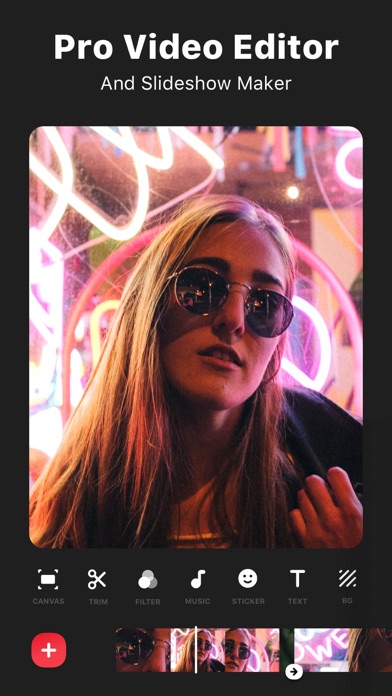
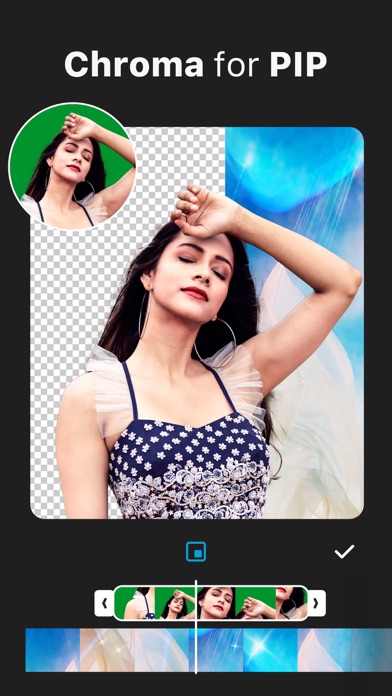
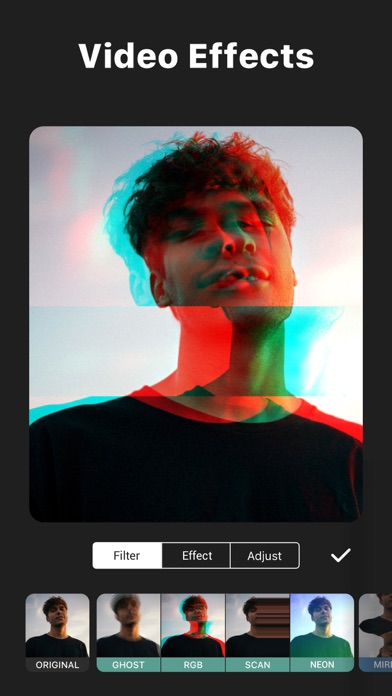
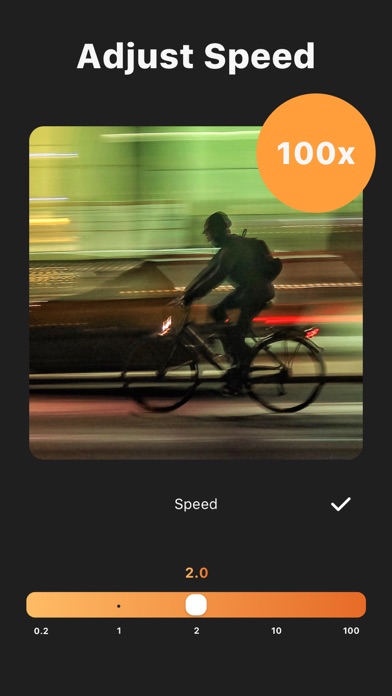
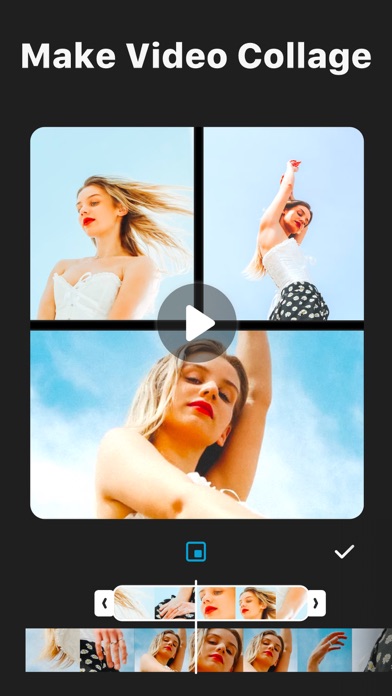
Edita vídeos y fotos con herramientas de nivel profesional en este potente editor de vídeo HD para iOS. InShot - Video Editor Hack Mod IPA desbloquea funciones premium incluyendo acceso PRO, dándote control creativo total sobre recorte, fusión, ajustes de velocidad, música, efectos, texto, emoji, filtros y más, todo sin la marca de agua que limita la versión gratuita.
- PRO → desbloquea funciones de edición premium
Esta app también incluye iGameGod, que te ofrece acceso a Auto Touch para automatizar tareas repetitivas, App Speed Manager para ajustar la velocidad del juego, edición de valores con Memory Engine y más potentes herramientas para juegos de iOS.
Descarga InShot - Video Editor Hack modded IPA desde los enlaces de arriba. Toca el botón de instalación y sigue las instrucciones para instalar este hack iOS en tu iPhone, iPad o Mac con Apple Silicon.
¿Necesitas más ayuda? Consulta nuestras Preguntas frecuentes de la app iOSGods para respuestas detalladas y consejos de solución de problemas.
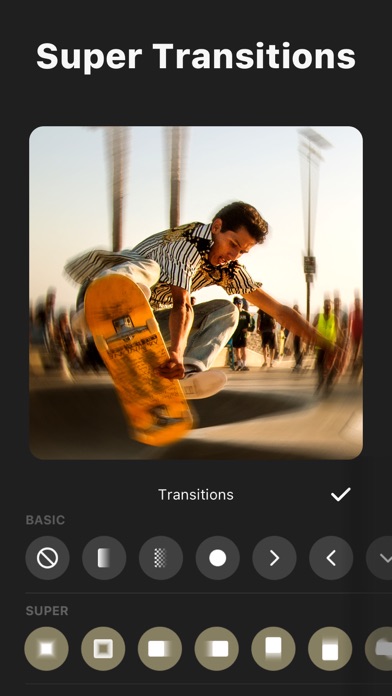
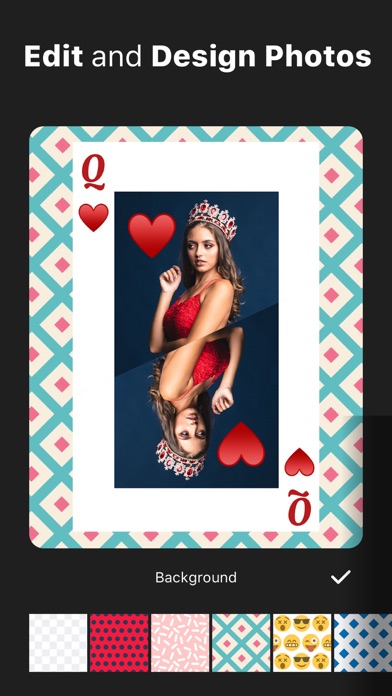
InShot: potente editor de vídeo y editor de fotos con funciones profesionales. Agregue música, efectos de transición, texto, emoji y filtros, desenfoque de fondo, etc. ¡Sin marca de agua!
Características:
Vídeo Trim & Cut
- Recorte de vídeo
- Cortar / Borrar parte media de un video
- Combinar vídeos
- Ajustar la velocidad de vídeo
para Instagram
- Frontera de Blur para foto y vídeo.
- Borde de color.
- Mover vídeo / foto dentro de la plaza.
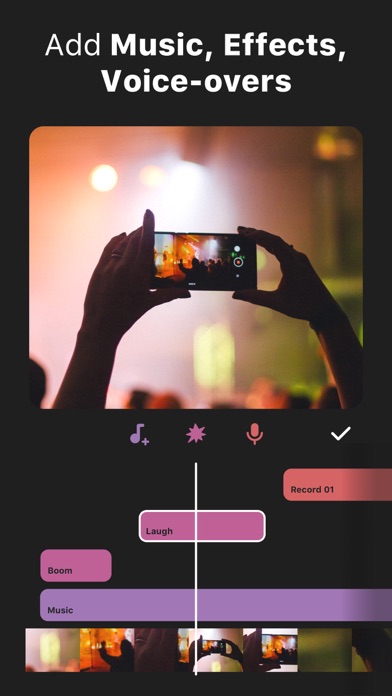
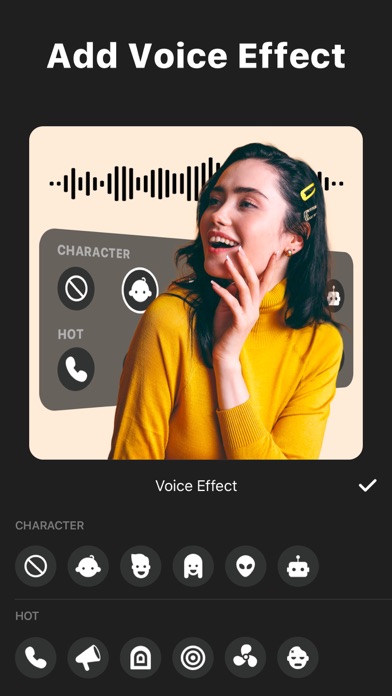
Música, efectos y voz en off
- Añade tu propia música al vídeo, al igual que los archivos mp3 y otros formatos.
- Un montón de divertidos efectos de sonido.
- Añadir la voz en off.
- Fácil de sincronizar el sonido y vídeo, con las características de línea de tiempo.
- Control de volumen para ambas canciones de sonido de video y mp3 originales.
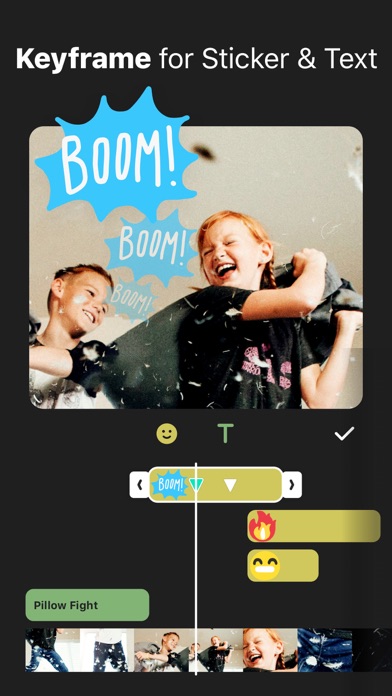
Texto y Emoji
- Añadir texto en vídeo y foto.
- Añadir emoji en la foto.
- Con las características de línea de tiempo, fácil de sincronizar texto y emoji con vídeo.
Filtros
- Muchos de los filtros de fotos
- Filtros de vídeo
Editar
- Girar, foto o video del tirón.
Compartir
- Resolución de salida de vídeo de alta.
- Compartir con aplicaciones sociales.
Suscripción ilimitada a InShot
-Con una suscripción ilimitada a InShot, tendrás acceso a todas las características y los materiales de edición de pago como pegatinas, paquetes de filtros, etc. La marca de agua y los anuncios se eliminarán de forma automática.
-La cuota de la suscripción ilimitada a InShot se cargará mensual o anualmente y corresponderá a la del plan seleccionado.
-La suscripción ilimitada a InShot se renovará auomáticamente en la siguiente fecha de facturación. Puedes desactivar la renovación automática hasta 24 antes del fin del periodo actual. iTunes store cobra la cuota de suscripción con confirmación de compra, y la renovación automática se puede desactivar en los ajustes de cuenta tras realizar la compra.
-Condiciones de uso
https://inshot.cc/terms/terms.html
-Política de privacidad
https://inshot.cc/terms/privacy.html
No dude en contactar con nosotros: [email protected]
Para obtener más noticias y tutoriales de InShot, síganos en YouTube @InShot Video Editor.
[Descargo de responsabilidad]:
InShot no está afiliado, asociado, patrocinado, respaldado ni conectado oficialmente de ninguna manera con YouTube, Instagram, TikTok, Facebook, Twitter.
Acknowledgements:
FUGUE Music
https://icons8.com/music/
- iPhone o iPad con o sin Jailbreak.
- Sideloadly u otras alternativas.
- Ordenador con Windows/macOS/Linux e iTunes instalado.
PASO 1: Descargue el archivo .IPA pre-modificado desde el enlace de arriba a su ordenador. Para descargarlo desde la iOSGods App, consulte nuestro Tutorial de descarga del IPA desde la iOSGods App, que incluye un ejemplo en vídeo.
PASO 2: Descargue Sideloadly e instálelo en su Windows o Mac.
PASO 3: Abra Sideloadly en su ordenador, conecte su dispositivo iOS y espere hasta que el nombre del dispositivo aparezca en Sideloadly.
PASO 4: Una vez que su iDevice sea reconocido, arrastre el archivo .IPA modificado que descargó y suéltelo en la aplicación Sideloadly.
PASO 5: Introduzca el correo electrónico de su Apple Account y, a continuación, pulse «Start». Le pedirá que introduzca su contraseña. Proporcione la información solicitada.
PASO 6: Espere a que Sideloadly termine de hacer sideload/instalar el IPA modificado. Si surgen problemas durante la instalación, por favor lea la nota a continuación.
PASO 7: Una vez completada la instalación y al ver la app en la pantalla de inicio, deberá ir a Ajustes → General → Perfiles / VPN y Gestión de Dispositivos. Una vez allí, toque el correo electrónico que introdujo en el paso 6 y, después, toque en «Confiar en [email protected]».
PASO 8: Ahora vaya a la pantalla de inicio y abra la app recién instalada; todo debería funcionar correctamente. Es posible que tenga que seguir instrucciones adicionales específicas de cada app dentro del popup del hack en el juego.
NOTA: En iOS/iPadOS 16 y posteriores, debe activar el Modo Desarrollador. Para cuentas gratuitas de Apple Developer, deberá repetir este proceso cada 7 días. Si tiene alguna pregunta o problema, lea nuestra sección de Preguntas Frecuentes de Sideloadly del tema.