Требуется вход
Войдите в учётную запись iOSGods, чтобы продолжить.
Войдите в учётную запись iOSGods, чтобы продолжить.

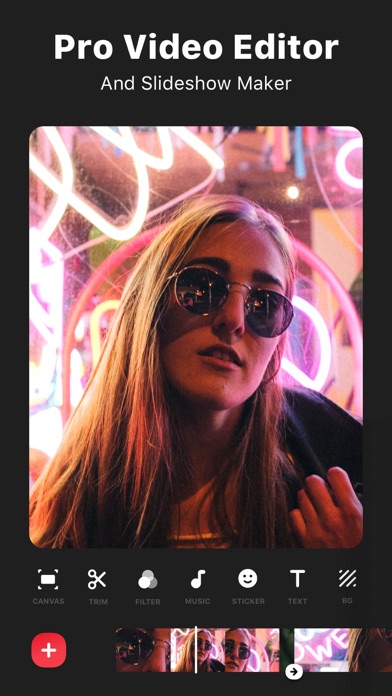
Редактируйте видео и фото с помощью профессиональных инструментов в этом мощном HD видеоредакторе для iOS. InShot - Video Editor Hack Mod IPA разблокирует премиум-функции, включая доступ PRO, предоставляя вам полный творческий контроль над обрезкой, объединением, регулировкой скорости, музыкой, эффектами, текстом, эмодзи, фильтрами и многим другим, все без водяного знака, который ограничивает бесплатную версию.
- PRO → разблокирует премиум-функции редактирования
Это приложение также поставляется с iGameGod, который открывает доступ к Auto Touch для автоматизации повторяющихся действий, App Speed Manager для регулируемой скорости игры, редактированию значений Memory Engine и другим мощным инструментам для iOS-игр.
Скачайте InShot - Video Editor Hack modded IPA по ссылкам выше. Нажмите кнопку установки и следуйте инструкциям, чтобы установить этот хак iOS на iPhone, iPad или Mac с Apple Silicon.
Нужна помощь? Посмотрите наши Часто задаваемые вопросы по приложению iOSGods, чтобы получить подробные ответы и советы по устранению неполадок.
InShot: Empowering Creators with Advanced Video and Photo Editing. Unlock effortless editing with easy-to-use features and a suite of powerful AI tools, elevating your video and photo editing experience to new heights.
[AI Tool]
- AI Effects. Experience the magic of AI with instant presets that elevate your images and videos in just one tap.
- Auto Captions. AI-powered speech-to-text tool helps you say goodbye to manual text typing and makes video editing effortless.
- Auto Remove Background. Remove background of videos/photos at the touch of a button.
- Smart tracking. Make stickers/text move seamlessly in sync with your tracking object motion, adding dynamic flair to your videos.
- Smooth slow-mo. Experience seamless slow-motion effects for buttery smooth videos.
- Auto Adjust. Instantly enhance your images and videos with one-tap.
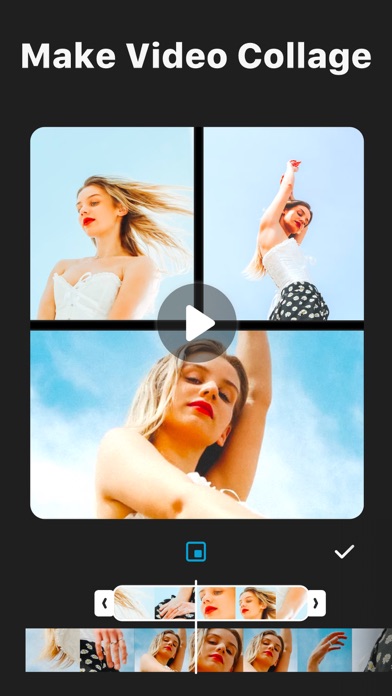
- Smart collage. Make photo collages with AI Blend effects and Screenshot Stitch with effortless caption recognition.
[Video editing]
- Trim/Merge clips.
- Reverse videos.
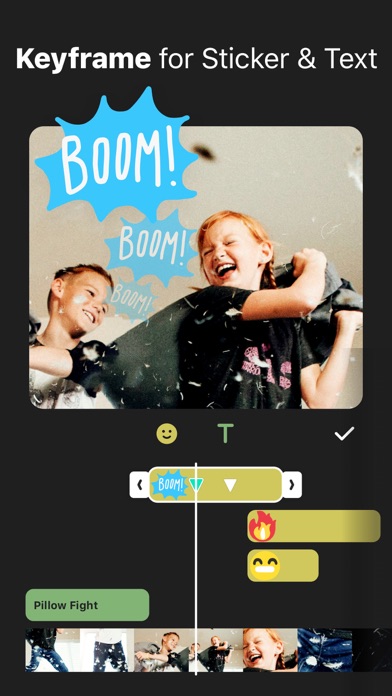
- Add text, emoji and InShot exclusive stickers.
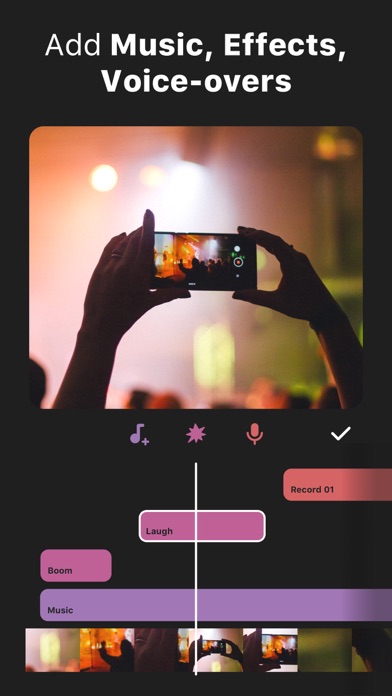
- Add music, sound effects & voice-overs.
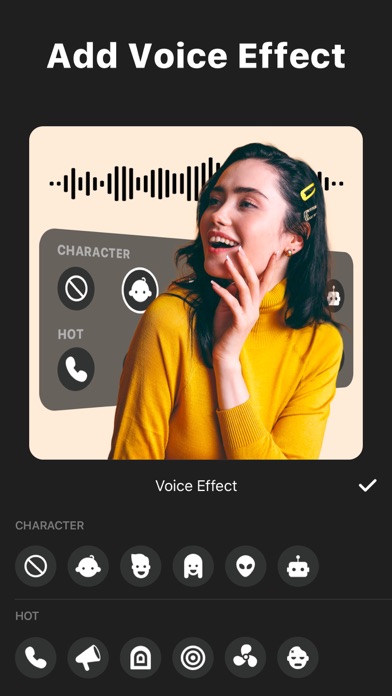
- Add various-styles voice effects.
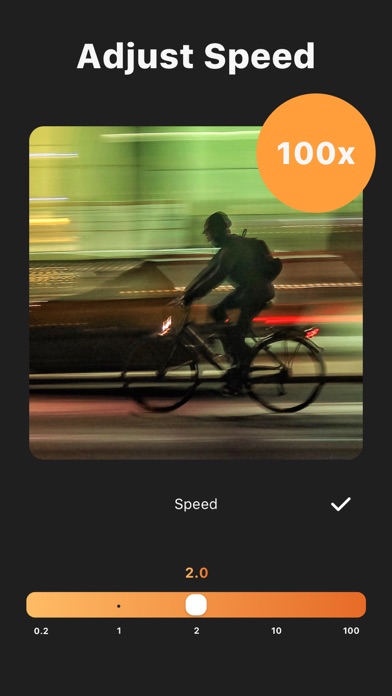
- Speed control. Speed up/slow down video. Add speed ramping.
- Keyframe editing. Add custome keyframe animations.
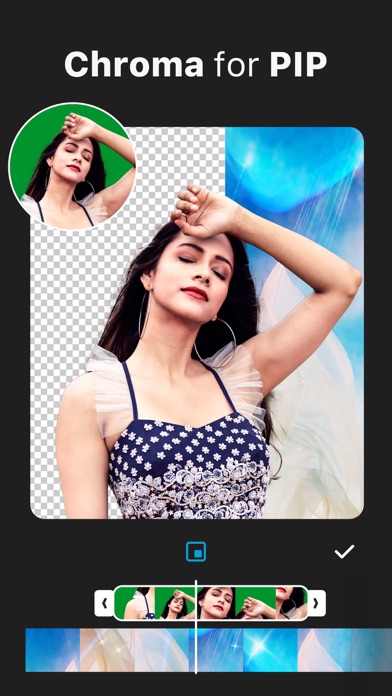
- Chromakey. Easily edit green screen video.
- Picture-in-Picture. Create multi-layered videos.
[Filters, Effects & Transitions]
- Lots of cinematic filters.
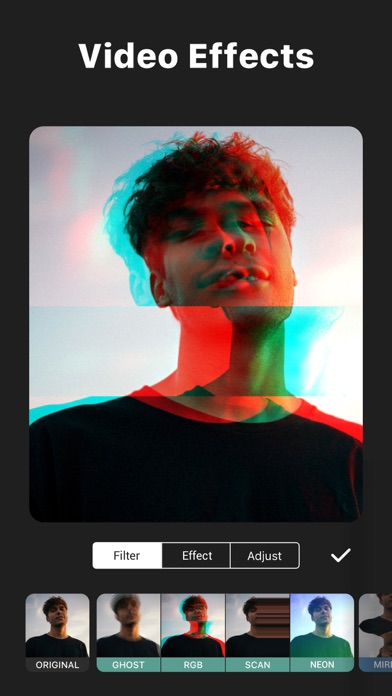
- Unique effects such as Glitch, Fade, Noise, Beats, Weather, Retro DV, celebrate, etc.
- AI effects. Clone, stroke, auto-blur, etc.
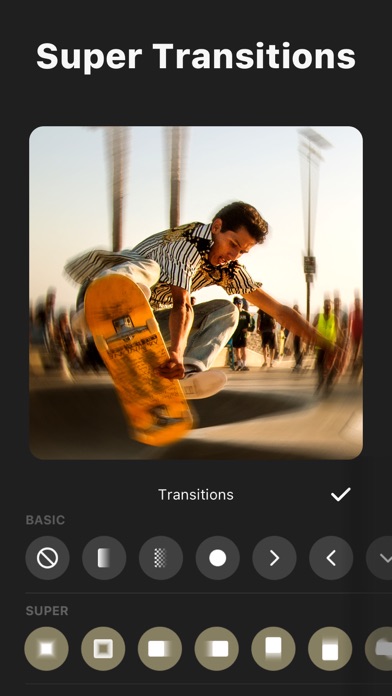
- Combine clips with super transitions.
[Photo Editing]
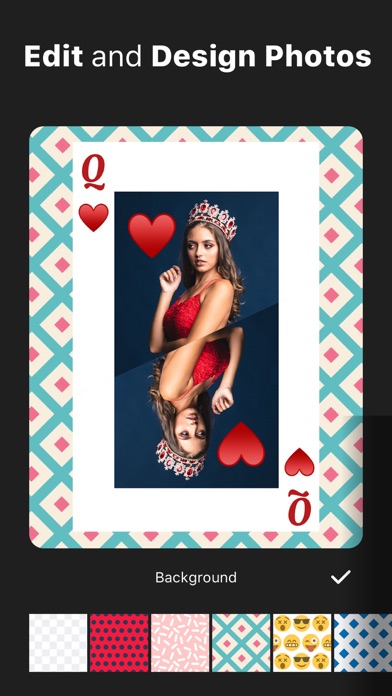
- Add text and stickers to photos, make fun story.
- Add filters and adjust brightness, contrast, curves, etc.
[Photo Collage]
- Easy-to-use photo grid collage maker.
- Create seamless collages with AI Blend.
- AI subtitle detection in Captions stitch mode.
- High-quality pic stitch in horizontal/vertical way.
[For social media]
- Blur border for photo and video. Make it square ready for Instagram.
- Colored border to make it square ready.
- Move video/photo inside the square.
[Share]
- High video output resolution. Now InShot support save in 4K, 60fps.
- Share to social apps, like YouTube, Twitter, Instagram, WhatsApp, etc.
[InShot Pro Unlimited Subscription]
- With an InShot Pro Unlimited subscription, you have access to all features and paid editing materials including stickers, filter packages, etc. Watermark and advertisements will be removed automatically.
- InShot Pro Unlimited subscription is billed monthly or annually at the rate corresponding to the selected plan.
- Payment will be charged to iTunes Account at confirmation of purchase.
- Subscription automatically renews unless auto-renew is turned off at least 24-hours before the end of the current period.
- Account will be charged for renewal within 24-hours prior to the end of the current period, and identify the cost of the renewal.
- Subscriptions may be managed by the user and auto-renewal may be turned off by going to the user's Account Settings after purchase.
- Any unused portion of a free trial period, if offered, will be forfeited when the user purchases a subscription to that publication, where applicable.
[Terms of Use]
https://inshot.cc/terms/terms.html
[Privacy Policy]
https://inshot.cc/terms/privacy.html
Feel free to contact us: [email protected], your feedback and suggestions are important to us! For more InShot news and tutorials, follow us on YouTube @InShot Video Editor.
[Disclaimer]:
InShot is not affiliated, associated, sponsored, endorsed by, or in any way officially connected with YouTube, Instagram, TikTok, Facebook, Twitter.
Acknowledgements:
FUGUE Music
https://icons8.com/music/
- iPhone или iPad без джейлбрейка/в обычном режиме или с джейлбрейком.
- Sideloadly или альтернативы.
- Компьютер с Windows/macOS/Linux и установленным iTunes.
ШАГ 1: Скачайте предварительно взломанный файл .IPA по ссылке выше на свой компьютер. Чтобы скачать его из приложения iOSGods, посмотрите наш Туториал по скачиванию IPA в приложении iOSGods, в котором есть видеопример.
ШАГ 2: Скачайте Sideloadly и установите его на Windows или Mac.
ШАГ 3: Откройте Sideloadly на компьютере, подключите iOS-устройство и дождитесь, пока его имя появится в Sideloadly.
ШАГ 4: Когда устройство будет распознано, перетащите скачанный модифицированный файл .IPA в окно Sideloadly.
ШАГ 5: Введите адрес электронной почты вашего Apple Account, затем нажмите «Start». После этого вас попросят ввести пароль. Укажите необходимые данные.
ШАГ 6: Дождитесь, пока Sideloadly завершит sideload/установку взломанного IPA. При возникновении проблем во время установки ознакомьтесь с примечанием ниже.
ШАГ 7: После завершения установки и появления приложения на главном экране перейдите в Настройки → Основные → Профили / VPN и управление устройством. Там нажмите на email, который вы ввели на шаге 6, а затем нажмите «Доверять [email protected]».
ШАГ 8: Теперь перейдите на главный экран и откройте установленное приложение — всё должно работать. Возможно, потребуется выполнить дополнительные инструкции в попапе мода внутри игры.
ПРИМЕЧАНИЕ: На iOS/iPadOS 16 и новее необходимо включить режим разработчика. Для бесплатных учётных записей Apple Developer этот процесс нужно повторять каждые 7 дней. Если возникнут вопросы или проблемы, ознакомьтесь с нашим разделом FAQ по Sideloadly в теме.