Connexion requise
Connectez-vous avec votre compte iOSGods pour continuer.
Connectez-vous avec votre compte iOSGods pour continuer.

- PREMIUM
Cette app est également livrée avec iGameGod, qui vous donne accès à Auto Touch pour automatiser les tâches répétitives, App Speed Manager pour ajuster la vitesse de jeu, à l'édition de valeurs avec Memory Engine, et à d'autres outils puissants pour les jeux iOS.
Téléchargez PictureThis - Plant Identifier Modded modded IPA depuis les liens ci-dessus. Appuyez sur le bouton d'installation et suivez les instructions pour installer ce hack iOS sur votre iPhone, iPad ou Apple Silicon.
Besoin de plus d'aide ? Consultez notre FAQ de l'app iOSGods pour des réponses détaillées et des conseils de dépannage.
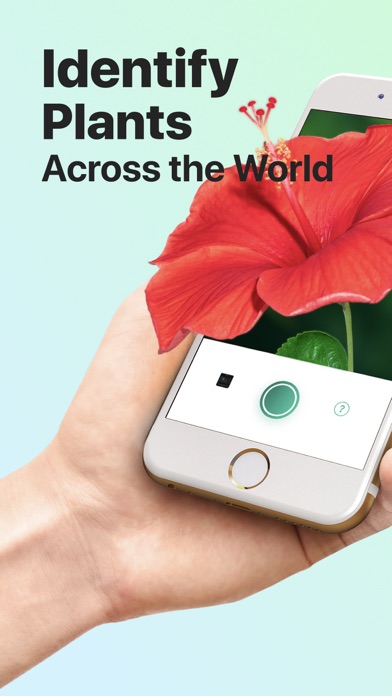
PictureThis® identifica millones de plantas diariamente con más del 98% de precisión, haciendo el cuidado de las plantas simple y accesible. Ya seas un jardinero experimentado o un nuevo amante de las plantas, PictureThis es tu herramienta esencial para la identificación y cuidado de plantas.
Características principales:
Identificación precisa de plantas
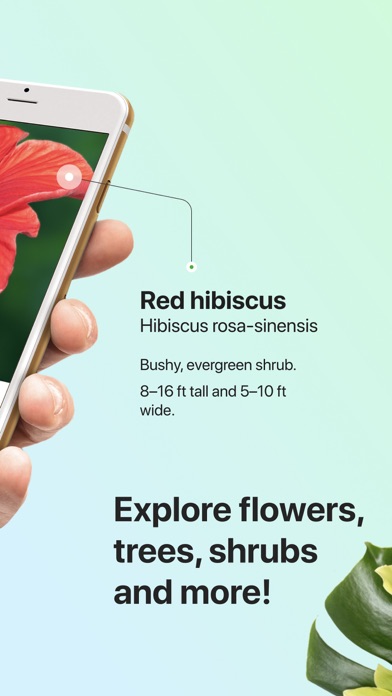
Reconocido como la mejor app de identificación de plantas, PictureThis puede identificar más de 400,000 especies con una precisión inigualable. Simplemente toma una foto y nuestro motor te proporcionará instantáneamente el nombre de la planta y información detallada.
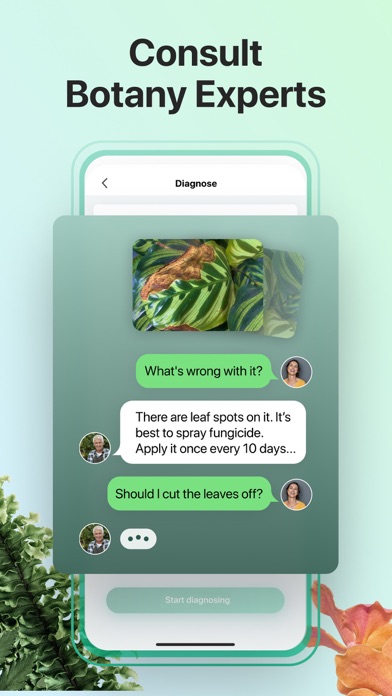
Diagnóstico y tratamiento automático de enfermedades de plantas
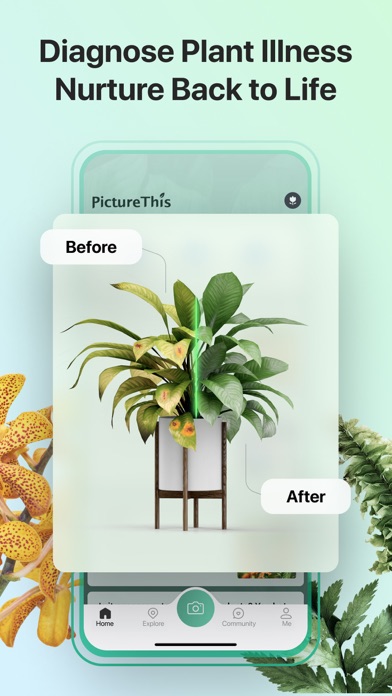
Haz una foto de una planta enferma y PictureThis diagnosticará la enfermedad y ofrecerá consejos de tratamiento. ¡Es como tener un doctor de plantas a tu disposición! ¿Tu planta favorita de interior ha desarrollado manchas marrones en sus hojas? Usa PictureThis para hacer una foto y en segundos recibirás un diagnóstico y un plan de tratamiento paso a paso para restaurar la salud de tu planta.
Planes de cuidado personalizados
PictureThis proporciona instrucciones de cuidado detalladas, incluyendo con qué frecuencia regar, cuándo fertilizar y las mejores condiciones de luz, asegurando que tu planta prospere.
Advertencia de plantas tóxicas
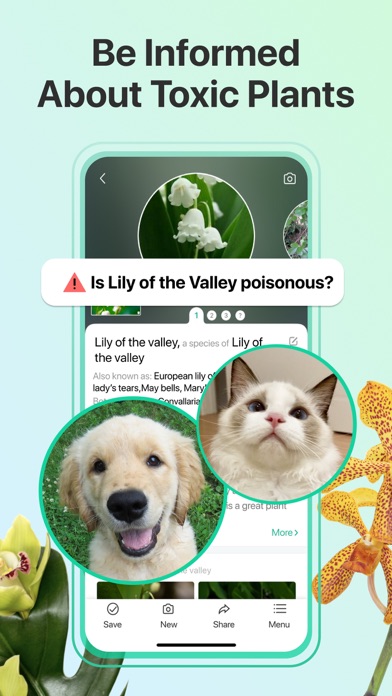
Identifica plantas tóxicas y recibe advertencias para proteger a tus mascotas y familia. PictureThis te avisará si una planta es tóxica y te dará pautas de seguridad.
Identificación de malezas
Identifica fácilmente las malezas de tu jardín y obtén consejos sobre cómo controlarlas o eliminarlas.
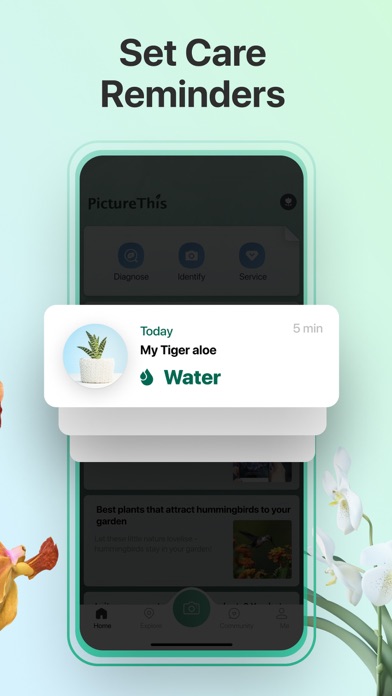
Seguimiento y recordatorio de riego
Nunca más te olvides regar las plantas con notificaciones oportunas. ¿Tu ocupada agenda te dificulta recordar cuándo regar las plantas? PictureThis te envía recordatorios para que puedas mantener tus plantas hidratadas y saludables en todo momento.
Monitoreo de exposición a la luz
Controla cuánta luz solar está recibiendo tu planta con nuestro medidor de luz para asegurarte de que está recibiendo la cantidad adecuada. ¿Te preocupa que tu planta de interior no esté recibiendo suficiente luz? Usa el medidor de luz de PictureThis para verificar su exposición y ajustar su posición para un crecimiento óptimo.
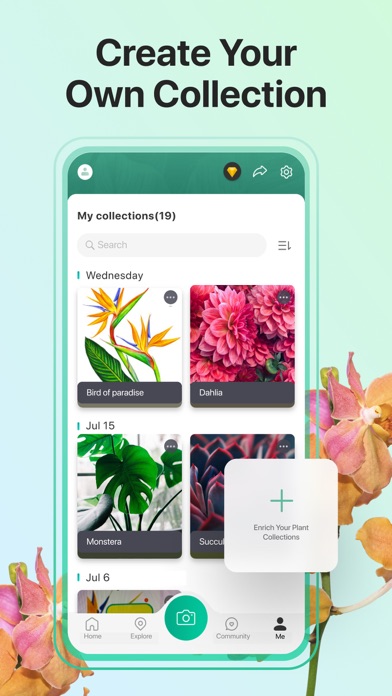
Gestiona tu colección de plantas
¿Tienes una colección de plantas que crece cada día y deseas llevar un registro de ellas? Usa PictureThis para catalogar tus plantas, incluyendo fotos y notas, y crea una lista de deseos para futuras compras.
Consulta con expertos
Chatea con nuestros expertos profesionales 24/7 para obtener consejos y sugerencias personalizadas adaptadas a tus necesidades específicas de jardinería.
Únete a PictureThis hoy mismo y mejora tu experiencia en jardinería. Identifica, aprende y cuida tus plantas con nosotros. Hagamos que el mundo sea más verde, planta a planta.
Acerca de PictureThis Premium
• El pago se cargará a la cuenta de iTunes en la confirmación de la compra
• La suscripción se renueva automáticamente a menos que la renovación automática se desactive al menos 24 horas antes del final del período actual
• A la cuenta se le cobrará la renovación dentro de las 24 horas anteriores al final del período actual, e identificar el costo de la renovación
• Cualquier parte no utilizada de un período de prueba gratuito, si se ofrece, se perderá cuando el usuario compre una suscripción a esa publicación, cuando corresponda.
• Las suscripciones pueden ser gestionadas por el usuario y la renovación automática puede desactivarse yendo a la Configuración de la cuenta del usuario después de la compra.
Términos de uso: https://api-java.picturethisai.com/static/user_agreement.html
Política de privacidad: https://api-java.picturethisai.com/static/privacy_policy.html
- iPhone ou iPad avec ou sans Jailbreak.
- Sideloadly ou alternatives.
- Ordinateur sous Windows/macOS/Linux avec iTunes installé.
ÉTAPE 1: Téléchargez le fichier .IPA pré-modifié depuis le lien ci-dessus sur votre ordinateur. Pour le télécharger depuis l'iOSGods App, consultez notre Tutoriel de téléchargement de l'IPA depuis l'iOSGods App qui comprend un exemple en vidéo.
ÉTAPE 2: Téléchargez Sideloadly et installez-le sur votre Windows ou Mac.
ÉTAPE 3: Ouvrez Sideloadly sur votre ordinateur, connectez votre appareil iOS et attendez que le nom de votre appareil apparaisse dans Sideloadly.
ÉTAPE 4: Une fois votre iDevice reconnu, glissez le fichier .IPA modifié que vous avez téléchargé et déposez-le dans l'application Sideloadly.
ÉTAPE 5: Saisissez l'adresse e-mail de votre Apple Account, puis appuyez sur « Start ». Il vous sera ensuite demandé d'entrer votre mot de passe. Fournissez les informations requises.
ÉTAPE 6: Attendez que Sideloadly termine le sideloading/l'installation de l'IPA modifié. En cas de problème durant l'installation, veuillez lire la remarque ci-dessous.
ÉTAPE 7: Une fois l'installation terminée et l'app visible sur votre écran d'accueil, vous devez aller dans Réglages → Général → Profils / VPN et gestion de l'appareil. Là, appuyez sur l'adresse e-mail saisie à l'étape 6, puis appuyez sur « Faire confiance à [email protected] ».
ÉTAPE 8: Allez maintenant sur votre écran d'accueil et ouvrez l'app nouvellement installée ; tout devrait fonctionner correctement. Vous devrez peut-être suivre des instructions supplémentaires propres à chaque app, dans la fenêtre du hack en jeu.
REMARQUE : À partir d'iOS/iPadOS 16, vous devez activer le mode Développeur. Pour les comptes Apple Developer gratuits, vous devrez répéter ce processus tous les 7 jours. Pour toute question ou problème, lisez notre section FAQ Sideloadly du sujet.