Connexion requise
Connectez-vous avec votre compte iOSGods pour continuer.
Connectez-vous avec votre compte iOSGods pour continuer.

- PREMIUM
Cette app est également livrée avec iGameGod, qui vous donne accès à Auto Touch pour automatiser les tâches répétitives, App Speed Manager pour ajuster la vitesse de jeu, à l'édition de valeurs avec Memory Engine, et à d'autres outils puissants pour les jeux iOS.
Téléchargez PictureThis - Plant Identifier Modded modded IPA depuis les liens ci-dessus. Appuyez sur le bouton d'installation et suivez les instructions pour installer ce hack iOS sur votre iPhone, iPad ou Apple Silicon.
Besoin de plus d'aide ? Consultez notre FAQ de l'app iOSGods pour des réponses détaillées et des conseils de dépannage.
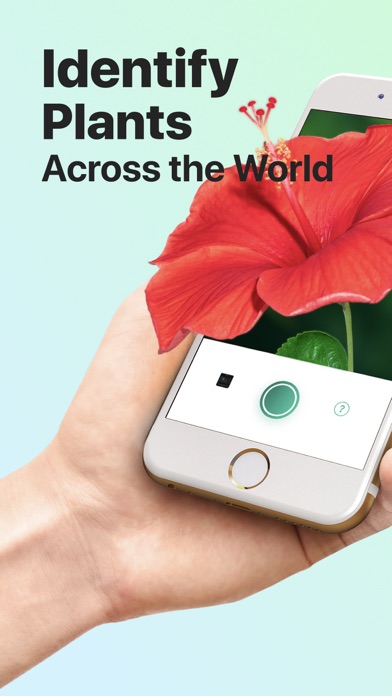
PictureThis® identifies millions of plants daily with over 98% accuracy, making plant care simple and accessible. Whether you're a seasoned gardener or a new plant parent, PictureThis is your essential tool for plant identification and care.
Key Features:
Accurate Plant Identifier
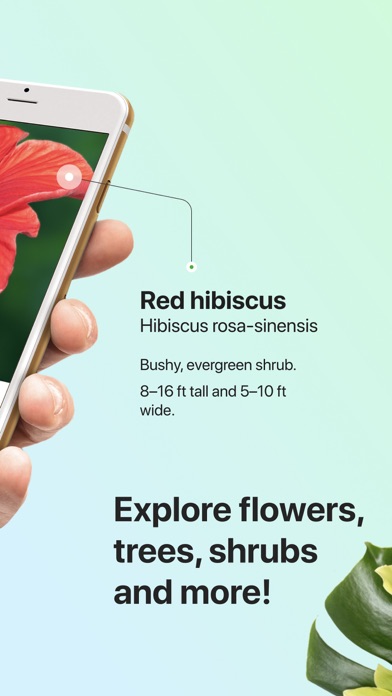
Renowned as the best plant identification app, PictureThis can identify over 400,000 plant species with unparalleled accuracy. Simply take a picture, and our engine will instantly provide the plant's name and detailed information. Curious about a beautiful plant you saw on a walk? Snap a photo, and let PictureThis do the rest!
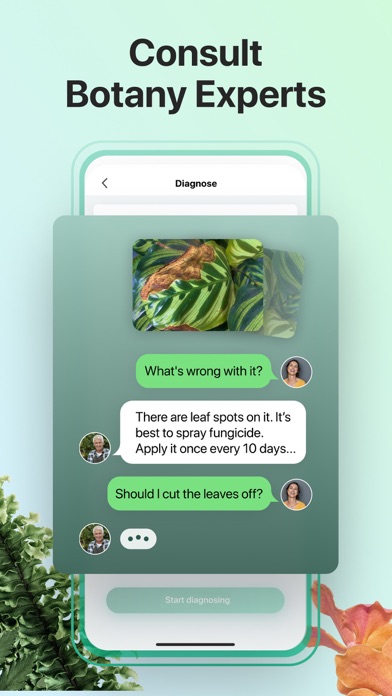
Plant Disease Auto Diagnose & Cure
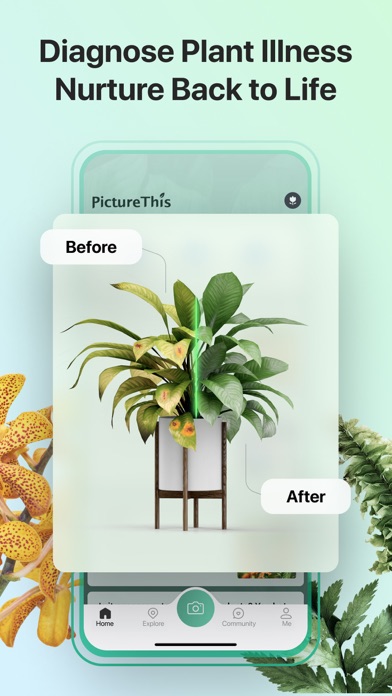
Take a photo of a sick plant, and PictureThis will diagnose the disease and offer treatment advice. It’s like having a plant doctor on call! If your favorite houseplant develops brown spots, use PictureThis to receive a diagnosis and a step-by-step treatment plan to restore its health.
Plant Care Tips & Reminders
Get detailed care instructions, including watering schedules, fertilization times, and optimal light conditions, ensuring your plants thrive.
Toxic Plant Warning
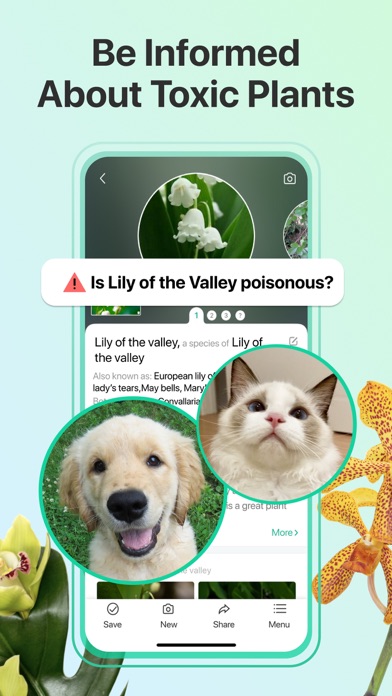
Identify toxic plants and receive warnings to keep your pets, children, and family safe. Unsure if a new plant is safe for your pets? PictureThis will alert you if the plant is toxic and provide safety guidelines to protect your loved ones.
Weed Identification
Easily identify weeds in your garden and get tips on how to control or remove them. Notice a new plant growing in your garden beds? Snap a photo with PictureThis to confirm if it’s a weed and receive guidance on how to manage it effectively.
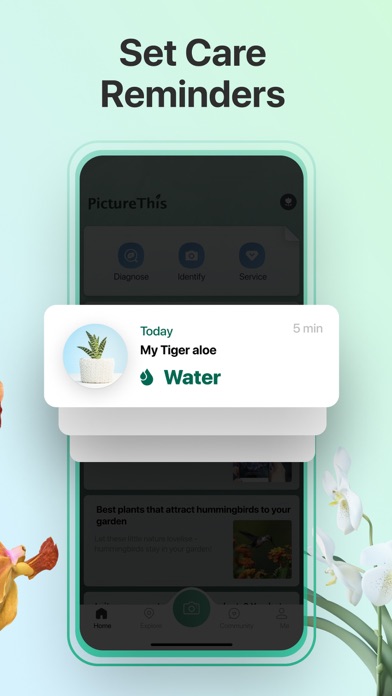
Water Tracker & Reminder
Never forget to water your plants again with timely notifications. Have a busy schedule? PictureThis sends reminders to keep your plants hydrated and healthy without the guesswork.
Light Exposure Monitoring
Track how much sunlight your plant is getting with our light meter to ensure it’s receiving the right amount of light. Concerned your indoor plant isn’t getting enough light? Use the PictureThis light meter to check its exposure and adjust its position for optimal growth.
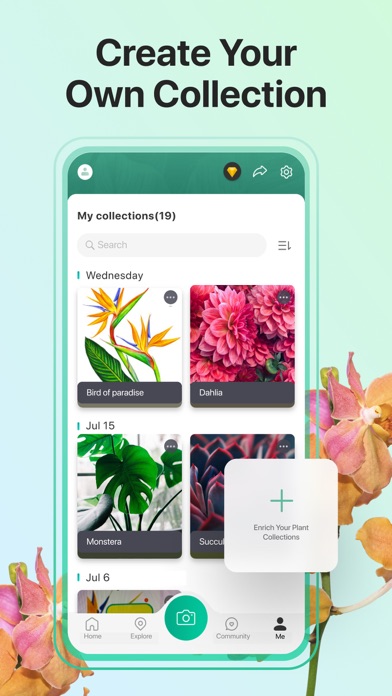
Manage Your Plant Collection
Track all the plants you identify and build your own plant wishlist. Create your personal fingertip garden with PictureThis.
Expert Consultation
Have plant-related questions? Chat with our experts 24/7 to get personalized advice and tips tailored to your specific gardening needs.
Join PictureThis today and elevate your gardening experience! Identify, learn, and care for your plants with us. Let’s make the world greener, one plant at a time.
[About PictureThis Premium]
• Payment will be charged to iTunes Account at confirmation of purchase
• Subscription automatically renews unless auto-renew is turned off at least 24-hours before the end of the current period
• The account will be charged for renewal within 24-hours prior to the end of the current period, and identify the cost of the renewal
• Any unused portion of a free trial period, if offered, will be forfeited when the user purchases a subscription to that publication, where applicable
• Subscriptions may be managed by the user and auto-renewal may be turned off by going to the user's Account Settings after purchase
Terms of Use: https://api-java.picturethisai.com/static/user_agreement.html
Privacy Policy: https://api-java.picturethisai.com/static/privacy_policy.html
- iPhone ou iPad avec ou sans Jailbreak.
- Sideloadly ou alternatives.
- Ordinateur sous Windows/macOS/Linux avec iTunes installé.
ÉTAPE 1: Téléchargez le fichier .IPA pré-modifié depuis le lien ci-dessus sur votre ordinateur. Pour le télécharger depuis l'iOSGods App, consultez notre Tutoriel de téléchargement de l'IPA depuis l'iOSGods App qui comprend un exemple en vidéo.
ÉTAPE 2: Téléchargez Sideloadly et installez-le sur votre Windows ou Mac.
ÉTAPE 3: Ouvrez Sideloadly sur votre ordinateur, connectez votre appareil iOS et attendez que le nom de votre appareil apparaisse dans Sideloadly.
ÉTAPE 4: Une fois votre iDevice reconnu, glissez le fichier .IPA modifié que vous avez téléchargé et déposez-le dans l'application Sideloadly.
ÉTAPE 5: Saisissez l'adresse e-mail de votre Apple Account, puis appuyez sur « Start ». Il vous sera ensuite demandé d'entrer votre mot de passe. Fournissez les informations requises.
ÉTAPE 6: Attendez que Sideloadly termine le sideloading/l'installation de l'IPA modifié. En cas de problème durant l'installation, veuillez lire la remarque ci-dessous.
ÉTAPE 7: Une fois l'installation terminée et l'app visible sur votre écran d'accueil, vous devez aller dans Réglages → Général → Profils / VPN et gestion de l'appareil. Là, appuyez sur l'adresse e-mail saisie à l'étape 6, puis appuyez sur « Faire confiance à [email protected] ».
ÉTAPE 8: Allez maintenant sur votre écran d'accueil et ouvrez l'app nouvellement installée ; tout devrait fonctionner correctement. Vous devrez peut-être suivre des instructions supplémentaires propres à chaque app, dans la fenêtre du hack en jeu.
REMARQUE : À partir d'iOS/iPadOS 16, vous devez activer le mode Développeur. Pour les comptes Apple Developer gratuits, vous devrez répéter ce processus tous les 7 jours. Pour toute question ou problème, lisez notre section FAQ Sideloadly du sujet.