Inicio de sesión requerido
Inicia sesión con tu cuenta de iOSGods para continuar.
Inicia sesión con tu cuenta de iOSGods para continuar.

Congela tus monedas y nunca te quedes sin recursos en este Merge Gardens Hack Mod IPA gratuito, permitiéndote construir y fusionar sin gastar dinero real. Relájate en la mezcla única de puzzles de fusión y coincidencia mientras restauras un jardín misterioso vinculado a una historia familiar oculta. Conoce nuevos personajes, desbloquea secretos y avanza a través de las eras a tu propio ritmo con recursos ilimitados al alcance de tu mano.
- Congela Monedas → preserva tus recursos del juego indefinidamente
Esta app también incluye iGameGod, que te ofrece acceso a Auto Touch para automatizar tareas repetitivas, App Speed Manager para ajustar la velocidad del juego, edición de valores con Memory Engine y más potentes herramientas para juegos de iOS.
Descarga Merge Gardens Hack modded IPA desde los enlaces de arriba. Toca el botón de instalación y sigue las instrucciones para instalar este hack iOS en tu iPhone, iPad o Mac con Apple Silicon.
¿Necesitas más ayuda? Consulta nuestras Preguntas frecuentes de la app iOSGods para respuestas detalladas y consejos de solución de problemas.
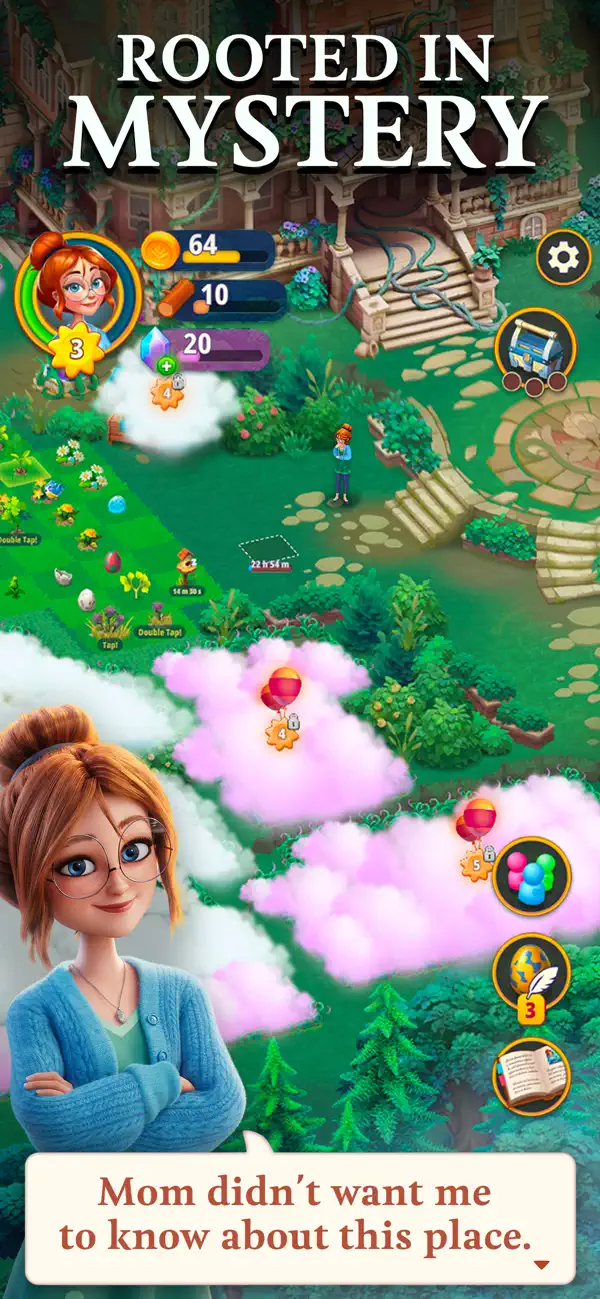
Adéntrate en un misterioso jardín para desvelar sus secretos y descubrir una historia enraizada en lo más profundo del pasado.
Cuando Daisy hereda la antigua finca de su tío desaparecido, de la que nunca había oído hablar, su única misión es arreglarla lo suficiente para poder venderla. Pero, como no tarda en descubrir, en esta mansión y en el jardín que la rodea ocurren cosas misteriosas.
Relájate con esta mezcla única de puzles de combinar 3, deja volar tu creatividad arreglando el viejo jardín y conoce a nuevos e interesantes personajes a medida que avanzas en la historia que te llevará por un viaje a través del tiempo.
RESTAURA Y DESCUBRE
- Empieza a restaurar trabajando en una pequeña parcela a las puertas de la mansión.
- Despeja el Siemprecrece para desbloquear y desvelar secretos en las zonas nuevas.
- Recoge criaturas raras para que vivan en tu jardín.
COMBINA
- Combina tres elementos iguales para convertirlos en objetos de una clase superior.
- Descubre cientos de maravillosos objetos y criaturas.
- Desafía tu mente completando misiones más allá del jardín de tu mansión.
RESUELVE PUZLES
- Pon a prueba tus habilidades para resolver puzles completando cientos de niveles de combinar 3.
- Explota bloques 3D para conseguir combos arrolladores.
- Gana recompensas para tu jardín en cada nivel.
El jardín de la Finca Myrtlegrove está lleno de estatuas topiarias con forma humana y plantas peculiares con raíces que parecen cubrir todo el terreno. ¡Qué herencia tan extraña! Ahora Daisy y tú deberéis arreglar la finca mientras os enfrentáis a las extrañas circunstancias que afectaron a sus olvidados antepasados y obligaron a su madre a romper todos los lazos con la familia. Es hora de desarrollar tu habilidad con la jardinería.
Si tienes comentarios, ideas o sugerencias, envíalos a [email protected]
- iPhone o iPad con o sin Jailbreak.
- Sideloadly u otras alternativas.
- Ordenador con Windows/macOS/Linux e iTunes instalado.
PASO 1: Descargue el archivo .IPA pre-modificado desde el enlace de arriba a su ordenador. Para descargarlo desde la iOSGods App, consulte nuestro Tutorial de descarga del IPA desde la iOSGods App, que incluye un ejemplo en vídeo.
PASO 2: Descargue Sideloadly e instálelo en su Windows o Mac.
PASO 3: Abra Sideloadly en su ordenador, conecte su dispositivo iOS y espere hasta que el nombre del dispositivo aparezca en Sideloadly.
PASO 4: Una vez que su iDevice sea reconocido, arrastre el archivo .IPA modificado que descargó y suéltelo en la aplicación Sideloadly.
PASO 5: Introduzca el correo electrónico de su Apple Account y, a continuación, pulse «Start». Le pedirá que introduzca su contraseña. Proporcione la información solicitada.
PASO 6: Espere a que Sideloadly termine de hacer sideload/instalar el IPA modificado. Si surgen problemas durante la instalación, por favor lea la nota a continuación.
PASO 7: Una vez completada la instalación y al ver la app en la pantalla de inicio, deberá ir a Ajustes → General → Perfiles / VPN y Gestión de Dispositivos. Una vez allí, toque el correo electrónico que introdujo en el paso 6 y, después, toque en «Confiar en [email protected]».
PASO 8: Ahora vaya a la pantalla de inicio y abra la app recién instalada; todo debería funcionar correctamente. Es posible que tenga que seguir instrucciones adicionales específicas de cada app dentro del popup del hack en el juego.
NOTA: En iOS/iPadOS 16 y posteriores, debe activar el Modo Desarrollador. Para cuentas gratuitas de Apple Developer, deberá repetir este proceso cada 7 días. Si tiene alguna pregunta o problema, lea nuestra sección de Preguntas Frecuentes de Sideloadly del tema.