로그인 필요
계속하려면 iOSGods 계정으로 로그인하세요.
계속하려면 iOSGods 계정으로 로그인하세요.
무제한 자원, 무적 상태, 그리고 원킬 치트는 Frozia: Eternal Frontier iOS Mod IPA를 당신이 모든 결과를 조종하는 생존 게임으로 변모시킵니다. 이 해킹된 버전은 자원 부족의 압박과 전투 위험을 제거하여, 얼어붙은 황야에서 탐험과 스토리에 집중할 수 있게 해줍니다.
- 무제한 자원 → 제한 없이 수집
- 무적 → 모든 전투 생존
- 원킬 → 적을 즉시 격파
이 앱에는 iGameGod도 포함되어 있어 반복 작업을 자동화하는 Auto Touch, 게임 속도를 조절할 수 있는 App Speed Manager, Memory Engine 값 편집 등 강력한 iOS 게임 도구를 사용할 수 있습니다.
위의 링크에서 Frozia: Eternal Frontier iOS Mod IPA을 다운로드합니다. 설치 버튼을 누르고 화면 안내에 따라 iPhone, iPad 또는 Apple Silicon에 이 iOS 앱 해킹을 설치합니다.
더 많은 도움이 필요하신가요? 자세한 답변과 문제 해결 팁은 iOSGods 앱 자주 묻는 질문을 확인하세요.
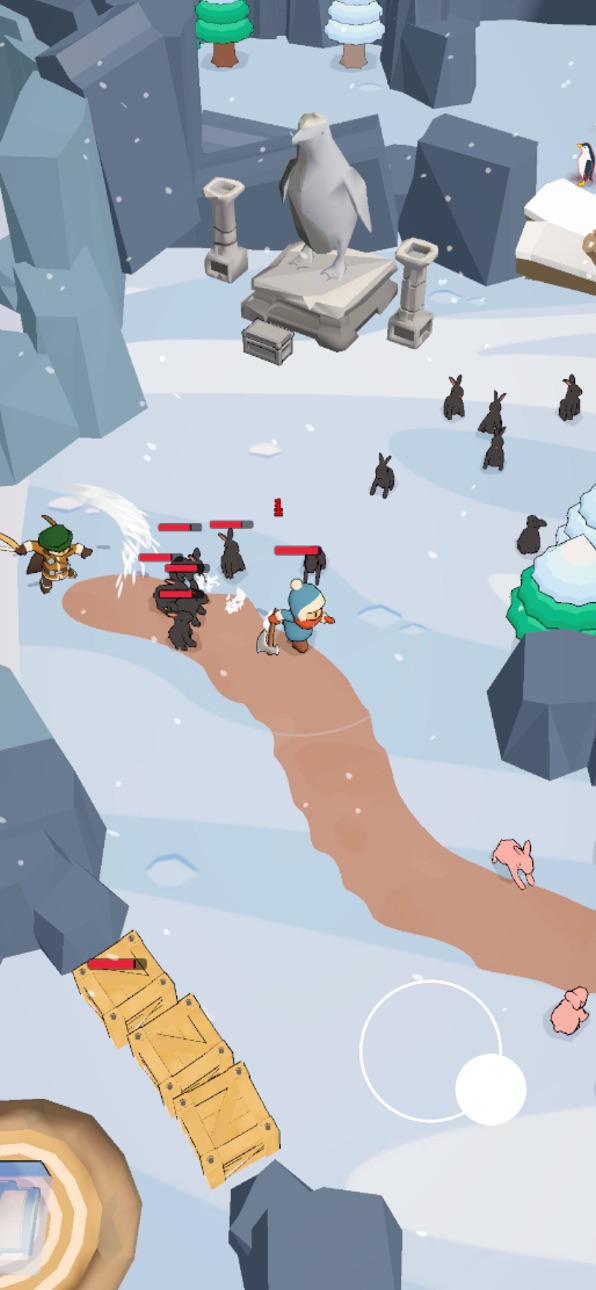
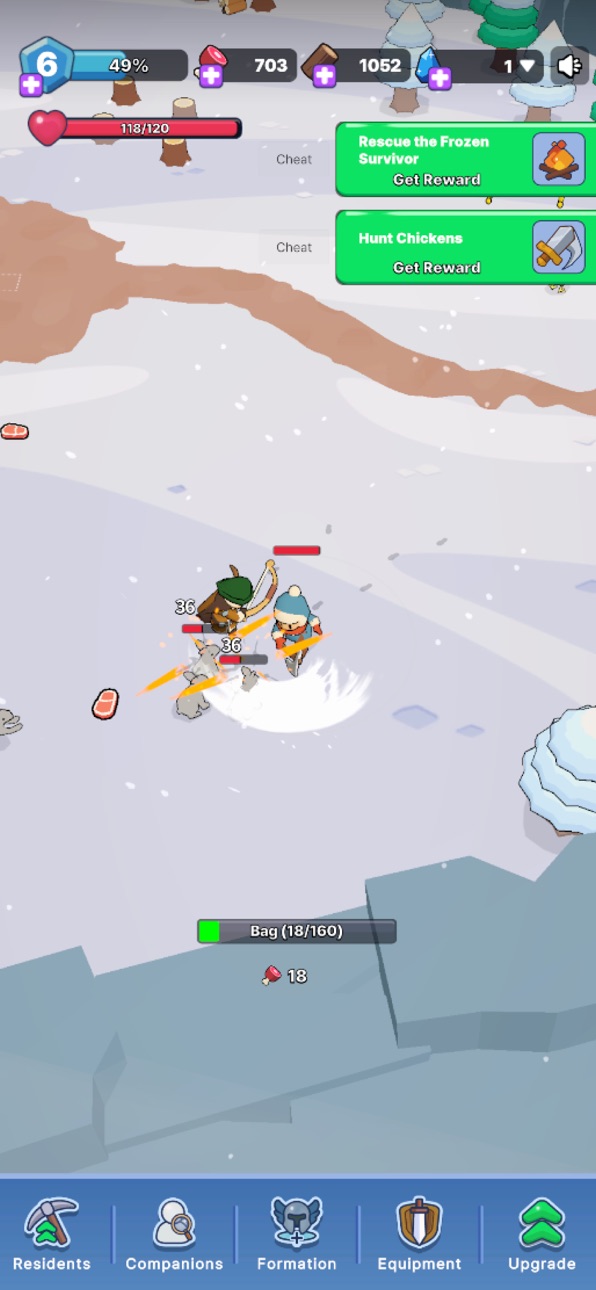
온기만이 당신과 끝없는 추위 사이를 지켜주는 얼어붙은 세계로 들어서세요. Frozia: Eternal Frontier는 눈과 얼음, 그리고 무자비한 서리로 뒤덮인 혹독한 겨울 종말 속으로 당신을 던져 넣는 생존 전략 게임입니다. 이것은 물자를 모으고, 집을 짓고, 영원한 변경에서 희망을 지켜내려는 한 생존자의 사투 이야기입니다. 성냥을 켜고, 불을 지피고, 이전에 없던 생존을 경험하세요.
불씨를 살려두세요
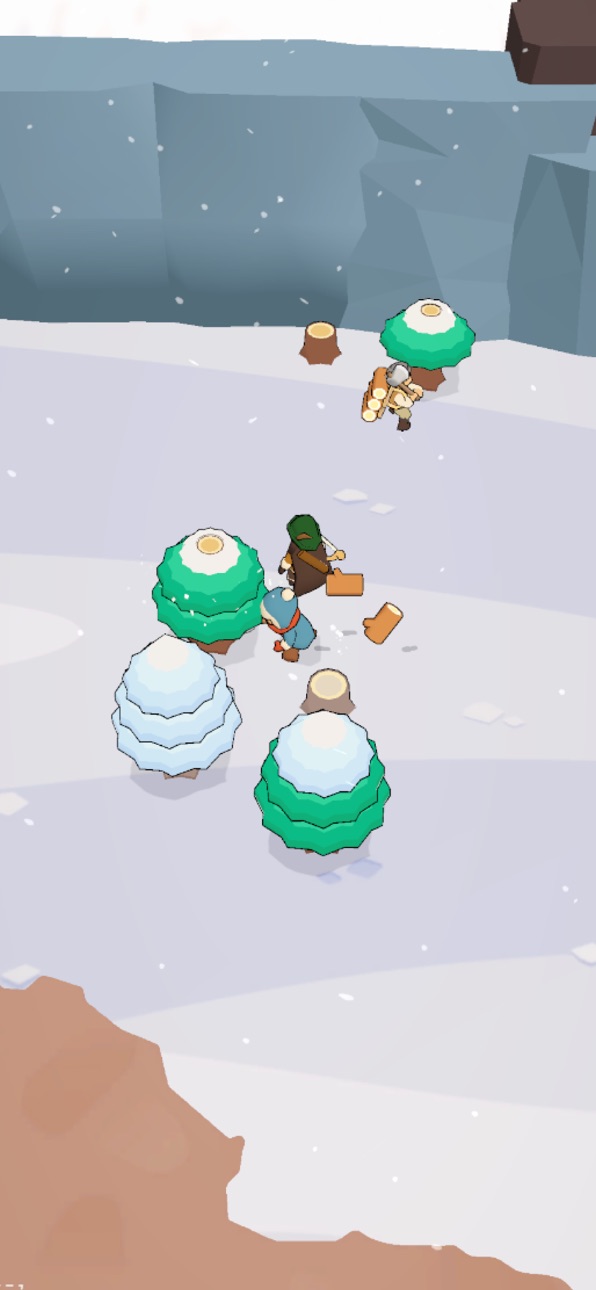
얼어붙은 황야에서 불은 당신의 생명줄입니다. 나무를 모으고, 불꽃에 땔감을 넣고, 거센 눈보라 속에서도 온기를 지키세요. 추위가 이기면 화이트아웃이 모든 것을 앗아갑니다 — 당신이 켜는 불 하나하나가 냉기를 하룻밤 더 밀어냅니다.
기지를 짓고 다시 세우세요
버려진 마을의 폐허에서, 눈 속에 보금자리를 만드세요. 쉼터를 짓고, 잃어버린 물자를 되찾고, 겨울을 버틸 만큼 튼튼한 아늑한 기지를 키우세요. 모든 자원과 아이템, 식량 한 조각까지 관리하며, 따뜻한 방을 하나씩 만들어 변경을 재건하세요.
생존자를 영입하고 동맹을 키우세요
이 얼어붙은 땅에서 당신은 혼자가 아닙니다. 숨어 있는 생존자를 찾아내고, 새 동료를 영입하고, 함께 추위를 정복할 동맹을 결성하세요. 각 캐릭터에게 역할을 부여하고, 스킬을 레벨업하고, 외로운 야영지를 번영하는 마을로 바꾸는 팀을 관리하세요.
얼음 변경을 탐험하세요
한 걸음마다 얼어붙은 야생 세계의 새로운 지역이 드러납니다. 폐허를 탐험하고, 숨겨진 물자를 찾아내고, 변경 깊숙이 모험을 떠나세요. 자원을 모으고, 장비를 업그레이드하고, 모든 결정과 모든 원정을 값지게 만드는 보상을 잠금 해제하세요.
끝없는 도전이 기다립니다
모든 선택이 중요한 끝없는 도전에 맞서세요. 위험을 물리치고, 업그레이드를 연쇄시키고, 외로운 생존자에서 막을 수 없는 변경의 지도자로 성장하세요. 따뜻하고, 전략적이고, 희망으로 가득 찬 — Frozia는 서리조차 얼릴 수 없는 생존입니다.
주요 특징
• 눈으로 뒤덮인 얼어붙은 세계에서의 생존 전략
• 기지와 쉼터를 짓고, 복원하고, 업그레이드
• 추위를 견디기 위해 자원, 물자, 식량을 수집
• 생존자를 영입하고 강력한 동맹을 성장
• 숨겨진 지역을 탐험하고 변경의 비밀을 발견
• 잠금 해제할 끝없는 도전, 보상, 진행
불을 지피세요. 동맹을 규합하세요. Frozia의 영원한 변경을 정복하세요.
무료로 다운로드하고 플레이하세요. 선택적 인앱 구매가 있지만, 생존 이야기를 시작하는 데 돈은 필요 없습니다. 전 세계 플레이어와 함께 Frozia: Eternal Frontier의 즐겁고, 아늑하고, 끝없는 모험을 즐기세요.
스크린샷 © 각 소유자 · App Store


iOSGods는 Apple Inc., Google LLC 및 여기에 등록된 앱의 개발사와 제휴 관계가 없으며, 승인이나 후원을 받지 않았습니다. Apple, iOS, App Store는 Apple Inc.의 상표입니다. Android와 Google Play는 Google LLC의 상표입니다. 그 외 모든 앱 이름, 아이콘, 이미지 및 상표는 각 소유자의 재산입니다.

- 탈옥/제일 또는 탈옥된 iPhone 또는 iPad가 필요합니다.
- Sideloadly 또는 대체 도구가 필요합니다.
- iTunes가 설치된 Windows/macOS/Linux 컴퓨터가 필요합니다.
1단계: 위 링크에서 미리 해킹된 .IPA 파일을 컴퓨터에 다운로드합니다. iOSGods App에서 다운로드하려면 동영상 예시가 포함된 iOSGods App IPA 다운로드 튜토리얼를 참고하십시오.
2단계: Sideloadly를 다운로드하여 Windows 또는 Mac에 설치합니다.
3단계: 컴퓨터에서 Sideloadly를 실행하고 iOS 기기를 연결한 후, Sideloadly에 기기 이름이 표시될 때까지 기다립니다.
4단계: iDevice가 인식되면, 다운로드한 모드된 .IPA 파일을 Sideloadly 애플리케이션에 끌어다 놓습니다.
5단계: Apple Account 이메일을 입력한 후 “Start”를 누릅니다. 그러면 비밀번호를 입력하라는 메시지가 표시됩니다. 요청된 정보를 제공해 주십시오.
6단계: Sideloadly가 해킹된 IPA의 사이드로드/설치를 완료할 때까지 기다리십시오. 설치 중 문제가 발생하면 아래 참고 사항을 읽어 주십시오.
7단계: 설치가 완료되어 홈 화면에서 앱이 보이면 설정 → 일반 → 프로파일 / VPN 및 기기 관리 경로로 이동해야 합니다. 그곳에서 6단계에서 입력한 이메일을 탭한 다음 “[email protected] 신뢰”를 탭하십시오.
8단계: 이제 홈 화면으로 돌아가 새로 설치된 앱을 열면 모든 것이 정상적으로 작동할 것입니다. 게임 내 해킹 팝업에서 앱별 추가 안내를 따라야 할 수도 있습니다.
참고: iOS/iPadOS 16 이상에서는 개발자 모드를 활성화해야 합니다. 무료 Apple Developer 계정의 경우 이 과정을 7일마다 반복해야 합니다. 질문이나 문제가 있는 경우 해당 토픽의 Sideloadly FAQ 섹션를 읽어보십시오.
Game Name iOS Mod IPA is an action adventure game enhanced with powerful gameplay boosts and quality-of-life improvements. Win battles faster, earn rewards quicker, and enjoy uninterrupted play without ads.
- Unlimited Gold - spend freely to unlock premium content
- Damage Multiplier - deal significantly more damage in combat
- Defense Multiplier - take less damage and survive longer
- Reward Multiplier - earn more loot from every battle
- Max Level - instantly reach the highest player rank
- No Ads - play without interruptions or advertisements
This app also comes with iGameGod, giving you access to Auto Touch to automate repetitive tasks, App Speed Manager for adjustable gameplay speed, Memory Engine value editing, and more powerful iOS game tools.
위의 링크에서 Game Name Mod IPA을 다운로드합니다. 설치 버튼을 누르고 화면 안내에 따라 iPhone, iPad 또는 Apple Silicon에 이 iOS 앱 해킹을 설치합니다.
더 많은 도움이 필요하신가요 자세한 답변과 문제 해결 팁은 iOSGods 앱 자주 묻는 질문을 확인하세요.
----------------------------------------------------------
--------------------------------------------------






![Bullet Force Hack [Aimbot - ESP]](https://is1-ssl.mzstatic.com/image/thumb/Purple211/v4/b1/d3/fb/b1d3fbca-1e96-ad61-1d20-cb4475d74e5d/AppIcon-0-0-1x_U007emarketing-0-8-0-85-220.png/100x100bb.jpg)