Требуется вход
Войдите в учётную запись iOSGods, чтобы продолжить.
Войдите в учётную запись iOSGods, чтобы продолжить.

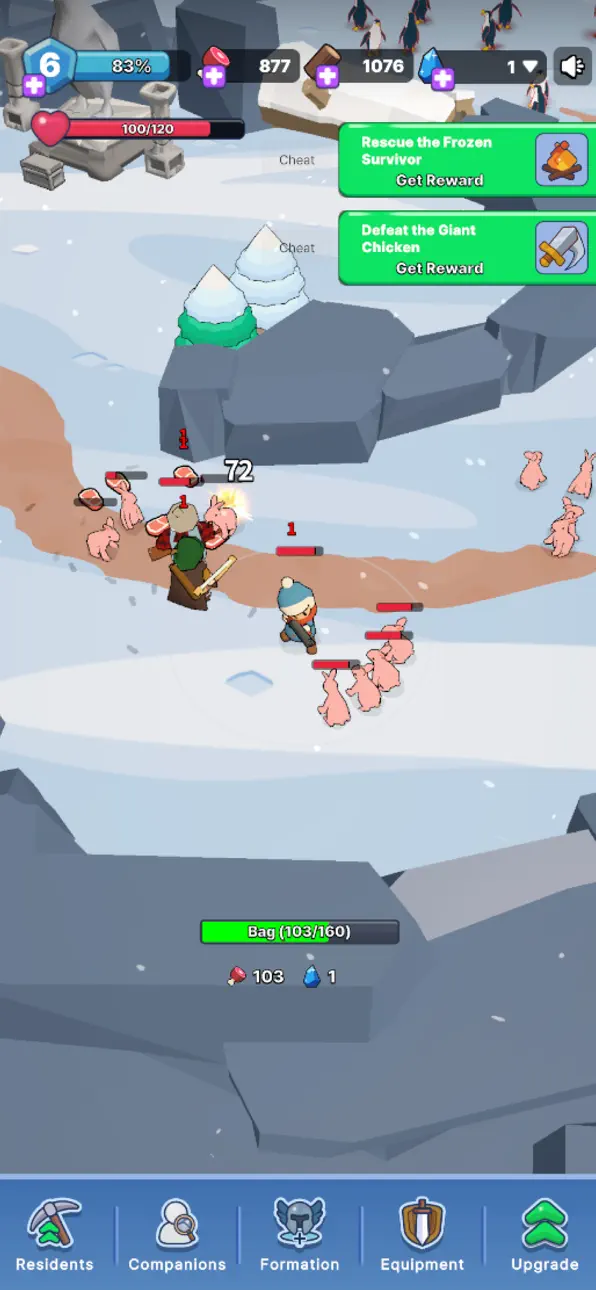
Неограниченные ресурсы, бессмертие и мгновенное уничтожение врагов превращают Frozia: Eternal Frontier в игру выживания, где вы контролируете каждый исход. Этот модифицированный iOS взлом избавляет вас от давления нехватки ресурсов и опасности в боях, позволяя сосредоточиться на исследовании и сюжете в ледяной пустыне.
- Неограниченные ресурсы → собирайте без ограничений
- Бессмертие → выживайте в любом столкновении
- Мгновенное уничтожение врагов → побеждайте противников за один удар
Это приложение также поставляется с iGameGod, который открывает доступ к Auto Touch для автоматизации повторяющихся действий, App Speed Manager для регулируемой скорости игры, редактированию значений Memory Engine и другим мощным инструментам для iOS-игр.
Скачайте Frozia: Eternal Frontier iOS Mod IPA по ссылкам выше. Нажмите кнопку установки и следуйте инструкциям, чтобы установить этот хак iOS на iPhone, iPad или Mac с Apple Silicon.
Нужна помощь? Посмотрите наши Часто задаваемые вопросы по приложению iOSGods, чтобы получить подробные ответы и советы по устранению неполадок.
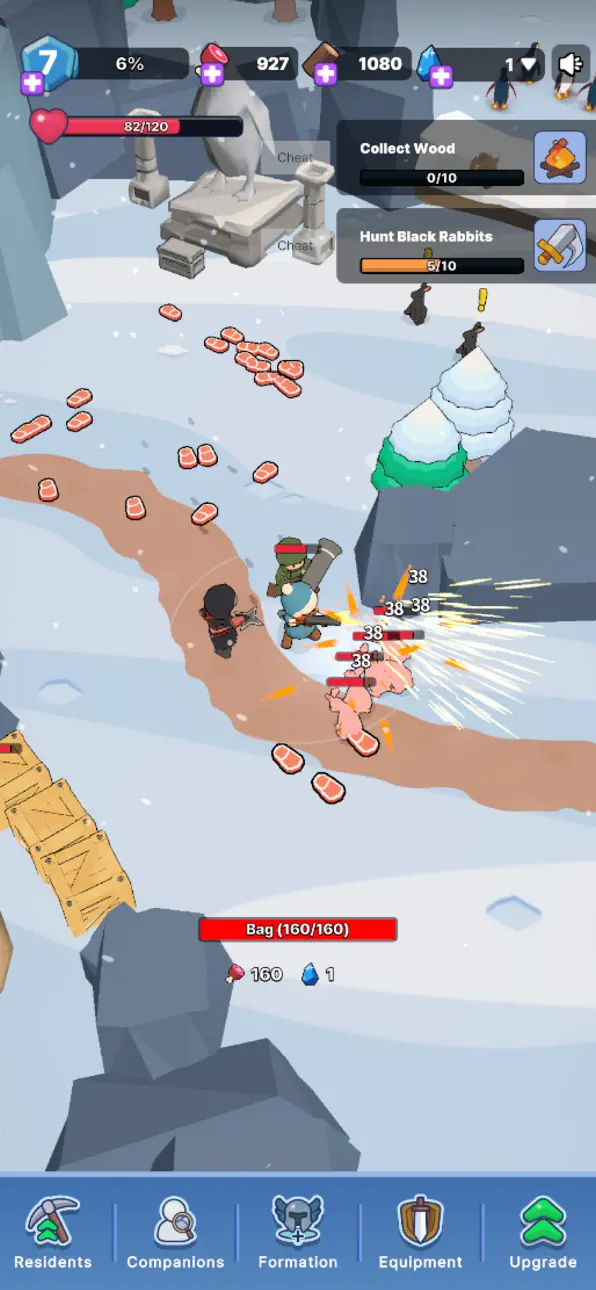
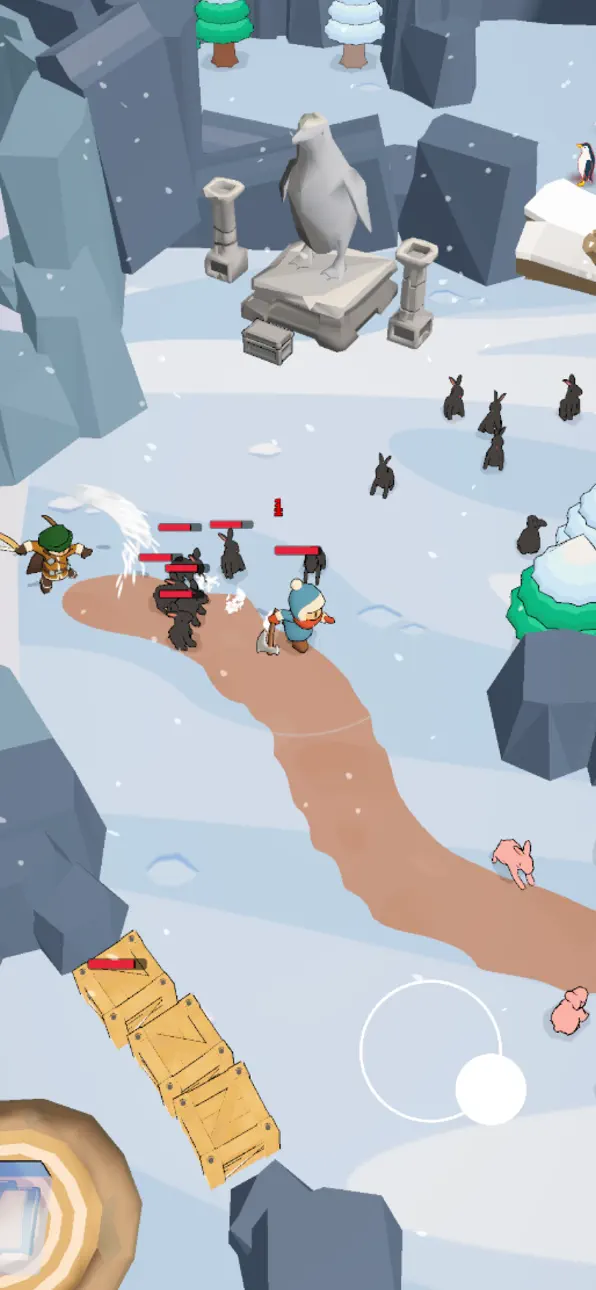
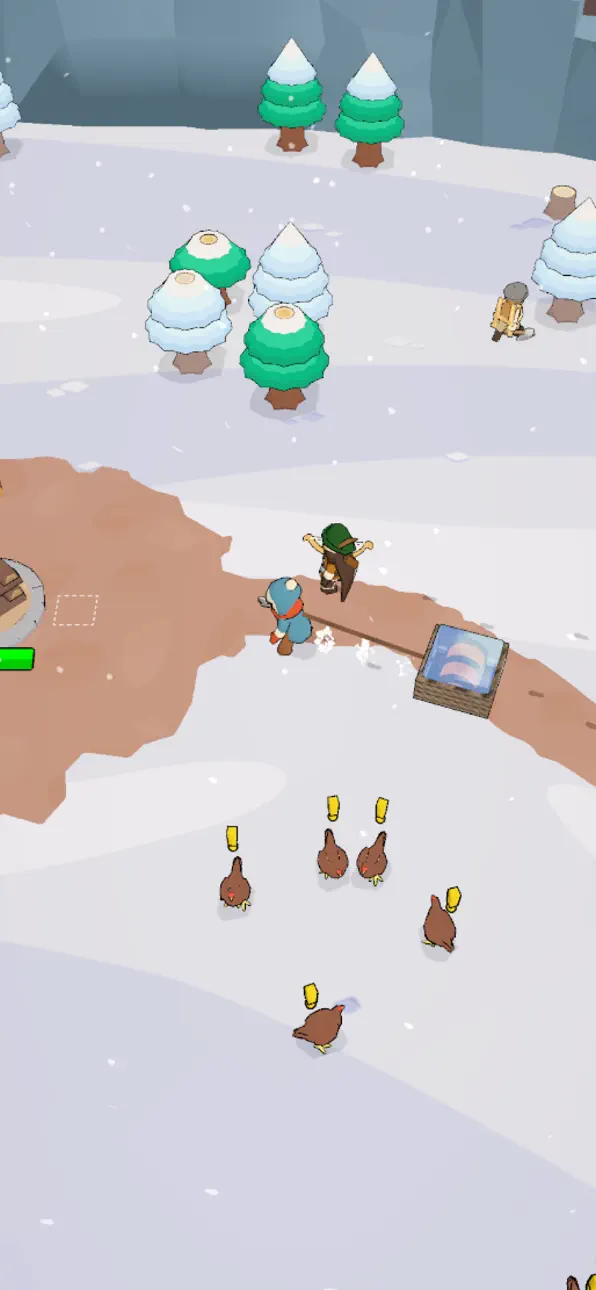
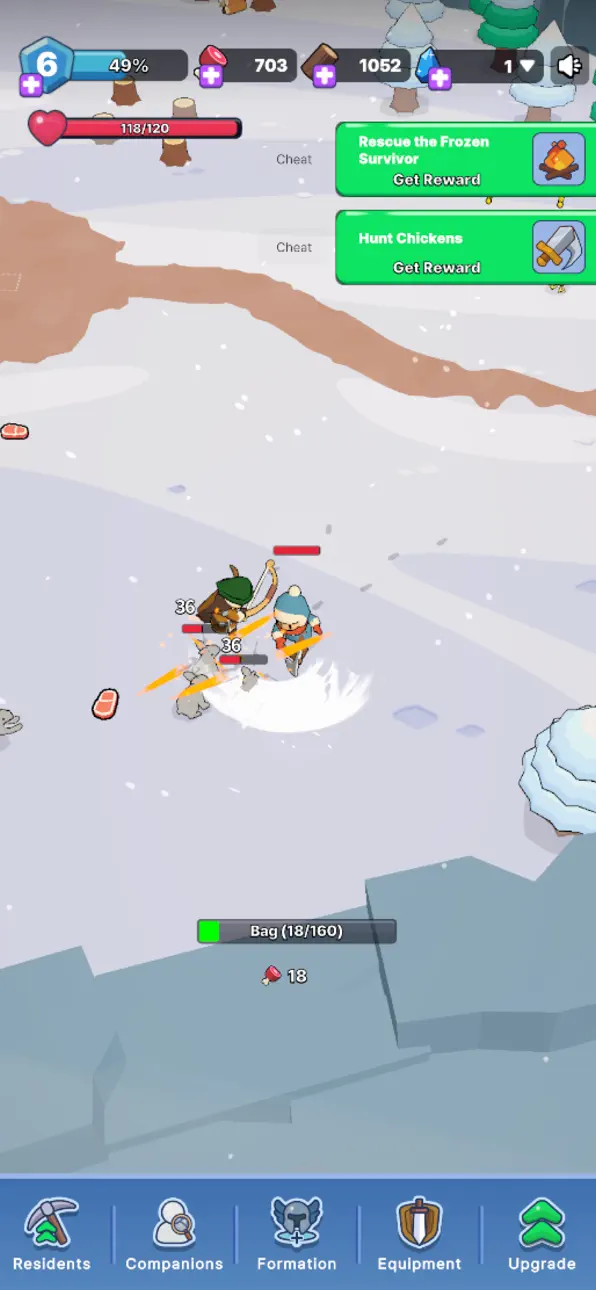
Step into a frozen world where warmth is the only thing standing between you and the endless cold. Frozia: Eternal Frontier is a survival strategy game that drops you into a harsh winter apocalypse of snow, ice, and unforgiving frost. This is the story of one survivor's fight to gather supplies, build a home, and keep hope alive on the eternal frontier. Strike a match, light the fire, and experience survival like never before.
Keep the Fire Alive
In the freezing wild, fire is your lifeline. Gather wood, feed the flame, and hold your warmth through every big blizzard. Let the cold win and the whiteout will take everything — every fire you light pushes the freeze back one more night.
Build and Rebuild Your Base
From the ruins of an abandoned town, create a home in the snow. Build a shelter, restore lost supplies, and grow a cozy base strong enough to survive the winter. Manage every resource, item, and scrap of food, and rebuild the frontier one warm room at a time.
Recruit Survivors and Grow Your Alliance
You are not alone on this frozen land. Uncover hidden survivors, recruit new companions, and form an alliance ready to conquer the cold together. Assign each character a role, level up their skill, and manage a team that turns a lonely camp into a thriving town.
Explore the Icy Frontier
Every step uncovers a new area of the wild, frozen world. Explore ruins, reveal hidden supplies, and adventure deeper into the frontier. Collect resources, upgrade your gear, and unlock rewards that make every decision and every expedition count.
Endless Challenges Await
Face endless challenges where every choice matters. Fight off danger, chain your upgrades, and progress from a lone survivor into the leader of an unstoppable frontier. Warm, strategic, and full of hope — Frozia is survival the frost can't freeze.
Key Features
- Survival strategy in a frozen, snow-covered world
- Build, restore, and upgrade your base and shelter
- Gather resources, supplies, and food to survive the cold
- Recruit survivors and grow a powerful alliance
- Explore hidden areas and uncover the frontier's secrets
- Endless challenges, rewards, and progress to unlock
Light the fire. Rally your alliance. Conquer the eternal frontier of Frozia.
Free to download and play, with optional in-app purchases — no money required to begin your survival story. Join players around the world and enjoy the fun, cozy, and endless adventure of Frozia: Eternal Frontier.
Скриншоты © их владельцев · App Store


iOSGods не связана с Apple Inc., Google LLC или разработчиками перечисленных здесь приложений, не одобрена и не спонсируется ими. Apple, iOS и App Store — товарные знаки Apple Inc. Android и Google Play — товарные знаки Google LLC. Все остальные названия приложений, значки, изображения и товарные знаки принадлежат их владельцам.
- iPhone или iPad без джейлбрейка/в обычном режиме или с джейлбрейком.
- Sideloadly или альтернативы.
- Компьютер с Windows/macOS/Linux и установленным iTunes.
ШАГ 1: Скачайте предварительно взломанный файл .IPA по ссылке выше на свой компьютер. Чтобы скачать его из приложения iOSGods, посмотрите наш Туториал по скачиванию IPA в приложении iOSGods, в котором есть видеопример.
ШАГ 2: Скачайте Sideloadly и установите его на Windows или Mac.
ШАГ 3: Откройте Sideloadly на компьютере, подключите iOS-устройство и дождитесь, пока его имя появится в Sideloadly.
ШАГ 4: Когда устройство будет распознано, перетащите скачанный модифицированный файл .IPA в окно Sideloadly.
ШАГ 5: Введите адрес электронной почты вашего Apple Account, затем нажмите «Start». После этого вас попросят ввести пароль. Укажите необходимые данные.
ШАГ 6: Дождитесь, пока Sideloadly завершит sideload/установку взломанного IPA. При возникновении проблем во время установки ознакомьтесь с примечанием ниже.
ШАГ 7: После завершения установки и появления приложения на главном экране перейдите в Настройки → Основные → Профили / VPN и управление устройством. Там нажмите на email, который вы ввели на шаге 6, а затем нажмите «Доверять [email protected]».
ШАГ 8: Теперь перейдите на главный экран и откройте установленное приложение — всё должно работать. Возможно, потребуется выполнить дополнительные инструкции в попапе мода внутри игры.
ПРИМЕЧАНИЕ: На iOS/iPadOS 16 и новее необходимо включить режим разработчика. Для бесплатных учётных записей Apple Developer этот процесс нужно повторять каждые 7 дней. Если возникнут вопросы или проблемы, ознакомьтесь с нашим разделом FAQ по Sideloadly в теме.
Game Name iOS Mod IPA is an action adventure game enhanced with powerful gameplay boosts and quality-of-life improvements. Win battles faster, earn rewards quicker, and enjoy uninterrupted play without ads.
- Unlimited Gold - spend freely to unlock premium content
- Damage Multiplier - deal significantly more damage in combat
- Defense Multiplier - take less damage and survive longer
- Reward Multiplier - earn more loot from every battle
- Max Level - instantly reach the highest player rank
- No Ads - play without interruptions or advertisements
This app also comes with iGameGod, giving you access to Auto Touch to automate repetitive tasks, App Speed Manager for adjustable gameplay speed, Memory Engine value editing, and more powerful iOS game tools.
Скачайте Game Name Mod IPA по ссылкам выше. Нажмите кнопку установки и следуйте инструкциям, чтобы установить этот хак iOS на iPhone, iPad или Mac с Apple Silicon.
Нужна помощь Посмотрите наши Часто задаваемые вопросы по приложению iOSGods, чтобы получить подробные ответы и советы по устранению неполадок.
----------------------------------------------------------
--------------------------------------------------



![Bullet Force Hack [Aimbot - ESP]](https://is1-ssl.mzstatic.com/image/thumb/Purple211/v4/b1/d3/fb/b1d3fbca-1e96-ad61-1d20-cb4475d74e5d/AppIcon-0-0-1x_U007emarketing-0-8-0-85-220.png/100x100bb.jpg)