ログインが必要
iOSGodsアカウントでサインインして続けてください。
iOSGodsアカウントでサインインして続けてください。
このファンタジーアイドルディフェンスゲームで、オークと海賊の果てしない波に対して無敵の英雄軍を指揮しましょう。無料のMod IPA hackが利用可能です。基地を守り、チームをアップグレードし、無敵モードとワンヒットキルチートで戦場を支配して、すべての戦闘を素早い勝利に変えましょう。
- 無敵モード → 敵からダメージを受けない
- OHK(ワンヒットキル) → 任意の敵を1回の攻撃で倒す
このアプリにはiGameGodも搭載されており、繰り返し作業を自動化するAuto Touch、ゲーム速度を調整できるApp Speed Manager、Memory Engineによる値の編集など、強力なiOSゲーム用ツールをご利用いただけます。
Idle Hero Defense Hack modded IPAを上のリンクからダウンロードします。インストールボタンをタップし、画面の指示に従ってiPhone、iPad、Apple SiliconにこのiOSアプリハックをインストールします。
さらにヘルプが必要ですか? 詳しい回答とトラブルシューティングはiOSGodsアプリ よくある質問をご覧ください。
Battle orcs and pirates in this fantasy hero game, as you defend against waves of enemies charging your base! This idle game lets you create a team of heroes – knight, ranger, mage and more – to defend against an endless swarm of vicious foes! Cast spells, earn gold, upgrade heroes and complete daily missions as you save the day.
A fantasy game of heroes and monsters, Idle Hero Defense makes you the commander. Like tower defense games, your heroes will fight off evil foes, gaining gold, leveling up, and unlocking new heroes as you play.
As a tap game, you recruit, train, and command your heroes from the touchscreen. Incremental game mechanics mean your heroes will grow as they fight, surviving against ever-worsening waves of monsters and fighting until they win.
IDLE HERO DEFENSE FEATURES
- PvP Tournament hosted twice a week
- Fend off pirates and evil monsters in mini-games
- Fantasy RPG-based world and classes
- Retro game-inspired graphics
- Daily missions to complete
- Strategy game tactics and units
- Idle game mechanics let the game play even when you’re busy
- Clicker game features to command units with a tap
FANTASY HEROES TO THE DEFENSE
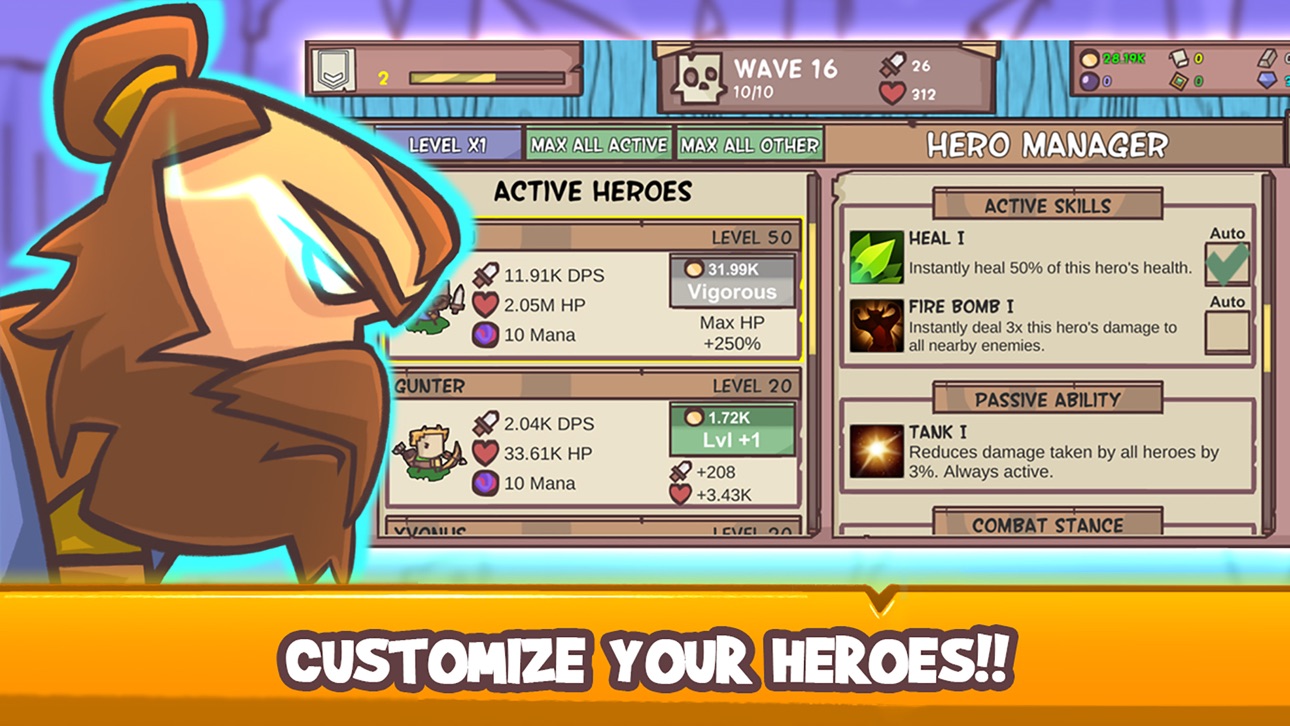
- Collect heroes to form your party
- Cast spells to empower your units or defeat foes
- Earn gold, discover tomes and collect equipment
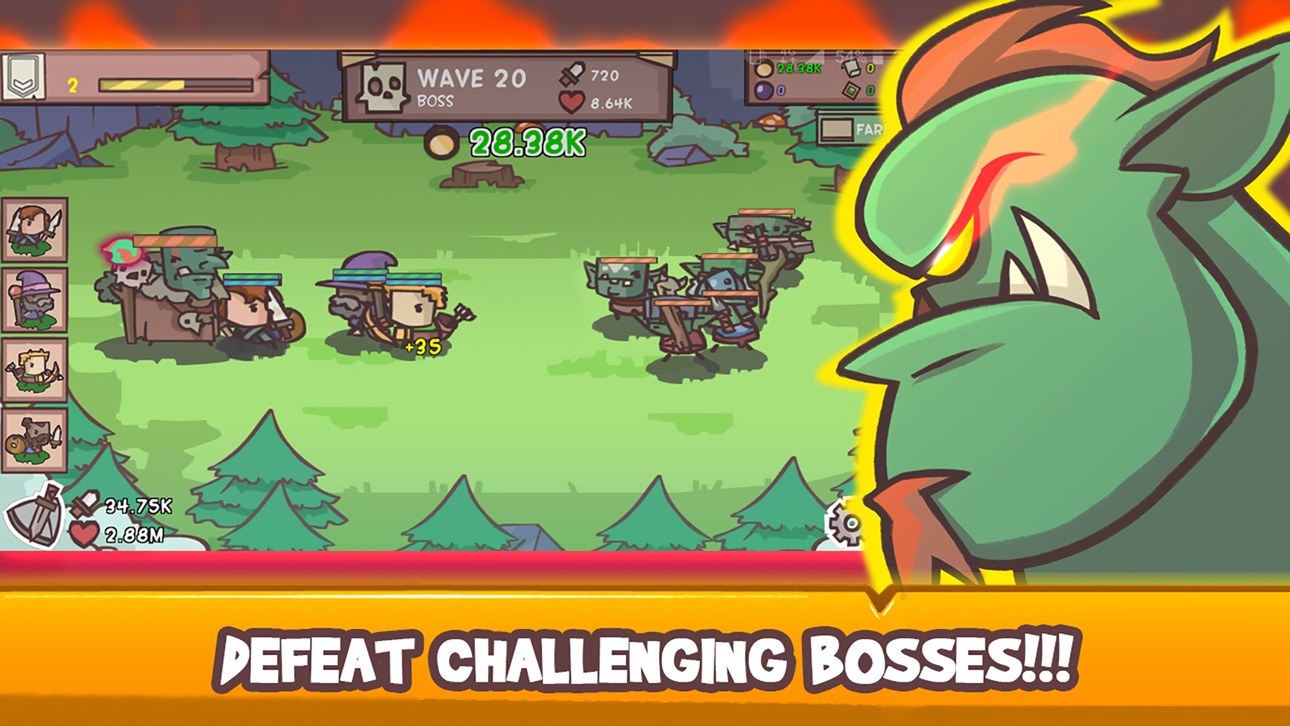
- Battle Orcs and bosses to survive as long as possible
スクリーンショット © 各権利者 · App Store


iOSGods は Apple Inc.、Google LLC、および掲載アプリの開発者と提携しておらず、承認や協賛も受けていません。Apple、iOS、App Store は Apple Inc. の商標です。Android および Google Play は Google LLC の商標です。その他のアプリ名、アイコン、画像、商標はすべて各権利者に帰属します。

- 脱獄/Jailed済みまたは脱獄済みのiPhoneまたはiPad。
- Sideloadlyまたは代替手段。
- iTunesがインストールされているWindows/macOS/Linuxを実行しているコンピュータ。
ステップ1: 上のリンクから事前にハックされた.IPAファイルをコンピュータにダウンロードします。iOSGodsアプリからダウンロードする方法は、ビデオ例付きのiOSGodsアプリIPAダウンロードチュートリアルをご覧ください。
ステップ2: SideloadlyをダウンロードしてWindowsまたはMacにインストールします。
ステップ3: コンピュータでSideloadlyを開き、iOSデバイスを接続して、デバイス名がSideloadlyに表示されるまで待ちます。
ステップ4: iDeviceが認識されたら、ダウンロードしたModされた.IPAファイルをSideloadlyアプリにドラッグ&ドロップします。
ステップ5: Apple Accountのメールアドレスを入力し、「Start」を押します。次にパスワードの入力を求められます。必要な情報を入力してください。
ステップ6: Sideloadlyがハックされたipaのサイドロード/インストールを完了するのを待ちます。インストール中に問題が発生した場合は、以下の注意事項をお読みください。
ステップ7: インストールが完了し、ホーム画面にアプリが表示されたら、設定 → 一般 → プロファイル / VPNとデバイス管理に移動する必要があります。そこで、ステップ6で入力したメールをタップし、「Trust [email protected]」をタップします。
ステップ8: ホーム画面に戻り、新しくインストールされたアプリを開けば、すべて正常に動作するはずです。ゲーム内のハックのポップアップで、アプリごとの追加指示に従う必要がある場合があります。
注意: iOS/iPadOS 16以降では、デベロッパモードを有効にするが必要です。無料のApple Developerアカウントの場合、このプロセスを7日ごとに繰り返す必要があります。質問や問題がある場合は、トピックのSideloadly FAQセクションをお読みください。
Hack Features:
- Inf Coins (Spend)
App Installation Instructions:
---------------------------------------------------------
----------------------------------------------------------
If you require more information or help, please read our Frequently Asked Questions topic on iOSGods.com.
----------------------------------------------------------
--------------------------------------------------