Accesso richiesto
Accedi con il tuo account iOSGods per continuare.
Accedi con il tuo account iOSGods per continuare.
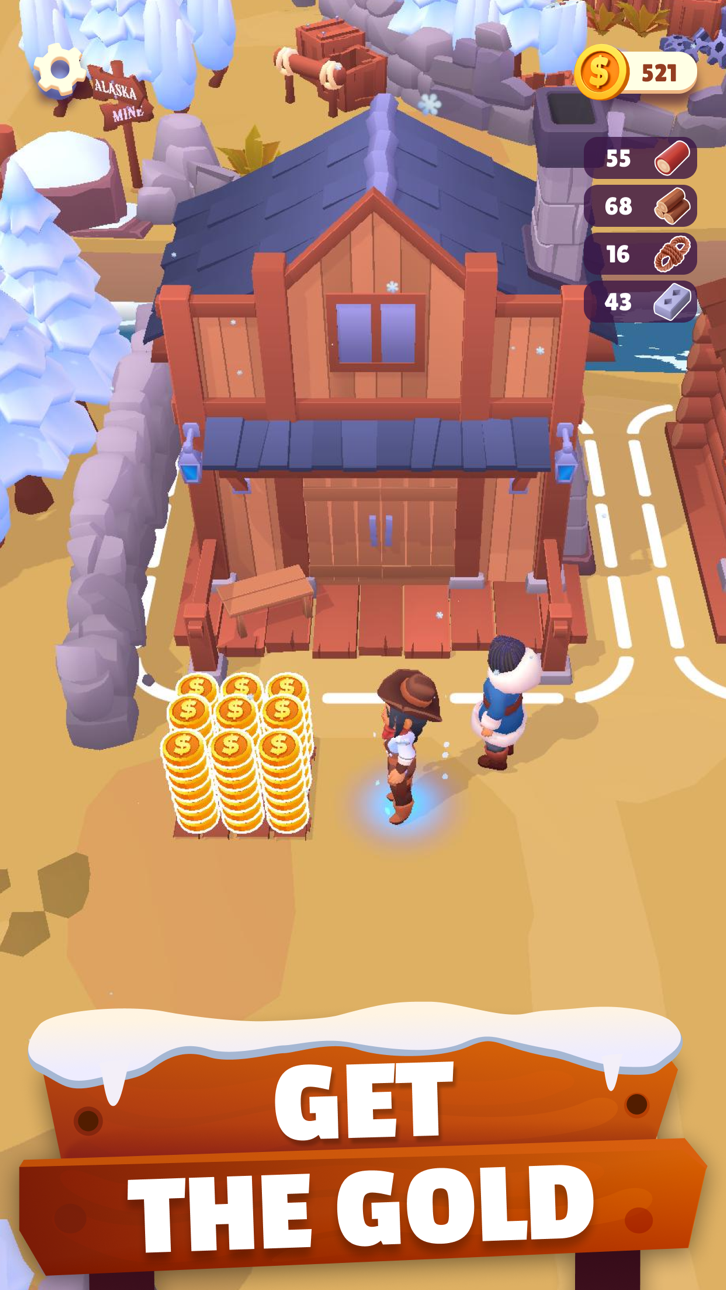
Gold Rush: Frozen Adventures è un gioco di sopravvivenza mineraria dove costruisci insediamenti e fai fortuna nelle montagne ghiacciate, ora con questo hack iOS gratuito per congelare le risorse e semplificare il tuo gameplay. Affronta il duro inverno, gestisci le scarse risorse e corri contro il tempo per salvare tuo padre malato in questa emozionante avventura della corsa all'oro.
- Congela Risorse (Non funziona durante l'interazione, disabilitalo anche per la raccolta) → metti in pausa il consumo di risorse strategicamente
Questa app include anche iGameGod, che ti offre accesso ad Auto Touch per automatizzare attività ripetitive, App Speed Manager per regolare la velocità di gioco, modifica dei valori con Memory Engine e altri potenti strumenti per giochi iOS.
Scarica Gold Rush: Frozen Adventures Hack modded IPA dai link sopra. Tocca il pulsante di installazione e segui le istruzioni per installare questo hack iOS sul tuo iPhone, iPad o Mac con Apple Silicon.
Hai bisogno di altro aiuto? Consulta le nostre Domande frequenti sull'app iOSGods per risposte dettagliate e consigli per la risoluzione dei problemi.
► 金脈を当てろ
丘にはゴールドが眠っている!この戦略ゲームでスリルいっぱいなゴールドラッシュアドベンチャーに参加して、賑やかな植民地を作り、土地の領有権を主張し、金を求めて危険な山奥を採掘しよう。凍える冬の寒さと少ない物資の中で、果敢にサバイバルの厳しい現実と向き合い、病気の父親のために十分な金を稼げるよう一攫千金を目指せ。
これは時間と大自然との勝負だ。しかし、運は勇気ある者に味方をする。さあ、ぐずぐずしている暇はない!雪かきシャベルを手に取って、金の採掘を始めよう!人生をかけたアドベンチャーが待っている!
► 採掘して生き延びよう!
冒険は真冬の猛吹雪の中で始まる。まずは雪崩に見舞われた集落や鉱山からすのーを取り除いて、サバイバルすることを最優先に行動しよう。金稼ぎを考えるのはその後だ。街での状況が落ち着いたら次は鉱山に向かい、そこで故郷の家族のために送る金を採掘しよう。この寒さの中で展開されるアイドルアドベンチャーサバイバルゲームで、探索を楽しみながら資源を手に入れよう。街を作ったり、サバイバーを温めたり、楽しいロケーションを探検したり、いつも新しい何かが待っている!
- 雪に覆われた集落 – 雪崩と吹雪に見舞われ、街は完全にすのーの下に埋もれてしまった!使い慣れた除雪機で雪を片付け、その下に隠れた豊かな資源を発見しよう。凍ってしまった友人も見つかるかもしれない…
- 凍ったサバイバー – 火のそばであいすを解かせば、すぐに集落の再興を手伝ってくれるはずだ。このさばいばるげーむで新しくできた友人たちは君のためなら喜んで街に残り、働いてくれる。街の生産性を上げ、アドベンチャーに出ている間も君を支えてくれるだろう。
- 素晴らしい資源と建物 – そこでは強い者のみが生き残れる。雪の下や鉱山からあらゆる資源を集めよう。そのまま使用できるものもあれば、組み合わせて特別なアイテムを作りだせるものもあるぞ!雪の下から見つかるもので建物を建築し、アイテムを改良しよう。
- 収穫 – 金を採掘するには、エネルギーが必要だ!作物が育てられる畑を発見し、種を植えよう。成長する街を支えるためにも、コイン稼ぎのためにもなる。
- 遠征 – 君がサバイバルできるかどうかは、ストラテジーを駆使し、資源を発見し続けられる能力にかかっている。基地を整えたら、さらなる金、資源、冒険を求めて北へと向かおう。君が資源を見つけ採取すればするほど家族のもとへ多く送ることができ、父親を助けられるということを忘れてはいけない!
► 世界(と金)は君の手にかかっている
父親の治療費を稼ぐため人生をかけたアドベンチャーに出発し、その道中で凍ってしまった友人たちを助け、街を再建し、金を採掘しよう。他にも多くの挑戦が君を待っている。素晴らしいロケーションや、集めて使える資源が豊富にあるこのすのーアドベンチャーでは、常に何かが起こっている!
君がもし何時間も夢中になれる楽しいアイドルサバイバルゲームを探しているなら、『ゴールドラッシュ (Gold Rush): アドベンチャー』はまさに君にピッタリ。今すぐダウンロードしてプレイを始めよう!
プライバシーポリシー:https://say.games/privacy-policy
利用規約:https://say.games/terms-of-use
Screenshot © rispettivi proprietari · App Store


iOSGods non è affiliata, approvata né sponsorizzata da Apple Inc., Google LLC o dagli sviluppatori delle app elencate qui. Apple, iOS e App Store sono marchi di Apple Inc. Android e Google Play sono marchi di Google LLC. Tutti gli altri nomi delle app, icone, immagini e marchi appartengono ai rispettivi proprietari.

- iPhone o iPad non jailbroken/jailed oppure jailbroken.
- Sideloadly o alternative.
- Computer con Windows/macOS/Linux con iTunes installato.
PASSO 1: Scarica il file .IPA pre-modificato dal link sopra sul tuo computer. Per scaricarlo dall'iOSGods App, consulta il nostro Tutorial download IPA dell'iOSGods App, che include un esempio video.
PASSO 2: Scarica Sideloadly e installalo sul tuo Windows o Mac.
PASSO 3: Apri Sideloadly sul tuo computer, collega il tuo dispositivo iOS e attendi finché il nome del dispositivo non appare in Sideloadly.
PASSO 4: Una volta riconosciuto il tuo iDevice, trascina il file .IPA moddato che hai scaricato e rilascialo nell'applicazione Sideloadly.
PASSO 5: Inserisci l'email del tuo Apple Account, poi premi “Start”. Ti verrà quindi chiesto di inserire la password. Procedi e fornisci le informazioni richieste.
PASSO 6: Attendi che Sideloadly completi il sideload/installazione dell'IPA modificata. Se ci sono problemi durante l'installazione, leggi la nota qui sotto.
PASSO 7: Una volta completata l'installazione e vista l'app sulla schermata Home, dovrai andare in Impostazioni → Generali → Profili / Gestione VPN e dispositivi. Una volta lì, tocca l'email inserita al passo 6 e poi tocca “Autorizza [email protected]”.
PASSO 8: Ora vai sulla schermata Home e apri l'app appena installata: tutto dovrebbe funzionare correttamente. Potrebbe essere necessario seguire ulteriori istruzioni specifiche all'interno del popup dell'hack nel gioco.
NOTA: Per iOS/iPadOS 16 e versioni successive, devi attivare la Modalità sviluppatore. Per gli account Apple Developer gratuiti, dovrai ripetere questa procedura ogni 7 giorni. Se hai domande o problemi, leggi la nostra sezione FAQ Sideloadly del topic.
Game Name iOS Mod IPA is an action adventure game enhanced with powerful gameplay boosts and quality-of-life improvements. Win battles faster, earn rewards quicker, and enjoy uninterrupted play without ads.
- Unlimited Gold - spend freely to unlock premium content
- Damage Multiplier - deal significantly more damage in combat
- Defense Multiplier - take less damage and survive longer
- Reward Multiplier - earn more loot from every battle
- Max Level - instantly reach the highest player rank
- No Ads - play without interruptions or advertisements
This app also comes with iGameGod, giving you access to Auto Touch to automate repetitive tasks, App Speed Manager for adjustable gameplay speed, Memory Engine value editing, and more powerful iOS game tools.
Scarica Game Name Mod IPA dai link sopra. Tocca il pulsante di installazione e segui le istruzioni per installare questo hack iOS sul tuo iPhone, iPad o Mac con Apple Silicon.
Hai bisogno di altro aiuto Consulta le nostre Domande frequenti sull'app iOSGods per risposte dettagliate e consigli per la risoluzione dei problemi.
----------------------------------------------------------
--------------------------------------------------