Cần đăng nhập
Đăng nhập bằng tài khoản iOSGods để tiếp tục.
Đăng nhập bằng tài khoản iOSGods để tiếp tục.
Mở khóa các mua hàng cao cấp và tối đa hóa tiến độ của bạn trong City Island 5 Tycoon Sim Game với hack miễn phí này cho iOS. Xây dựng thành phố mơ ước của bạn mà không cần chi tiêu tiền thật, và nâng cấp ngay lập tức để thống trị trò chơi mô phỏng. Tải xuống Mod IPA ngay hôm nay và trải nghiệm gameplay tycoon không giới hạn.
- Free IAP (Mua một IAP, sau đó nhấn nút 'Cancel' để nhận mua hàng trong ứng dụng) → nhận các mục cao cấp mà không cần thanh toán
- Max Level → đạt ngay cấp độ cao nhất
Ứng dụng này cũng đi kèm với iGameGod, cho phép bạn truy cập Auto Touch để tự động hóa các thao tác lặp lại, App Speed Manager để điều chỉnh tốc độ chơi game, chỉnh sửa giá trị bằng Memory Engine, và nhiều công cụ mạnh mẽ khác cho game iOS.
Tải City Island 5 Tycoon Sim Game - Free Hack modded IPA từ các liên kết ở trên. Nhấn nút cài đặt và làm theo hướng dẫn để cài bản hack iOS lên iPhone, iPad hoặc Apple Silicon.
Cần thêm trợ giúp? Hãy xem Câu hỏi thường gặp ứng dụng iOSGods để có câu trả lời chi tiết và mẹo khắc phục sự cố.
Costruisci una città, la tua città
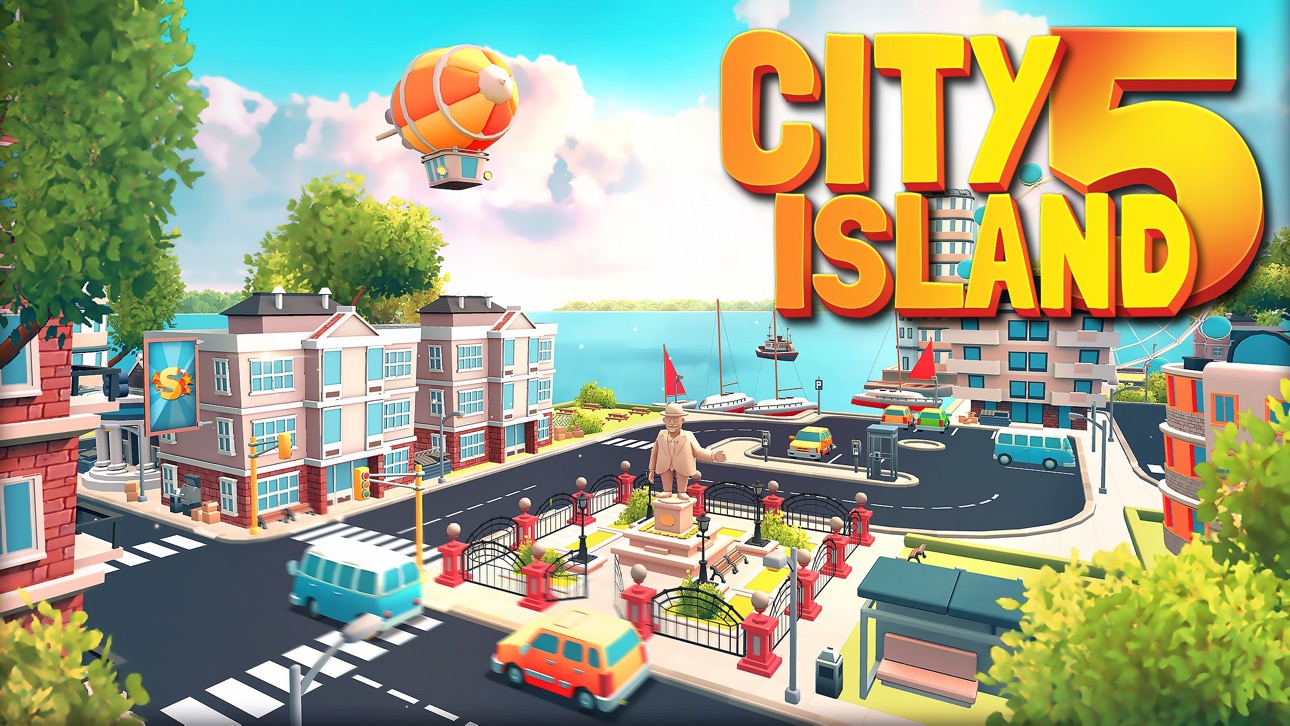
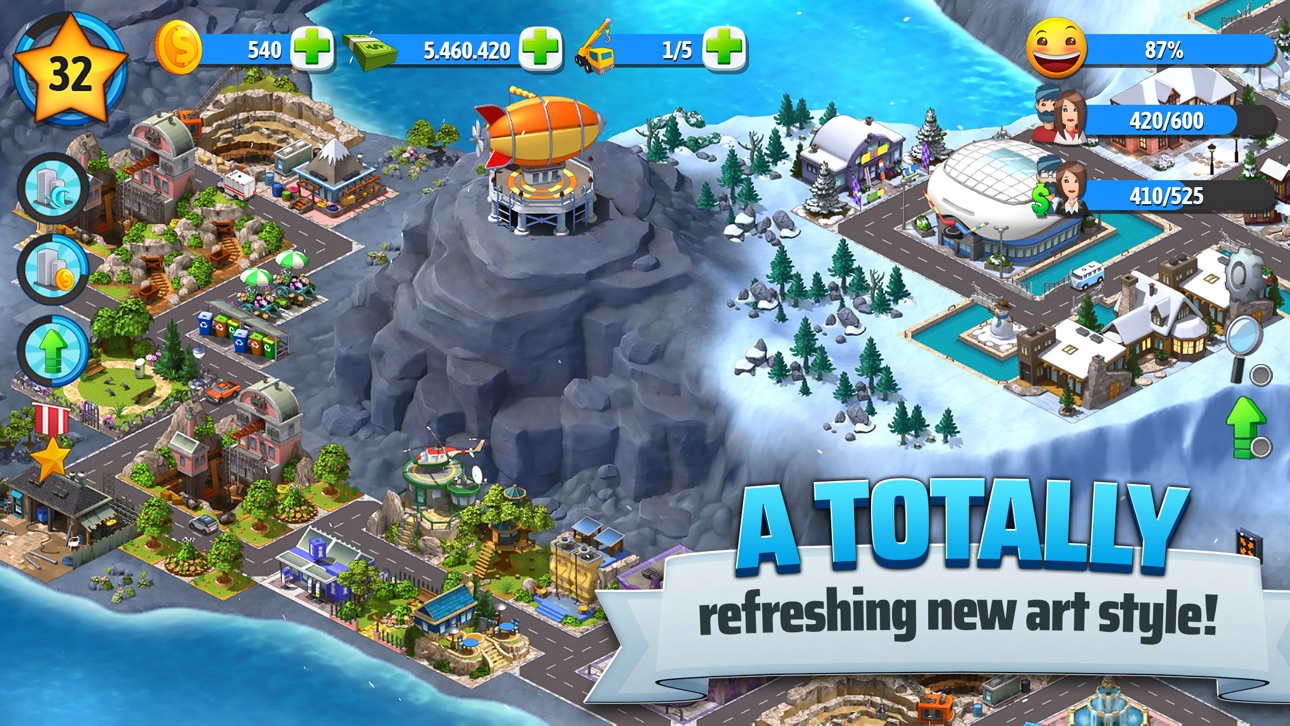
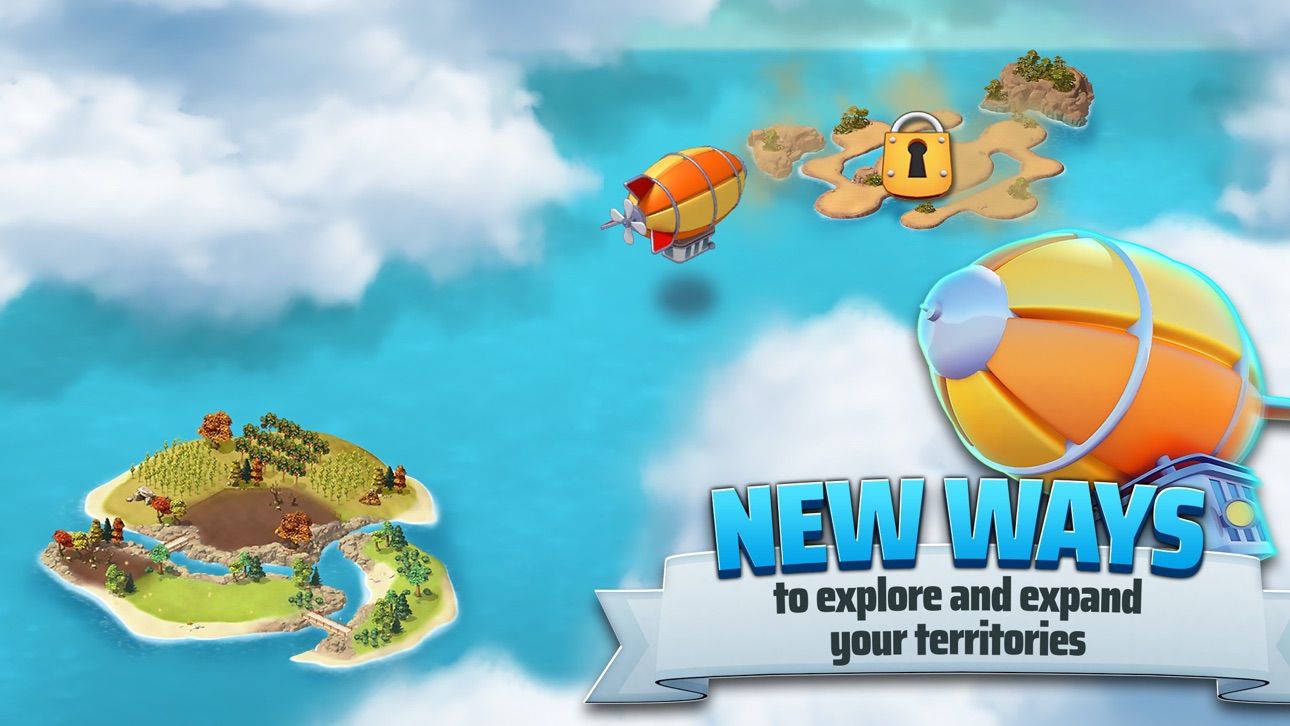
""City Island 5 - Gioco offline di simulazione di costruzione da parte di magnati"", un nuovo gioco di costruzione di città della Sparkling Society farà di te il sindaco di una piccola città iniziando con un'isola soltanto. Invia il tuo dirigibile per esplorare il mondo e sblocca bellissime nuove isole per costruire le tue nuove città. Nella maggior parte dei giochi di costruzione di città, gestisci solo una città, ma in ""City Island 5 - Gioco offline di simulazione di costruzione da parte di magnati""espanderai i tuoi orizzonti verso nuove isole, ognuna con un tema diverso e la superficie per costruire una città. Si può giocare a City Island 5 anche offline, quindi puoi costruire la tua città senza la connessione a internet o quando non hai la connessione wifi. Unisciti a milioni di giocatori con la più famosa serie di giochi di costruzioni urbane su cellulare!
Da una piccola città, a una grande città, a una metropoli
La tua città inizierà come un piccolo villaggio, che diventerà una grande città posizionando più edifici e sbloccando nuove isole. I giochi di costruzione nella serie di giochi di simulazione di City Islandsono ben noti per i loro giochi offline, gratificanti, gratuiti, pieni di missioni e carichi di contenuti, con sempre qualcosa da fare. Visita le città piccole e grandi dei tuoi vicini o visita ""la mia città"".
Costruzione di una città con un obiettivo, con uno scopo
Questi giochi di simulazione di città sono inclusi nella categoria: giochi offline di costruzione di città, divertenti, casuali e gratuiti. Quindi questo significa che non ti annoierai mai a giocare a ""City Island 5 - Gioco offline di simulazione di costruzione da parte di magnati""! Accanto alle centinaia di edifici da sbloccare, questo gioco di costruttori di città su isole ha decine di missioni per guadagnare scrigni del tesoro pieni di oggetti davvero interessanti. Progetta e costruisci la tua città su un'isola come desideri e gioca con gli amici per aiutarvi a vicenda. Questi giochi di simulazione per magnati sono dotati di un sacco di fantastici edifici e isole da sbloccare, ti faranno sicuramente rimanere per lunghe sessioni, per raccogliere un sacco di soldi, far crescere la tua città piccole e grandi e progettarle come vuoi.
""City Island 5 - Gioco offline di simulazione di costruzione da parte di magnati""Funzioni dei di costruttori di città:
▶ Il gioco più recente e popolare della serie di giochi di costruzione di città su cellulare!
▶ Colleziona, aggiorna, decora, esplora in questo gioco di simulazione di costruzione!
▶ Colleziona ricompense e guadagna scrigni del tesoro!
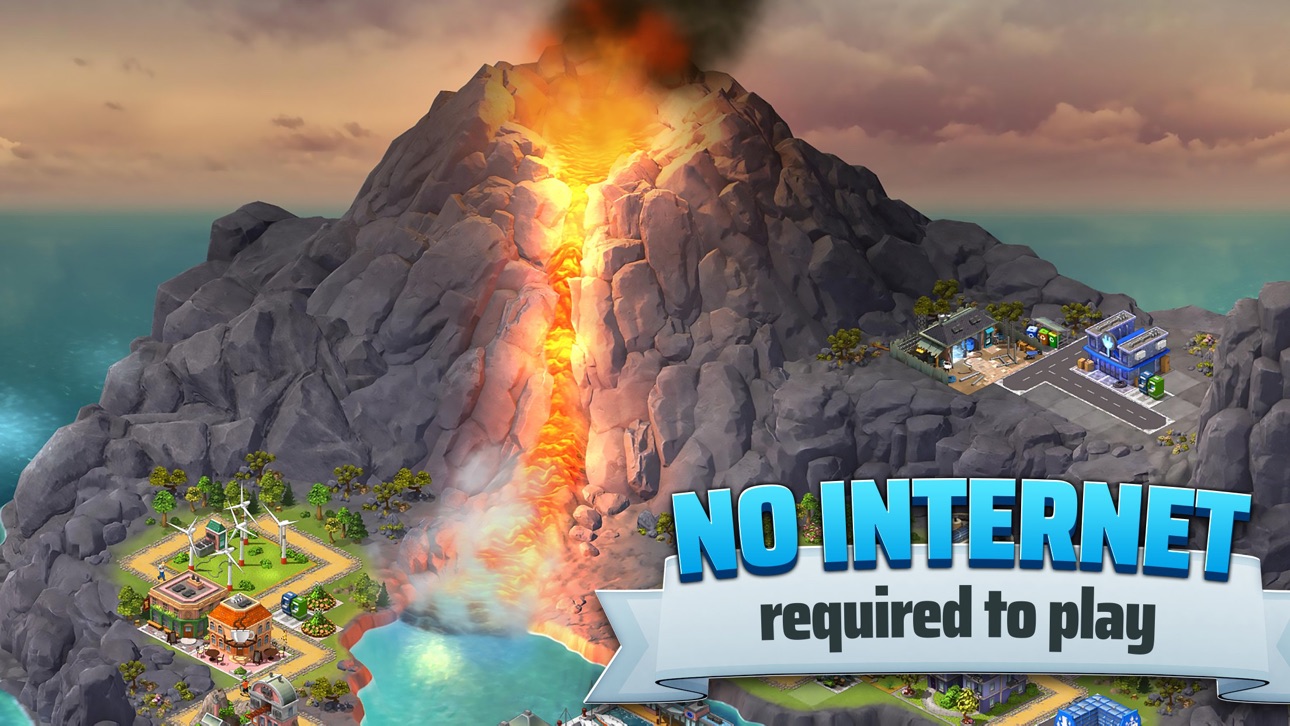
▶ Gioca a questo gioco offline o online. Nessuna connessione Internet richiesta per giocare
▶ I giochi di costruzione di città sono divertenti con dozzine di isole fantastiche su cui costruire la tua città!
▶ Costruisci la tua città e guarda anche le città degli altri giocatori!
▶ Non dimenticare di votarci o darci un feedback!
Ảnh chụp © chủ sở hữu tương ứng · App Store



iOSGods không liên kết, không được chứng thực hay tài trợ bởi Apple Inc., Google LLC hoặc các nhà phát triển của những ứng dụng được liệt kê ở đây. Apple, iOS và App Store là thương hiệu của Apple Inc. Android và Google Play là thương hiệu của Google LLC. Mọi tên ứng dụng, biểu tượng, hình ảnh và thương hiệu khác đều thuộc về chủ sở hữu tương ứng.
- iPhone hoặc iPad chưa jailbreak/đã đóng hoặc đã jailbreak.
- Sideloadly hoặc các lựa chọn thay thế.
- Máy tính chạy Windows/macOS/Linux đã cài iTunes.
BƯỚC 1: Tải tệp .IPA đã được hack sẵn từ liên kết phía trên về máy tính của bạn. Để tải từ iOSGods App, hãy xem Hướng dẫn tải IPA bằng iOSGods App của chúng tôi, có kèm ví dụ bằng video.
BƯỚC 2: Tải Sideloadly và cài đặt trên Windows hoặc Mac của bạn.
BƯỚC 3: Mở Sideloadly trên máy tính, kết nối thiết bị iOS của bạn và chờ cho đến khi tên thiết bị hiển thị trong Sideloadly.
BƯỚC 4: Khi thiết bị iOS của bạn đã được nhận diện, hãy kéo tệp .IPA đã chỉnh sửa mà bạn tải về và thả vào ứng dụng Sideloadly.
BƯỚC 5: Nhập email Apple Account của bạn, sau đó nhấn "Start." Bạn sẽ được yêu cầu nhập mật khẩu. Hãy cung cấp các thông tin cần thiết.
BƯỚC 6: Chờ Sideloadly hoàn tất quá trình sideload/cài đặt tệp IPA đã hack. Nếu gặp sự cố trong quá trình cài đặt, vui lòng đọc lưu ý bên dưới.
BƯỚC 7: Khi cài đặt hoàn tất và bạn thấy ứng dụng trên Màn hình chính, bạn cần truy cập Cài đặt → Cài đặt chung → Hồ sơ / VPN & Quản lý thiết bị. Tại đó, nhấn vào email bạn đã nhập ở bước 6, rồi nhấn "Tin cậy [email protected]".
BƯỚC 8: Bây giờ hãy về Màn hình chính và mở ứng dụng vừa cài đặt, mọi thứ sẽ hoạt động bình thường. Bạn có thể cần làm theo hướng dẫn riêng của từng ứng dụng trong cửa sổ popup của bản hack trong game.
LƯU Ý: Trên iOS/iPadOS 16 trở lên, bạn phải bật Chế độ nhà phát triển. Với tài khoản Apple Developer miễn phí, bạn sẽ cần lặp lại quy trình này mỗi 7 ngày. Nếu bạn có thắc mắc hoặc gặp sự cố, hãy đọc mục FAQ về Sideloadly trong chủ đề của chúng tôi.
Game Name iOS Mod IPA is an action adventure game enhanced with powerful gameplay boosts and quality-of-life improvements. Win battles faster, earn rewards quicker, and enjoy uninterrupted play without ads.
- Unlimited Gold - spend freely to unlock premium content
- Damage Multiplier - deal significantly more damage in combat
- Defense Multiplier - take less damage and survive longer
- Reward Multiplier - earn more loot from every battle
- Max Level - instantly reach the highest player rank
- No Ads - play without interruptions or advertisements
This app also comes with iGameGod, giving you access to Auto Touch to automate repetitive tasks, App Speed Manager for adjustable gameplay speed, Memory Engine value editing, and more powerful iOS game tools.
Tải Game Name Mod IPA từ các liên kết ở trên. Nhấn nút cài đặt và làm theo hướng dẫn để cài bản hack iOS lên iPhone, iPad hoặc Apple Silicon.
Cần thêm trợ giúp Hãy xem Câu hỏi thường gặp ứng dụng iOSGods để có câu trả lời chi tiết và mẹo khắc phục sự cố.
----------------------------------------------------------
--------------------------------------------------