Inicio de sesión requerido
Inicia sesión con tu cuenta de iOSGods para continuar.
Inicia sesión con tu cuenta de iOSGods para continuar.

Unlock the full Besiege Mobile campaign and all in-app purchases with this iOS mod IPA, letting you build and test every mechanical contraption without restrictions. Construct tanks, planes, helicopters, catapults, giant mechs and more across the complete single-player campaign and sandbox levels, free from paywalls.
- Unlock All IAP (Full Game) → access the entire campaign and all content
Esta app también incluye iGameGod, que te ofrece acceso a Auto Touch para automatizar tareas repetitivas, App Speed Manager para ajustar la velocidad del juego, edición de valores con Memory Engine y más potentes herramientas para juegos de iOS.
Descarga Besiege Mobile iOS Mod IPA desde los enlaces de arriba. Toca el botón de instalación y sigue las instrucciones para instalar este hack iOS en tu iPhone, iPad o Mac con Apple Silicon.
¿Necesitas más ayuda? Consulta nuestras Preguntas frecuentes de la app iOSGods para respuestas detalladas y consejos de solución de problemas.
*TRY BESIEGE FOR FREE AND UNLOCK THE FULL GAME FOR THE WHOLE CAMPAIGN!*
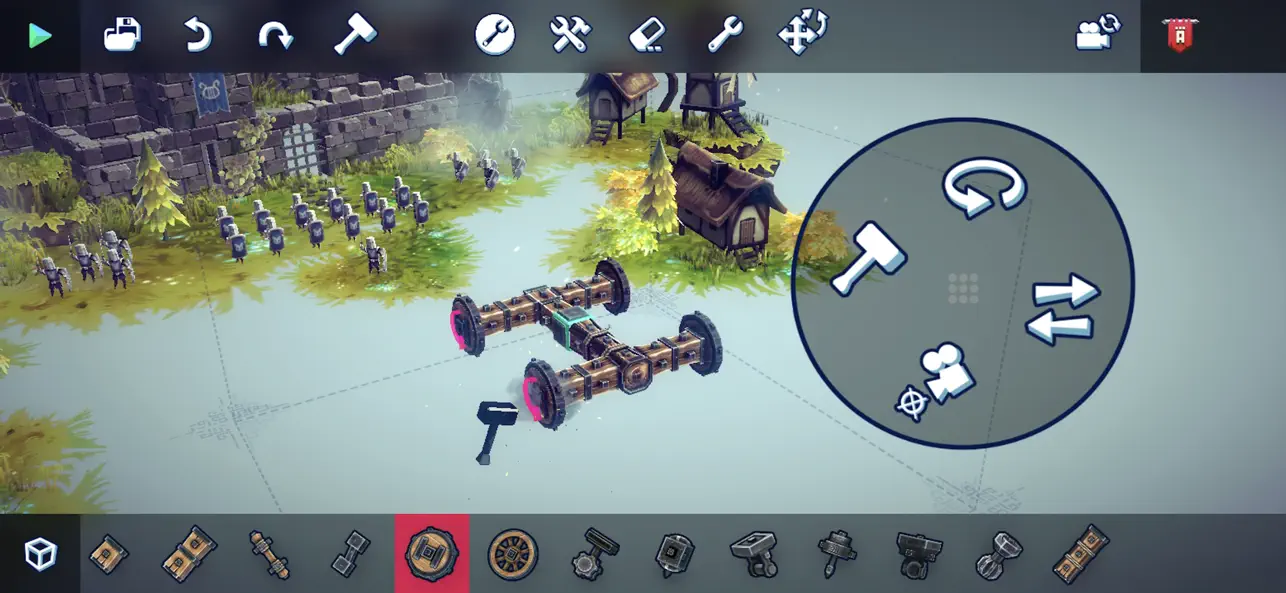
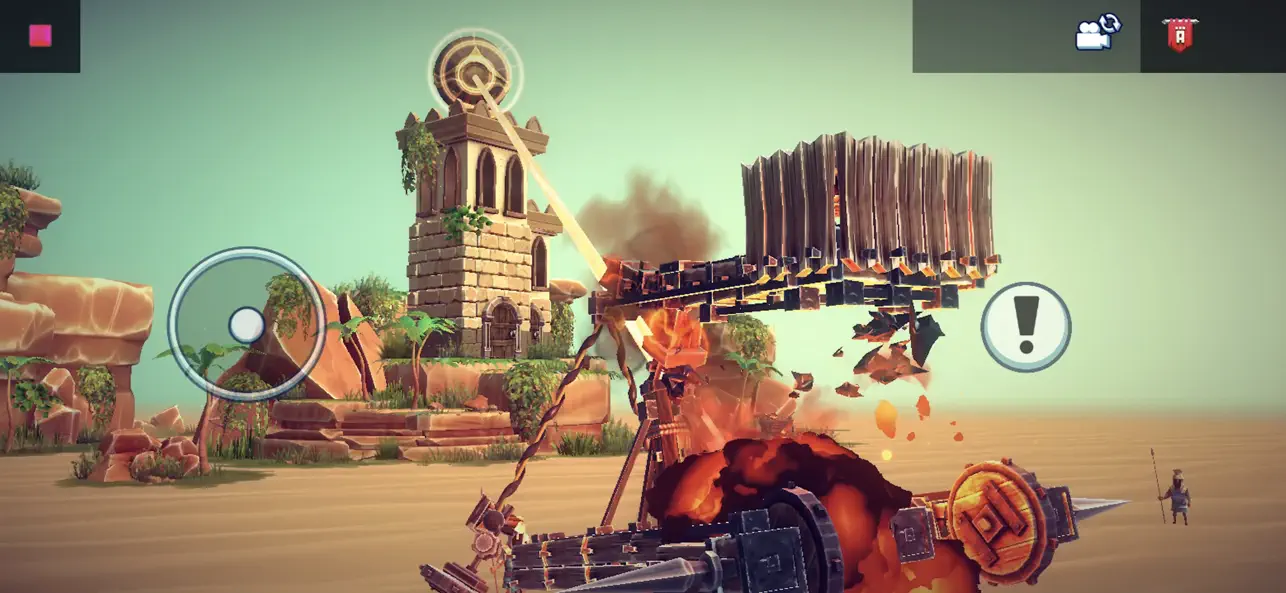
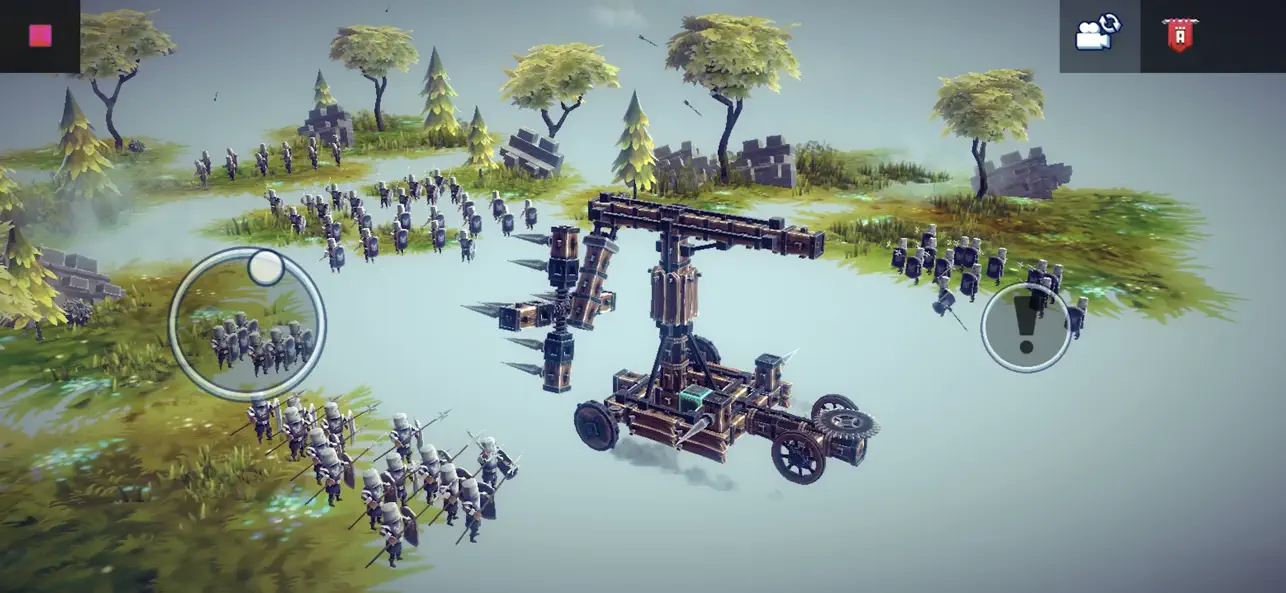
Besiege is a physics building game about constructing mechanical machines to annihilate armies, obliterate castles and overcome challenging obstacles.
Create tanks, planes, helicopters, sports cars, catapults, rockets, giant mechs- anything you can imagine- with Besiege’s intuitive & flexible building system!
Cruise through Besiege’s singleplayer campaign or huge sandbox levels, terrorizing their inhabitants, honing your craft & testing your ingenious prototypes.
Build catapults, tanks, planes and even giant death robots, to unleash chaos and destruction in a physics-based world!
FEATURES
- Construct your machines from a collection of 70+ blocks & weapons, using an intricate building system.
- Conquer 55 destructible levels, each with their own objectives and challenges, and terrorize the inhabitants of the campaign's 4 island nations.
- Cruise through Besiege’s huge sandbox levels, terrorizing their inhabitants, honing your craft & testing your ingenious prototypes.
- Obliterate castles, annihilate armies and overcome puzzling challenges! Whether you're the harbinger of destruction or flailing your way to victory, conquering levels with your crazy creations is incredibly satisfying.
- Download other people's machines from the Workshop, or upload and share your own with the community.
CAREFULLY REDESIGNED FOR MOBILE
- Revamped interface – exclusive mobile UI with complete touch control
- Game Center achievements
- Cloud Save – Share your progress between iOS devices
- Compatible with MFi controllers
- iPhone 15 Optimization (including Pro Max)
- iPhone o iPad con o sin Jailbreak.
- Sideloadly u otras alternativas.
- Ordenador con Windows/macOS/Linux e iTunes instalado.
PASO 1: Descargue el archivo .IPA pre-modificado desde el enlace de arriba a su ordenador. Para descargarlo desde la iOSGods App, consulte nuestro Tutorial de descarga del IPA desde la iOSGods App, que incluye un ejemplo en vídeo.
PASO 2: Descargue Sideloadly e instálelo en su Windows o Mac.
PASO 3: Abra Sideloadly en su ordenador, conecte su dispositivo iOS y espere hasta que el nombre del dispositivo aparezca en Sideloadly.
PASO 4: Una vez que su iDevice sea reconocido, arrastre el archivo .IPA modificado que descargó y suéltelo en la aplicación Sideloadly.
PASO 5: Introduzca el correo electrónico de su Apple Account y, a continuación, pulse «Start». Le pedirá que introduzca su contraseña. Proporcione la información solicitada.
PASO 6: Espere a que Sideloadly termine de hacer sideload/instalar el IPA modificado. Si surgen problemas durante la instalación, por favor lea la nota a continuación.
PASO 7: Una vez completada la instalación y al ver la app en la pantalla de inicio, deberá ir a Ajustes → General → Perfiles / VPN y Gestión de Dispositivos. Una vez allí, toque el correo electrónico que introdujo en el paso 6 y, después, toque en «Confiar en [email protected]».
PASO 8: Ahora vaya a la pantalla de inicio y abra la app recién instalada; todo debería funcionar correctamente. Es posible que tenga que seguir instrucciones adicionales específicas de cada app dentro del popup del hack en el juego.
NOTA: En iOS/iPadOS 16 y posteriores, debe activar el Modo Desarrollador. Para cuentas gratuitas de Apple Developer, deberá repetir este proceso cada 7 días. Si tiene alguna pregunta o problema, lea nuestra sección de Preguntas Frecuentes de Sideloadly del tema.