Login necessário
Entre com sua conta iOSGods para continuar.
Entre com sua conta iOSGods para continuar.

Unlock the full Besiege Mobile campaign and all in-app purchases with this iOS mod IPA, letting you build and test every mechanical contraption without restrictions. Construct tanks, planes, helicopters, catapults, giant mechs and more across the complete single-player campaign and sandbox levels, free from paywalls.
- Unlock All IAP (Full Game) → access the entire campaign and all content
Este app também vem com iGameGod, oferecendo acesso ao Auto Touch para automatizar tarefas repetitivas, App Speed Manager para ajustar a velocidade do jogo, edição de valores com Memory Engine e outras ferramentas avançadas para jogos iOS.
Baixe Besiege Mobile iOS Mod IPA dos links acima. Toque no botão de instalação e siga as instruções para instalar este hack iOS no seu iPhone, iPad ou Apple Silicon.
Precisa de mais ajuda? Confira nossas Perguntas frequentes sobre o app iOSGods para respostas detalhadas e dicas de solução de problemas.
*TRY BESIEGE FOR FREE AND UNLOCK THE FULL GAME FOR THE WHOLE CAMPAIGN!*
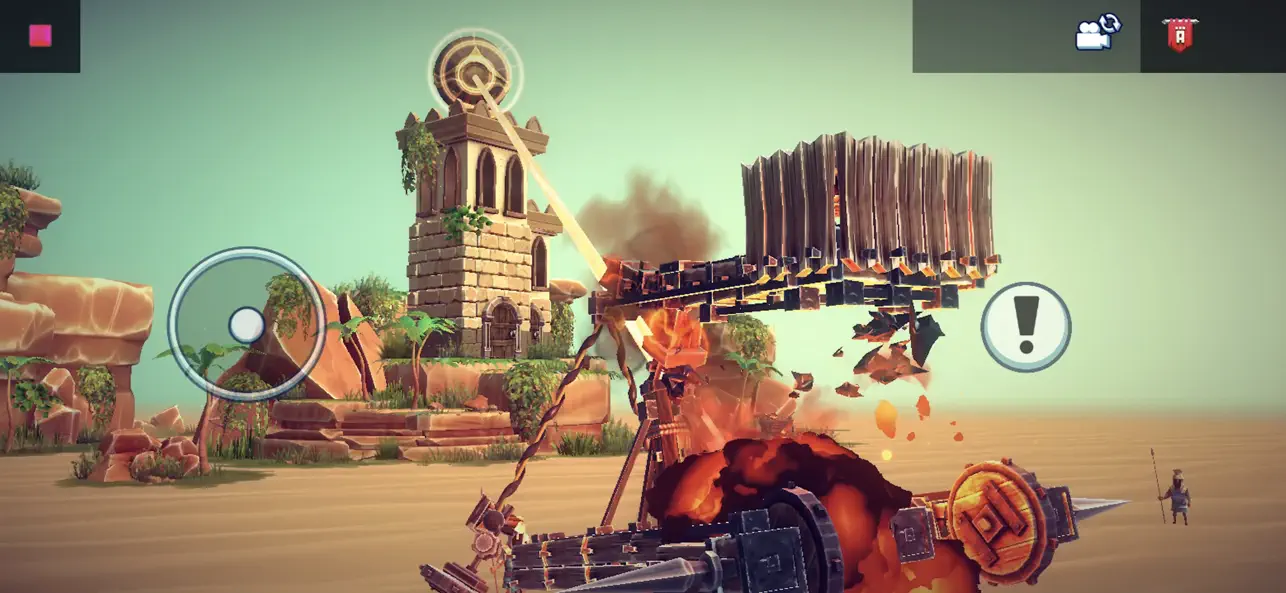
Besiege is a physics building game about constructing mechanical machines to annihilate armies, obliterate castles and overcome challenging obstacles.
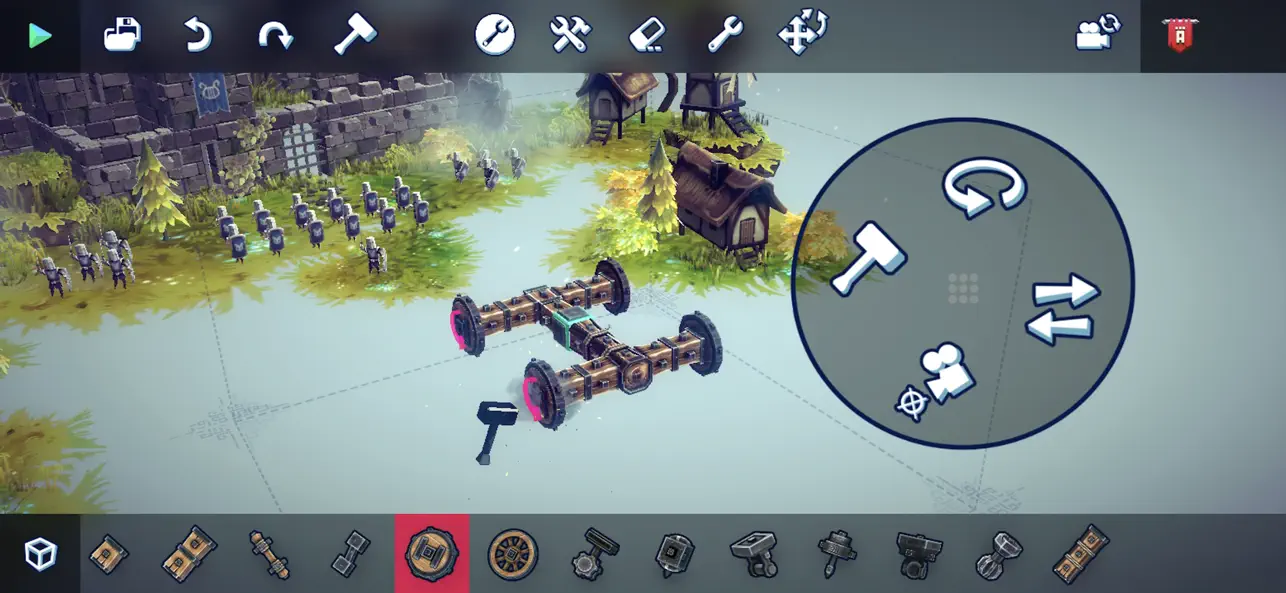
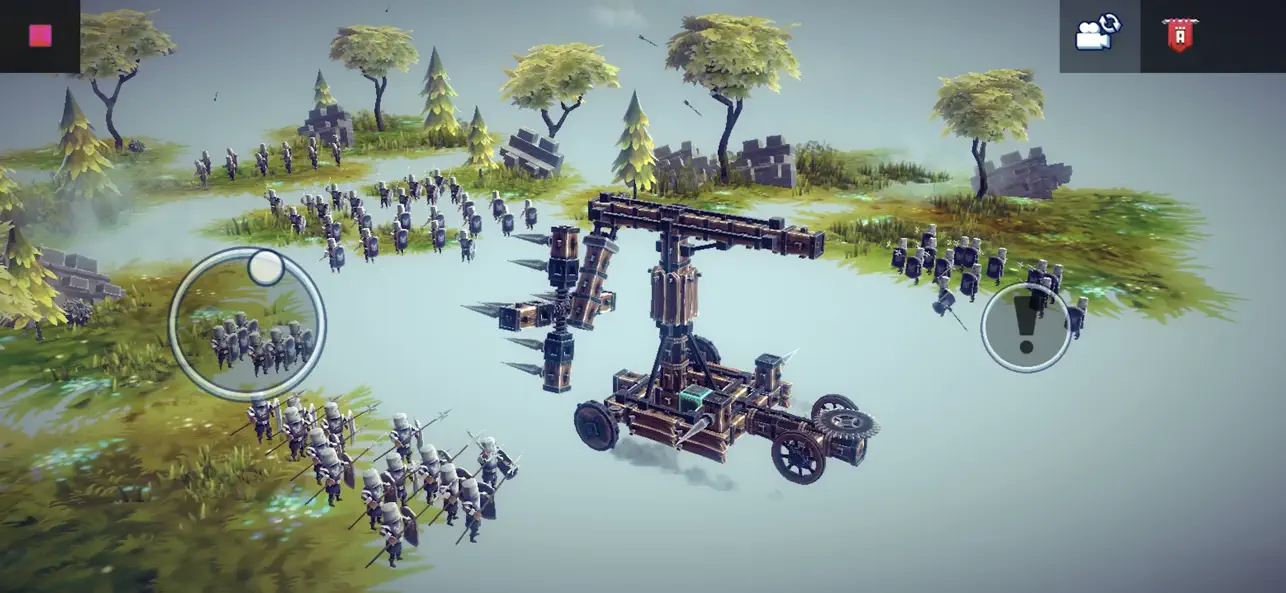
Create tanks, planes, helicopters, sports cars, catapults, rockets, giant mechs- anything you can imagine- with Besiege’s intuitive & flexible building system!
Cruise through Besiege’s singleplayer campaign or huge sandbox levels, terrorizing their inhabitants, honing your craft & testing your ingenious prototypes.
Build catapults, tanks, planes and even giant death robots, to unleash chaos and destruction in a physics-based world!
FEATURES
- Construct your machines from a collection of 70+ blocks & weapons, using an intricate building system.
- Conquer 55 destructible levels, each with their own objectives and challenges, and terrorize the inhabitants of the campaign's 4 island nations.
- Cruise through Besiege’s huge sandbox levels, terrorizing their inhabitants, honing your craft & testing your ingenious prototypes.
- Obliterate castles, annihilate armies and overcome puzzling challenges! Whether you're the harbinger of destruction or flailing your way to victory, conquering levels with your crazy creations is incredibly satisfying.
- Download other people's machines from the Workshop, or upload and share your own with the community.
CAREFULLY REDESIGNED FOR MOBILE
- Revamped interface – exclusive mobile UI with complete touch control
- Game Center achievements
- Cloud Save – Share your progress between iOS devices
- Compatible with MFi controllers
- iPhone 15 Optimization (including Pro Max)
- iPhone ou iPad sem jailbreak/jailed ou com jailbreak.
- Sideloadly ou alternativas.
- Computador com Windows/macOS/Linux e iTunes instalado.
PASSO 1: Baixe o arquivo .IPA pré-hackeado do link acima para o seu computador. Para baixar pelo iOSGods App, veja nosso Tutorial de download de IPA do iOSGods App, que inclui um exemplo em vídeo.
PASSO 2: Baixe o Sideloadly e instale-o no seu Windows ou Mac.
PASSO 3: Abra o Sideloadly no seu computador, conecte seu dispositivo iOS e aguarde até que o nome do dispositivo apareça no Sideloadly.
PASSO 4: Assim que seu iDevice for reconhecido, arraste o arquivo .IPA modificado que você baixou e solte-o no aplicativo Sideloadly.
PASSO 5: Digite o e-mail da sua Apple Account e pressione “Start”. Em seguida, será solicitada a sua senha. Prossiga e forneça as informações solicitadas.
PASSO 6: Aguarde o Sideloadly finalizar o sideload/instalação do IPA hackeado. Se houver problemas durante a instalação, leia a observação abaixo.
PASSO 7: Quando a instalação estiver concluída e você vir o app na Tela de Início, será necessário acessar Ajustes → Geral → Perfis / Gerenciamento de VPN e Dispositivo. Lá, toque no e-mail que você inseriu no passo 6 e, em seguida, toque em “Confiar em [email protected]”.
PASSO 8: Agora vá para a Tela de Início e abra o app recém-instalado; tudo deve funcionar normalmente. Você pode precisar seguir instruções adicionais específicas no popup do hack dentro do jogo.
OBSERVAÇÃO: No iOS/iPadOS 16 e versões posteriores, você deve ativar o Modo de Desenvolvedor. Para contas Apple Developer gratuitas, será necessário repetir este processo a cada 7 dias. Se tiver dúvidas ou problemas, leia nossa seção de FAQ do Sideloadly no tópico.