Потрібен вхід
Увійдіть у свій обліковий запис iOSGods, щоб продовжити.
Увійдіть у свій обліковий запис iOSGods, щоб продовжити.

- God Mode
- One-Hit Kill
- Token Multiplier
- XP Multiplier
- All Avatars Unlocked
- All Avatar Frames Unlocked
- Auto Win -> Press on Settings, toggle any switch like Music, then Give Up & quit.
Цей застосунок також постачається з iGameGod, який надає доступ до Auto Touch для автоматизації повторюваних дій, App Speed Manager для регулювання швидкості гри, редагування значень за допомогою Memory Engine та інших потужних інструментів для iOS-ігор.
Завантажте Bounty Go! iOS Mod IPA за посиланнями вище. Натисніть кнопку встановлення та дотримуйтесь інструкцій, щоб встановити цей хак iOS на iPhone, iPad або Apple Silicon.
Потрібна додаткова допомога? Перегляньте наш Поширені запитання про застосунок iOSGods для детальних відповідей та порад з усунення несправностей.
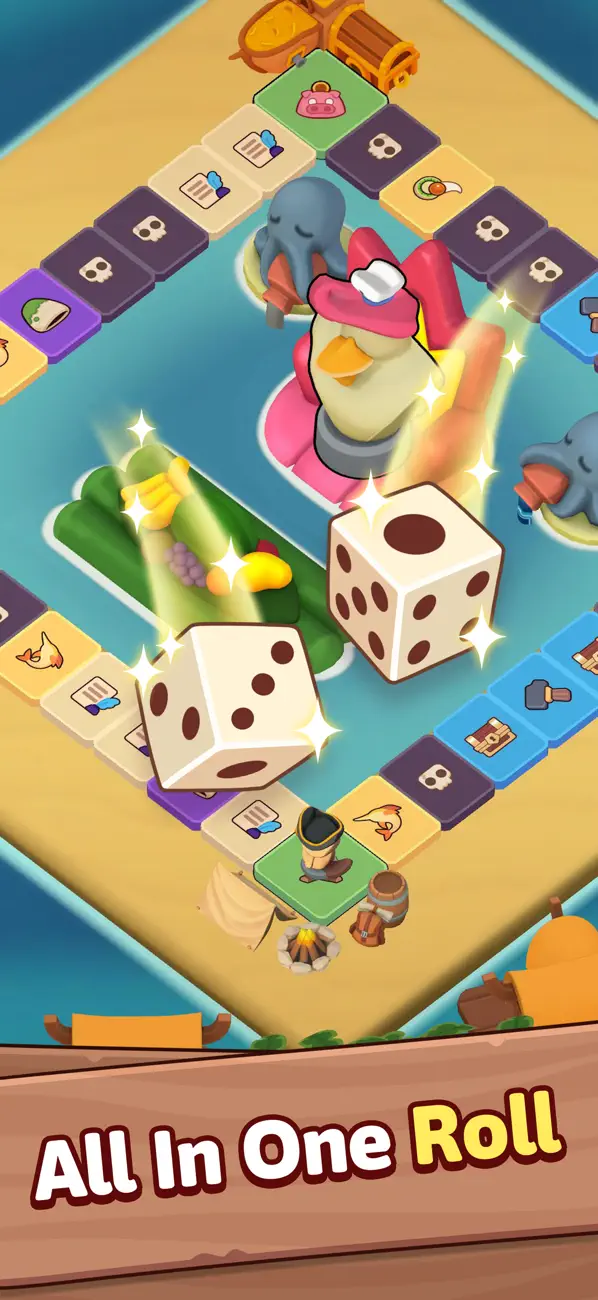
Bounty Go is a dice board RPG adventure that blends roguelike runs, tactical battle, and hero-driven progression.
Roll the dice to move across a dynamic board filled with battles and surprises. Every tile can trigger a fight, a reward, a risky decision, or a lucky outcome that changes your run.
CORE GAMEPLAY
- Roll dice to move across the board
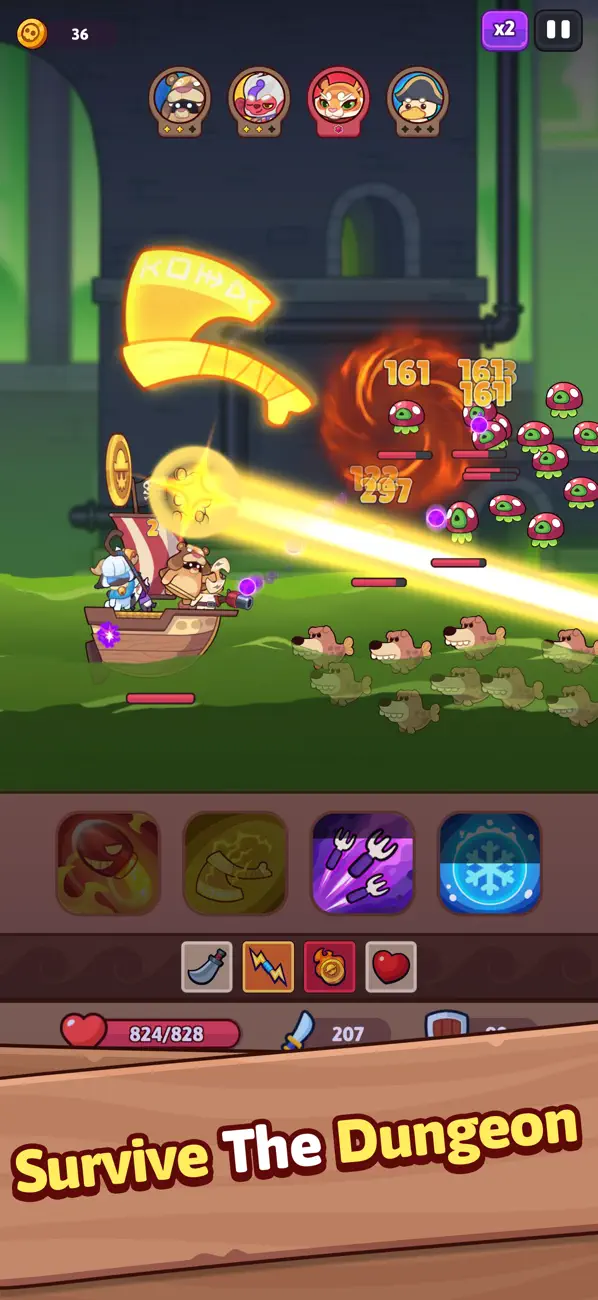
- Enter battles against enemies and elite foes
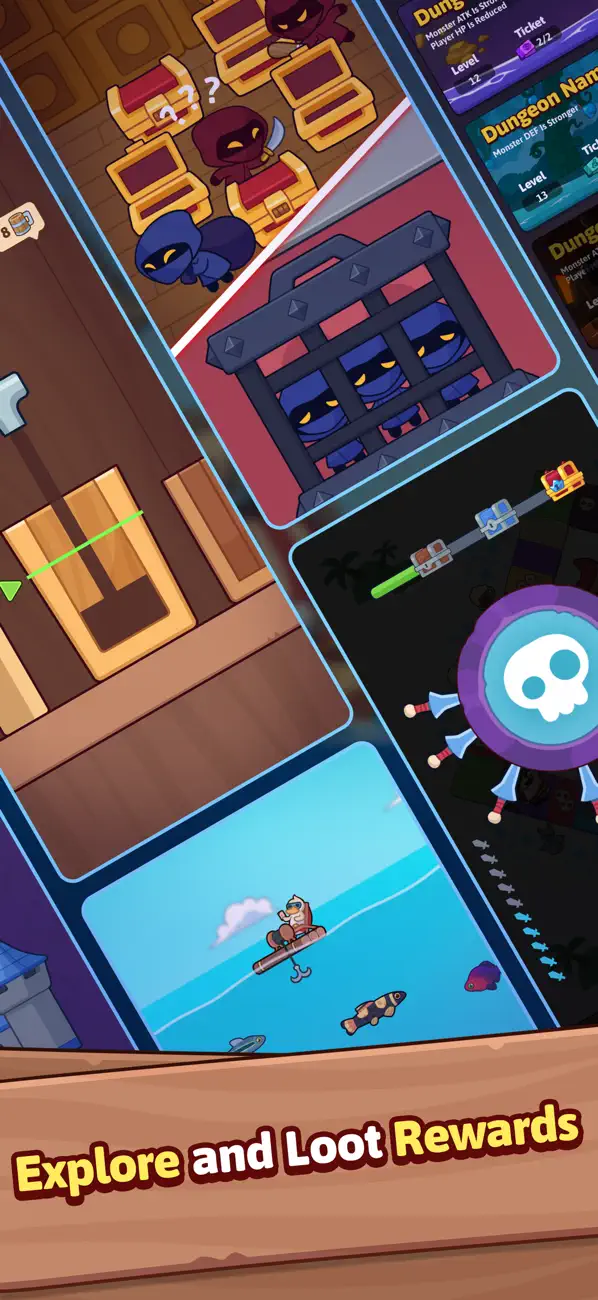
- Trigger random events, mini-games, shops, and loot rewards
- Build your team by recruiting heroes and upgrading skills during the run
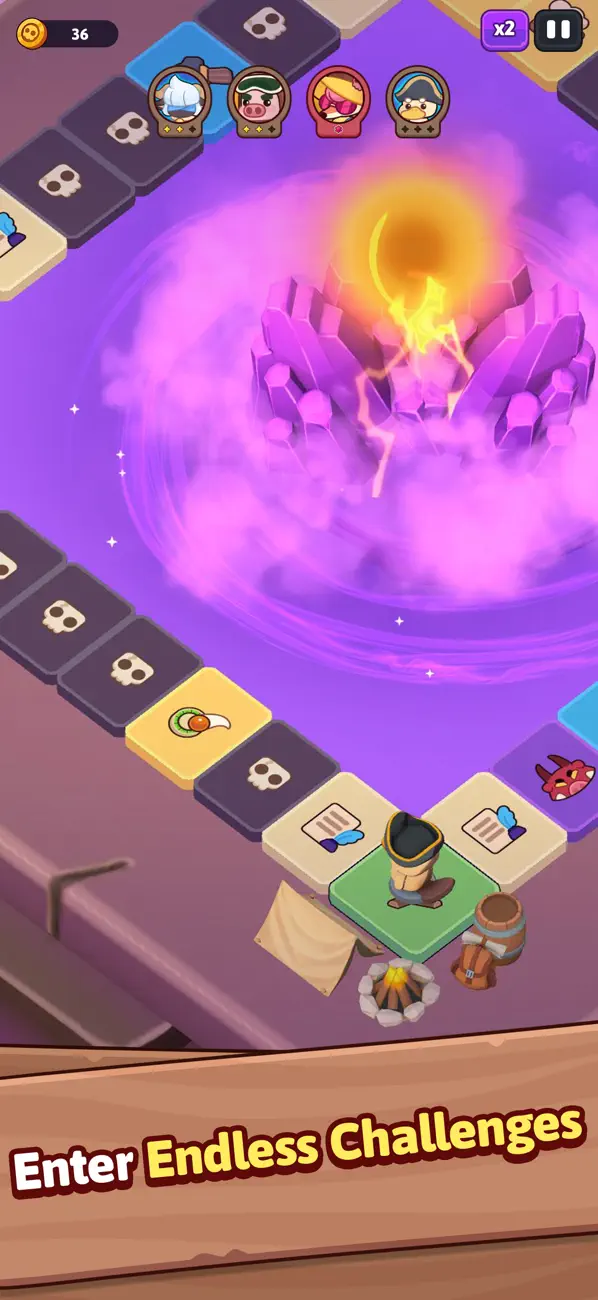
- After multiple rounds, enter dangerous dungeons and face powerful bosses
ROGUELIKE STRATEGY RPG
No two runs are the same. Smart strategy turns randomness into control.
Events, hero upgrades, enemies, and rewards shape each run create true roguelike RPG gameplay where every decision matters.
HEROES, PROGRESSION, COLLECTIBLE
- Summon animal fantasy heroes with different roles and elements
- Upgrade heroes, gear, and assemble your crew
- Merge equipment and unlock new power paths
- Use gacha systems to collect heroes and resources
PVP AND EPIC ADVENTURE
- Challenge other players in PvP battles,
- Complete quests and missions, earn rewards, and push deeper into new adventures with stronger teams and bolder strategies.
Download Bounty Go. Roll the dice. Start your adventure.
If you need help or run into any issues, feel free to contact us at: [email protected]
- iPhone або iPad без джейлбрейку/у заводському стані або з джейлбрейком.
- Sideloadly або альтернативи.
- Комп'ютер під керуванням Windows/macOS/Linux із встановленим iTunes.
КРОК 1: Завантажте попередньо зламаний .IPA-файл за посиланням вище на свій комп'ютер. Щоб завантажити з iOSGods App, перегляньте наш Посібник із завантаження IPA в iOSGods App, який містить відеоприклад.
КРОК 2: Завантажте Sideloadly і встановіть його на своєму Windows або Mac.
КРОК 3: Відкрийте Sideloadly на комп'ютері, підключіть свій iOS-пристрій і зачекайте, поки назва пристрою з'явиться у Sideloadly.
КРОК 4: Коли ваш iDevice буде розпізнано, перетягніть завантажений модифікований .IPA-файл і відпустіть його в застосунок Sideloadly.
КРОК 5: Введіть електронну пошту вашого Apple Account, потім натисніть «Start». Після цього вас попросять ввести пароль. Введіть необхідні дані.
КРОК 6: Зачекайте, доки Sideloadly завершить sideload/встановлення зламаного IPA. Якщо під час встановлення виникнуть проблеми, прочитайте примітку нижче.
КРОК 7: Коли встановлення завершено й ви побачите застосунок на головному екрані, перейдіть до Налаштування → Загальні → Профілі / VPN і керування пристроєм. Там натисніть на електронну пошту, яку ви ввели на кроці 6, а потім натисніть «Довіряти [email protected]».
КРОК 8: Тепер перейдіть на головний екран і відкрийте щойно встановлений застосунок — усе має працювати належним чином. Можливо, доведеться виконати додаткові інструкції для конкретного застосунку в спливаючому вікні хака в грі.
ПРИМІТКА: У iOS/iPadOS 16 і пізніших версіях потрібно увімкнути режим розробника. Для безкоштовних облікових записів Apple Developer цей процес доведеться повторювати кожні 7 днів. Якщо у вас є запитання або проблеми, прочитайте наш розділ FAQ зі Sideloadly у темі.



![Arrow Rush: Archer Roguelike [ Debug Menu ]](https://is1-ssl.mzstatic.com/image/thumb/Purple221/v4/de/03/b2/de03b286-0e30-58a7-14d2-1dedf1ac6bfb/AppIcon-0-0-1x_U007emarketing-0-8-0-85-220.png/100x100bb.jpg)


![Screw Jam iOS Mod IPA [ Debug Menu ]](https://is1-ssl.mzstatic.com/image/thumb/Purple221/v4/e4/23/3f/e4233f3d-1295-41d8-9bea-0079d6a33816/AppIcon-0-0-1x_U007emarketing-0-8-0-85-220.png/100x100bb.jpg)

![Urban Heat: FPS iOS Mod IPA [ ESP Boxes, Lines ]](https://is1-ssl.mzstatic.com/image/thumb/Purple211/v4/d3/50/1e/d3501e4a-ee15-d8fc-20af-8d9f429df2df/AppIcon-0-0-1x_U007emarketing-0-8-0-85-220.png/100x100bb.jpg)


