需要登录
请使用您的 iOSGods 账户登录以继续。
请使用您的 iOSGods 账户登录以继续。
无限一切,在这个Glory Ages - VIKINGS iOS Mod IPA中自由获得或消耗货币、增强道具、生命值、伤害和耐力,这是一款硬核战术动作游戏,其中基于技能的战斗和完美的时机决定了对抗残暴北欧人的胜利。
- 无限一切 → 自由获得或消耗货币、增强道具、生命值、伤害和耐力
此应用还内置 iGameGod,让你能够使用 Auto Touch 自动执行重复操作、通过 App Speed Manager 调节游戏速度、使用 Memory Engine 修改内存数值,以及更多强大的 iOS 游戏工具。
从上方链接下载 Glory Ages - VIKINGS iOS Mod IPA。点击安装按钮并按照屏幕提示在 iPhone、iPad 或 Apple Silicon 上安装此 iOS 应用修改版。
需要更多帮助?请查看我们的 iOSGods 应用常见问题解答 获取详细解答和故障排除技巧。
GLORY AGES Vikings is a hardcore tactical action game that transports you to the brutal age of the Northmen. Experience a deep, skill-based combat system from the creators of the hit Glory Ages Samurais.
SKILL-BASED COMBAT
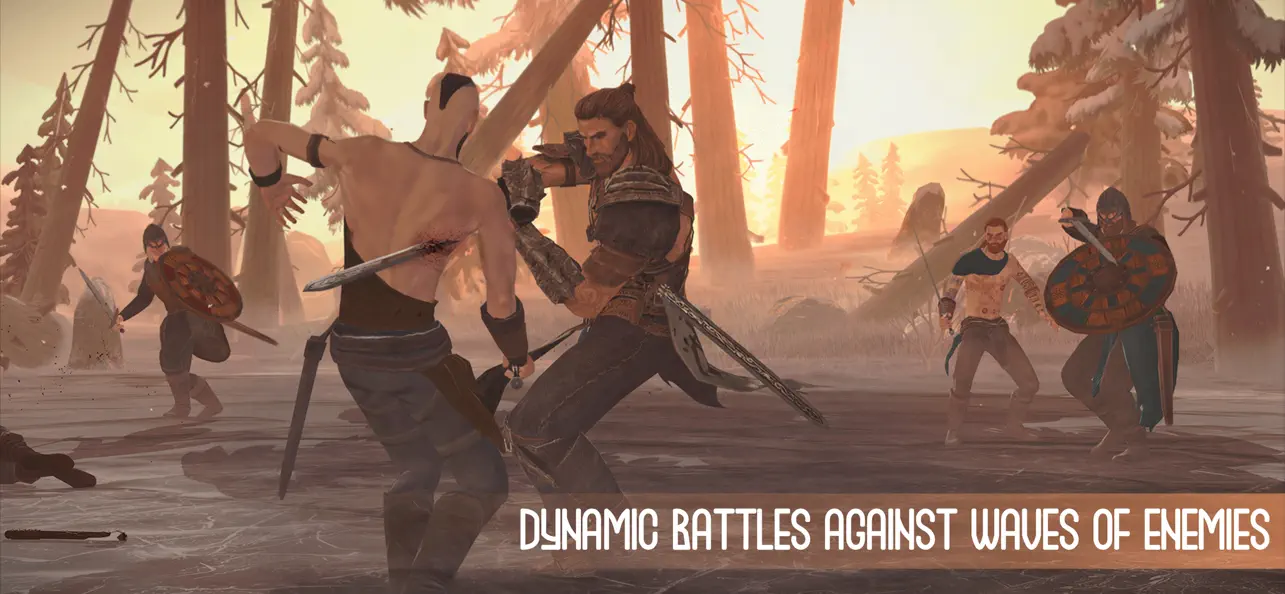
Forget mindless button-mashing. Here, victory depends on your timing and ability to outsmart the enemy. Master the art of war:
Parry & Dodge: Wait for the perfect window to launch a devastating counter-attack.
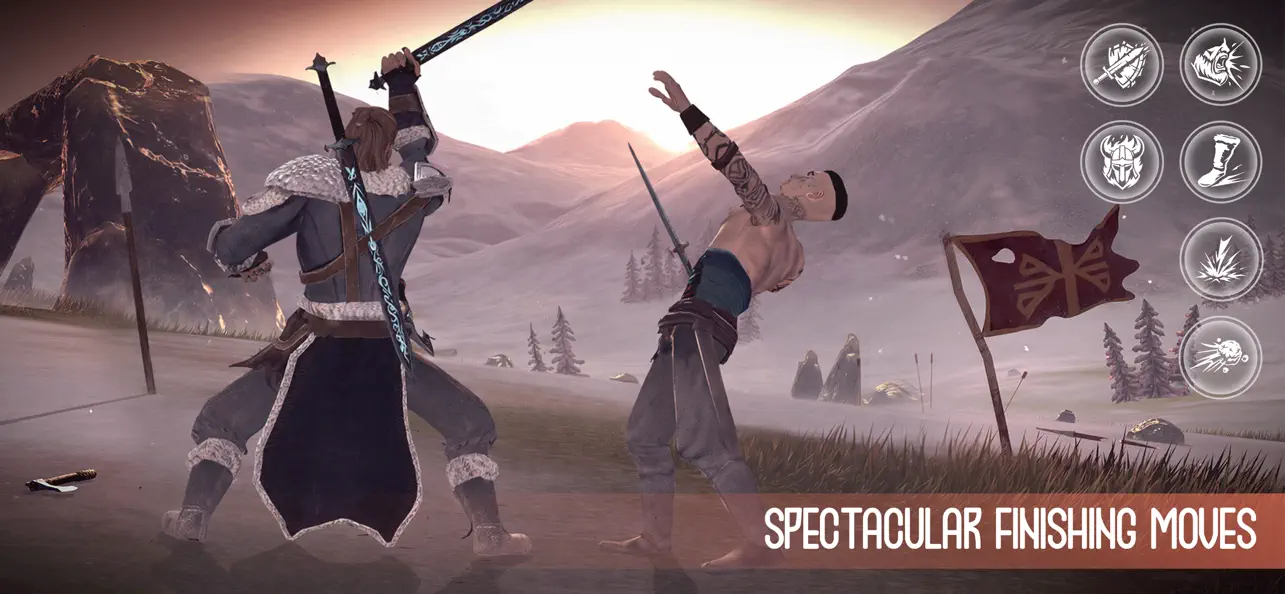
Active Skills: Chain strikes and use special abilities to break your opponent's defense.
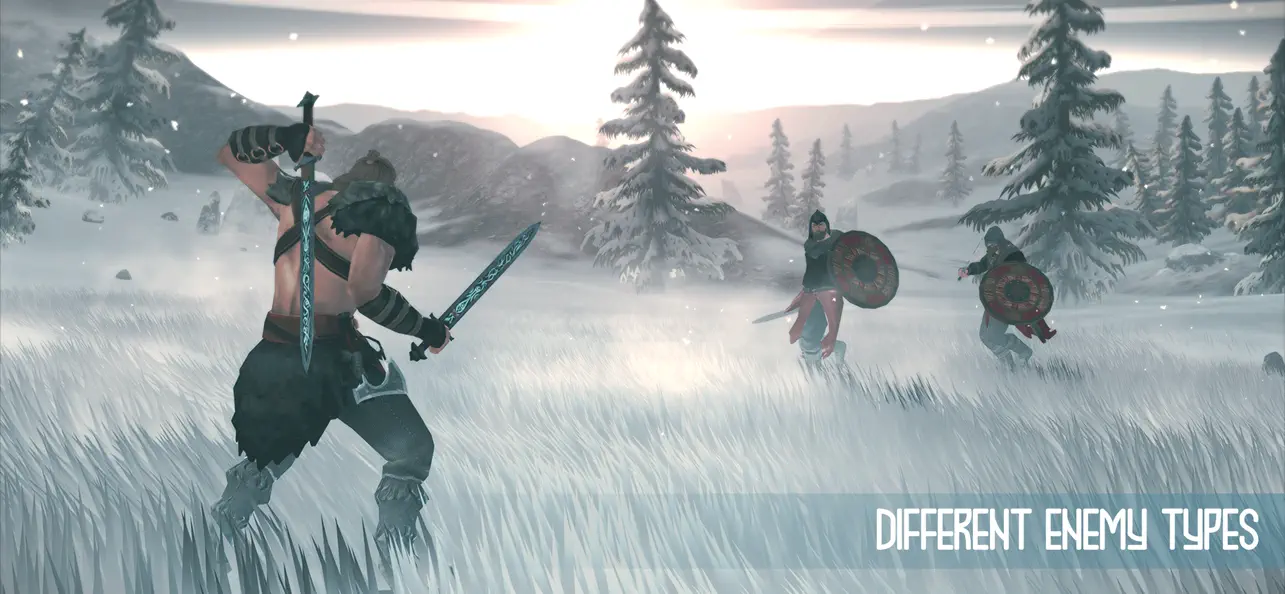
Advanced AI: Every enemy has a unique fighting style. Some are aggressive, others are cautious—learn to read them all.
FORGE YOUR LEGEND
Deep Progression: Unlock new combat techniques and upgrade your hero’s attributes.
Authentic Arsenal: A wide selection of historically inspired armors and sharpest swords.
Cinematic Visuals: Fight across highly detailed locations with dynamic weather and atmospheric soundtracks.
TRUE OFFLINE EXPERIENCE
No Internet Required: Fully playable offline.
Play Anywhere: The perfect high-quality action game for travel or commuting.
Become a legend of the North. Your saga begins in GLORY AGES Vikings!

- 未越狱/受限或已越狱的 iPhone 或 iPad。
- Sideloadly 或替代方案。
- 运行 Windows/macOS/Linux 且已安装 iTunes 的电脑。
步骤 1: 通过上方链接将已破解的 .IPA 文件下载到您的电脑。如需从 iOSGods App 下载,请参阅我们的 iOSGods App IPA 下载教程,其中包含视频示例。
步骤 2: 下载 Sideloadly 并将其安装到您的 Windows 或 Mac 上。
步骤 3: 在电脑上打开 Sideloadly,连接您的 iOS 设备,等待设备名称在 Sideloadly 中显示。
步骤 4: 当 Sideloadly 识别到您的 iOS 设备后,将下载好的修改版 .IPA 文件拖放到 Sideloadly 应用中。
步骤 5: 输入您的 Apple Account 邮箱,然后点击 "Start"。系统会提示您输入密码,请按要求填写信息。
步骤 6: 等待 Sideloadly 完成已破解 IPA 的旁加载/安装。如果安装过程中出现问题,请阅读下方的注意事项。
步骤 7: 安装完成并在主屏幕上看到该应用后,您需要前往 设置 → 通用 → 描述文件 / VPN 与设备管理。进入后,点击您在第 6 步中输入的邮箱,然后点击 "信任 [email protected]"。
步骤 8: 现在返回主屏幕并打开新安装的应用,一切应可正常运行。您可能需要按照游戏内修改弹窗中的具体说明执行进一步操作。
注意: 在 iOS/iPadOS 16 及更高版本上,您必须 启用开发者模式。对于免费的 Apple Developer 账户,您需要每 7 天重复一次此操作。如有任何疑问或问题,请阅读我们的 主题中的 Sideloadly 常见问题部分。


![Pet Pal Paw iOS Mod IPA [ Debug Menu ]](https://is1-ssl.mzstatic.com/image/thumb/Purple211/v4/ae/be/aa/aebeaab6-8c1f-902a-9303-151ad392c387/AppIcon-0-0-1x_U007emarketing-0-8-0-85-220.png/100x100bb.jpg)


