تسجيل الدخول مطلوب
سجّل الدخول بحساب iOSGods للمتابعة.
سجّل الدخول بحساب iOSGods للمتابعة.
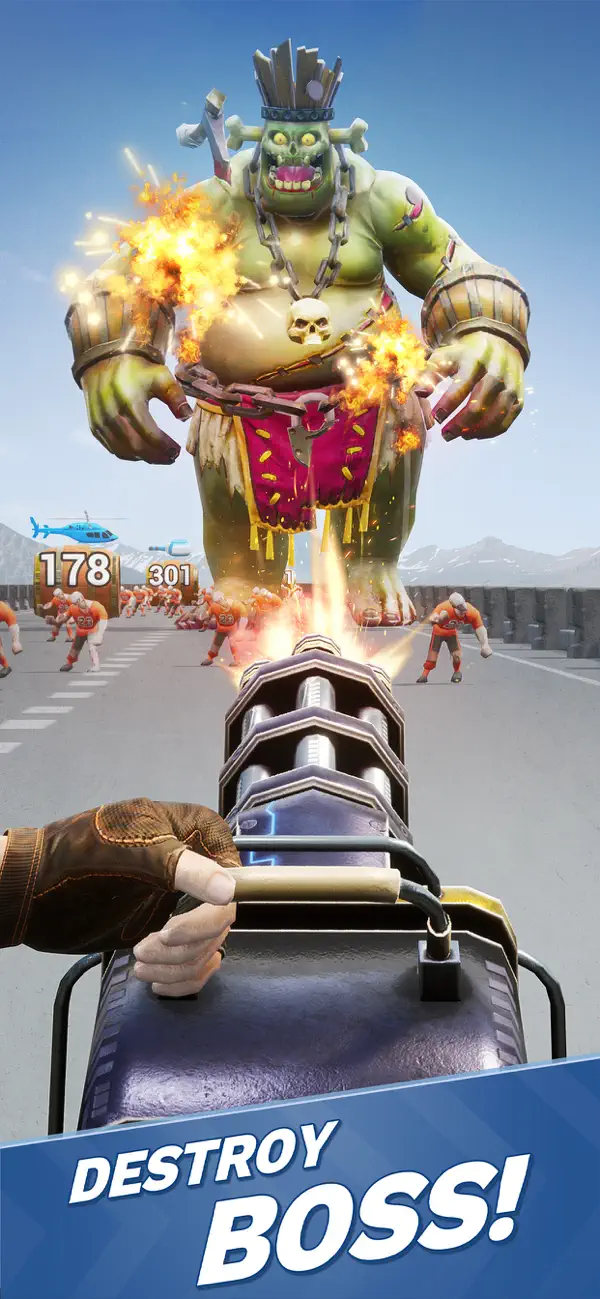
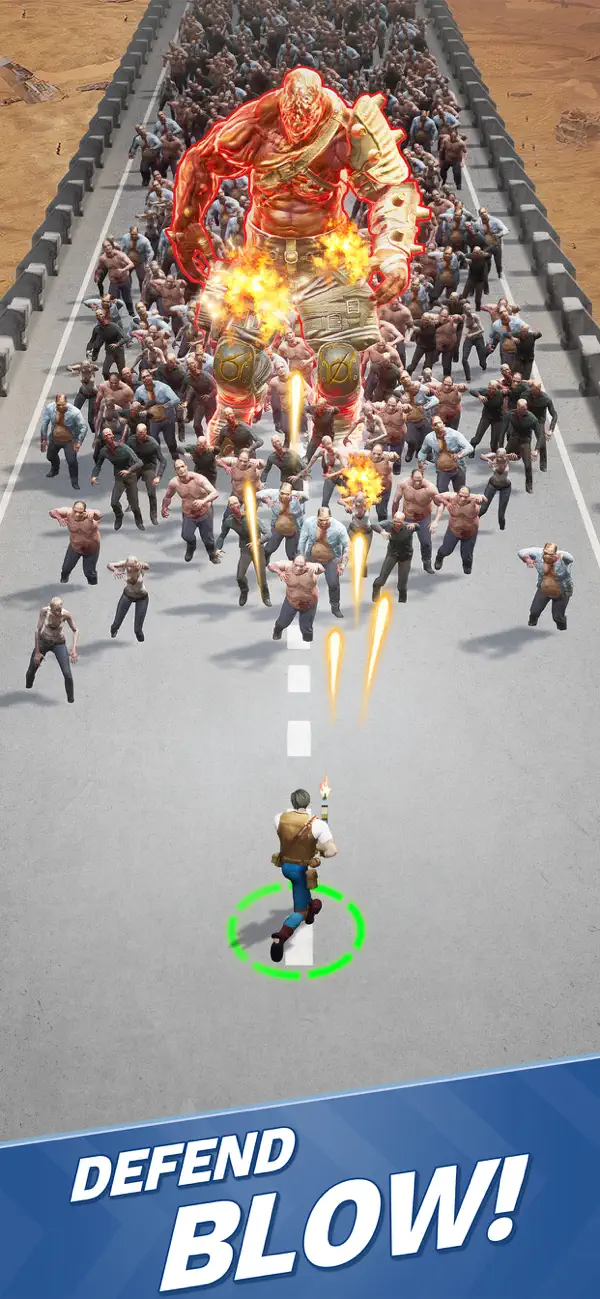
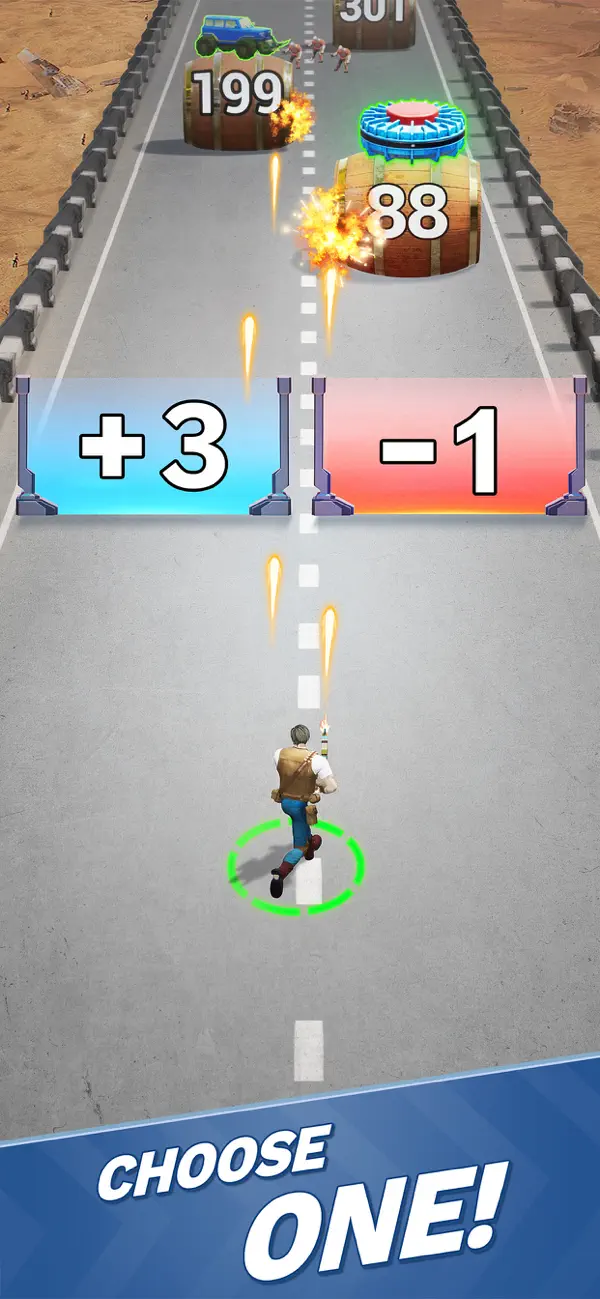
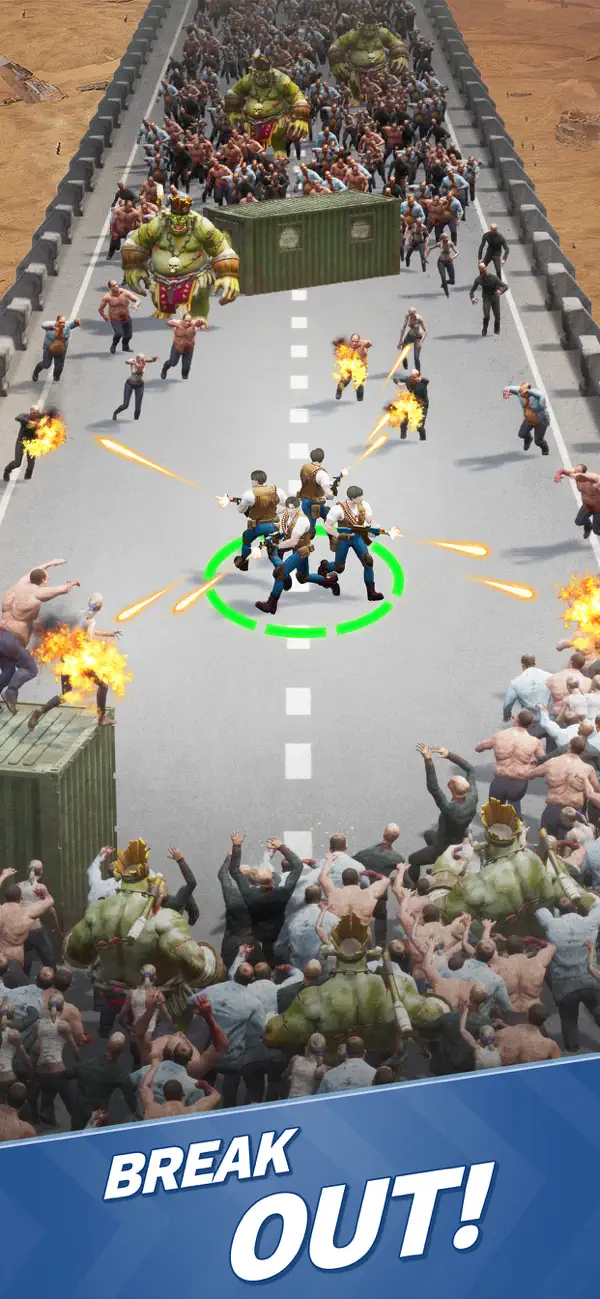
Zombie Waves لعبة إطلاق نار في عالم ما بعد الكارثة حيث تقضي على أعداد لا نهائية من الزومبي بتحكم بيد واحدة، وهذا Mod IPA يمنحك وضع الإله والذخيرة اللانهائية وعدم الحاجة لإعادة التحميل لتهيمن على كل موجة. اجمع الرفاق، اكتشف حقيقة الوباء، وكن آخر أمل للبشرية مع غش يزيل الملل. حمل اللعبة والقضاء على الجماهير الزاحفة بدون حدود.
- God Mode → عدم أخذ أي ضرر
- Infinite Ammo → لا تنفد الذخيرة أبداً
- No Reload → أطلق النار بشكل مستمر بدون توقف
- Increase Magnet Range → اجمع المكافآت من مسافة أبعد
- Weak Enemies (Enable before fight) → قلل صعوبة الأعداء
- High Fire Rate → أطلق النار أسرع من المعتاد
- No Ads / Skip Ads (If you have error loading ad for reward just try again later) → أزل الإعلانات
- Enable X2 Speed → ضاعف سرعة اللعبة
ملاحظة: إذا علقت في تسجيل الدخول، هناك سيناريوهان:
+ اللعبة تحتاج إلى تحديث
+ فشل تسجيل الدخول في اللعبة، في هذه الحالة استخدم Sideloadly أو قم بتسجيل الخروج من Game Center على الجهاز
قم بتنزيل Zombie Waves-shooting game iOS Mod IPA من الروابط أعلاه. اضغط على زر التثبيت واتبع التعليمات لتثبيت هذا التعديل لـ iOS على iPhone أو iPad أو Apple Silicon.
هل تحتاج إلى مزيد من المساعدة؟ راجع الأسئلة الشائعة لتطبيق iOSGods للحصول على إجابات مفصلة ونصائح لاستكشاف الأخطاء.
Danger lurks around every corner in this zombie-infested post-apocalypse! Keep your wits sharp — the myriad infected will attempt to overwhelm you with their endless numbers the minute you step foot into the world.
Rally companions to your side as you attempt to unravel the truth behind the outbreak.
Test your survivalist mettle against a world intent on one goal: your demise!
Load up on ammo, cull the shambling hordes that block your way, and stand your ground as a beacon of hope in humanity’s darkest hour!
Gameplay Features:
-One-handed Controls: Single-handedly mow down hordes of mutant horrors
-Craft tactics and synergies based around 100+ roguelite skills and gamebreaking ultimate abilities
-A multitude of stage scenarios for an immersive tooth-and-nail survival experience
-A grotesque conglomeration of formidable bosses that will attempt to thwart your progress at every turn
Support:
Facebook: @ZombieWaves
Facebook fan group: @Zombie Waves
Discord: https://discord.gg/zombiewaves
Customer Service: [email protected]
- iPhone أو iPad بجيلبريك أو بدون جيلبريك.
- Sideloadly أو بدائلها.
- كمبيوتر يعمل بنظام Windows/macOS/Linux مع تثبيت iTunes.
الخطوة 1: قم بتنزيل ملف .IPA المعدّل مسبقًا من الرابط أعلاه إلى الكمبيوتر الخاص بك. للتنزيل من تطبيق iOSGods App، اطلع على دليل تنزيل IPA من تطبيق iOSGods App الذي يتضمن مثالًا بالفيديو.
الخطوة 2: قم بتنزيل Sideloadly وتثبيته على جهاز Windows أو Mac.
الخطوة 3: افتح Sideloadly على الكمبيوتر، ووصّل جهاز iOS الخاص بك، وانتظر حتى يظهر اسم جهازك داخل Sideloadly.
الخطوة 4: بمجرد التعرّف على جهاز iDevice الخاص بك، اسحب ملف .IPA المعدّل الذي قمت بتنزيله وأفلِته داخل تطبيق Sideloadly.
الخطوة 5: أدخل البريد الإلكتروني لحساب Apple Account الخاص بك، ثم اضغط على «Start». سيُطلب منك بعد ذلك إدخال كلمة المرور. تابع وأدخل المعلومات المطلوبة.
الخطوة 6: انتظر حتى ينتهي Sideloadly من تحميل/تثبيت ملف IPA المعدّل. في حال واجهت أي مشاكل أثناء التثبيت، يرجى قراءة الملاحظة أدناه.
الخطوة 7: بعد اكتمال التثبيت ورؤية التطبيق على الشاشة الرئيسية، انتقل إلى Settings → General → Profiles / VPN & Device Management. ثم اضغط على البريد الإلكتروني الذي أدخلته في الخطوة 6، ثم اضغط على «الوثوق بـ [email protected]».
الخطوة 8: الآن انتقل إلى الشاشة الرئيسية وافتح التطبيق الذي تم تثبيته للتو وسيعمل كل شيء بشكل صحيح. قد تحتاج إلى اتباع تعليمات إضافية خاصة بكل تطبيق داخل النافذة المنبثقة للتعديل أثناء اللعب.
ملاحظة: بدءًا من iOS/iPadOS 16 وما بعده، يجب تفعيل وضع المطور (Developer Mode). بالنسبة لحسابات Apple Developer المجانية، ستحتاج إلى تكرار هذه العملية كل 7 أيام. إذا كانت لديك أي أسئلة أو مشاكل، يرجى قراءة قسم الأسئلة الشائعة حول Sideloadly في الموضوع.






![[ Last Cloudia TW ] 最後的克勞迪亞 iOS Mod IPA](https://is1-ssl.mzstatic.com/image/thumb/Purple211/v4/b7/94/aa/b794aabb-577a-7ce6-f2a8-41c5b3f03f89/AppIcon-1x_U007emarketing-0-8-0-85-220-0.png/100x100bb.jpg)

