Login Required
Sign in with your iOSGods account to continue.
Sign in with your iOSGods account to continue.
Zombie Waves is a post-apocalyptic shooter where you mow down endless infected hordes with one-handed controls, and this Mod IPA gives you god mode, infinite ammo, and no reload to dominate every wave. Rally companions, uncover the outbreak's truth, and stand as humanity's last hope with cheats that strip away the grind. Load up and cull the shambling masses without limits.
- God Mode → take no damage
- Infinite Ammo → never run out of bullets
- No Reload → fire continuously without pausing
- Increase Magnet Range → collect pickups from farther away
- Weak Enemies (Enable before fight) → reduce enemy difficulty
- High Fire Rate → shoot faster than normal
- No Ads / Skip Ads (If you have error loading ad for reward just try again later) → remove advertisements
- Enable X2 Speed → double game speed
NOTE: If you stuck at login there are 2 scenarios:
+ Game need Update
+ Game failed to login, for this either use Sideloadly or sign out of Game Center on device
Download Zombie Waves-shooting game iOS Mod IPA from the links above. Tap the install button and follow the on-screen instructions to install this iOS app hack on your iPhone, iPad, or Apple Silicon.
Need more help? Check out our iOSGods App Frequently Asked Questions for detailed answers and troubleshooting tips.
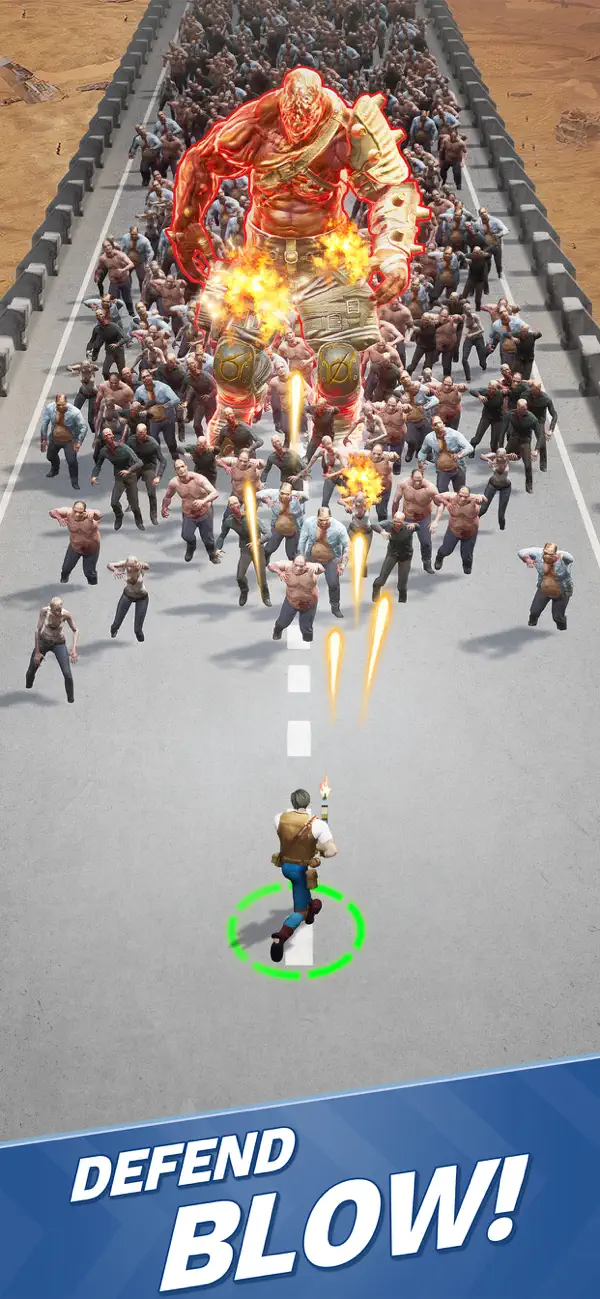
Danger lurks around every corner in this zombie-infested post-apocalypse! Keep your wits sharp — the myriad infected will attempt to overwhelm you with their endless numbers the minute you step foot into the world.
Rally companions to your side as you attempt to unravel the truth behind the outbreak.
Test your survivalist mettle against a world intent on one goal: your demise!
Load up on ammo, cull the shambling hordes that block your way, and stand your ground as a beacon of hope in humanity’s darkest hour!
Gameplay Features:
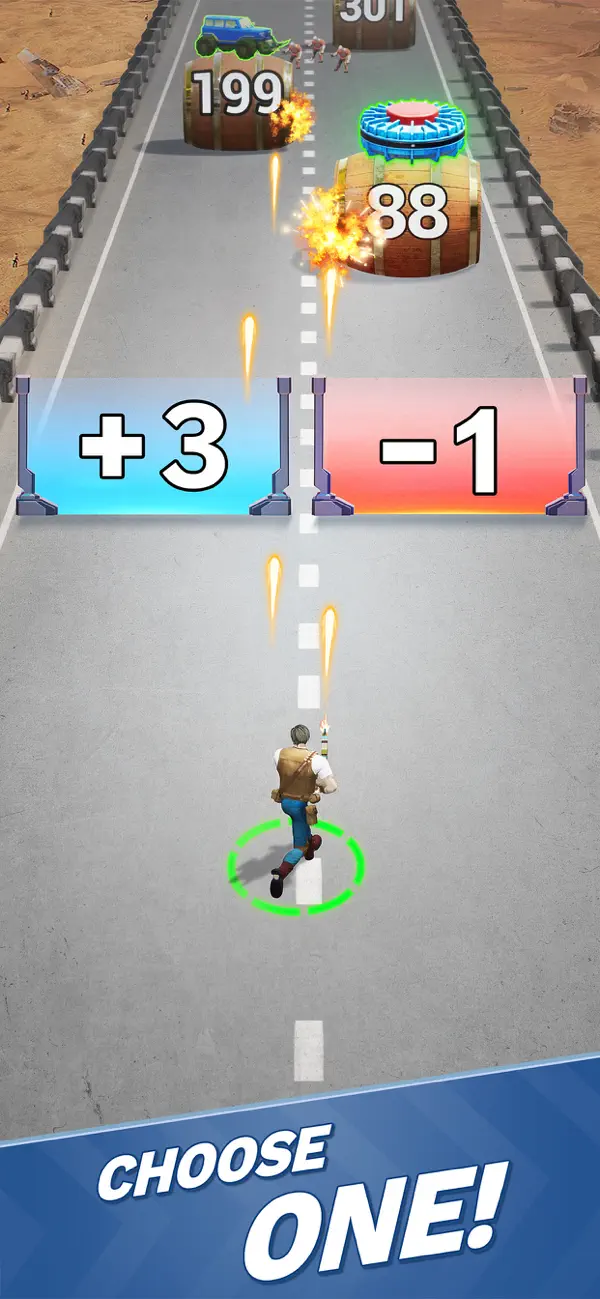
-One-handed Controls: Single-handedly mow down hordes of mutant horrors
-Craft tactics and synergies based around 100+ roguelite skills and gamebreaking ultimate abilities
-A multitude of stage scenarios for an immersive tooth-and-nail survival experience
-A grotesque conglomeration of formidable bosses that will attempt to thwart your progress at every turn
Support:
Facebook: @ZombieWaves
Facebook fan group: @Zombie Waves
Discord: https://discord.gg/zombiewaves
Customer Service: [email protected]
- Non-Jailbroken/Jailed or Jailbroken iPhone or iPad.
- Sideloadly or alternatives.
- Computer running Windows/macOS/Linux with iTunes installed.
STEP 1: Download the pre-hacked .IPA file from the link above to your computer. To download from the iOSGods App, see our iOSGods App IPA Download Tutorial which includes a video example.
STEP 2: Download Sideloadly and install it on your Windows or Mac.
STEP 3: Open Sideloadly on your computer, connect your iOS device, and wait until your device name appears in Sideloadly.
STEP 4: Once your iDevice is recognized, drag the modded .IPA file you downloaded and drop it into the Sideloadly application.
STEP 5: Enter your Apple Account email, then press “Start.” You’ll then be asked to enter your password. Go ahead and provide the required information.
STEP 6: Wait for Sideloadly to finish sideloading/installing the hacked IPA. If there are issues during installation, please read the note below.
STEP 7: Once the installation is complete and you see the app on your Home Screen, you will need to go to Settings → General → Profiles / VPN & Device Management. Once there, tap on the email you entered from step 6, and then tap on “Trust [email protected]”.
STEP 8: Now go to your Home Screen and open the newly installed app and everything should work fine. You may need to follow further per app instructions inside the hack's popup in-game.
NOTE: iOS/iPadOS 16 and later, you must enable Developer Mode. For free Apple Developer accounts, you will need to repeat this process every 7 days. If you have any questions or problems, read our Sideloadly FAQ section of the topic.








![[ Last Cloudia TW ] 最後的克勞迪亞 iOS Mod IPA](https://is1-ssl.mzstatic.com/image/thumb/Purple211/v4/b7/94/aa/b794aabb-577a-7ce6-f2a8-41c5b3f03f89/AppIcon-1x_U007emarketing-0-8-0-85-220-0.png/100x100bb.jpg)


