تسجيل الدخول مطلوب
سجّل الدخول بحساب iOSGods للمتابعة.
سجّل الدخول بحساب iOSGods للمتابعة.
أتقن المحادثات العملية في تطبيق تعلم اللغات مع Memrise Easy Language Learning Mod IPA، الذي يفتح المميزات المتقدمة حتى تتمكن من التعلم من متحدثين أصليين والممارسة مع معلمك الذكي بدون قيود مالية. مبني على حوارات حقيقية بدلاً من المفردات المعزولة، هذه النسخة المعدلة تتيح لك تحديد مستواك واختيار المحادثات التي تريد إتقانها واكتساب الثقة في التحدث قبل تجربتها في الواقع.
- المميزات المتقدمة → مفتوحة
يأتي هذا التطبيق أيضًا مع iGameGod، مما يتيح لك الوصول إلى Auto Touch لأتمتة المهام المتكررة، وApp Speed Manager لضبط سرعة اللعب، وتعديل القيم عبر Memory Engine، والمزيد من أدوات ألعاب iOS القوية.
قم بتنزيل Memrise Easy Language Learning Modded modded IPA من الروابط أعلاه. اضغط على زر التثبيت واتبع التعليمات لتثبيت هذا التعديل لـ iOS على iPhone أو iPad أو Apple Silicon.
هل تحتاج إلى مزيد من المساعدة؟ راجع الأسئلة الشائعة لتطبيق iOSGods للحصول على إجابات مفصلة ونصائح لاستكشاف الأخطاء.
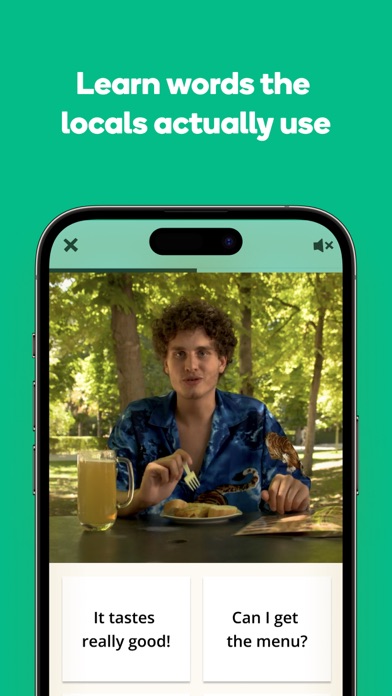
Over 80 million people learn a language with Memrise because it's the only app with videos of real native speakers!
Learn Spanish, Korean, Japanese or 49 other languages in lessons that teach you vocabulary, listening and speaking as if you were a local living in the country.
Choose a language from Spanish (MEX & EU), Korean, Japanese, English, French, Italian, Portuguese (PT & BR), German, Polish, Russian, Turkish, Arabic, Chinese, Dutch, Danish, Icelandic, Mongolian, Norwegian, Slovenian, Yoruba, Hindi, Ukrainian, Thai, Swahili, Hebrew, Greek, Indonesian, Welsh, Tagalog, Persian, Vietnamese, isiXhosa, Hausa, Igbo and Somali.
15 NEW languages to learn from: Afrikaans, Ancient Greek, Latin, Finnish, Irish, Czech, Hungarian, Cantonese, Romanian, Esperanto, Croatian, Kurdish, Serbian, Bulgarian, Azerbaijani
* Showing you how to piece together natural sentences, preparing you for everyday conversation
* Giving you a place to practice role-play and gain confidence
* Teaching you the cultural nuances you need to feel like a local
Memrise is the best language-learning app for beginners that are starting to learn a language from scratch, intermediate learners that want to build on their listening and speaking, and advanced learners who are looking to improve their conversational skills.
Download Memrise so that you can confidently:
* Connect with your partner and their family
* Have a better time while travelling
* Sharpen your mind if you’re learning a language for brain health
* Prepare for a language exam
* Connect with work colleagues
* Better understand different cultures
How do we help you have conversations in other languages?
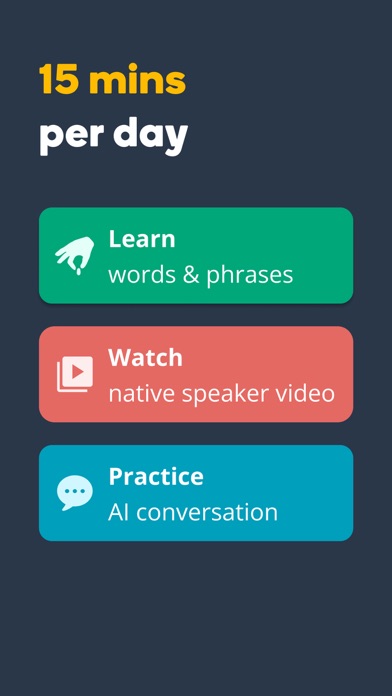
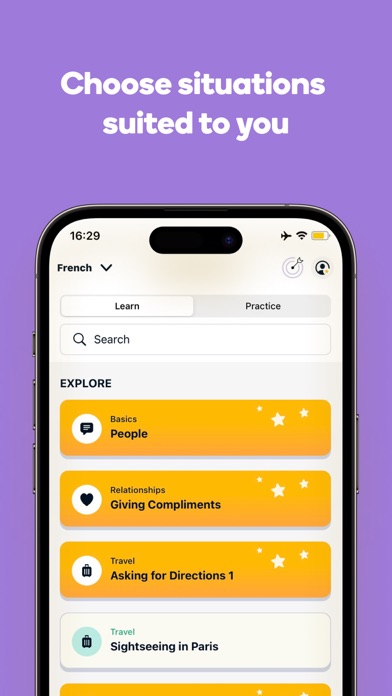
* Choose from hundreds of real-life scenarios
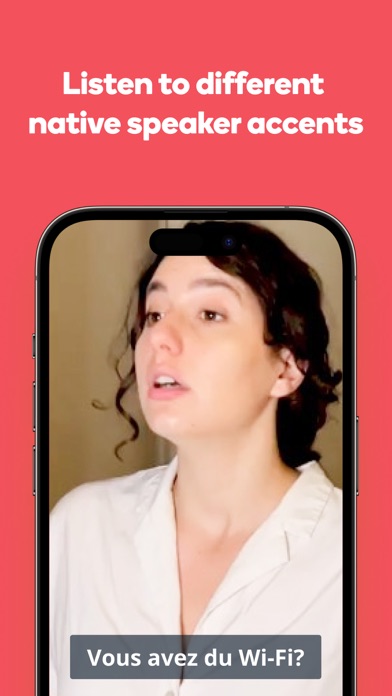
* Practice listening to native speaker videos using what you’ve just learned
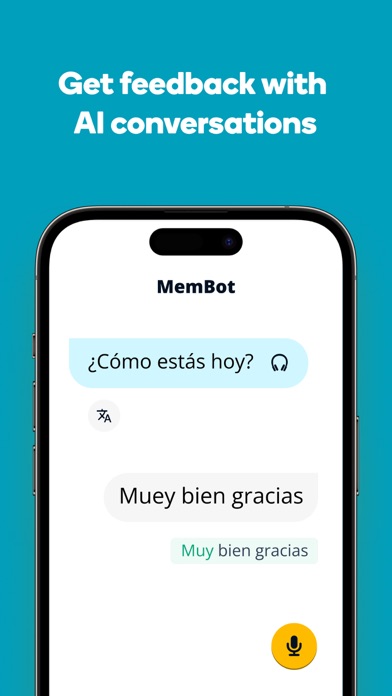
* Then build confidence speaking with AI Buddies, your personalised language learning bots
- Helping 80+ million learners speak confidently
- Featured in BBC World Service, Forbes, The Verge, The Financial Times, and more
What other learners are saying
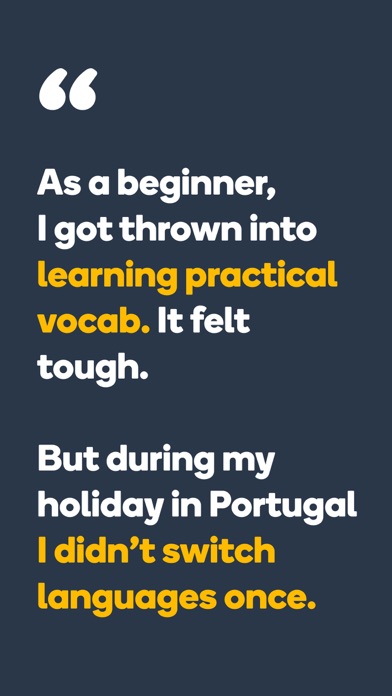
"I've been using Memrise for about two years, studying European Portuguese. I have the paid version - it's a solid learning tool, and it has been my primary resource ever since got it. I find the Learn with Locals feature to be especially useful, more so as my Portuguese improves. My wife and I spent a couple of weeks in Portugal a few months ago, and we were able to handle all of our transactions - stores, restaurants, markets, car rental, etc!" - Voloúre
Need to speak a new language soon? Get the practice you need with Memrise Pro
- Unlock all vocab lessons
- Unlock all native speaker videos
- Unlimited speaking practice
- Ad free
Compare with our Free Plan
- Limited vocab lessons
- Limited videos and conversations
- Ads
Download our app for free and start learning with Memrise today: Learn French, Spanish (Spain), Spanish (Mexico), German, Korean, Japanese, Japanese (no script), Turkish, Italian, Chinese (simplified), Dutch, Portuguese (Portugal), Portuguese (Brazil), Russian, Swedish, Norwegian, Polish, Danish, Slovenian, Icelandic, Yoruba, Mongolian, English (UK) and English (US)!
------
*PLEASE READ: A Memrise Pro subscription are designed for Memrise-approved courses. A subscription is required in order to access all our learning features. These features may vary depending on your device's language and language pair. Once purchased, subscriptions will automatically renew unless cancelled before the end of the current payment period. Subscriptions can be managed or cancelled in your Apple App Store account. In-app Permissions – To enable some of the features of the Memrise app we may need to ask for your permission. For example, we'll ask to access your microphone if you'd like to practice your pronunciation skills. You can change permissions at any time in your settings.
Privacy Policy: https://www.memrise.com/privacy/
Terms of Use: https://www.memrise.com/terms/

- iPhone أو iPad بجيلبريك أو بدون جيلبريك.
- Sideloadly أو بدائلها.
- كمبيوتر يعمل بنظام Windows/macOS/Linux مع تثبيت iTunes.
الخطوة 1: قم بتنزيل ملف .IPA المعدّل مسبقًا من الرابط أعلاه إلى الكمبيوتر الخاص بك. للتنزيل من تطبيق iOSGods App، اطلع على دليل تنزيل IPA من تطبيق iOSGods App الذي يتضمن مثالًا بالفيديو.
الخطوة 2: قم بتنزيل Sideloadly وتثبيته على جهاز Windows أو Mac.
الخطوة 3: افتح Sideloadly على الكمبيوتر، ووصّل جهاز iOS الخاص بك، وانتظر حتى يظهر اسم جهازك داخل Sideloadly.
الخطوة 4: بمجرد التعرّف على جهاز iDevice الخاص بك، اسحب ملف .IPA المعدّل الذي قمت بتنزيله وأفلِته داخل تطبيق Sideloadly.
الخطوة 5: أدخل البريد الإلكتروني لحساب Apple Account الخاص بك، ثم اضغط على «Start». سيُطلب منك بعد ذلك إدخال كلمة المرور. تابع وأدخل المعلومات المطلوبة.
الخطوة 6: انتظر حتى ينتهي Sideloadly من تحميل/تثبيت ملف IPA المعدّل. في حال واجهت أي مشاكل أثناء التثبيت، يرجى قراءة الملاحظة أدناه.
الخطوة 7: بعد اكتمال التثبيت ورؤية التطبيق على الشاشة الرئيسية، انتقل إلى Settings → General → Profiles / VPN & Device Management. ثم اضغط على البريد الإلكتروني الذي أدخلته في الخطوة 6، ثم اضغط على «الوثوق بـ [email protected]».
الخطوة 8: الآن انتقل إلى الشاشة الرئيسية وافتح التطبيق الذي تم تثبيته للتو وسيعمل كل شيء بشكل صحيح. قد تحتاج إلى اتباع تعليمات إضافية خاصة بكل تطبيق داخل النافذة المنبثقة للتعديل أثناء اللعب.
ملاحظة: بدءًا من iOS/iPadOS 16 وما بعده، يجب تفعيل وضع المطور (Developer Mode). بالنسبة لحسابات Apple Developer المجانية، ستحتاج إلى تكرار هذه العملية كل 7 أيام. إذا كانت لديك أي أسئلة أو مشاكل، يرجى قراءة قسم الأسئلة الشائعة حول Sideloadly في الموضوع.