تسجيل الدخول مطلوب
سجّل الدخول بحساب iOSGods للمتابعة.
Hack Features
- Damage Multiplier
- Defense Multiplier
- Unlimited MP
قم بتنزيل Alliance At War iOS Mod IPA من الروابط أعلاه. اضغط على زر التثبيت واتبع التعليمات لتثبيت هذا التعديل لـ iOS على iPhone أو iPad أو Apple Silicon.
هل تحتاج إلى مزيد من المساعدة؟ راجع الأسئلة الشائعة لتطبيق iOSGods للحصول على إجابات مفصلة ونصائح لاستكشاف الأخطاء.
Enter Ahzeriah, a world of magic, steel, and endless war.
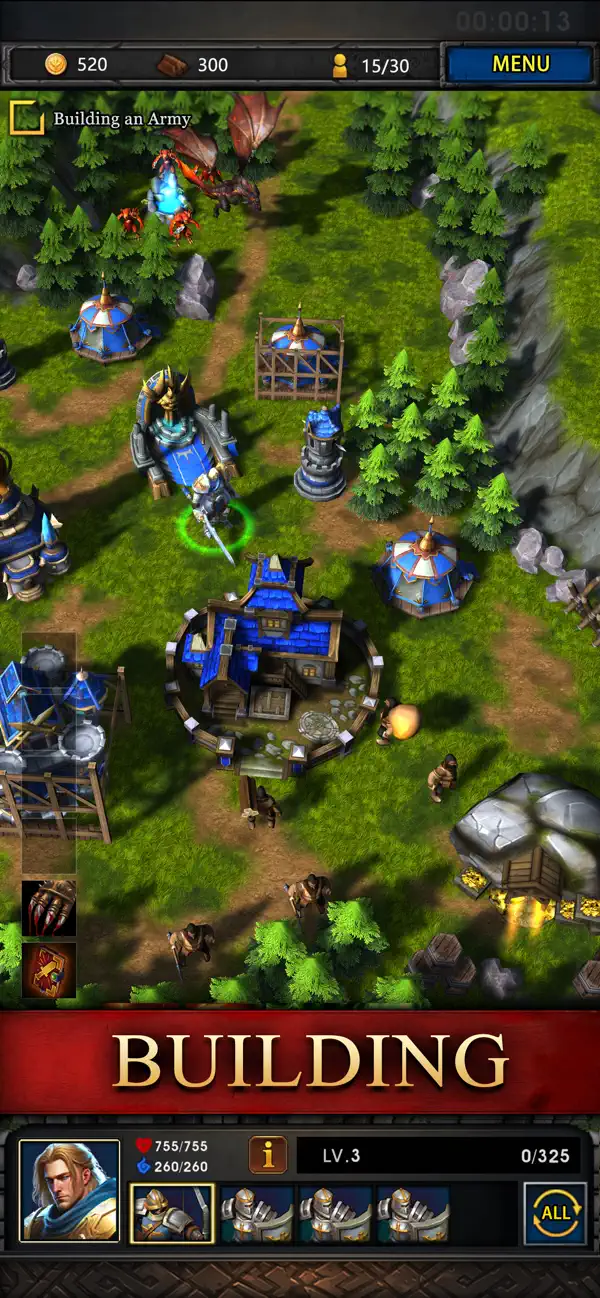
Reborn in full 3D, Alliance at War brings together classic SLG strategy, real RTS troop control, and Warcraft style campaign missions into one epic fantasy experience.
For the past five years, we have focused on making strategy battles more fair, more creative, and more rewarding. The 3D remake now expands these foundations with new real time mechanics and classic fantasy style combat.
Below are the core features loved by players and newly upgraded for the remake:
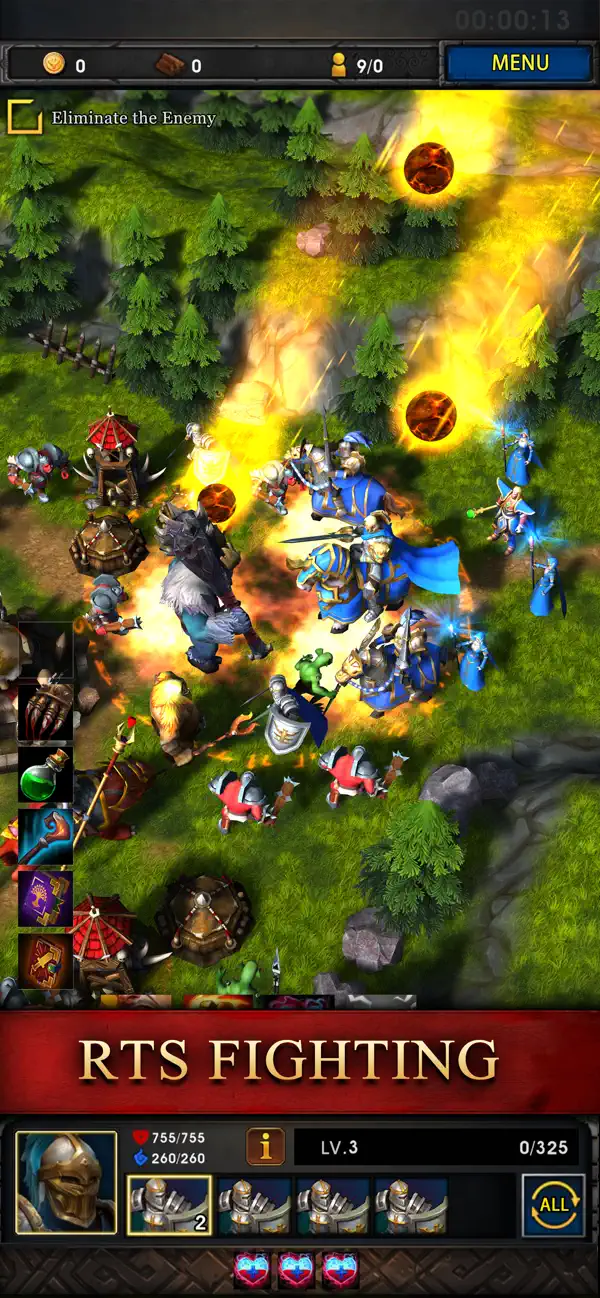
(1) Real RTS Battlefield Control
In addition to traditional SLG battles, you can now control units directly on real terrain.
Drag, flank, kite, split, cast skills manually, and outsmart your enemies with true real time micro operations.
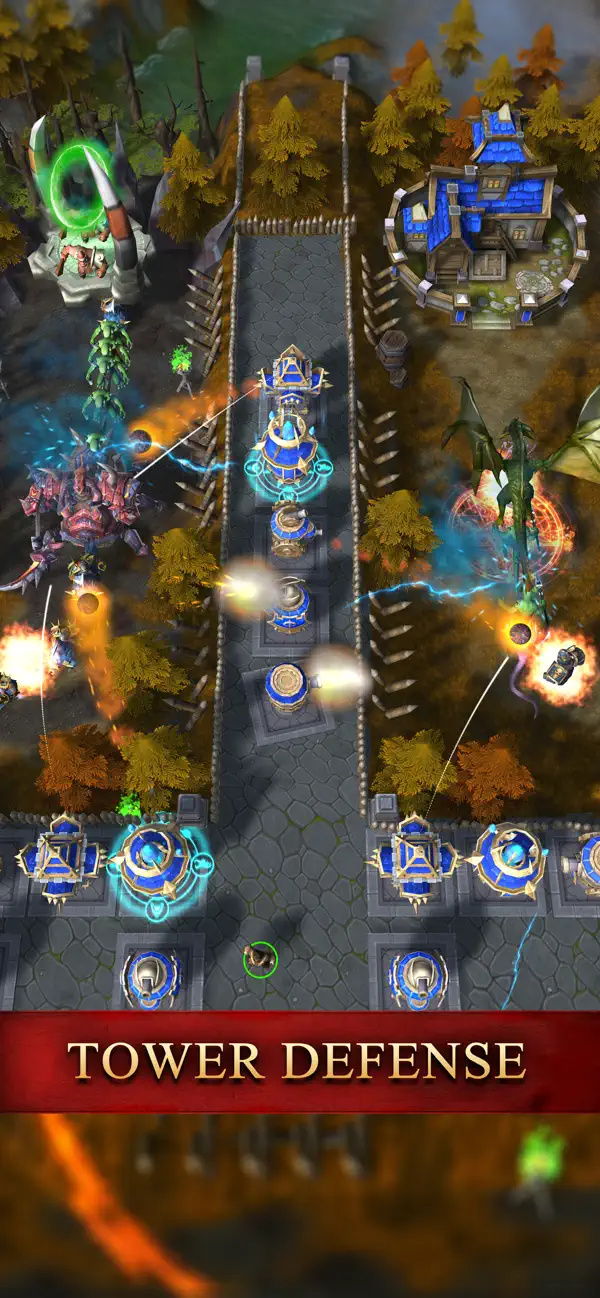
(2) Warcraft Style Campaign Chapters
Challenge classic story driven missions with elite units and powerful heroes.
Each stage features unique mechanics, boss encounters, and puzzle like objectives that test strategy and skill timing.
(3) Troop Protection System
You can switch to Defense Mode anytime to avoid being forced into battles.
This lets you sleep safely without shields and plan strategy at your own pace.
(4) Low Battle Loss and Multiple Recovery Systems
Larger hospital capacity and reduced system battle damage help you grow faster.
Zero loss events such as Rogue like exploration, Cross server War, Crusade Against Demons, and team challenges give constant progression with minimal risk.
Support systems such as Angel of Salvation and Gate of Rebirth further reduce losses and keep gameplay enjoyable.
(5) Deep Hero Combinations and Gorgeous Skill Effects
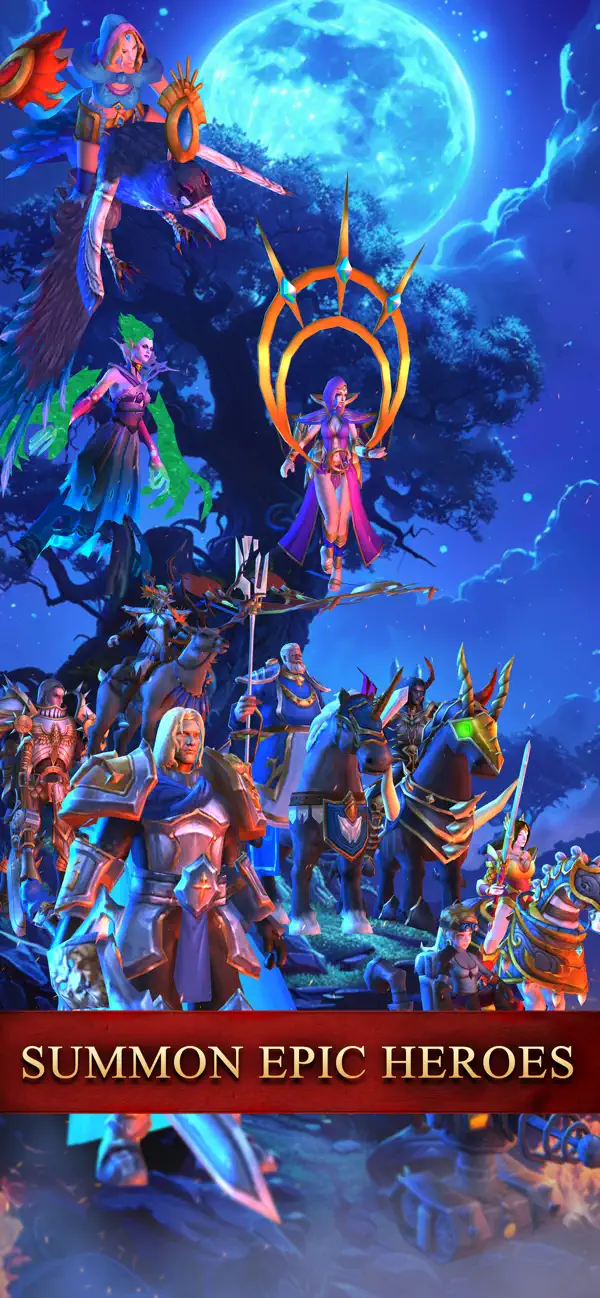
Each hero has unique skills, roles, and animations, including:
The Sorceress with explosive magic,
The Dwarf King with stun and petrification,
The Oracle who reverses time to revive soldiers endlessly.
Six ancient guardians such as Giant Ape, Phoenix, Fire Dragon, and Cerberus create countless strategic combinations.
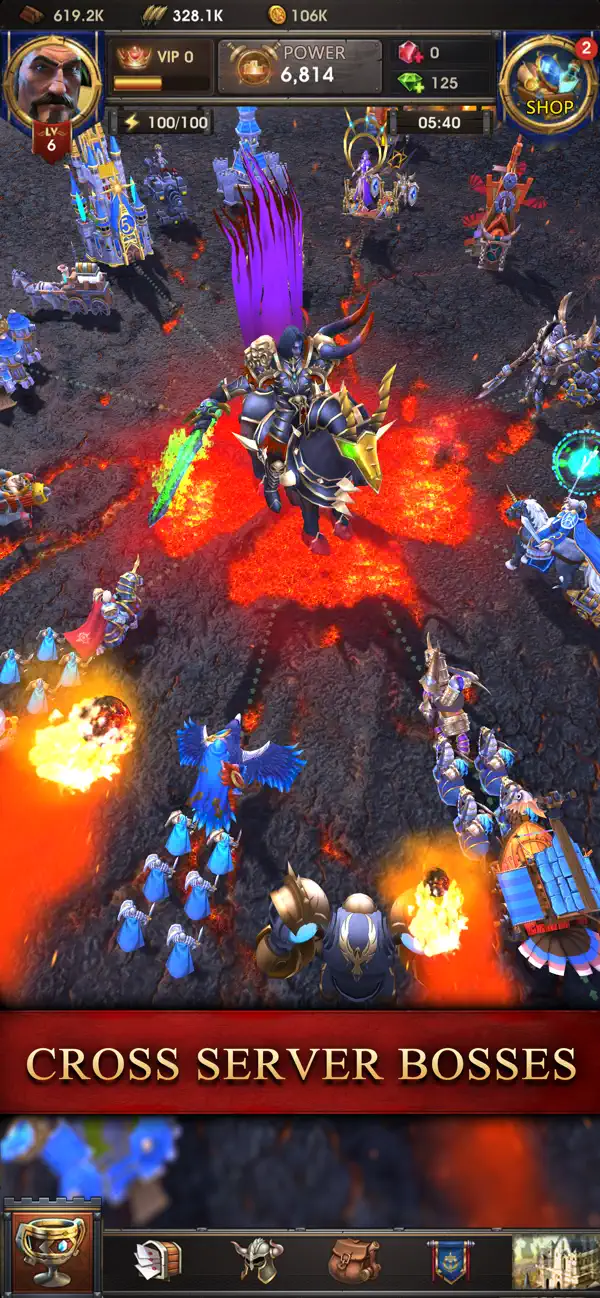
(6) Regular Cross server Wars and Large Scale Events
Enjoy alliance based Stronghold occupation, rally boss fights, point battles, and massive kingdom conflicts with rich rewards.
(7) Widely Praised Special Modes
The Uncharted Glade
Daily Rogue like exploration that challenges troop strength and item strategy.
Stronghold Fighting Day
Weekly alliance competition to capture towers and control rare strongholds.
Ancient Artifacts
Obtain seven powerful artifacts through quests or plundering.
Alliance Fights Against Demons
Reinforce allies and defend together for huge rewards.
Team up Cave Exploration
Cooperate with allies to defeat demons. Strategy and coordination bring higher ratings and better loot.
Facebook: https://www.facebook.com/AllianceAtWar
QQ group: 826894601
Email: [email protected]
- iPhone أو iPad بجيلبريك أو بدون جيلبريك.
- Sideloadly أو بدائلها.
- كمبيوتر يعمل بنظام Windows/macOS/Linux مع تثبيت iTunes.
الخطوة 1: قم بتنزيل ملف .IPA المعدّل مسبقًا من الرابط أعلاه إلى الكمبيوتر الخاص بك. للتنزيل من تطبيق iOSGods App، اطلع على دليل تنزيل IPA من تطبيق iOSGods App الذي يتضمن مثالًا بالفيديو.
الخطوة 2: قم بتنزيل Sideloadly وتثبيته على جهاز Windows أو Mac.
الخطوة 3: افتح Sideloadly على الكمبيوتر، ووصّل جهاز iOS الخاص بك، وانتظر حتى يظهر اسم جهازك داخل Sideloadly.
الخطوة 4: بمجرد التعرّف على جهاز iDevice الخاص بك، اسحب ملف .IPA المعدّل الذي قمت بتنزيله وأفلِته داخل تطبيق Sideloadly.
الخطوة 5: أدخل البريد الإلكتروني لحساب Apple Account الخاص بك، ثم اضغط على «Start». سيُطلب منك بعد ذلك إدخال كلمة المرور. تابع وأدخل المعلومات المطلوبة.
الخطوة 6: انتظر حتى ينتهي Sideloadly من تحميل/تثبيت ملف IPA المعدّل. في حال واجهت أي مشاكل أثناء التثبيت، يرجى قراءة الملاحظة أدناه.
الخطوة 7: بعد اكتمال التثبيت ورؤية التطبيق على الشاشة الرئيسية، انتقل إلى Settings → General → Profiles / VPN & Device Management. ثم اضغط على البريد الإلكتروني الذي أدخلته في الخطوة 6، ثم اضغط على «الوثوق بـ [email protected]».
الخطوة 8: الآن انتقل إلى الشاشة الرئيسية وافتح التطبيق الذي تم تثبيته للتو وسيعمل كل شيء بشكل صحيح. قد تحتاج إلى اتباع تعليمات إضافية خاصة بكل تطبيق داخل النافذة المنبثقة للتعديل أثناء اللعب.
ملاحظة: بدءًا من iOS/iPadOS 16 وما بعده، يجب تفعيل وضع المطور (Developer Mode). بالنسبة لحسابات Apple Developer المجانية، ستحتاج إلى تكرار هذه العملية كل 7 أيام. إذا كانت لديك أي أسئلة أو مشاكل، يرجى قراءة قسم الأسئلة الشائعة حول Sideloadly في الموضوع.