تسجيل الدخول مطلوب
سجّل الدخول بحساب iOSGods للمتابعة.
قم بتنزيل Wordscapes - Word Game iOS Mod IPA من الروابط أعلاه. اضغط على زر التثبيت واتبع التعليمات لتثبيت هذا التعديل لـ iOS على iPhone أو iPad أو Apple Silicon.
هل تحتاج إلى مزيد من المساعدة؟ راجع الأسئلة الشائعة لتطبيق iOSGods للحصول على إجابات مفصلة ونصائح لاستكشاف الأخطاء.
Playing Wordscapes 10 mins a day sharpens your mind and prepares you for your daily life and challenges!
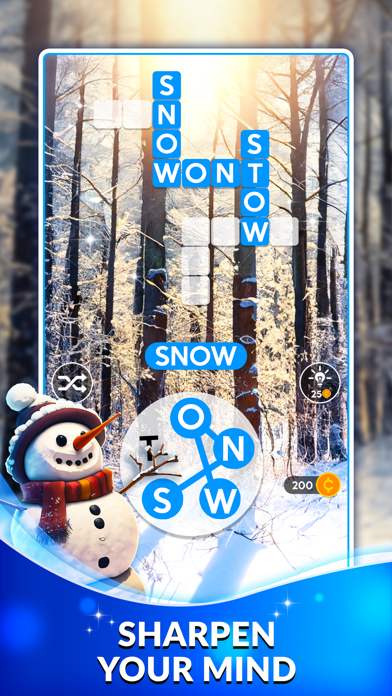
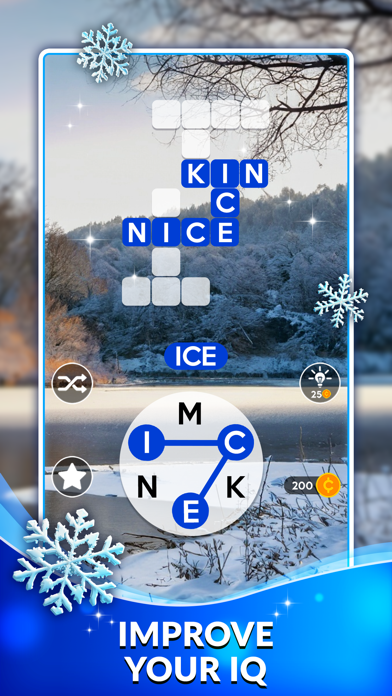
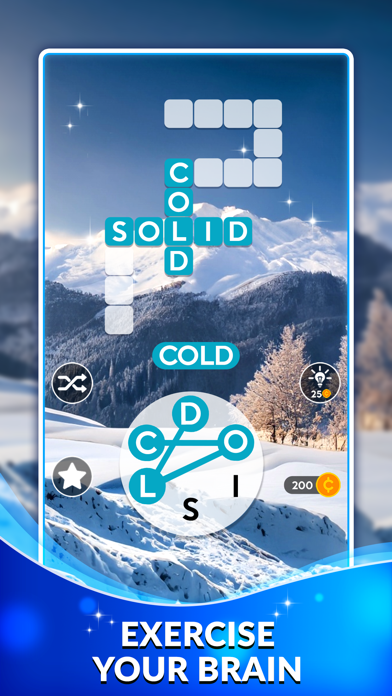
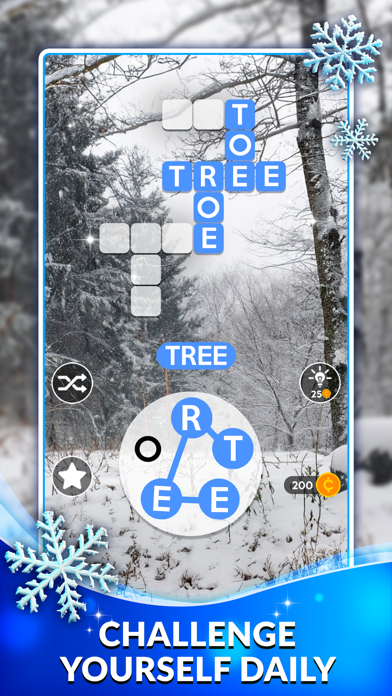
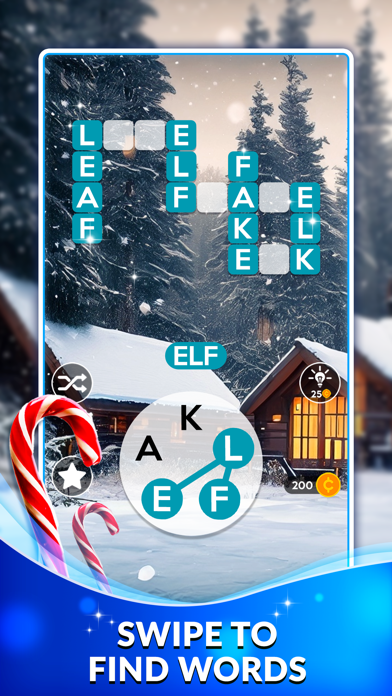
This text twist of a word game is tremendous brain challenging fun. Enjoy modern word puzzles with word searching, anagrams, and crosswords! Immerse yourself into the beautiful scenery backgrounds to relax and ease your mind.
Now available in 5 languages! Enjoy the Wordscapes experience in English, Spanish, German, French, and Portuguese. Challenge yourself to connect letters and find as many hidden words as you can in relaxing games! Unlock stunning landscape backgrounds to escape from home and relax your brain.
You’ll never experience a dull moment after you try this addicting word puzzle game! Play this crossword puzzle once and just you won’t be able to put it down. Enjoy word connect and word find games? This is your final destination!
►Escape and play relaxing games while visiting the beautiful destinations of Wordscapes!
► Show your vocabulary power by connecting letters and finding all the hidden words.
► Get your word hunt on with over 6,000 crossword puzzles!
► Challenge your brain and vocabulary – this crossword puzzle starts easy and becomes challenging fast!
► Think you can beat these anagram word puzzles? They start simply but ramp up fast!
► Take each level at your own pace with unlimited tries. Simply fun and relaxation!
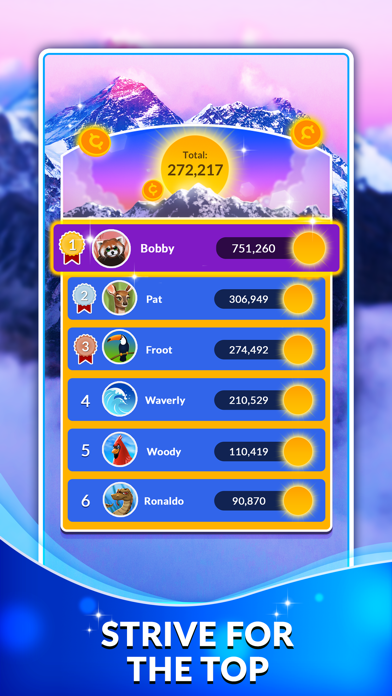
Wordscapes is the word puzzle game for adults that over 10 million people just can't stop playing! It's a great fit for fans of crossword, word connect, spelling games, and word anagram games, combining word find games and crossword puzzles. Not to mention our relaxing games have gorgeous landscapes to visit!
Looking for a break that still feels productive? These brain games offer just that! Wordscapes is a great puzzle game for adults who love words and beautiful visuals.
If you're looking for brain games that aren’t stressful, Wordscapes is a great pick. It’s smart, satisfying, and one of the most calming puzzle games for adults you’ll find.
Wordscapes gives you that “just one more level” feeling. It’s no surprise it’s a favorite among brain games
and a go-to choice for fans of puzzle games for adults
Wordscapes an exciting word puzzle game that’s easy to pick up and hard to put down. With calming visuals and clever levels, it’s a refreshing way to unwind while keeping your mind young.
Terms of service: https://www.peoplefun.com/terms
- iPhone أو iPad بجيلبريك أو بدون جيلبريك.
- Sideloadly أو بدائلها.
- كمبيوتر يعمل بنظام Windows/macOS/Linux مع تثبيت iTunes.
الخطوة 1: قم بتنزيل ملف .IPA المعدّل مسبقًا من الرابط أعلاه إلى الكمبيوتر الخاص بك. للتنزيل من تطبيق iOSGods App، اطلع على دليل تنزيل IPA من تطبيق iOSGods App الذي يتضمن مثالًا بالفيديو.
الخطوة 2: قم بتنزيل Sideloadly وتثبيته على جهاز Windows أو Mac.
الخطوة 3: افتح Sideloadly على الكمبيوتر، ووصّل جهاز iOS الخاص بك، وانتظر حتى يظهر اسم جهازك داخل Sideloadly.
الخطوة 4: بمجرد التعرّف على جهاز iDevice الخاص بك، اسحب ملف .IPA المعدّل الذي قمت بتنزيله وأفلِته داخل تطبيق Sideloadly.
الخطوة 5: أدخل البريد الإلكتروني لحساب Apple Account الخاص بك، ثم اضغط على «Start». سيُطلب منك بعد ذلك إدخال كلمة المرور. تابع وأدخل المعلومات المطلوبة.
الخطوة 6: انتظر حتى ينتهي Sideloadly من تحميل/تثبيت ملف IPA المعدّل. في حال واجهت أي مشاكل أثناء التثبيت، يرجى قراءة الملاحظة أدناه.
الخطوة 7: بعد اكتمال التثبيت ورؤية التطبيق على الشاشة الرئيسية، انتقل إلى Settings → General → Profiles / VPN & Device Management. ثم اضغط على البريد الإلكتروني الذي أدخلته في الخطوة 6، ثم اضغط على «الوثوق بـ [email protected]».
الخطوة 8: الآن انتقل إلى الشاشة الرئيسية وافتح التطبيق الذي تم تثبيته للتو وسيعمل كل شيء بشكل صحيح. قد تحتاج إلى اتباع تعليمات إضافية خاصة بكل تطبيق داخل النافذة المنبثقة للتعديل أثناء اللعب.
ملاحظة: بدءًا من iOS/iPadOS 16 وما بعده، يجب تفعيل وضع المطور (Developer Mode). بالنسبة لحسابات Apple Developer المجانية، ستحتاج إلى تكرار هذه العملية كل 7 أيام. إذا كانت لديك أي أسئلة أو مشاكل، يرجى قراءة قسم الأسئلة الشائعة حول Sideloadly في الموضوع.