需要登入
請使用您的 iOSGods 帳戶登入以繼續。
請使用您的 iOSGods 帳戶登入以繼續。
在這個免費的 Project Requiem iOS Mod IPA 中倖存於噩夢,這是一款現代生存恐怖遊戲,以令人驚嘆的圖形和行動優化控制重現 90 年代經典的恐懼氛圍。你被困在一條被遺忘的走廊中,資源有限,每個陰影都隱藏著危險,管理你的彈藥和智慧來逃脫。這個 Hack 給你面對前方恐怖的優勢。
- 傷害倍數 → 增加你的武器輸出
- 防禦倍數 → 減少受到的傷害
- 無敵模式 → 變得無敵
此應用程式也內建 iGameGod,讓你可以使用 Auto Touch 自動執行重複操作、透過 App Speed Manager 調整遊戲速度、使用 Memory Engine 修改記憶體數值,以及更多強大的 iOS 遊戲工具。
從上方連結下載 Project Requiem iOS Mod IPA。點選安裝按鈕並依照畫面指示在 iPhone、iPad 或 Apple Silicon 上安裝此 iOS 應用程式修改版。
需要更多協助?請查看我們的 iOSGods 應用程式常見問題 以獲得詳細解答與疑難排解。
THE NIGHTMARE REBORN
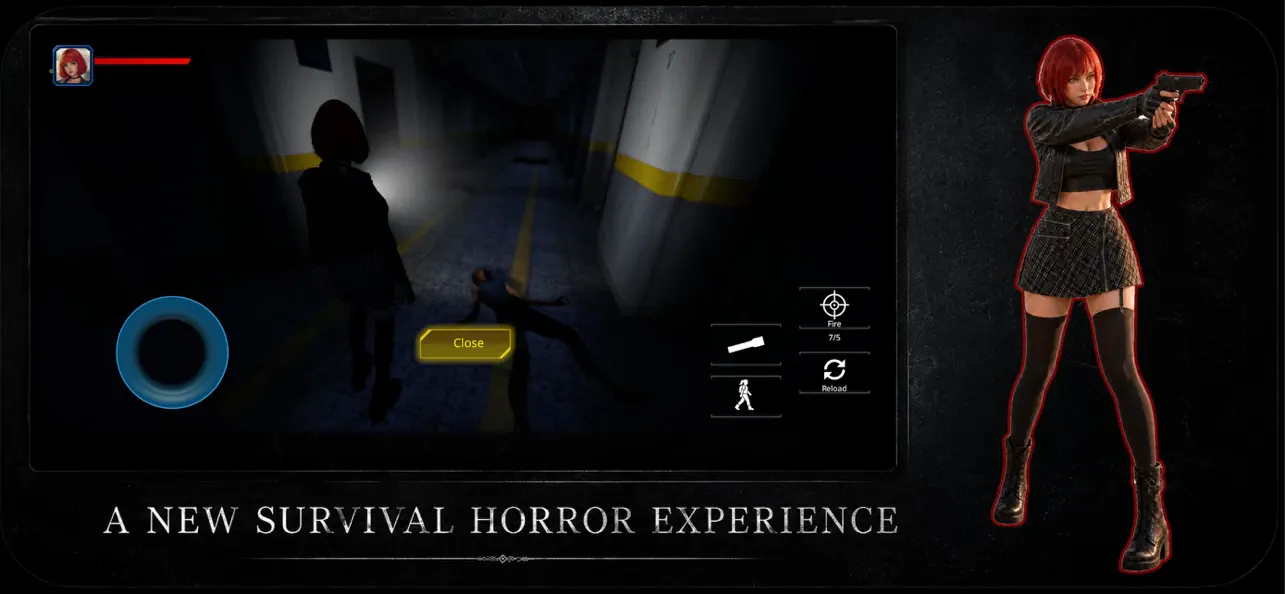
Step into the darkness and experience the ultimate tribute to the golden era of 90s survival horror. Inspired by the legendary classics that defined the genre, this game brings back the nostalgic dread of survival horror, completely reimagined with stunning modern graphics and seamless, intuitive mobile controls.
Every shadow tells a story... of death. You are trapped in a forgotten corridor, and your resources are running out. This isn't just about shooting—it's about surviving. Manage your limited ammo, ter and navigate terrifying environments where danger lurks around every corner.
Can you face the nostalgic evil and escape the nightmare?
GAME FEATURES:
Classic Survival Horror Gameplay: Nostalgic inventory management, tense resource scarcity, and classic exploration vibes.
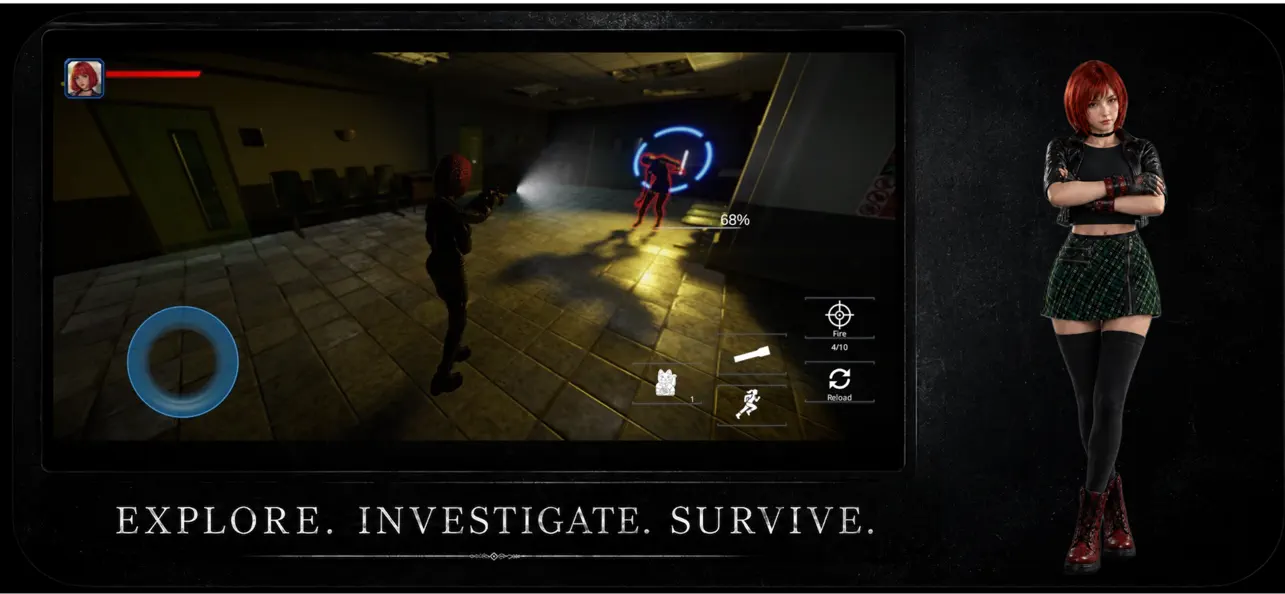
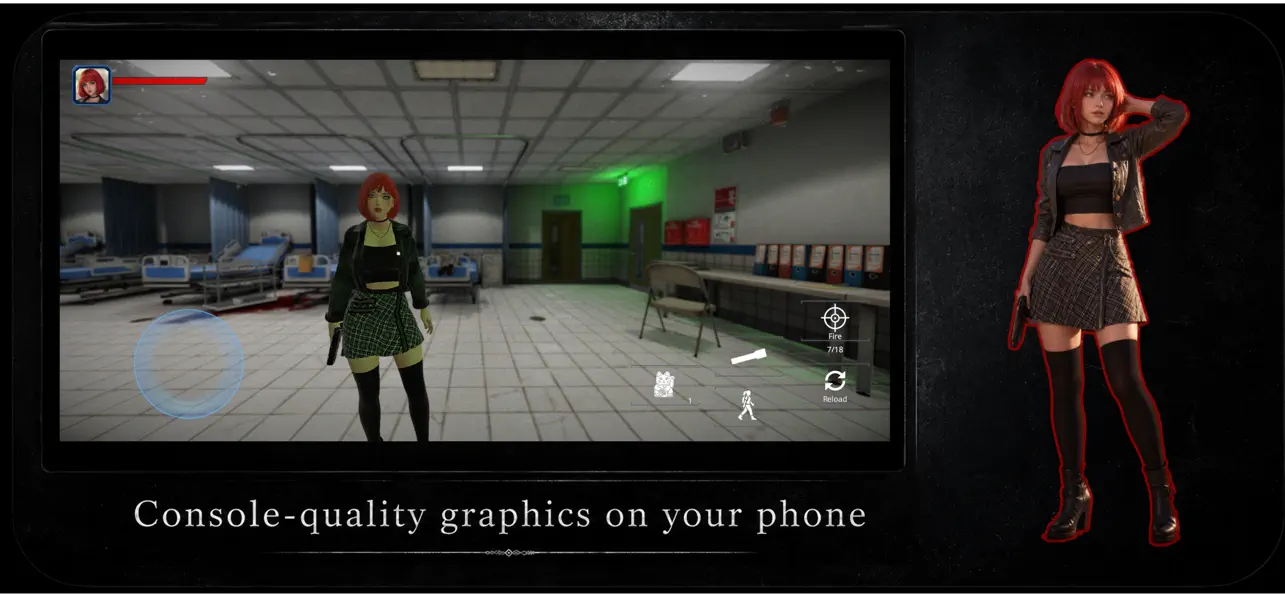
Next-Gen Mobile Visuals: Real-time lighting, high-quality character models, and a terrifyingly realistic atmosphere powered by modern graphics technology.
Built for Mobile: No clunky setups. Experience ultra-smooth, responsive, and intuitive touch controls designed specifically for iOS.
Intense Atmosphere & Combat: Stave off your fear as you investigate the dark. Choose your fights wisely—every bullet counts.
Immersive Audio Experience: Play with headphones to experience the chilling sound design that will keep you on the edge of your seat.

- 未越獄/受限或已越獄的 iPhone 或 iPad。
- Sideloadly 或替代方案。
- 執行 Windows/macOS/Linux 且已安裝 iTunes 的電腦。
步驟 1: 透過上方連結將已破解的 .IPA 檔案下載到您的電腦。若要從 iOSGods App 下載,請參閱我們的 iOSGods App IPA 下載教學,其中包含影片範例。
步驟 2: 下載 Sideloadly 並將其安裝在您的 Windows 或 Mac 上。
步驟 3: 在電腦上開啟 Sideloadly,連接您的 iOS 裝置,並等待裝置名稱出現在 Sideloadly 中。
步驟 4: 當 Sideloadly 辨識到您的 iOS 裝置後,將下載好的修改版 .IPA 檔案拖曳並放到 Sideloadly 應用程式中。
步驟 5: 輸入您的 Apple Account 電子郵件,然後按下「Start」。系統會要求您輸入密碼,請依指示提供所需資訊。
步驟 6: 等待 Sideloadly 完成已破解 IPA 的旁載/安裝。如果安裝過程中發生問題,請閱讀下方的注意事項。
步驟 7: 安裝完成並在主畫面上看到該應用程式後,您需要前往 設定 → 一般 → 描述檔 / VPN 與裝置管理。進入後,點選您在步驟 6 中輸入的電子郵件,然後點選「信任 [email protected]」。
步驟 8: 現在回到主畫面並開啟新安裝的應用程式,一切應該都能正常運作。您可能需要依照遊戲內破解彈出視窗中的進一步指示操作。
注意: 在 iOS/iPadOS 16 及更新版本上,您必須 啟用開發者模式。若使用免費的 Apple Developer 帳號,您將需要每 7 天重複此程序。如有任何疑問或問題,請閱讀我們的 主題中的 Sideloadly 常見問題區段。


![Rapid Reload Hack [ Debug Menu ]](https://is1-ssl.mzstatic.com/image/thumb/Purple221/v4/f4/5c/11/f45c11ef-0768-05ba-6234-25d148c3949e/AppIcon-0-0-1x_U007emarketing-0-8-0-85-220.png/100x100bb.jpg)


