Inloggen vereist
Log in met je iOSGods-account om door te gaan.
Log in met je iOSGods-account om door te gaan.

Onbeperkte troepen en bevroren energiekosten transformeren Draw Arena: Battle Tactics in een strategiespel waar je tegenstanders uitmanoeuvreert zonder op resourceherstel te wachten. Deze mod IPA verwijdert de grind en laat je je concentreren op tactische dominantie.
Of je nu een competitieve speler bent die moe is van energietimers of iemand die vrij wil experimenteren met legersamenstelling, deze hack elimineert de resourcebottleneck die normaal progressie blokkeert, zodat elke slag gaat om pure strategie in plaats van wie het langst online is geweest.
- Auto-advertenties uit → verwijdert geforceerde videoadvertenties
- Avatar ontgrendeld → alle avatar-cosmetica beschikbaar
- Energie bevriezen / Onbeperkte troepen → energiekosten worden niet meer verbruikt
- Energieherstelsnelheid / Onbeperkte troepen → regeneratie oneindig versneld
- Valuta en resources / Uitschakelen na hack → in-game valuta en materialen verhoogd
Deze app bevat ook iGameGod, waarmee je toegang krijgt tot Auto Touch om repetitieve taken te automatiseren, App Speed Manager voor een aanpasbare spelsnelheid, het bewerken van waarden met Memory Engine en andere krachtige iOS-gametools.
Download Draw Arena: Battle Tactics Hack modded IPA via de bovenstaande links. Tik op de installatieknop en volg de instructies om deze iOS-app-hack op je iPhone, iPad of Apple Silicon te installeren.
Meer hulp nodig? Bekijk onze Veelgestelde vragen over de iOSGods-app voor uitgebreide antwoorden en probleemoplossingstips.
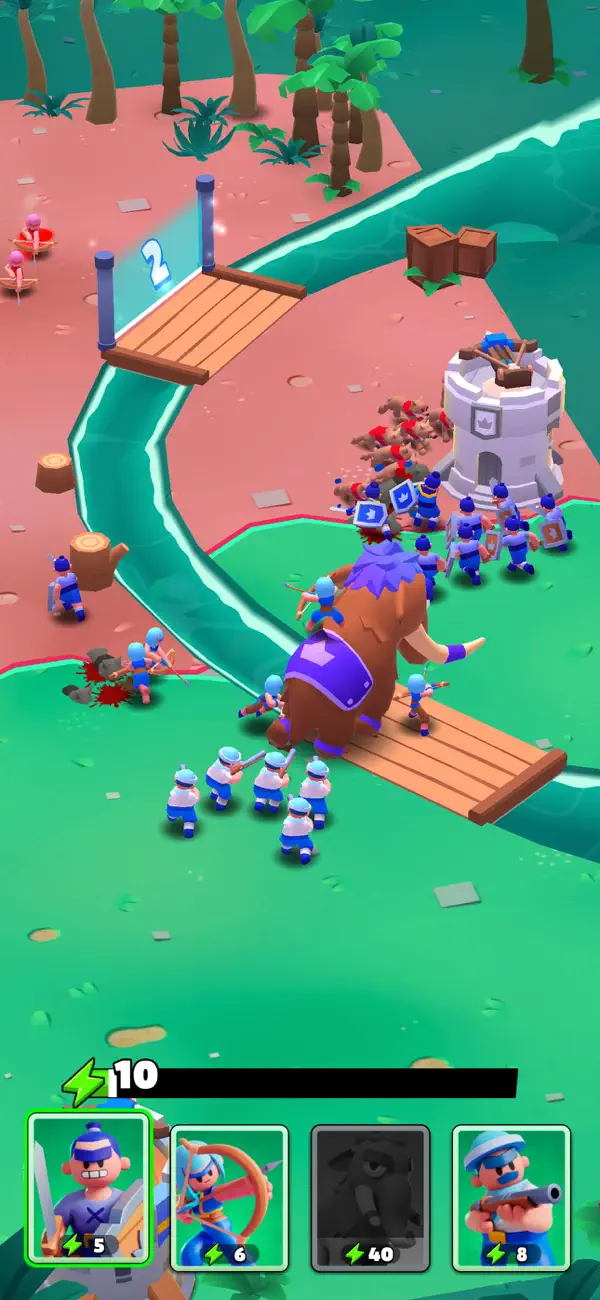
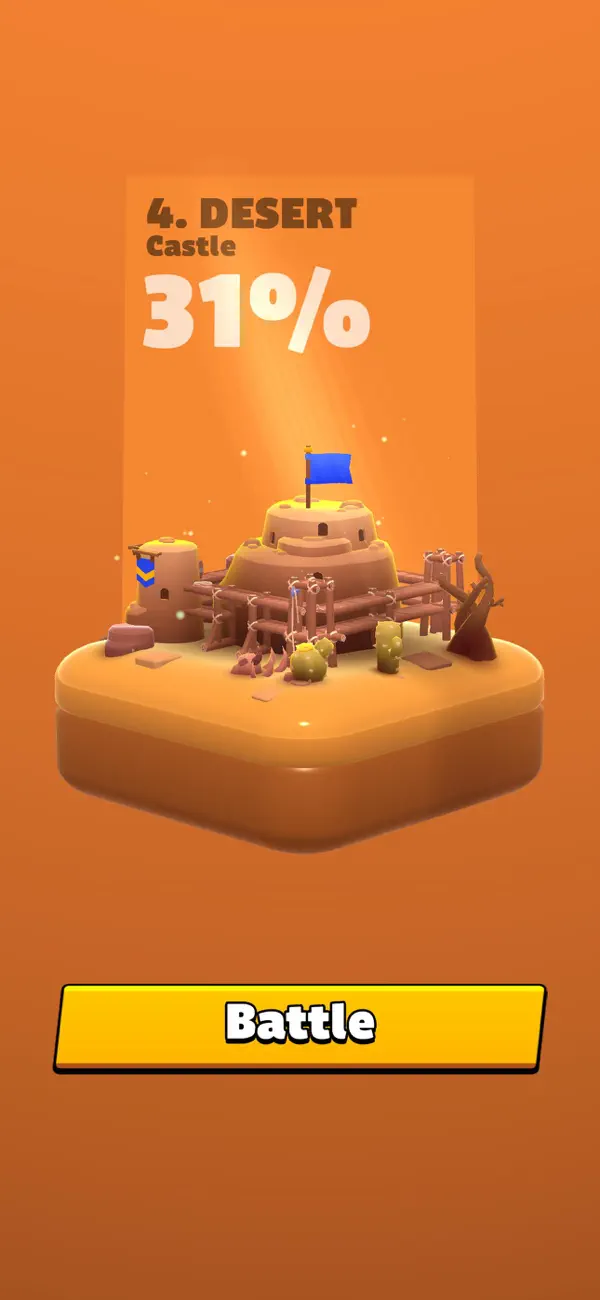
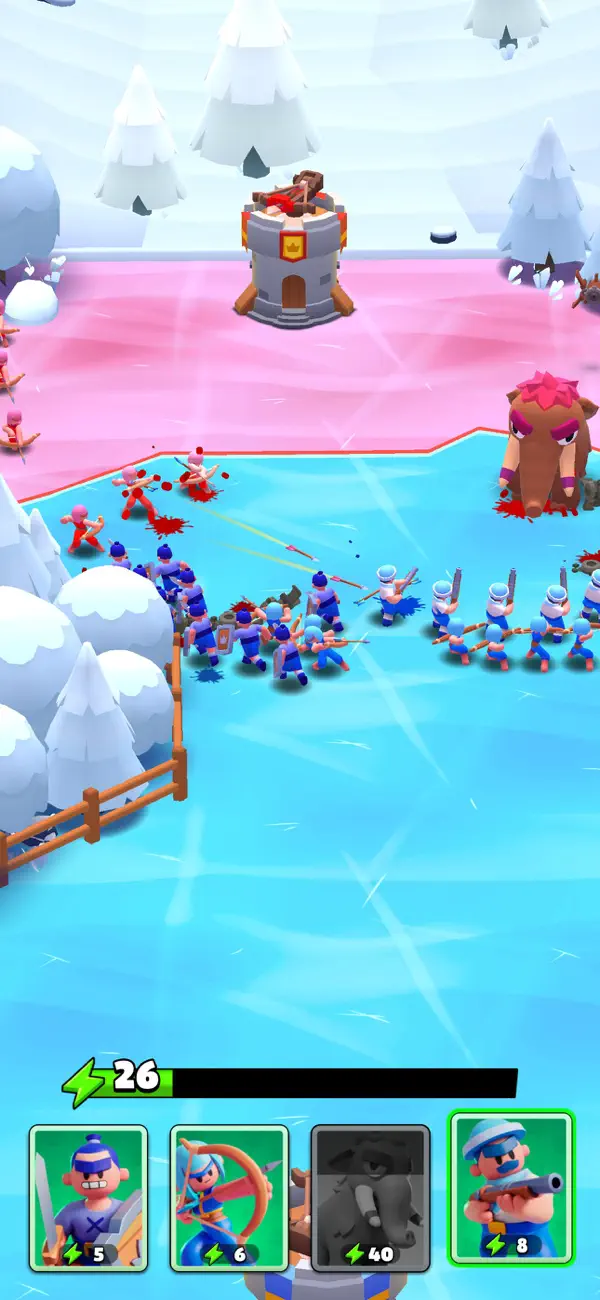
為了迎接《Draw Arena》中的激烈對抗做好準備!這款史詩般的移動遊戲挑戰你的策略能力,在真實時間的戰鬥中對抗來自全球各地的對手。探索各種各樣的地形,從郁郁蔥蔥的森林和沙灘到冰雪覆蓋的凍土和炙熱的沙漠。
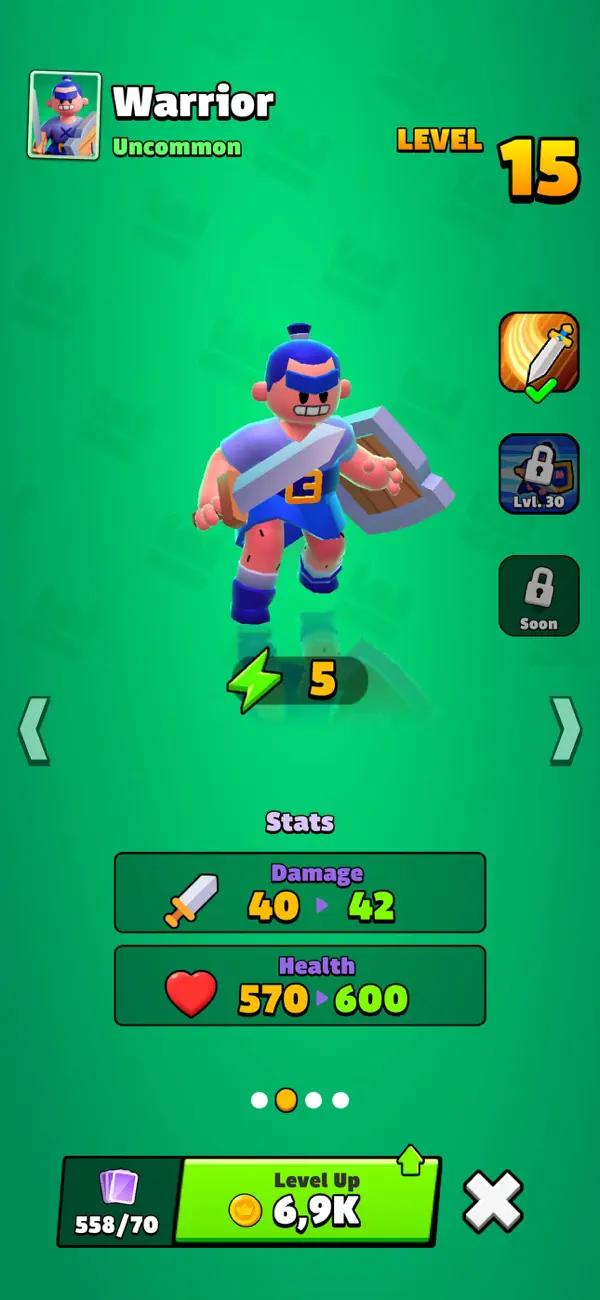
在《Draw Arena》中,你將組建一支強大的軍隊,包含強大的步兵、精準的弓箭手、重型火炮、未來派機器人和隱秘的忍者。將它們策略性地部署在戰場上,在每場比賽中展示你的戰術技巧。
你的任務很簡單:保護你的塔樓,摧毀敵人的堡壘以獲得勝利。佔領他們的塔樓,並收集戰鬥卡片,使你的戰士升級並增強他們的能力。每一次勝利都會解鎖新的塔樓、未知的土地以及新的單位,擴展你在未來戰鬥中的隊伍。
主要特色:
- 引人入勝的遊戲玩法,將繪圖機制與戰術戰鬥結合,展示你的策略思維。
- 領導一支由步兵、弓箭手、大砲、機器人、忍者等多樣單位組成的軍隊。
- 穿越各種環境—從寧靜的森林到炙熱的沙漠。
- 保護你的塔樓,擴展你的領土,並戰略性地對抗敵人。
- 佔領敵人塔樓,收集卡片,並強化你的軍隊。
- 在激烈的PvP對戰中爭奪競技場的主導權。
Privacy Policy: https://say.games/privacy-policy
Terms of Use: https://say.games/terms-of-use
準備好為勝利鋪路了嗎?立即下載《Draw Arena》,並進入塔防、戰略戰鬥和史詩征服的世界!
- Niet-jailbroken/jailed of jailbroken iPhone of iPad.
- Sideloadly of alternatieven.
- Computer met Windows/macOS/Linux en iTunes geïnstalleerd.
STAP 1: Download het vooraf gehackte .IPA-bestand via de link hierboven naar uw computer. Om het te downloaden vanuit de iOSGods App, bekijk onze iOSGods App IPA-downloadhandleiding met een videovoorbeeld.
STAP 2: Download Sideloadly en installeer het op uw Windows of Mac.
STAP 3: Open Sideloadly op uw computer, sluit uw iOS-apparaat aan en wacht tot de naam van uw apparaat in Sideloadly verschijnt.
STAP 4: Zodra uw iDevice is herkend, sleept u het gedownloade gemodde .IPA-bestand naar de Sideloadly-applicatie.
STAP 5: Voer het e-mailadres van uw Apple Account in en druk op “Start”. U wordt vervolgens gevraagd om uw wachtwoord in te voeren. Geef de gevraagde informatie op.
STAP 6: Wacht tot Sideloadly het sideloaden/installeren van de gehackte IPA heeft voltooid. Als er problemen zijn tijdens de installatie, lees dan onderstaande opmerking.
STAP 7: Zodra de installatie is voltooid en u de app op uw beginscherm ziet, gaat u naar Instellingen → Algemeen → Profielen / VPN- en apparaatbeheer. Tik daar op het e-mailadres dat u in stap 6 hebt ingevoerd en tik vervolgens op “Vertrouw [email protected]”.
STAP 8: Ga nu naar uw beginscherm en open de zojuist geïnstalleerde app; alles zou correct moeten werken. Mogelijk moet u verdere app-specifieke instructies volgen in de hack-popup in het spel.
OPMERKING: Op iOS/iPadOS 16 en later moet u Ontwikkelaarsmodus inschakelen. Voor gratis Apple Developer-accounts moet u dit proces elke 7 dagen herhalen. Als u vragen of problemen hebt, lees dan onze Sideloadly FAQ-sectie van het onderwerp.