需要登入
請使用您的 iOSGods 帳戶登入以繼續。
請使用您的 iOSGods 帳戶登入以繼續。
Free Game
此應用程式也內建 iGameGod,讓你可以使用 Auto Touch 自動執行重複操作、透過 App Speed Manager 調整遊戲速度、使用 Memory Engine 修改記憶體數值,以及更多強大的 iOS 遊戲工具。
從上方連結下載 Monument Valley modded IPA。點選安裝按鈕並依照畫面指示在 iPhone、iPad 或 Apple Silicon 上安裝此 iOS 應用程式修改版。
需要更多協助?請查看我們的 iOSGods 應用程式常見問題 以獲得詳細解答與疑難排解。
** 50% off for a limited time only! ***
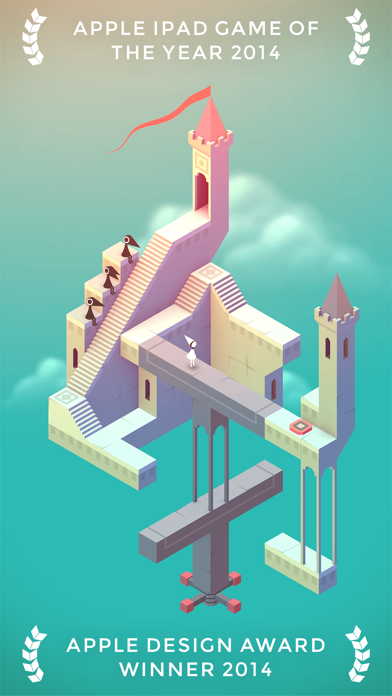
**蘋果設計獎2014得主**
在《紀念碑谷》中,您將通過控制一些巧奪天工的建築來幫助一位沈默的公主走出一個繽紛絢麗的世界。
推薦在遊戲時使用耳機。
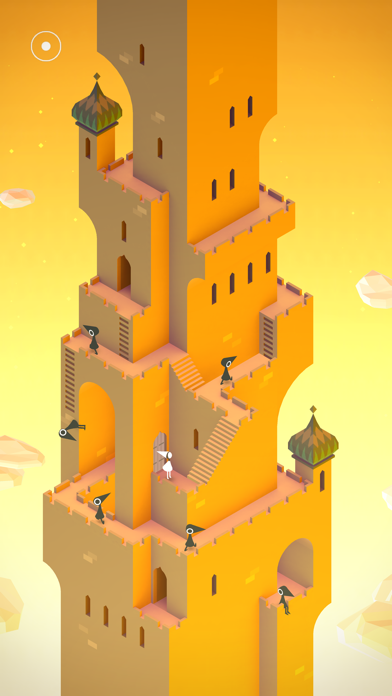
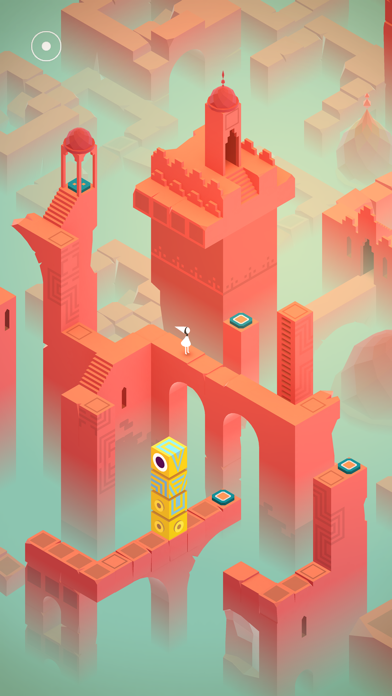
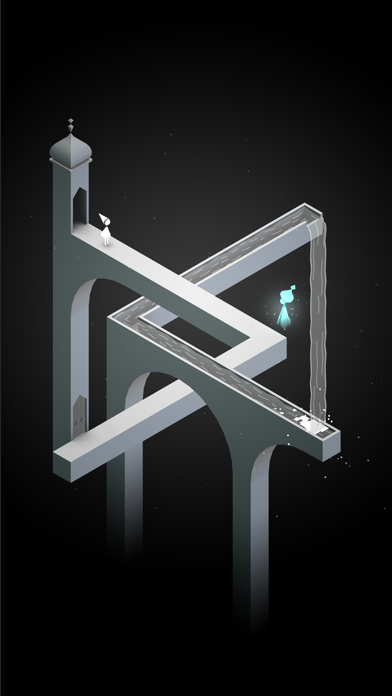
《紀念碑谷》將帶來一次神奇建築與奇妙幾何體相結合的夢幻探險。通過探索隱藏小路、發現視力錯覺以及擊敗神秘的烏鴉人來幫助沈默公主艾達走出纪念碑迷陣。
《被遺忘的海岸》;八個充滿冒險與幻像的全新章節現已提供獨立下載。
立即購買或下載《紀念碑谷》,你還將獲得我們的 iMessage 動畫表情貼紙包,包括 5 張玩家專屬表情貼紙!僅限 iOS10 及更高版本。
=======
“這可能是2014年最漂亮的iPad遊戲” - Wired
“埃捨爾畫家,你看起來與眾不同,並且棒極了” - Kotaku
“《紀念碑谷》看起來太妙了” - Touch Arcade
“視覺欺騙的藝術” - Polygon
=======
漂亮
受到極簡3D設計靈感、視力錯覺和世界各地的宮殿廟宇的啓發,每個紀念碑都是手工繪制並且獨一無二。
易上手
旋轉並拖拽就已可以改變形狀來幫助艾達探索世界。遊戲的設計讓每個人都可以輕鬆上手、享受並且完成遊戲。
音效
你對世界的操控會產生不同音效,進而產生一種奇妙而美麗的音景。使用耳機效果最佳。
支持 iCloud
可在你的所有設備間同步遊戲進度。
注意:《紀念碑谷》適用於 iPhone 4 及以上機型。iPod Touch 第4代不能運行此遊戲。

- 未越獄/受限或已越獄的 iPhone 或 iPad。
- Sideloadly 或替代方案。
- 執行 Windows/macOS/Linux 且已安裝 iTunes 的電腦。
步驟 1: 透過上方連結將已破解的 .IPA 檔案下載到您的電腦。若要從 iOSGods App 下載,請參閱我們的 iOSGods App IPA 下載教學,其中包含影片範例。
步驟 2: 下載 Sideloadly 並將其安裝在您的 Windows 或 Mac 上。
步驟 3: 在電腦上開啟 Sideloadly,連接您的 iOS 裝置,並等待裝置名稱出現在 Sideloadly 中。
步驟 4: 當 Sideloadly 辨識到您的 iOS 裝置後,將下載好的修改版 .IPA 檔案拖曳並放到 Sideloadly 應用程式中。
步驟 5: 輸入您的 Apple Account 電子郵件,然後按下「Start」。系統會要求您輸入密碼,請依指示提供所需資訊。
步驟 6: 等待 Sideloadly 完成已破解 IPA 的旁載/安裝。如果安裝過程中發生問題,請閱讀下方的注意事項。
步驟 7: 安裝完成並在主畫面上看到該應用程式後,您需要前往 設定 → 一般 → 描述檔 / VPN 與裝置管理。進入後,點選您在步驟 6 中輸入的電子郵件,然後點選「信任 [email protected]」。
步驟 8: 現在回到主畫面並開啟新安裝的應用程式,一切應該都能正常運作。您可能需要依照遊戲內破解彈出視窗中的進一步指示操作。
注意: 在 iOS/iPadOS 16 及更新版本上,您必須 啟用開發者模式。若使用免費的 Apple Developer 帳號,您將需要每 7 天重複此程序。如有任何疑問或問題,請閱讀我們的 主題中的 Sideloadly 常見問題區段。