تسجيل الدخول مطلوب
سجّل الدخول بحساب iOSGods للمتابعة.
سجّل الدخول بحساب iOSGods للمتابعة.
لن تموت أبداً والموارد غير المحدودة مثل النقود والماس والطاقة والقطع تحول Zombie Fortress: Trap Defense Hack إلى تجربة دفاع برج معدلة حيث يمكنك التركيز بشكل كامل على الإستراتيجية دون الحاجة للطحن أو ضغط البقاء.
يتيح لك هذا التعديل تجربة مزيج الأسلحة وتوضع الأبراج بحرية، وهو مثالي للاعبين الذين يريدون إتقان ميكانيكا الدمج في اللعبة واكتشاف الإعدادات الدفاعية المثلى دون قيود الموارد المعتادة أو توتر الموت الدائم.
- إضافة النقود → بناء وترقية الأبراج بدون حدود
- إضافة الماس → فتح المحتوى المميز والعناصر الخاصة
- إضافة الطاقة → اللعب بشكل مستمر دون انتظار إعادة التعبئة
- إضافة القطع → دمج وصنع الأسلحة بحرية
- عدم الموت → البقاء على قيد الحياة في كل موجة زومبي دون هزيمة
- إضافة ذهب المعركة (تفعيل داخل المعركة) → كسب عملة إضافية أثناء القتال
يأتي هذا التطبيق أيضًا مع iGameGod، مما يتيح لك الوصول إلى Auto Touch لأتمتة المهام المتكررة، وApp Speed Manager لضبط سرعة اللعب، وتعديل القيم عبر Memory Engine، والمزيد من أدوات ألعاب iOS القوية.
قم بتنزيل Zombie Fortress: Trap Defense Hack modded IPA من الروابط أعلاه. اضغط على زر التثبيت واتبع التعليمات لتثبيت هذا التعديل لـ iOS على iPhone أو iPad أو Apple Silicon.
هل تحتاج إلى مزيد من المساعدة؟ راجع الأسئلة الشائعة لتطبيق iOSGods للحصول على إجابات مفصلة ونصائح لاستكشاف الأخطاء.
BRAINSSS
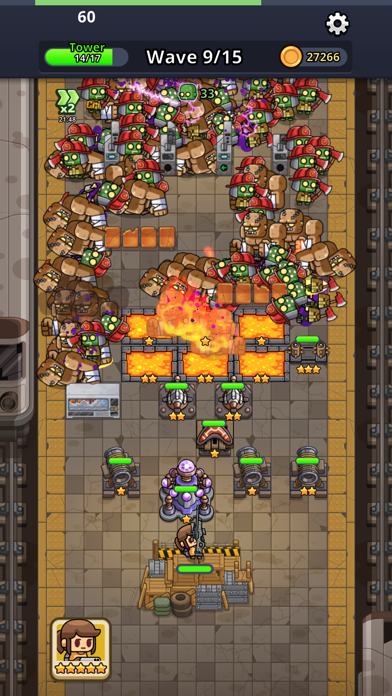
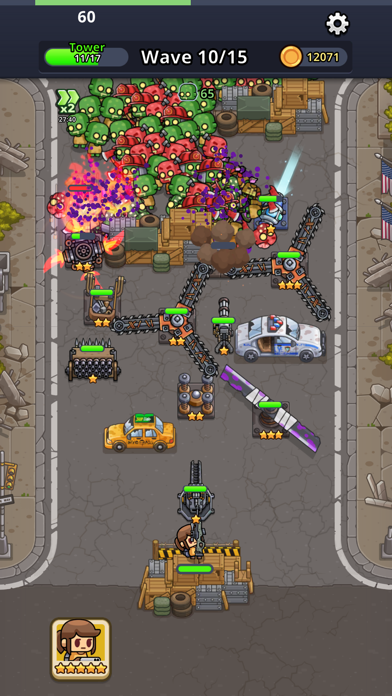
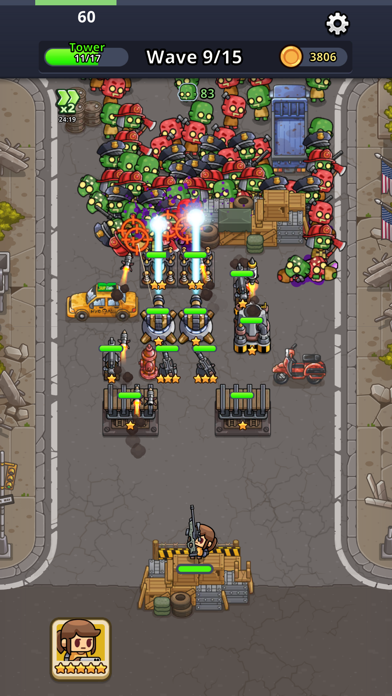
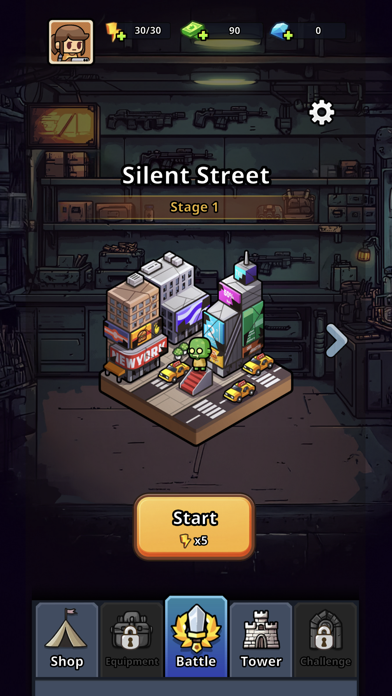
The walking dead are on the move, and it’s your job to take them out in this zombie tower defense game that is chock full of collectible weapons and strategy. With each new zombie wave you’ll have a chance to merge weapons and move them around to find the best combos thanks to the simulator aspect of this zombie shooter game. Along the way, collect all sorts of exciting weapons, towers, equipment, and more to help you blast these zombies off the face of the earth.
THE BEST DEFENSE IS OFFENSE
This simulator strategy game will really get your gears turning! Each level will involve waves of zombies trying to attack your tower – your goal is to defend your tower and wipe these creatures out. Carefully pick your weapons, merge them to form powerful versions, and try moving them around with each new round to see how that affects the outcome.
Fantastic features:
- Top strategy – Usually simulators are more mundane, like hotels, but who says they can’t be about the zombie apocalypse? Face your foes in abandoned lots and strategically funnel them towards all of your carefully placed weapons, while also making sure to maintain a good defense of your home base! This zombie shooter also allows you to change up the weapon placement in between rounds, adding an extra layer of fun as you try different methods and see which will ensure your survival.
- Endless waves – What good is a simulator if you can’t actually test your great ideas! Thanks to the wave upon wave of walking dead, you’ll never run out of targets to practice on. Like all good zombie survival games you’ll have to make sure that you don’t end up as one the bad guys too, so make sure to shore up your tower defense.
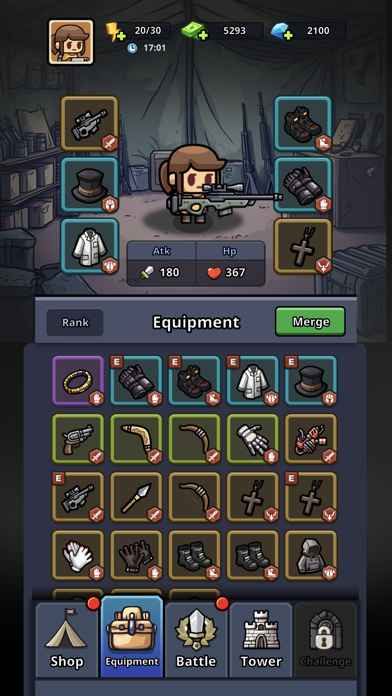
- Collectible fun – weapons, clothing, equipment, towers, you name it – you can collect it, level it up, and use it to fight back in this zombie apocalypse shooter! Use your gold and coin wisely to level up during rounds, and make sure you check out your inventory afterwards to see what all you got and how you can best use it in this survival game.
THE ZOMBIE APOCALYPSE IS NOW
Grab your weapons, man the towers, and strike before they can bite! Combine survival games, strategy games, and tower defense games into one, add a hefty dose of zombies, and you’ve got Zombie Fortress! Collect weapons and try out various strategies as you fight off waves of the undead, and along the way enjoy building out your character and their tower. With great graphics and lots of customization, you won’t want to miss trying your hand at this game!
Privacy Policy: https://say.games/privacy-policy
Terms of Use: https://say.games/terms-of-use

- iPhone أو iPad بجيلبريك أو بدون جيلبريك.
- Sideloadly أو بدائلها.
- كمبيوتر يعمل بنظام Windows/macOS/Linux مع تثبيت iTunes.
الخطوة 1: قم بتنزيل ملف .IPA المعدّل مسبقًا من الرابط أعلاه إلى الكمبيوتر الخاص بك. للتنزيل من تطبيق iOSGods App، اطلع على دليل تنزيل IPA من تطبيق iOSGods App الذي يتضمن مثالًا بالفيديو.
الخطوة 2: قم بتنزيل Sideloadly وتثبيته على جهاز Windows أو Mac.
الخطوة 3: افتح Sideloadly على الكمبيوتر، ووصّل جهاز iOS الخاص بك، وانتظر حتى يظهر اسم جهازك داخل Sideloadly.
الخطوة 4: بمجرد التعرّف على جهاز iDevice الخاص بك، اسحب ملف .IPA المعدّل الذي قمت بتنزيله وأفلِته داخل تطبيق Sideloadly.
الخطوة 5: أدخل البريد الإلكتروني لحساب Apple Account الخاص بك، ثم اضغط على «Start». سيُطلب منك بعد ذلك إدخال كلمة المرور. تابع وأدخل المعلومات المطلوبة.
الخطوة 6: انتظر حتى ينتهي Sideloadly من تحميل/تثبيت ملف IPA المعدّل. في حال واجهت أي مشاكل أثناء التثبيت، يرجى قراءة الملاحظة أدناه.
الخطوة 7: بعد اكتمال التثبيت ورؤية التطبيق على الشاشة الرئيسية، انتقل إلى Settings → General → Profiles / VPN & Device Management. ثم اضغط على البريد الإلكتروني الذي أدخلته في الخطوة 6، ثم اضغط على «الوثوق بـ [email protected]».
الخطوة 8: الآن انتقل إلى الشاشة الرئيسية وافتح التطبيق الذي تم تثبيته للتو وسيعمل كل شيء بشكل صحيح. قد تحتاج إلى اتباع تعليمات إضافية خاصة بكل تطبيق داخل النافذة المنبثقة للتعديل أثناء اللعب.
ملاحظة: بدءًا من iOS/iPadOS 16 وما بعده، يجب تفعيل وضع المطور (Developer Mode). بالنسبة لحسابات Apple Developer المجانية، ستحتاج إلى تكرار هذه العملية كل 7 أيام. إذا كانت لديك أي أسئلة أو مشاكل، يرجى قراءة قسم الأسئلة الشائعة حول Sideloadly في الموضوع.