Accesso richiesto
Accedi con il tuo account iOSGods per continuare.
Accedi con il tuo account iOSGods per continuare.
Non muori mai e risorse illimitate come Denaro, Diamanti, Energia e Pezzi trasformano Zombie Fortress: Trap Defense in un'esperienza tower defense modificata dove puoi concentrarti puramente sulla strategia senza grinding o pressione di sopravvivenza.
Questo hack ti permette di sperimentare liberamente le combinazioni di armi e i posizionamenti delle torri, perfetto per i giocatori che vogliono padroneggiare la meccanica di fusione del gioco e scoprire le configurazioni difensive ottimali senza i soliti vincoli di risorse o la tensione della morte permanente.
- Aggiungi Denaro → costruisci e migliora le torri senza limiti
- Aggiungi Diamante → sblocca contenuti premium e oggetti speciali
- Aggiungi Energia → gioca continuamente senza aspettare i rifornimenti
- Aggiungi Pezzi → fondi e crea armi liberamente
- Non Muori Mai → sopravvivi a ogni ondata di zombie senza sconfitta
- Aggiungi Oro Battaglia (Abilita durante la battaglia) → guadagna valuta extra durante il combattimento
Questa app include anche iGameGod, che ti offre accesso ad Auto Touch per automatizzare attività ripetitive, App Speed Manager per regolare la velocità di gioco, modifica dei valori con Memory Engine e altri potenti strumenti per giochi iOS.
Scarica Zombie Fortress: Trap Defense Hack modded IPA dai link sopra. Tocca il pulsante di installazione e segui le istruzioni per installare questo hack iOS sul tuo iPhone, iPad o Mac con Apple Silicon.
Hai bisogno di altro aiuto? Consulta le nostre Domande frequenti sull'app iOSGods per risposte dettagliate e consigli per la risoluzione dei problemi.
► BRAINSSS
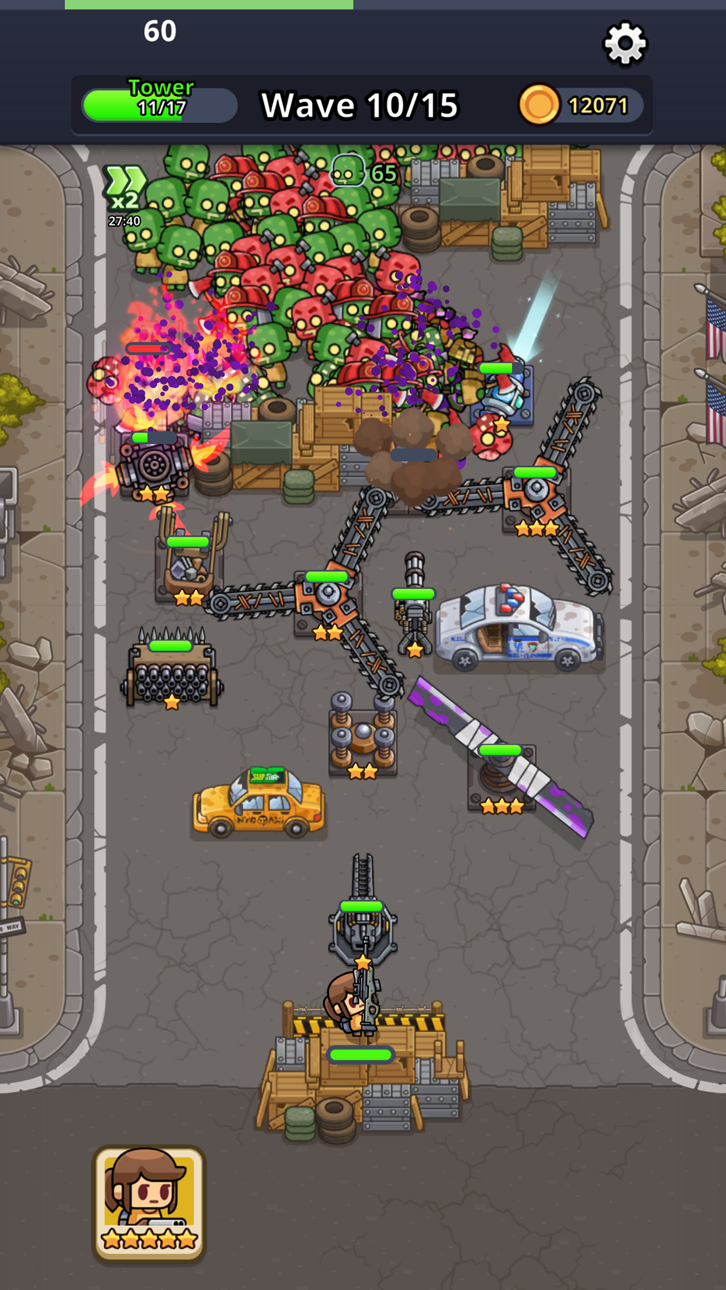
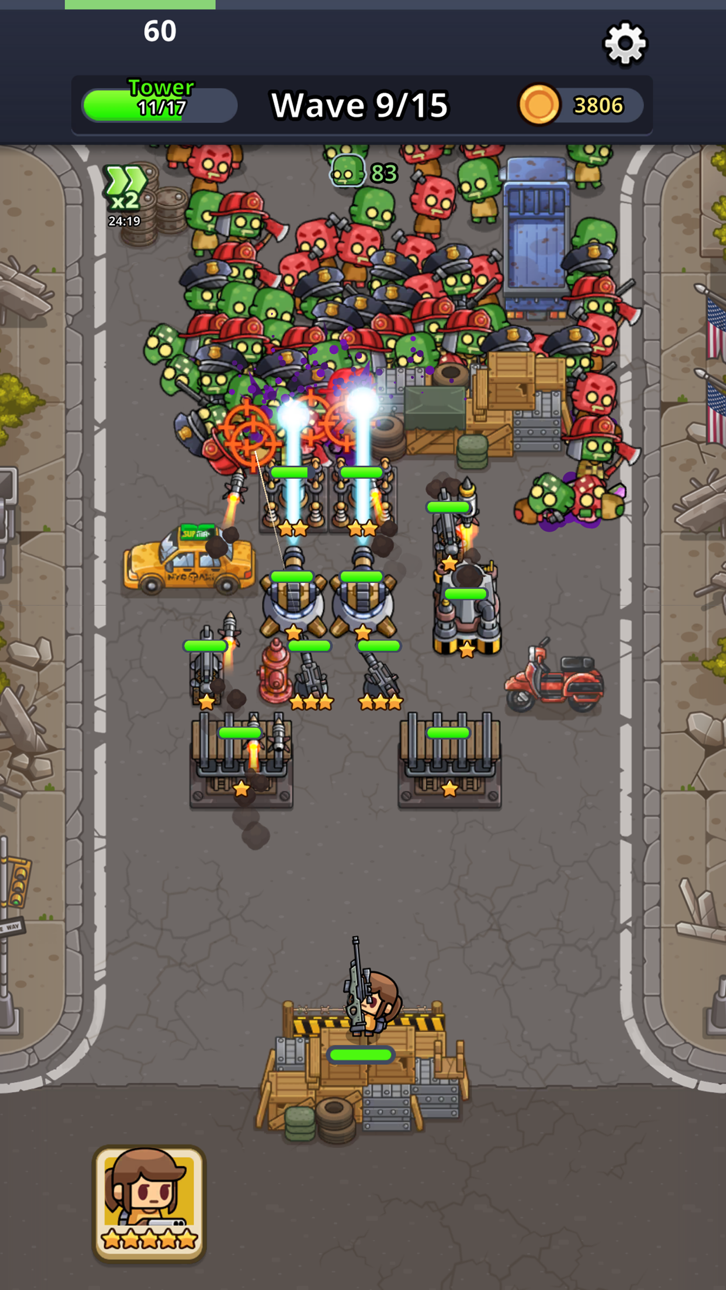
Gli zombi sono in movimento e sta a te fermarli in questo tower defense a tema zombie, ricco di armi collezionabili e strategia. Ad ogni nuova ondata di zombi, avrai la possibilità di fondere le armi e spostarle per trovare le migliori combinazioni, grazie alle caratteristiche di simulatore di battaglie contro zombi. Lungo il percorso, raccogli ogni tipo di arma, torre, equipaggiamento e molto altro per aiutarti a spazzare via gli zombi dalla faccia della terra.
► LA MIGLIORE DIFESA È L’ATTACCO
Questo simulatore di strategia ricco di azione metterà davvero in moto la tua mente! In ogni livello dovrai affrontare ondate di zombi che cercano di attaccare la tua torre: il tuo obiettivo è difenderla e annientare queste creature. Scegli con attenzione le tue armi, fondile per costruire versioni più potenti e prova a spostarle ad ogni nuovo round per scoprire come cambia il risultato.
► Caratteristiche fantastiche:
La strategia è fondamentale – Di solito i simulatori hanno ambientazioni più banali, come gli hotel, ma chi dice che non possano essere pieni di azione e ambientati in un'apocalisse zombi? Affronta i tuoi nemici in aree abbandonate e indirizzali strategicamente verso tutte le tue armi posizionate con cura, senza dimenticare di costruire una buona difesa della tua base! Questo gioco di sopravvivenza ti permette anche di cambiare la posizione delle armi tra una battaglia e l’altra, aggiungendo un ulteriore livello di divertimento mentre sperimenti diversi metodi e scopri quale garantisce la tua sopravvivenza.
Ondate infinite – A cosa serve un gioco di zombie se non puoi mettere alla prova le tue grandi idee? Grazie alle continue ondate di morti viventi, non finirai mai i bersagli su cui allenarti. Come in tutti i migliori giochi di sopravvivenza, dovrai assicurarti di non diventare anche tu uno zombi, quindi rafforza le difese della tua torre.
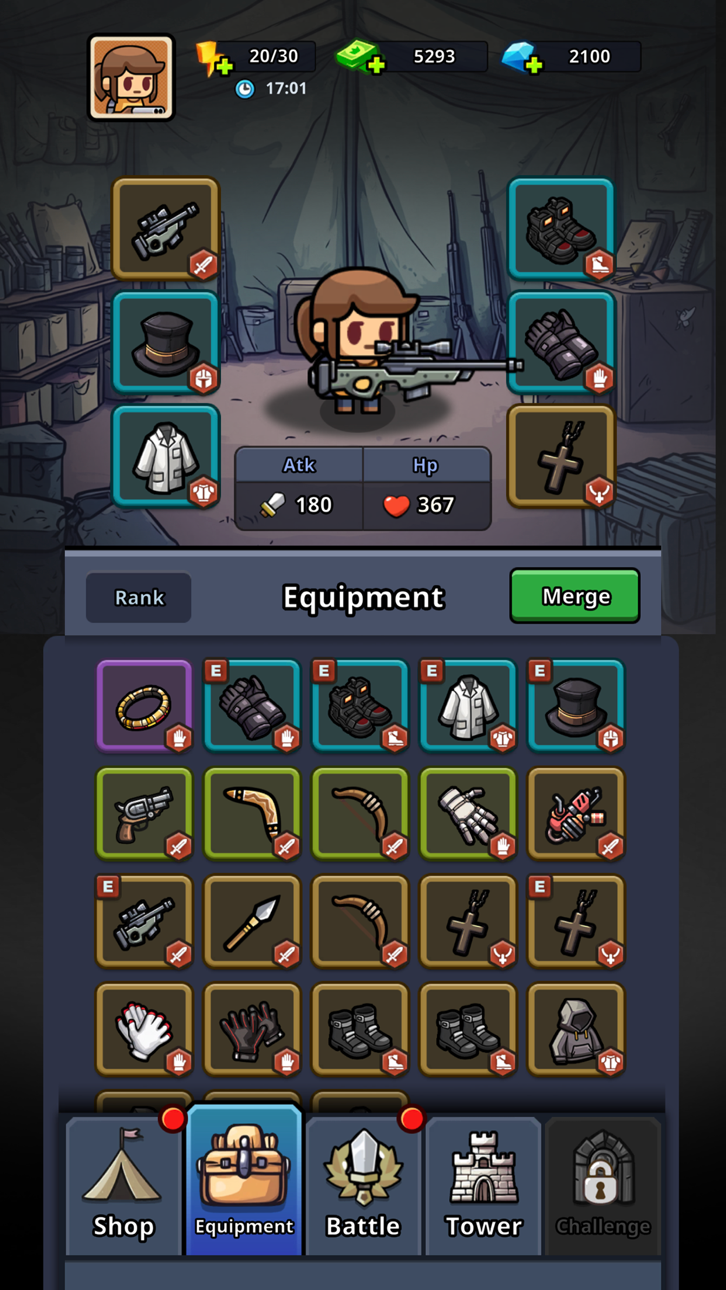
Divertimento collezionabile – Armi, abiti, equipaggiamento, torri... In questo gioco di zombi puoi collezionare tutto, potenziarlo e usarlo per combattere in questo gioco di sopravvivenza pieno di azione ambientato nell’apocalisse zombi! Usa saggiamente oro e monete per aumentare di livello e controlla il tuo inventario dopo ogni battaglia per vedere cosa hai ottenuto e come sfruttarlo al meglio in questo gioco di sopravvivenza.
► L’APOCALISSE ZOMBI È ORA
Prendi le tue armi, difendi le torri e attacca prima che gli zombi ti mordano! Unisci elementi dei giochi di sopravvivenza, di strategia e tower defense in un’unica esperienza, aggiungi una massiccia dose di zombi e avrai Zombie Fortress! Colleziona armi e prova varie strategie mentre affronti ondate di non-morti, e nel frattempo divertiti a costruire il tuo personaggio e la sua torre. Con una grafica eccezionale e tante opzioni di personalizzazione, non puoi perderti questo simulatore di apocalisse zombi!
Informativa sulla privacy: https://say.games/privacy-policy
Condizioni di utilizzo: https://say.games/terms-of-use
Screenshot © rispettivi proprietari · App Store


iOSGods non è affiliata, approvata né sponsorizzata da Apple Inc., Google LLC o dagli sviluppatori delle app elencate qui. Apple, iOS e App Store sono marchi di Apple Inc. Android e Google Play sono marchi di Google LLC. Tutti gli altri nomi delle app, icone, immagini e marchi appartengono ai rispettivi proprietari.

- iPhone o iPad non jailbroken/jailed oppure jailbroken.
- Sideloadly o alternative.
- Computer con Windows/macOS/Linux con iTunes installato.
PASSO 1: Scarica il file .IPA pre-modificato dal link sopra sul tuo computer. Per scaricarlo dall'iOSGods App, consulta il nostro Tutorial download IPA dell'iOSGods App, che include un esempio video.
PASSO 2: Scarica Sideloadly e installalo sul tuo Windows o Mac.
PASSO 3: Apri Sideloadly sul tuo computer, collega il tuo dispositivo iOS e attendi finché il nome del dispositivo non appare in Sideloadly.
PASSO 4: Una volta riconosciuto il tuo iDevice, trascina il file .IPA moddato che hai scaricato e rilascialo nell'applicazione Sideloadly.
PASSO 5: Inserisci l'email del tuo Apple Account, poi premi “Start”. Ti verrà quindi chiesto di inserire la password. Procedi e fornisci le informazioni richieste.
PASSO 6: Attendi che Sideloadly completi il sideload/installazione dell'IPA modificata. Se ci sono problemi durante l'installazione, leggi la nota qui sotto.
PASSO 7: Una volta completata l'installazione e vista l'app sulla schermata Home, dovrai andare in Impostazioni → Generali → Profili / Gestione VPN e dispositivi. Una volta lì, tocca l'email inserita al passo 6 e poi tocca “Autorizza [email protected]”.
PASSO 8: Ora vai sulla schermata Home e apri l'app appena installata: tutto dovrebbe funzionare correttamente. Potrebbe essere necessario seguire ulteriori istruzioni specifiche all'interno del popup dell'hack nel gioco.
NOTA: Per iOS/iPadOS 16 e versioni successive, devi attivare la Modalità sviluppatore. Per gli account Apple Developer gratuiti, dovrai ripetere questa procedura ogni 7 giorni. Se hai domande o problemi, leggi la nostra sezione FAQ Sideloadly del topic.
Hack Features:
- Inf Coins (Spend)
App Installation Instructions:
---------------------------------------------------------
----------------------------------------------------------
If you require more information or help, please read our Frequently Asked Questions topic on iOSGods.com.
----------------------------------------------------------
--------------------------------------------------