Требуется вход
Войдите в учётную запись iOSGods, чтобы продолжить.
Войдите в учётную запись iOSGods, чтобы продолжить.

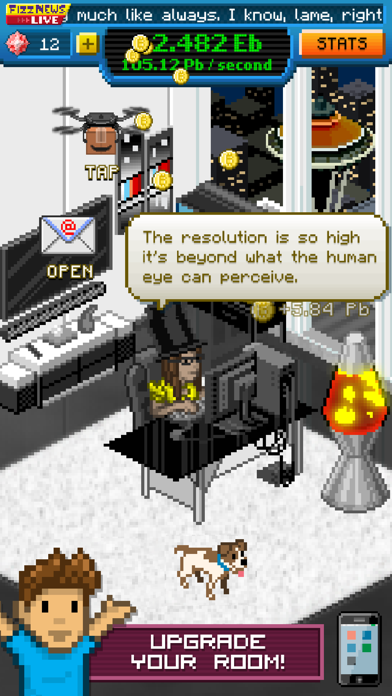
Нажимайте на экран, чтобы получить неограниченное богатство в этой idle-игре, где вы добываете биткойны и строите состояние с нуля. Bitcoin Billionaire Hack Mod IPA дает вам бесконечные монеты и драгоценные камни, чтобы ускорить ваш путь к статусу миллиардера, позволяя улучшать офис и инвестиции без бесконечного гринда.
- Бесконечные монеты → тратьте свободно на улучшения и инвестиции
- Бесконечные драгоценные камни → разблокируйте премиум-покупки мгновенно
Это приложение также поставляется с iGameGod, который открывает доступ к Auto Touch для автоматизации повторяющихся действий, App Speed Manager для регулируемой скорости игры, редактированию значений Memory Engine и другим мощным инструментам для iOS-игр.
Скачайте Bitcoin Billionaire Hack modded IPA по ссылкам выше. Нажмите кнопку установки и следуйте инструкциям, чтобы установить этот хак iOS на iPhone, iPad или Mac с Apple Silicon.
Нужна помощь? Посмотрите наши Часто задаваемые вопросы по приложению iOSGods, чтобы получить подробные ответы и советы по устранению неполадок.
這款大受歡迎的放置點擊遊戲,讓你挖掘虛擬比特幣來積累模擬財富!
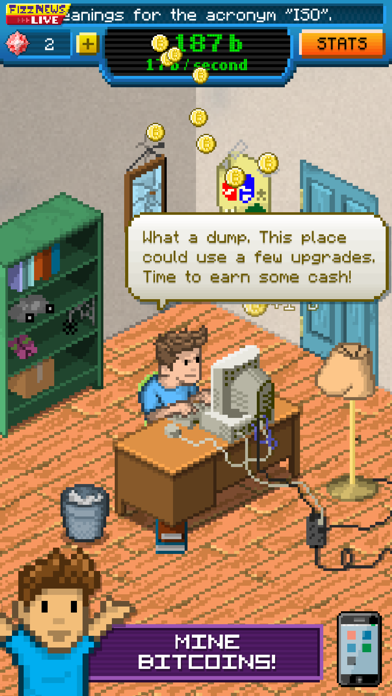
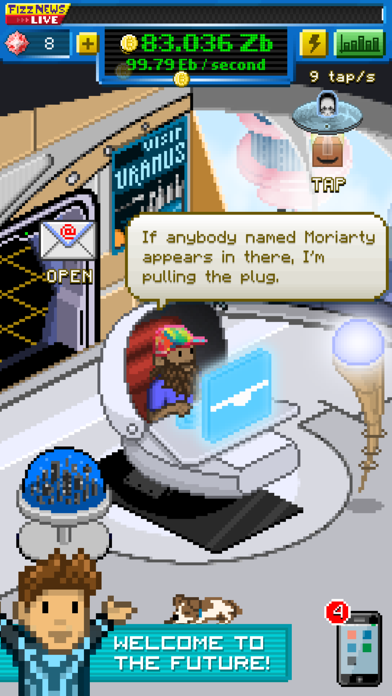
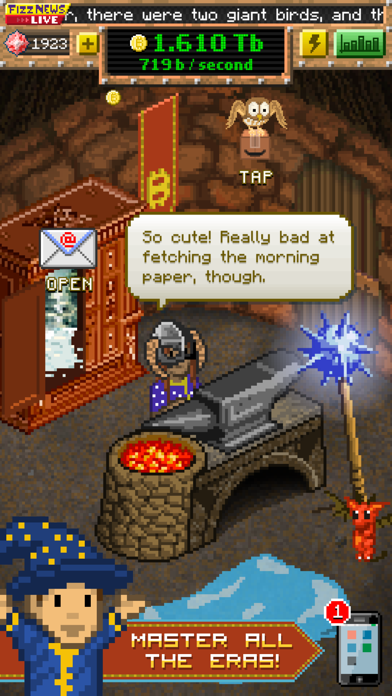
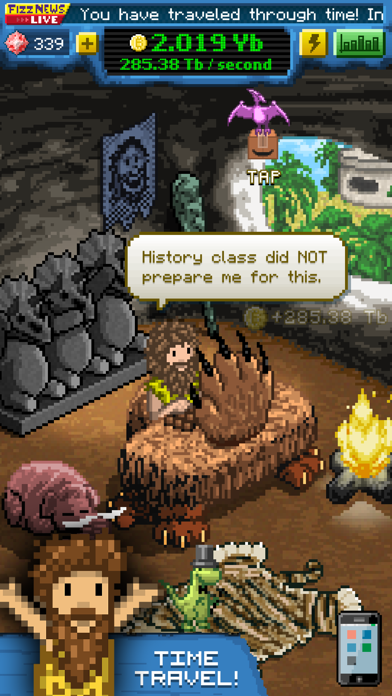
《比特幣億萬富翁》是一款放置挖礦遊戲,透過快速點擊、智慧投資和酷炫升級來賺取虛擬比特幣。從一貧如洗到富甲一方,你將升級並解鎖新物品,甚至穿越時空到遠古過去和遙遠未來,這一切都在你舒適的座椅上完成!
在《比特幣億萬富翁》中,你一開始幾乎一無所有:破舊的辦公室、搖搖晃晃的舊桌子、糟糕的電腦。通過點擊螢幕,你可以挖掘虛擬比特幣,逐步增加你的財富。將你的收入花在高檔的事物上,比如娛樂中心和無價的藝術品,或者升級你的挖礦設備,讓每次點擊都能賺更多。如果你夠聰明,就會用這些比特幣投資於新技術,即使在你不玩遊戲時也能賺錢!
就在你以為自己看透一切時,《比特幣億萬富翁》將你拋向時空。穿越到新的時代,你將獲得全新的升級,解鎖額外的成就,體驗挖掘比特幣的全新刺激。如果你覺得在現代辦公椅上點擊很有趣,那麼當你坐在精心打造的史前石椅上時,更會讓你倍感驚奇!
特色:
- 升級投資,離線賺取比特幣。
- 從懸停的送貨無人機中獲取獎勵。
- 自訂角色,風格挖礦。
- 免費節日更新及額外內容。
- 收養一隻小貓!或者機器人!或者霸王龍!或者其他東西!
《比特幣億萬富翁》是一款放置挖礦遊戲,適合所有人。真的,人人都可以玩,你不需要懂比特幣或挖礦。如果你會點擊,你就會賺錢,而如果你會賺錢,你就能升級所有物品。現在,快坐下來開始點擊吧!
注意:這款遊戲僅供娛樂用途。你不會挖到真正的比特幣。然而,當你最終解鎖那些昂貴的升級時,絕對會讓你感覺像個億萬富翁。
- iPhone или iPad без джейлбрейка/в обычном режиме или с джейлбрейком.
- Sideloadly или альтернативы.
- Компьютер с Windows/macOS/Linux и установленным iTunes.
ШАГ 1: Скачайте предварительно взломанный файл .IPA по ссылке выше на свой компьютер. Чтобы скачать его из приложения iOSGods, посмотрите наш Туториал по скачиванию IPA в приложении iOSGods, в котором есть видеопример.
ШАГ 2: Скачайте Sideloadly и установите его на Windows или Mac.
ШАГ 3: Откройте Sideloadly на компьютере, подключите iOS-устройство и дождитесь, пока его имя появится в Sideloadly.
ШАГ 4: Когда устройство будет распознано, перетащите скачанный модифицированный файл .IPA в окно Sideloadly.
ШАГ 5: Введите адрес электронной почты вашего Apple Account, затем нажмите «Start». После этого вас попросят ввести пароль. Укажите необходимые данные.
ШАГ 6: Дождитесь, пока Sideloadly завершит sideload/установку взломанного IPA. При возникновении проблем во время установки ознакомьтесь с примечанием ниже.
ШАГ 7: После завершения установки и появления приложения на главном экране перейдите в Настройки → Основные → Профили / VPN и управление устройством. Там нажмите на email, который вы ввели на шаге 6, а затем нажмите «Доверять [email protected]».
ШАГ 8: Теперь перейдите на главный экран и откройте установленное приложение — всё должно работать. Возможно, потребуется выполнить дополнительные инструкции в попапе мода внутри игры.
ПРИМЕЧАНИЕ: На iOS/iPadOS 16 и новее необходимо включить режим разработчика. Для бесплатных учётных записей Apple Developer этот процесс нужно повторять каждые 7 дней. Если возникнут вопросы или проблемы, ознакомьтесь с нашим разделом FAQ по Sideloadly в теме.


![[ Puzzle & Dragons Korea ] 퍼즐앤드래곤 iOS Mod IPA](https://is1-ssl.mzstatic.com/image/thumb/Purple221/v4/6d/2b/f3/6d2bf3e5-4804-668b-5a66-76f0f9ff5398/AppIcon_ko-0-0-1x_U007emarketing-0-8-0-85-220.png/100x100bb.jpg)


