Login Diperlukan
Masuk dengan akun iOSGods kamu untuk melanjutkan.

Hack Features:
- PRO
Unduh Secret Photo Vault - Keepsafe Hack modded IPA dari tautan di atas. Ketuk tombol pasang dan ikuti petunjuk di layar untuk memasang hack iOS ini di iPhone, iPad, atau Apple Silicon.
Butuh bantuan lebih lanjut? Lihat Pertanyaan yang Sering Diajukan untuk Aplikasi iOSGods kami untuk jawaban dan tips lengkap.
Download Keepsafe to join the millions of people who have entrusted over a billion pictures to Keepsafe: the most popular photo locker and album vault app.
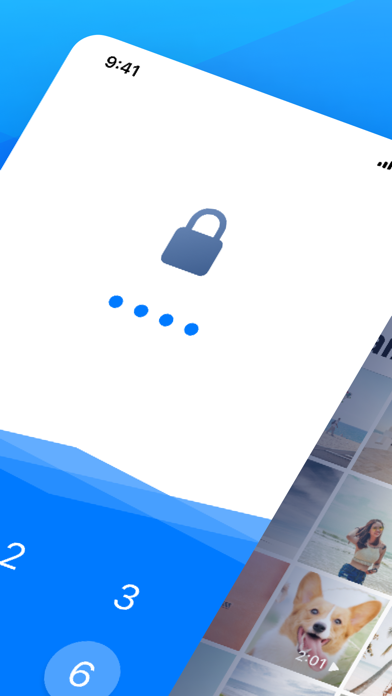
Keepsafe secures personal photos and videos by locking them down with PIN protection, fingerprint touch ID, and military-grade encryption. It’s the best place for storing your personal pictures and videos. With Keepsafe, you can protect your privacy, secure your photos, and save phone space.
Use Keepsafe for:
- Preserving special memories
- Storing family photos
- Protecting copies of your driver’s license, ID cards, and credit cards
- Organizing important documents
What makes Keepsafe different?
• Award-winning photo locker, with over 70 million users
• Beautiful design and UX. Easy to upload, view & organize photos
• Smooth scrolling for photo viewing on all devices
Basic Features:
- Phone and tablet support
- Simple interface
- Easy-to-use PIN pad access
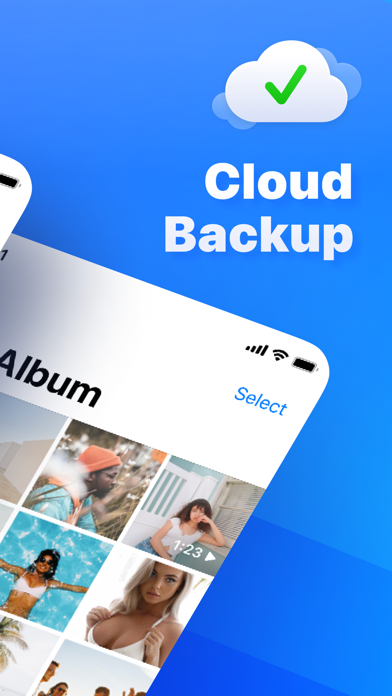
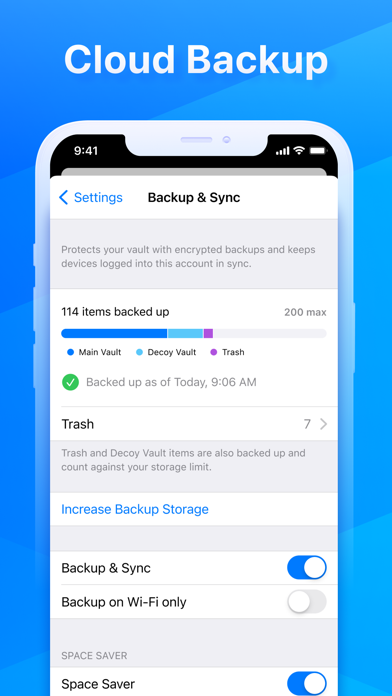
- Photo backup
- Custom albums
- Full-screen and slideshow viewing for photos and videos
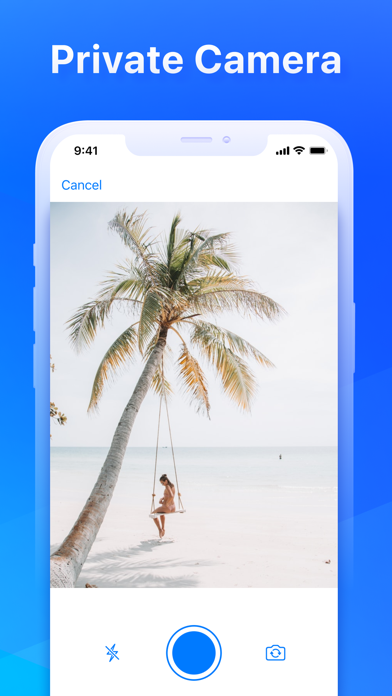
- Integrated camera for taking photos directly in Keepsafe
- Safe Send for sharing pictures for a limited time from Keepsafe
- Syncs images and videos in Keepsafe to all of your Keepsafe installations on any platform
Keepsafe Premium’s Exclusive Features:
Manage Your Photos
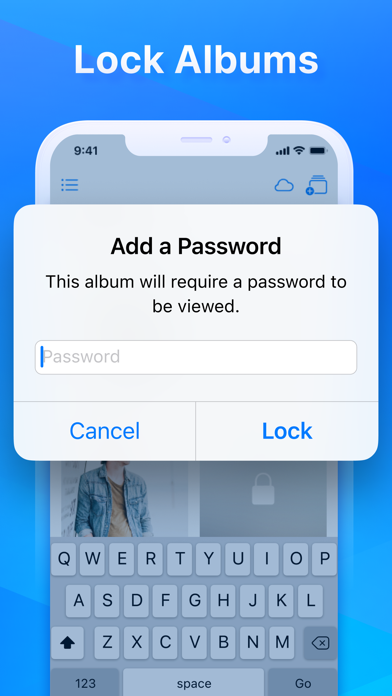
• Album Lock: Assign individual PIN codes to access particular albums
• Private Cloud: Stores up to 10,000 items in Keepsafe
• Space Saver: Compresses photos and saves originals to the Cloud
• Trash Recovery: Retrieves photos you’ve mistakenly deleted
Personalize Keepsafe
• Ad-Free: Keeps your photo-viewing experience distraction-free
• Custom Album Covers: Sets album thumbnails to a specific image
========================
Help & Support
Problems or questions?
Visit Keepsafe’s support site at https://support.getkeepsafe.com/hc/en-us
Send a ticket from inside Keepsafe (best for troubleshooting)
Contact us at [email protected]
========================
Keepsafe Premium Subscription
- Payment will be charged to iTunes Account at confirmation of purchase
- Subscription automatically renews unless auto-renew is turned off at least 24-hours before the end of the period
- Length of subscriptions: one month & one year
- Account will be charged for renewal within 24-hours prior to the end of the current period, and identify the cost of the renewal
- Price of subscriptions: one month - $9.99 dollars & one year - $23.99 dollars
- Subscriptions may be managed by the user and auto-renewal may be turned off by going to the user's Account Settings after purchase
- No cancellation of the current subscription is allowed during active subscription period
- Any unused portion of a free period, if offered, will be forfeited when the user purchases a subscription.
========================
Links
Terms of Service: https://www.getkeepsafe.com/policies/#terms
Privacy: https://www.getkeepsafe.com/policies/#privacy
Keepsafe Basic is ad supported: https://youradchoices.com
- iPhone atau iPad tanpa Jailbreak atau dengan Jailbreak.
- Sideloadly atau alternatifnya.
- Komputer dengan Windows/macOS/Linux dan iTunes terpasang.
LANGKAH 1: Unduh file .IPA yang sudah di-hack dari tautan di atas ke komputer Anda. Untuk mengunduhnya dari iOSGods App, silakan lihat Tutorial Mengunduh IPA dari iOSGods App kami yang dilengkapi contoh video.
LANGKAH 2: Unduh Sideloadly dan pasang di Windows atau Mac Anda.
LANGKAH 3: Buka Sideloadly di komputer Anda, sambungkan perangkat iOS Anda, dan tunggu hingga nama perangkat Anda muncul di Sideloadly.
LANGKAH 4: Setelah iDevice Anda terdeteksi, seret file .IPA yang sudah dimodifikasi dan lepaskan ke dalam aplikasi Sideloadly.
LANGKAH 5: Masukkan email Apple Account Anda, lalu tekan "Start". Anda kemudian akan diminta memasukkan kata sandi. Silakan isi informasi yang diminta.
LANGKAH 6: Tunggu hingga Sideloadly selesai melakukan sideloading/pemasangan IPA yang di-hack. Jika terjadi masalah saat pemasangan, silakan baca catatan di bawah ini.
LANGKAH 7: Setelah pemasangan selesai dan Anda melihat aplikasi di Layar Beranda, Anda perlu masuk ke Pengaturan → Umum → Profil / VPN & Manajemen Perangkat. Setelah itu, ketuk email yang Anda masukkan pada langkah 6, lalu ketuk "Percayai [email protected]".
LANGKAH 8: Sekarang buka Layar Beranda dan jalankan aplikasi yang baru saja dipasang; semuanya seharusnya berjalan normal. Anda mungkin perlu mengikuti petunjuk tambahan per aplikasi yang muncul di popup hack di dalam game.
CATATAN: Pada iOS/iPadOS 16 dan yang lebih baru, Anda harus mengaktifkan Mode Pengembang. Untuk akun Apple Developer gratis, Anda perlu mengulangi proses ini setiap 7 hari. Jika Anda memiliki pertanyaan atau masalah, silakan baca bagian FAQ Sideloadly di topik tersebut kami.