Cần đăng nhập
Đăng nhập bằng tài khoản iOSGods để tiếp tục.

Hack Features:
- PRO
Tải Secret Photo Vault - Keepsafe Hack modded IPA từ các liên kết ở trên. Nhấn nút cài đặt và làm theo hướng dẫn để cài bản hack iOS lên iPhone, iPad hoặc Apple Silicon.
Cần thêm trợ giúp? Hãy xem Câu hỏi thường gặp ứng dụng iOSGods để có câu trả lời chi tiết và mẹo khắc phục sự cố.
Download Keepsafe to join the millions of people who have entrusted over a billion pictures to Keepsafe: the most popular photo locker and album vault app.
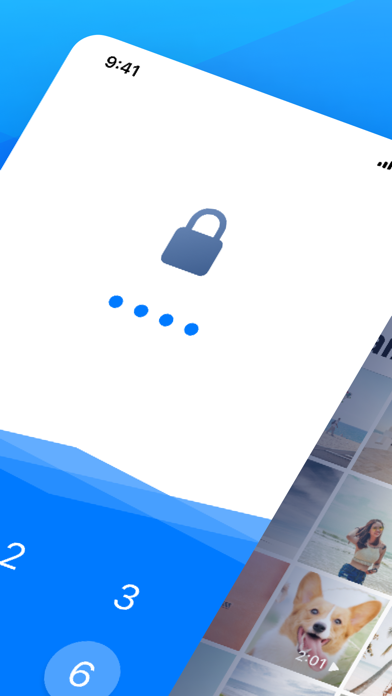
Keepsafe secures personal photos and videos by locking them down with PIN protection, fingerprint touch ID, and military-grade encryption. It’s the best place for storing your personal pictures and videos. With Keepsafe, you can protect your privacy, secure your photos, and save phone space.
Use Keepsafe for:
- Preserving special memories
- Storing family photos
- Protecting copies of your driver’s license, ID cards, and credit cards
- Organizing important documents
What makes Keepsafe different?
• Award-winning photo locker, with over 70 million users
• Beautiful design and UX. Easy to upload, view & organize photos
• Smooth scrolling for photo viewing on all devices
Basic Features:
- Phone and tablet support
- Simple interface
- Easy-to-use PIN pad access
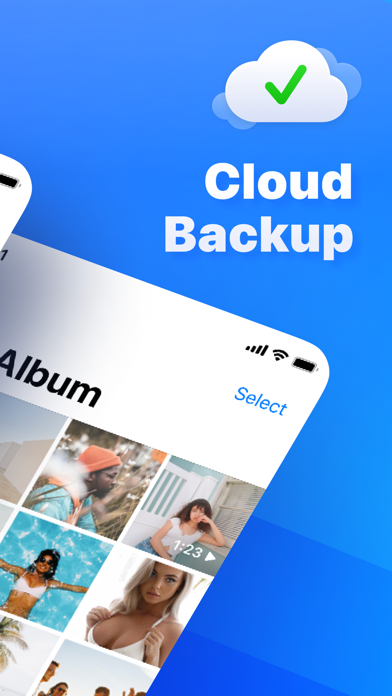
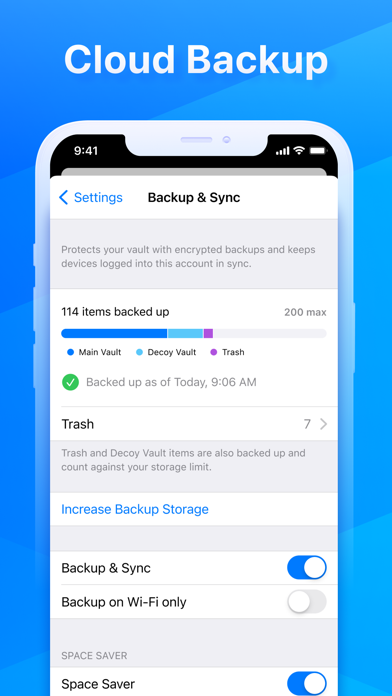
- Photo backup
- Custom albums
- Full-screen and slideshow viewing for photos and videos
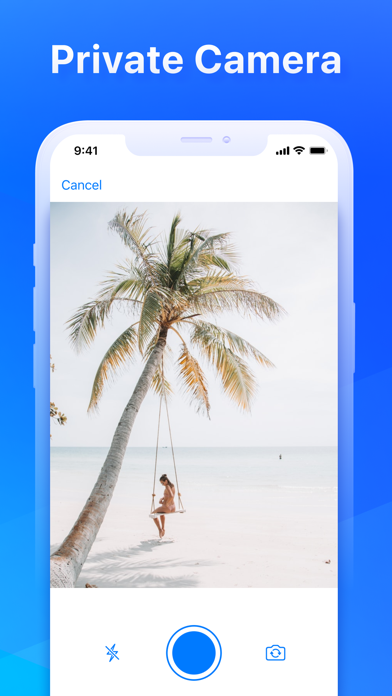
- Integrated camera for taking photos directly in Keepsafe
- Safe Send for sharing pictures for a limited time from Keepsafe
- Syncs images and videos in Keepsafe to all of your Keepsafe installations on any platform
Keepsafe Premium’s Exclusive Features:
Manage Your Photos
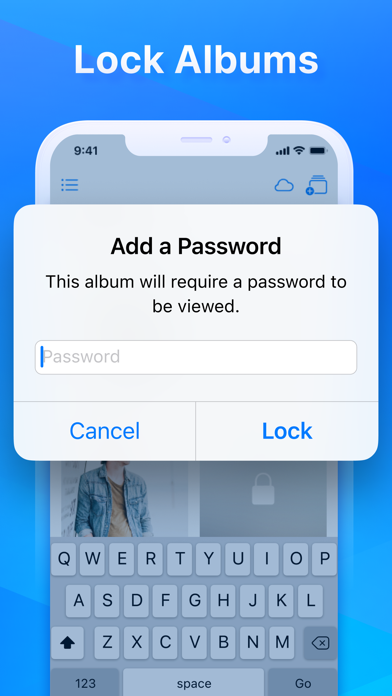
• Album Lock: Assign individual PIN codes to access particular albums
• Private Cloud: Stores up to 10,000 items in Keepsafe
• Space Saver: Compresses photos and saves originals to the Cloud
• Trash Recovery: Retrieves photos you’ve mistakenly deleted
Personalize Keepsafe
• Ad-Free: Keeps your photo-viewing experience distraction-free
• Custom Album Covers: Sets album thumbnails to a specific image
========================
Help & Support
Problems or questions?
Visit Keepsafe’s support site at https://support.getkeepsafe.com/hc/en-us
Send a ticket from inside Keepsafe (best for troubleshooting)
Contact us at [email protected]
========================
Keepsafe Premium Subscription
- Payment will be charged to iTunes Account at confirmation of purchase
- Subscription automatically renews unless auto-renew is turned off at least 24-hours before the end of the period
- Length of subscriptions: one month & one year
- Account will be charged for renewal within 24-hours prior to the end of the current period, and identify the cost of the renewal
- Price of subscriptions: one month - $9.99 dollars & one year - $23.99 dollars
- Subscriptions may be managed by the user and auto-renewal may be turned off by going to the user's Account Settings after purchase
- No cancellation of the current subscription is allowed during active subscription period
- Any unused portion of a free period, if offered, will be forfeited when the user purchases a subscription.
========================
Links
Terms of Service: https://www.getkeepsafe.com/policies/#terms
Privacy: https://www.getkeepsafe.com/policies/#privacy
Keepsafe Basic is ad supported: https://youradchoices.com
- iPhone hoặc iPad chưa jailbreak/đã đóng hoặc đã jailbreak.
- Sideloadly hoặc các lựa chọn thay thế.
- Máy tính chạy Windows/macOS/Linux đã cài iTunes.
BƯỚC 1: Tải tệp .IPA đã được hack sẵn từ liên kết phía trên về máy tính của bạn. Để tải từ iOSGods App, hãy xem Hướng dẫn tải IPA bằng iOSGods App của chúng tôi, có kèm ví dụ bằng video.
BƯỚC 2: Tải Sideloadly và cài đặt trên Windows hoặc Mac của bạn.
BƯỚC 3: Mở Sideloadly trên máy tính, kết nối thiết bị iOS của bạn và chờ cho đến khi tên thiết bị hiển thị trong Sideloadly.
BƯỚC 4: Khi thiết bị iOS của bạn đã được nhận diện, hãy kéo tệp .IPA đã chỉnh sửa mà bạn tải về và thả vào ứng dụng Sideloadly.
BƯỚC 5: Nhập email Apple Account của bạn, sau đó nhấn "Start." Bạn sẽ được yêu cầu nhập mật khẩu. Hãy cung cấp các thông tin cần thiết.
BƯỚC 6: Chờ Sideloadly hoàn tất quá trình sideload/cài đặt tệp IPA đã hack. Nếu gặp sự cố trong quá trình cài đặt, vui lòng đọc lưu ý bên dưới.
BƯỚC 7: Khi cài đặt hoàn tất và bạn thấy ứng dụng trên Màn hình chính, bạn cần truy cập Cài đặt → Cài đặt chung → Hồ sơ / VPN & Quản lý thiết bị. Tại đó, nhấn vào email bạn đã nhập ở bước 6, rồi nhấn "Tin cậy [email protected]".
BƯỚC 8: Bây giờ hãy về Màn hình chính và mở ứng dụng vừa cài đặt, mọi thứ sẽ hoạt động bình thường. Bạn có thể cần làm theo hướng dẫn riêng của từng ứng dụng trong cửa sổ popup của bản hack trong game.
LƯU Ý: Trên iOS/iPadOS 16 trở lên, bạn phải bật Chế độ nhà phát triển. Với tài khoản Apple Developer miễn phí, bạn sẽ cần lặp lại quy trình này mỗi 7 ngày. Nếu bạn có thắc mắc hoặc gặp sự cố, hãy đọc mục FAQ về Sideloadly trong chủ đề của chúng tôi.