تسجيل الدخول مطلوب
سجّل الدخول بحساب iOSGods للمتابعة.
سجّل الدخول بحساب iOSGods للمتابعة.

افتح أكثر من 1000+ صفحة تلوين Marvel على الفور باستخدام هذا الـ Mod IPA المعدل، متجاوزًا جدار الدفع في التطبيق للوصول إلى كل التصاميم من Guardians of the Galaxy و Civil War و Doctor Strange والمزيد بدون قيود. Marvel: Color Your Own يمنحك حرية إبداعية كاملة مع كل فرشاة وأداة وصفحة جاهزة للاستخدام من البداية، بالإضافة إلى لوحة نظيفة خالية من العلامات المائية حتى يكون عملك الفني هو محور الاهتمام.
- جميع صفحات التلوين مفتوحة → الوصول إلى المكتبة الكاملة على الفور
- جميع الفرش مفتوحة → استخدم كل أداة بدون حدود
- إزالة العلامة المائية → عمل فني نظيف وخالي من العوائق
من إنشاء dxcool223!
يأتي هذا التطبيق أيضًا مع iGameGod، مما يتيح لك الوصول إلى Auto Touch لأتمتة المهام المتكررة، وApp Speed Manager لضبط سرعة اللعب، وتعديل القيم عبر Memory Engine، والمزيد من أدوات ألعاب iOS القوية.
قم بتنزيل Marvel: Color Your Own Hack modded IPA من الروابط أعلاه. اضغط على زر التثبيت واتبع التعليمات لتثبيت هذا التعديل لـ iOS على iPhone أو iPad أو Apple Silicon.
هل تحتاج إلى مزيد من المساعدة؟ راجع الأسئلة الشائعة لتطبيق iOSGods للحصول على إجابات مفصلة ونصائح لاستكشاف الأخطاء.
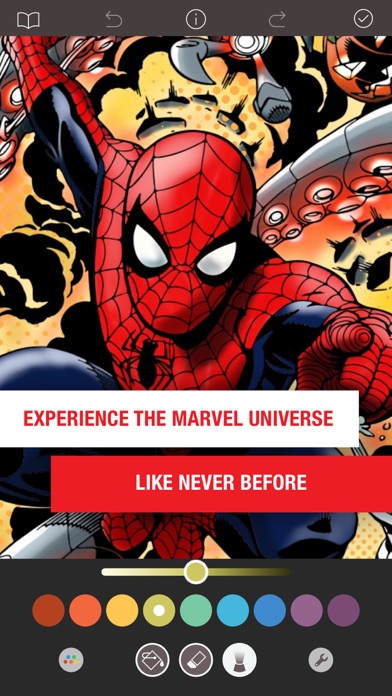
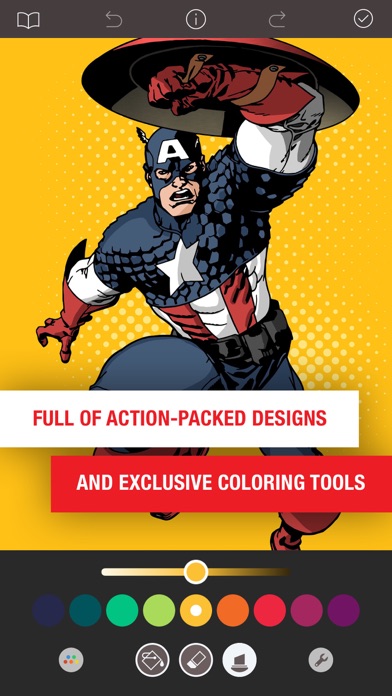
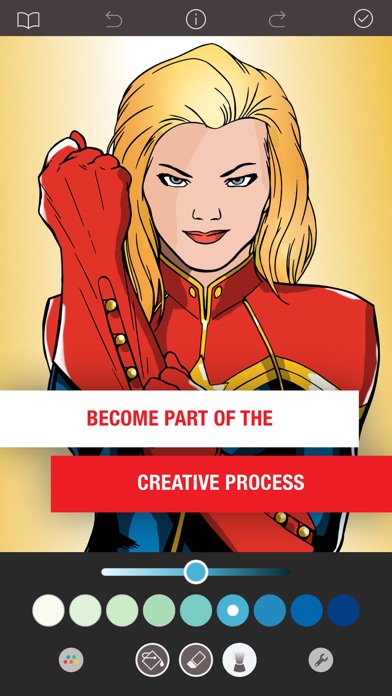
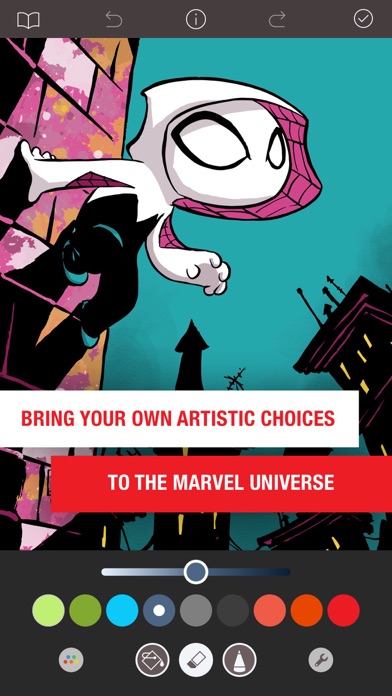
MARVEL: COLOR YOUR OWN 帶領您打開漫威宇宙的全新大門。 MARVEL: COLOR YOUR OWN 帶來刺激震撼的完整動作場景設計,並附上獨家著色工具,讓您隨心創作,釋放內心的藝術靈魂,打造專屬的精彩漫威宇宙。
= = = = =
超讚功能:
* 超過 1000 幅令人血脈賁張的著色頁面,包含《星際異攻隊》(Guardians of the Galaxy)、《內戰》(Civil War)、《奇異博士》(Doctor Strange)、《奧創紀元》(Age of Ultron)、《漫威女英雄》(Women of Power)、《漫威英雄的童年》(Women of Power) 等超多精彩設計等著您!
* 每週推出全新超讚著色頁面
* 您可以點選填色、以手指使用筆刷著色,或者使用手寫筆輸入
* 完全支援在 iPad Pro 上使用 Apple Pencil 壓力與傾斜功能
* 超仿真著色筆刷,有油性筆刷和飛濺筆刷等 12 種超讚筆刷,任君選擇
* 精心設計半色調和雷射光束筆刷等獨家筆刷,呈現更原汁原味的漫畫風格
* 可以調整每款筆刷的粗度與不透明度
* 8 款效果驚人的填色筆刷,包括金屬筆刷和蛇紋筆刷
* 37 種令人驚豔的調色盤任君選擇
* 創新的陰影控制技術,讓您為設計作品找到最完美的顏色
* 儲存、列印您的藝術作品,還能在社交媒體上加以分享
* 終極訂閱功能將解鎖所有進階內容與功能
= = = = =
終極存取訂閱的功能包括:
* 解鎖全部頁面
* 新著色頁面,每週更新
* 進階筆刷與填色效果
* 獨家調色盤
* 儲存的圖像中將不會出現浮水印
* 以高解析度儲存圖像
您可以免費試用 Ultimate Access 7 天。免費試用期間過後將會自動續訂為週訂閱,可隨時取消。付費訂閱價格:如果你選擇按週訂閱,每週 $3.99 USD,如果你選擇按月訂閱,則每月 $5.99 USD。價格隨時有可能變動。Ultimate Access 會自動進行續訂,除非在當前期間結束前至少 24 小時關閉自動續訂。您的帳號將在當前期間結束前 24 小時被收取續訂費用。
確認購買後費用將透過 iTune 帳戶收取。購買後可前往您的帳戶設定管理 Ultimate Access 訂閱及關閉自動續訂。未使用的免費試用部分期間在您購買 Ultimate Access 訂閱後將不予退還。
= = = = =
隱私權政策
http://pixiteapps.com/privacy-policy/
使用條款
http://pixiteapps.com/terms-of-use/
- iPhone أو iPad بجيلبريك أو بدون جيلبريك.
- Sideloadly أو بدائلها.
- كمبيوتر يعمل بنظام Windows/macOS/Linux مع تثبيت iTunes.
الخطوة 1: قم بتنزيل ملف .IPA المعدّل مسبقًا من الرابط أعلاه إلى الكمبيوتر الخاص بك. للتنزيل من تطبيق iOSGods App، اطلع على دليل تنزيل IPA من تطبيق iOSGods App الذي يتضمن مثالًا بالفيديو.
الخطوة 2: قم بتنزيل Sideloadly وتثبيته على جهاز Windows أو Mac.
الخطوة 3: افتح Sideloadly على الكمبيوتر، ووصّل جهاز iOS الخاص بك، وانتظر حتى يظهر اسم جهازك داخل Sideloadly.
الخطوة 4: بمجرد التعرّف على جهاز iDevice الخاص بك، اسحب ملف .IPA المعدّل الذي قمت بتنزيله وأفلِته داخل تطبيق Sideloadly.
الخطوة 5: أدخل البريد الإلكتروني لحساب Apple Account الخاص بك، ثم اضغط على «Start». سيُطلب منك بعد ذلك إدخال كلمة المرور. تابع وأدخل المعلومات المطلوبة.
الخطوة 6: انتظر حتى ينتهي Sideloadly من تحميل/تثبيت ملف IPA المعدّل. في حال واجهت أي مشاكل أثناء التثبيت، يرجى قراءة الملاحظة أدناه.
الخطوة 7: بعد اكتمال التثبيت ورؤية التطبيق على الشاشة الرئيسية، انتقل إلى Settings → General → Profiles / VPN & Device Management. ثم اضغط على البريد الإلكتروني الذي أدخلته في الخطوة 6، ثم اضغط على «الوثوق بـ [email protected]».
الخطوة 8: الآن انتقل إلى الشاشة الرئيسية وافتح التطبيق الذي تم تثبيته للتو وسيعمل كل شيء بشكل صحيح. قد تحتاج إلى اتباع تعليمات إضافية خاصة بكل تطبيق داخل النافذة المنبثقة للتعديل أثناء اللعب.
ملاحظة: بدءًا من iOS/iPadOS 16 وما بعده، يجب تفعيل وضع المطور (Developer Mode). بالنسبة لحسابات Apple Developer المجانية، ستحتاج إلى تكرار هذه العملية كل 7 أيام. إذا كانت لديك أي أسئلة أو مشاكل، يرجى قراءة قسم الأسئلة الشائعة حول Sideloadly في الموضوع.