ต้องเข้าสู่ระบบ
เข้าสู่ระบบด้วยบัญชี iOSGods เพื่อดำเนินการต่อ
Hack Features:
- PRO
ดาวน์โหลด UDictionary Translator Hack modded IPA จากลิงก์ด้านบน แตะปุ่มติดตั้งและทำตามคำแนะนำบนหน้าจอเพื่อติดตั้งแฮ็กแอป iOS นี้บน iPhone, iPad หรือ Apple Silicon
ต้องการความช่วยเหลือเพิ่มเติม? ดู คำถามที่พบบ่อยของแอป iOSGods สำหรับคำตอบโดยละเอียดและเคล็ดลับการแก้ไขปัญหา
** 100,000,000 users across 150 countries. **
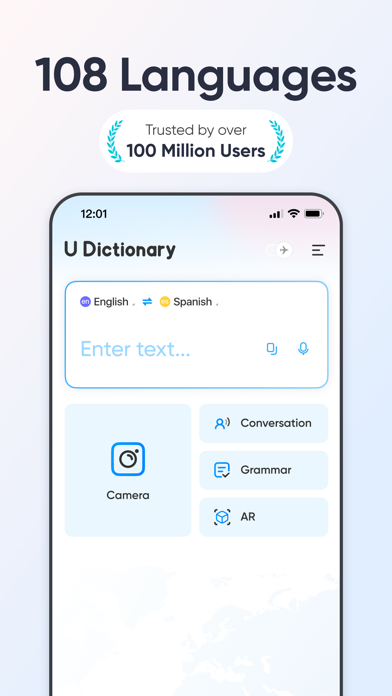
U-Dictionary is an efficient translation and dictionary app. Effortlessly translate texts, pictures, or conversations in 108 languages. Get translation instantly whether you're learning a new language or traveling abroad. Help remove your language barriers anytime anywhere.
U-Dictionary takes in originally developed dictionaries, Collins COBUILD Advanced Dictionary, WordNet Dictionary, Bilingual Examples, Native Examples, Synonyms, Antonyms, Etymology Dictionary and so on.
FEATURES:
• Text Translation: Get translation of any pair within 108 languages.
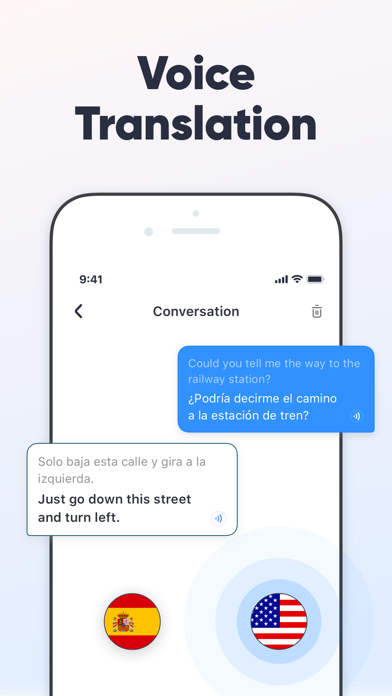
• Voice Translation: Translate bilingual conversations in 33 languages, 47 accents.
• Authoritative Dictionary: Built-in Concise Dictionary, Collins Advanced Dictionary and WordNet Dictionary.
• Perfect English Pronunciation: Native UK (British) and US (American) accent. Listen and Learn.
• Native Examples: Authentic sentences collected from famous international news websites.
• English Learning: Rich English learning materials
• 13 Display Languages: Read in your native language.
• Impressive UI: Clear and beautiful interface. Enjoy your journey.
Get UDictionary Premium and enjoy:
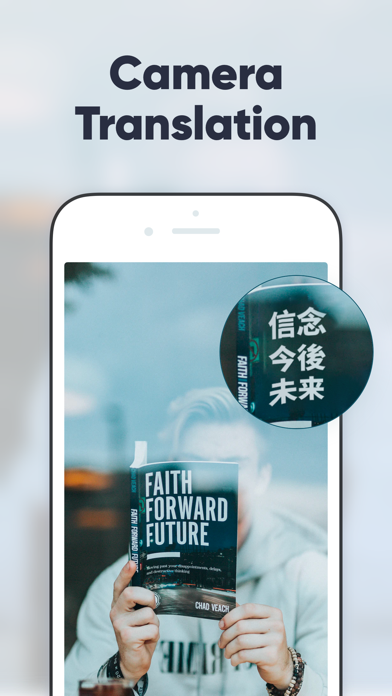
• Camera Translation: Snap to translate without typing by hand. 100 languages are available.
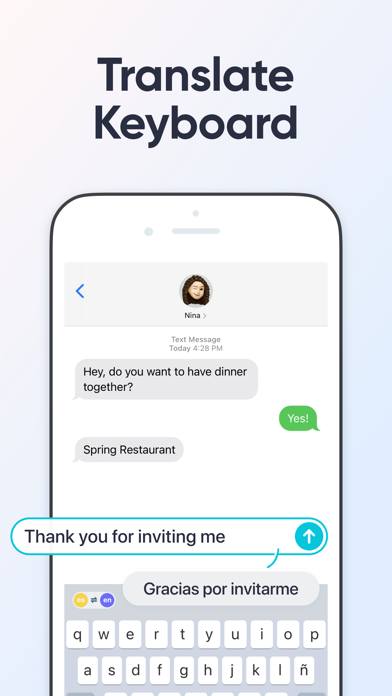
• Translate Keyboard: Write and translate instantly within your favorite apps. Chat without borders.
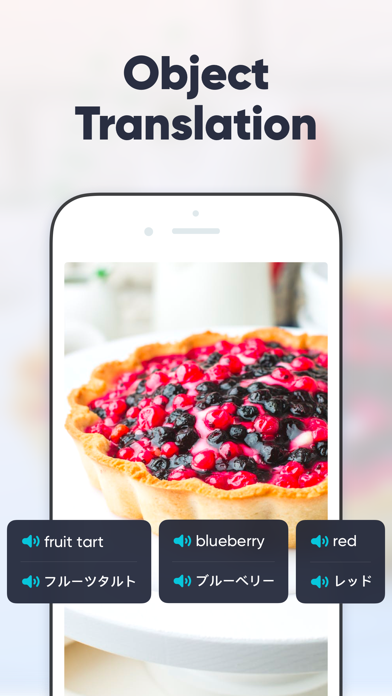
• Object Translation: Scan an object and recognize it smartly. Get to know anything around you immediately.
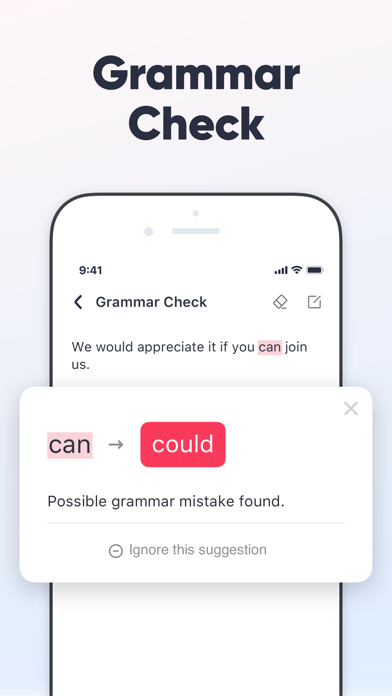
• Grammar Check: Enter or paste English text and check it with one click. Enjoy mistake-free writing!
• Offline Mode: Free from network limits. Travel abroad without having to pay expensive roaming charges.
Desktop/Mobile Web: http://www.u-dictionary.com
Articles from Blog: http://udictionaryblog.wordpress.com
Contact Us:
Connect with us on any of the following Social Media:
https://facebook.com/UDictionary/
http://www.youtube.com/c/UDictionary
https://plus.google.com/ UDictionary
https://twitter.com/Udictionaryforu/
https://instagram.com/udictionaryforu
Have queries?
Email us at [email protected]
Supported languages for translation:
Afrikaans, Albanian, Arabic, Armenian, Azerbaijani, Basque, Belarusian, Bengali, Bosnian, Bulgarian, Catalan, Cebuano, Chichewa, Chinese Simplified, Chinese Traditional, Croatian, Czech, Danish, Dutch, English, Esperanto, Estonian, Filipino, Finnish, French, Galician, Georgian, German, Greek, Gujarati, Haitian Creole, Hausa, Hebrew, Hindi, Hmong, Hungarian, Icelandic, Igbo, Indonesian, Irish, Italian, Japanese, Javanese, Kannada, Kazakh, Khmer, Korean, Lao, Latin, Latvian, Lithuanian, Macedonian, Malagasy, Malay, Malayalam, Maltese, Maori, Marathi, Mongolian, Myanmar (Burmese), Nepali, Norwegian, Persian, Polish, Portuguese, Punjabi, Romanian, Russian, Serbian, Sesotho, Sinhala, Slovak, Slovenian, Somali, Spanish, Sundanese, Swahili, Swedish, Tajik, Tamil, Telugu, Thai, Turkish, Ukrainian, Urdu, Uzbek, Vietnamese, Welsh, Yiddish, Yoruba, Zulu.
-----
Auto-Renewable Subscription Terms:
* You can cancel the subscription anytime by turning off auto-renewal through your iTunes account settings. This must be done 24 hours before the end of the subscription period to avoid being charged. The cancellation will take effect the day after the last day of the current subscription period, and you will be downgraded to the free service.
* Account will be charged for renewal within 24-hours prior to the end of the current period, and identify the cost of the renewal.
Privacy Policy: http://inter.youdao.com/cloudfront/vip-pay/privacy.html
Terms of Services: http://inter.youdao.com/cloudfront/vip-pay/terms.html
- iPhone หรือ iPad ที่ไม่ได้เจลเบรก/ไม่ได้เจลเบรก หรือเจลเบรกแล้ว
- Sideloadly หรือทางเลือกอื่น
- คอมพิวเตอร์ที่ใช้ Windows/macOS/Linux และติดตั้ง iTunes ไว้
ขั้นตอนที่ 1: ดาวน์โหลดไฟล์ .IPA ที่แฮกไว้ล่วงหน้าจากลิงก์ด้านบนลงในคอมพิวเตอร์ของคุณ หากต้องการดาวน์โหลดจากแอป iOSGods โปรดดู วิธีดาวน์โหลด IPA ในแอป iOSGods ซึ่งมีตัวอย่างวิดีโอประกอบ
ขั้นตอนที่ 2: ดาวน์โหลด Sideloadly แล้วติดตั้งบน Windows หรือ Mac ของคุณ
ขั้นตอนที่ 3: เปิด Sideloadly บนคอมพิวเตอร์ เชื่อมต่ออุปกรณ์ iOS แล้วรอจนกว่าชื่ออุปกรณ์ของคุณจะปรากฏใน Sideloadly
ขั้นตอนที่ 4: เมื่อ iDevice ของคุณถูกตรวจพบแล้ว ให้ลากไฟล์ .IPA ที่ม็อดมาวางลงในโปรแกรม Sideloadly
ขั้นตอนที่ 5: กรอกอีเมล Apple Account ของคุณ จากนั้นกด "Start" ระบบจะถามรหัสผ่าน กรอกข้อมูลที่จำเป็นให้เรียบร้อย
ขั้นตอนที่ 6: รอจนกว่า Sideloadly จะ sideload/ติดตั้งไฟล์ IPA ที่แฮกเสร็จ หากเกิดปัญหาระหว่างติดตั้ง โปรดอ่านหมายเหตุด้านล่าง
ขั้นตอนที่ 7: เมื่อการติดตั้งเสร็จสิ้นและเห็นแอปบนหน้าจอหลักแล้ว ให้ไปที่ การตั้งค่า → ทั่วไป → โปรไฟล์ / VPN และการจัดการอุปกรณ์ จากนั้นแตะที่อีเมลที่คุณกรอกในขั้นตอนที่ 6 แล้วแตะ "เชื่อถือ [email protected]"
ขั้นตอนที่ 8: จากนั้นไปที่หน้าจอหลักและเปิดแอปที่ติดตั้งใหม่ ทุกอย่างควรทำงานได้ปกติ คุณอาจต้องทำตามคำแนะนำเพิ่มเติมเฉพาะแอปในป๊อปอัปของม็อดในเกม
หมายเหตุ: สำหรับ iOS/iPadOS 16 ขึ้นไป คุณต้อง เปิดโหมดนักพัฒนา (Developer Mode) สำหรับบัญชี Apple Developer แบบฟรี คุณต้องทำขั้นตอนนี้ซ้ำทุก 7 วัน หากมีคำถามหรือพบปัญหา โปรดอ่าน หัวข้อ FAQ ของ Sideloadly ในกระทู้