Connexion requise
Connectez-vous avec votre compte iOSGods pour continuer.
Connectez-vous avec votre compte iOSGods pour continuer.

Accédez aux outils de retouche photo premium sans payer en activant la version premium gratuite dans Polarr Photo Editor Modded, un hack iOS qui déverrouille les filtres avancés, le support des calques et les fonctionnalités d'ajustement de qualité professionnelle. Il suffit d'appuyer sur Acheter puis d'annuler pour activer la suite complète de capacités de retouche, des outils d'amélioration automatique et de courbes aux ajustements locaux et aux modes de fusion sophistiqués.
- PREMIUM gratuit (Appuyez sur Acheter puis annulez) → déverrouille tous les outils de retouche premium
Cette app est également livrée avec iGameGod, qui vous donne accès à Auto Touch pour automatiser les tâches répétitives, App Speed Manager pour ajuster la vitesse de jeu, à l'édition de valeurs avec Memory Engine, et à d'autres outils puissants pour les jeux iOS.
Téléchargez Polarr Photo Editor Modded modded IPA depuis les liens ci-dessus. Appuyez sur le bouton d'installation et suivez les instructions pour installer ce hack iOS sur votre iPhone, iPad ou Apple Silicon.
Besoin de plus d'aide ? Consultez notre FAQ de l'app iOSGods pour des réponses détaillées et des conseils de dépannage.
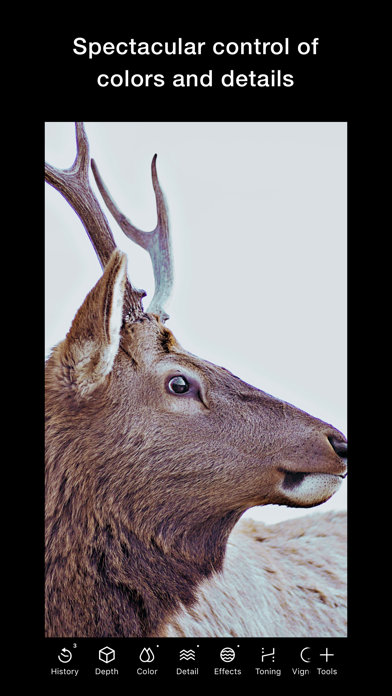
在潑辣,體驗專業編輯的無限可能。上百種專業編輯工具、無損畫質匯出、A.I.智慧辨識、專業局部調整,充分釋放你的影像創意。應用內建豐富互動教學,即使小白用戶也能輕鬆上手。
• 數百種專業編輯工具,簡潔有效率易用
• 無損畫質匯出(PNG、TIFF),保留高清細節
• A.I.智能識別,一鍵輕鬆編輯
• 超清人臉編輯,還原清晰面容
• 專業局部調整,精細編輯細節
• 自然真美顏,呈現高級美感
• 圖片批量匯出,提升修圖效率
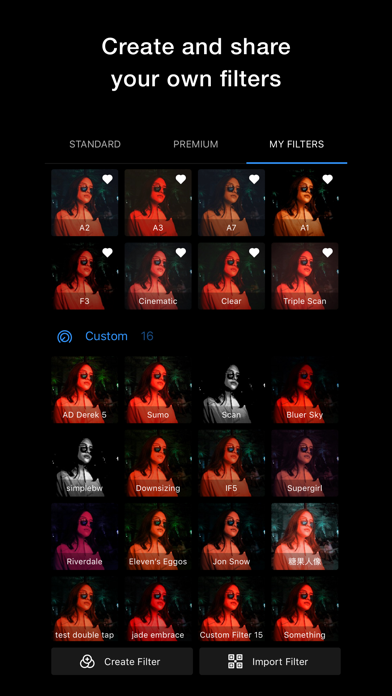
• 大量優質濾鏡,每天都有新濾鏡
• 濾鏡雲端同步,隨時隨地隨心使用
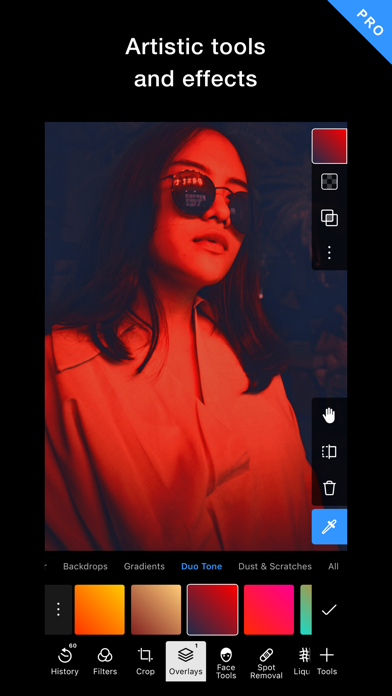
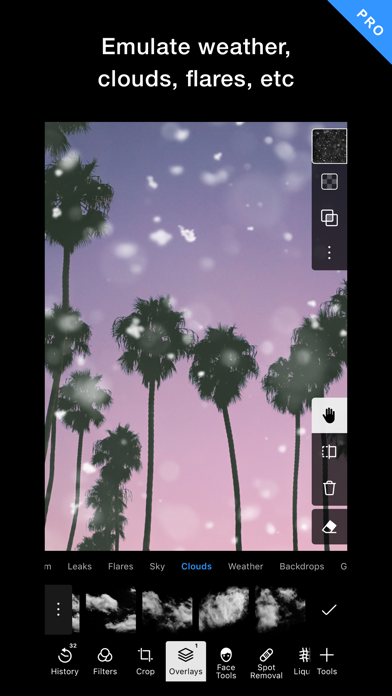
• 多元圖層素材,輕鬆重塑影像外觀
• 豐富互動教程,學習專業修圖技巧
• 專業LUT支持,色彩系統無縫切換
編輯工具:
• A.I.識別:天空,人物,背景,植被,建築物,地面,動物等。
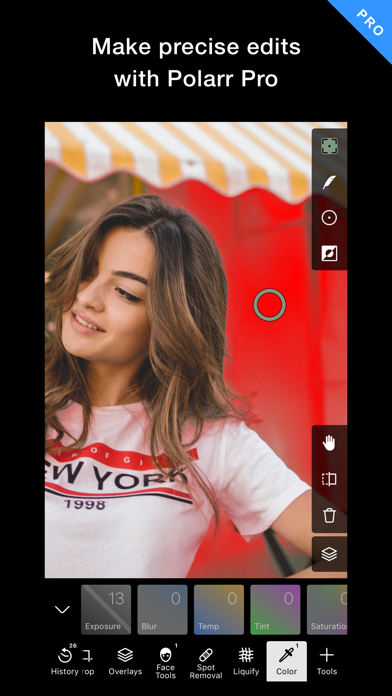
• 局部調整工具:筆刷,圓形,線性,選色,明度。
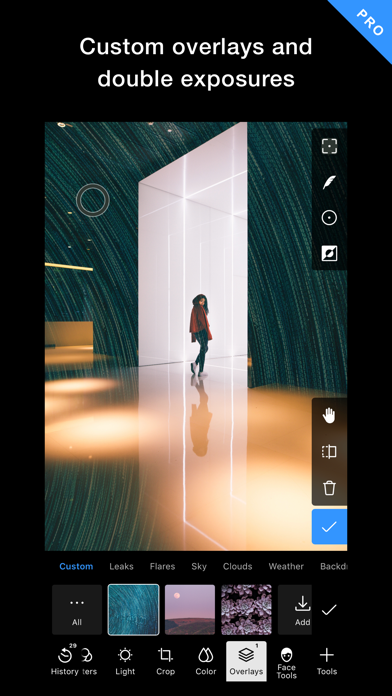
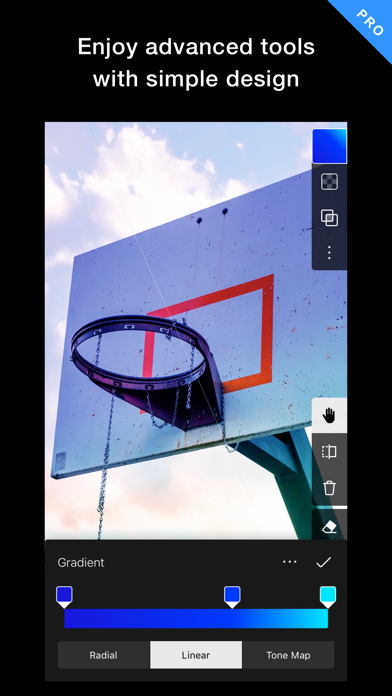
• 圖層:漸變,雙向色,天氣,紋理,背景,自訂圖層等。
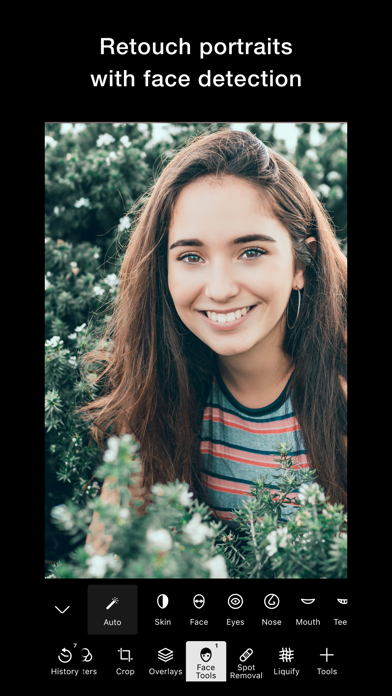
• 臉部修飾:皮膚,液化,臉部形狀(嘴,牙齒,鼻子,下巴等)。
• 全域調整:光效,色彩,HSL,曲線,光感,質感,特效,偏移,染色,色調,色散,暗角,噪點,LUT
濾鏡系統:
• 透過濾鏡二維碼或簡碼導入濾鏡
• 無限制雲端同步濾鏡
• 批次匯入濾鏡
• 濾鏡定期更新
• 濾鏡收藏與管理
• 建立包含豐富效果的濾鏡
效率工具:
• 大量匯出照片
• 批次匯入濾鏡
• 人臉辨識
• A.I.物體識別
• 濾鏡自動同步
================================
Polarr 訂閱選項:
================================
Polarr Lite:每月 1.99 美元,每年 11.99 美元
Polarr Studio:每月 3.99 美元,或每年 23.99 美元
其他國家/地區的定價可能會有所不同,並且費用可能會根據您居住的國家/地區轉換為您的當地貨幣。
當你通過免費試用開始你的 Polarr 訂閱時,試用期結束後,你將被收取訂閱費。訂閱按月或按年計費,費率取決於訂閱計劃。
按月或按年訂閱可解鎖 Polarr 中的相同功能。其他國家/地區的定價可能會有所不同,費用可能會根據你居住的國家/地區轉換為你的當地貨幣。
訂閱會以所選套餐的費用自動續訂,除非在當前期間結束前提前 24 小時取消。訂閱費在確認購買時計入你的 iTunes 帳戶。你可以在購買後轉到你的帳戶設置來管理你的訂閱並關閉自動續訂。當用戶在免費試用期間購買訂閱時,免費試用期的任何未使用部分將被沒收。
使用條款:https://www.polarr.com/policy/termsofservice_v3_en.html
隱私政策:https://www.polarr.com/policy/privacy_v3_en.html
- iPhone ou iPad avec ou sans Jailbreak.
- Sideloadly ou alternatives.
- Ordinateur sous Windows/macOS/Linux avec iTunes installé.
ÉTAPE 1: Téléchargez le fichier .IPA pré-modifié depuis le lien ci-dessus sur votre ordinateur. Pour le télécharger depuis l'iOSGods App, consultez notre Tutoriel de téléchargement de l'IPA depuis l'iOSGods App qui comprend un exemple en vidéo.
ÉTAPE 2: Téléchargez Sideloadly et installez-le sur votre Windows ou Mac.
ÉTAPE 3: Ouvrez Sideloadly sur votre ordinateur, connectez votre appareil iOS et attendez que le nom de votre appareil apparaisse dans Sideloadly.
ÉTAPE 4: Une fois votre iDevice reconnu, glissez le fichier .IPA modifié que vous avez téléchargé et déposez-le dans l'application Sideloadly.
ÉTAPE 5: Saisissez l'adresse e-mail de votre Apple Account, puis appuyez sur « Start ». Il vous sera ensuite demandé d'entrer votre mot de passe. Fournissez les informations requises.
ÉTAPE 6: Attendez que Sideloadly termine le sideloading/l'installation de l'IPA modifié. En cas de problème durant l'installation, veuillez lire la remarque ci-dessous.
ÉTAPE 7: Une fois l'installation terminée et l'app visible sur votre écran d'accueil, vous devez aller dans Réglages → Général → Profils / VPN et gestion de l'appareil. Là, appuyez sur l'adresse e-mail saisie à l'étape 6, puis appuyez sur « Faire confiance à [email protected] ».
ÉTAPE 8: Allez maintenant sur votre écran d'accueil et ouvrez l'app nouvellement installée ; tout devrait fonctionner correctement. Vous devrez peut-être suivre des instructions supplémentaires propres à chaque app, dans la fenêtre du hack en jeu.
REMARQUE : À partir d'iOS/iPadOS 16, vous devez activer le mode Développeur. Pour les comptes Apple Developer gratuits, vous devrez répéter ce processus tous les 7 jours. Pour toute question ou problème, lisez notre section FAQ Sideloadly du sujet.