Login Required
Sign in with your iOSGods account to continue.
Sign in with your iOSGods account to continue.
Hack Features
- Unlimited Gold
- Enough Parts / Upgrade Hero
- Mana Freeze
- Unlimited Trop Deploy / iGG Auto Touch Use / Always Win
- AI Freeze
This app also comes with iGameGod, giving you access to Auto Touch to automate repetitive tasks, App Speed Manager for adjustable gameplay speed, Memory Engine value editing, and more powerful iOS game tools.
Download Olympush iOS Mod IPA from the links above. Tap the install button and follow the on-screen instructions to install this iOS app hack on your iPhone, iPad, or Apple Silicon.
Need more help? Check out our iOSGods App Frequently Asked Questions for detailed answers and troubleshooting tips.
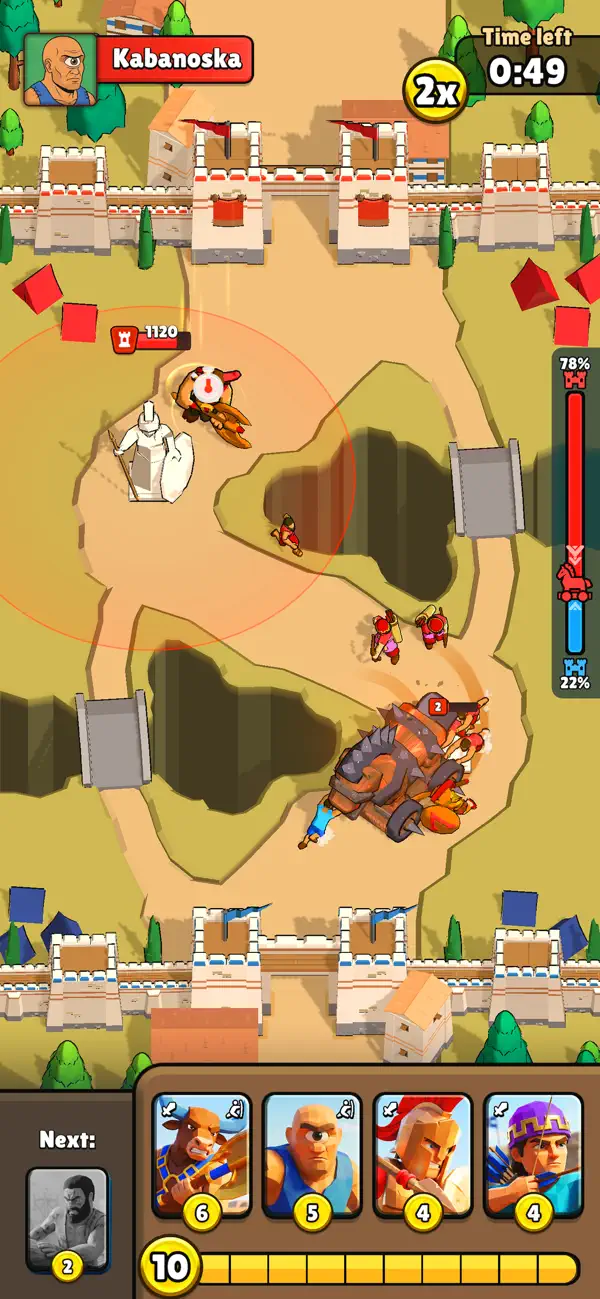
Push the Trojan Horse into the enemy base in fast one-on-one card battles.
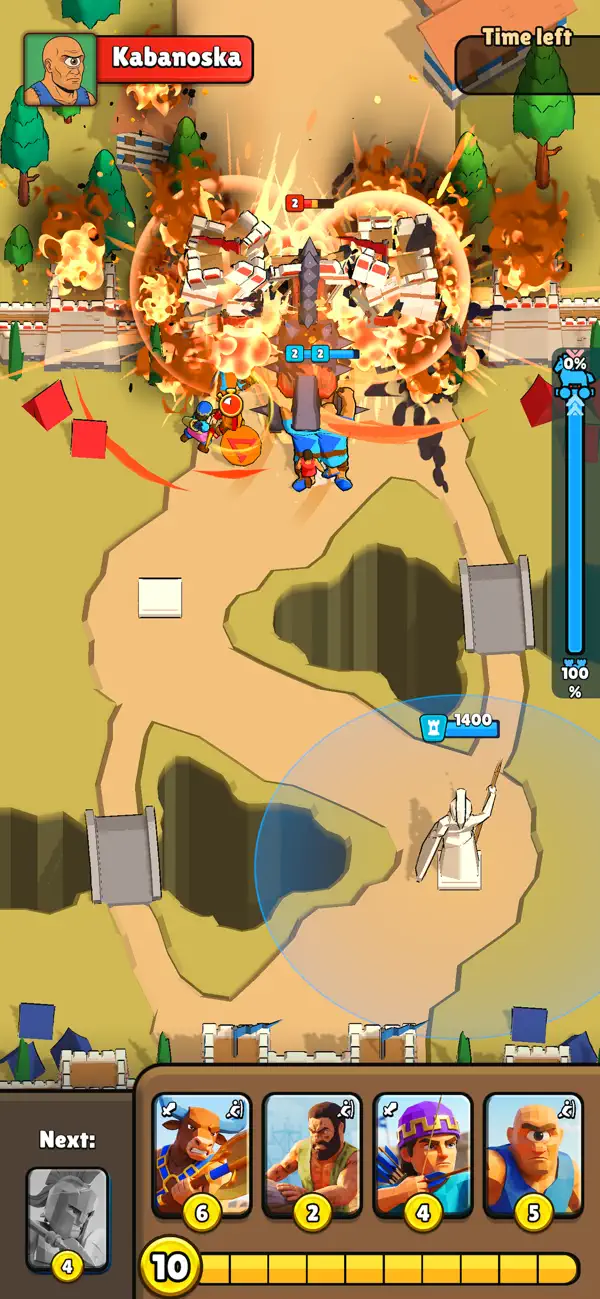
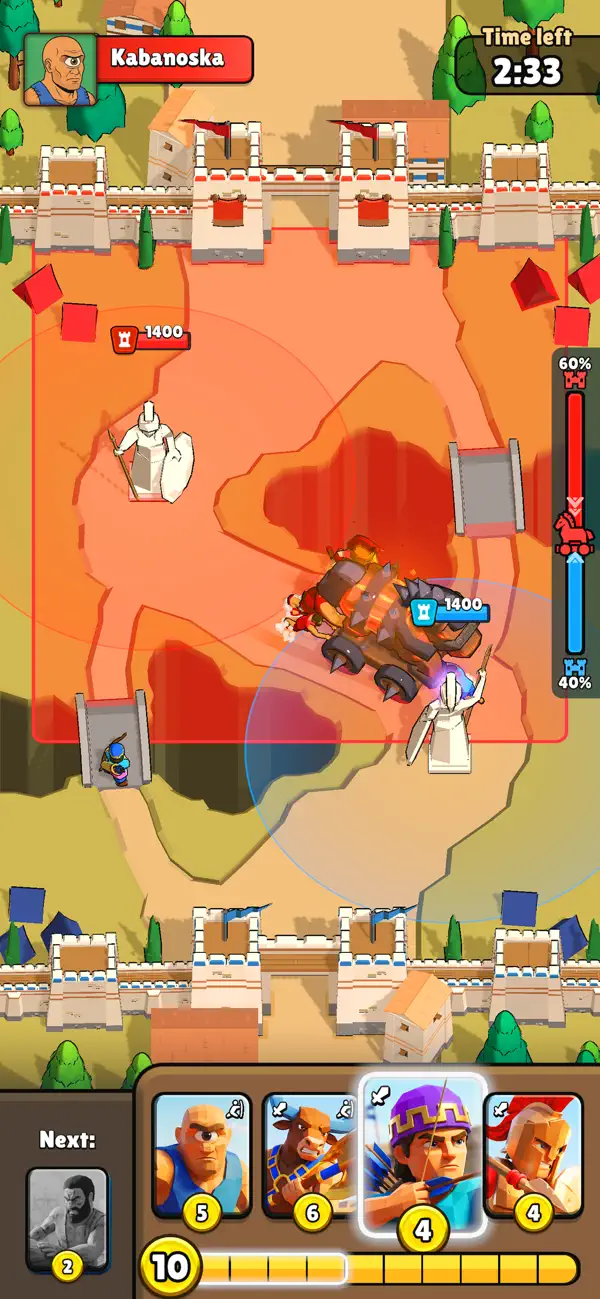
Olympush is a quick strategy battle game where two armies fight over one moving objective, a Trojan horse. Summon heroes from your deck, spend coins wisely, and push the horse into your opponent's base before time runs out.
Every match is a tug-of-war. Pushers move the horse. Fighters protect the push. Ranged units clear threats from safety. Heavy units can turn the battle if you play them at the right moment.
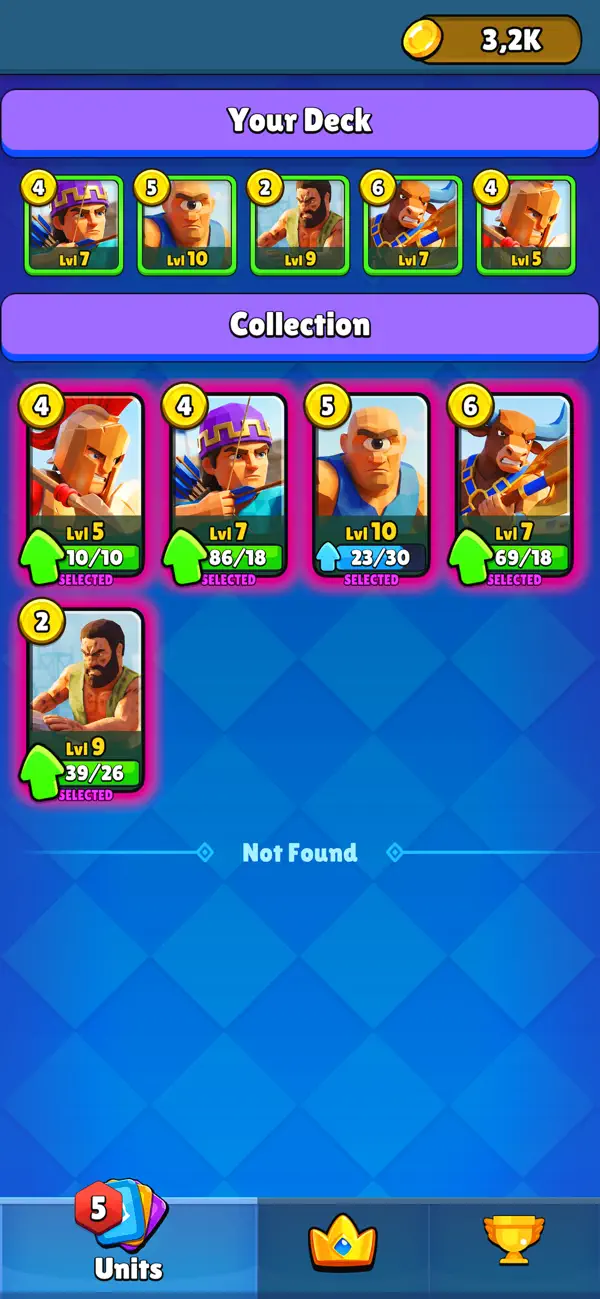
Build your deck with Spartans, Archers, Minotaurs, Labourers, Cyclops and more. Mix cheap pushers with strong defenders, create pressure, stop enemy advances, and choose when to save coins for a bigger attack.
Your statue guards your base and punishes careless pushes, but it will not win the match for you. Control the payload, protect your crew, and keep the horse moving.
Features:
- Fast one-on-one arena battles
- Drag and drop card controls
- Payload tug of war gameplay
- Heroes with pushing and attacking roles
- Deck building and card upgrades
- Short matches with comeback moments
- A funny mythic battlefield built for quick strategy
Outpush your opponent and turn a wooden horse into the most dangerous thing on the map.
- Non-Jailbroken/Jailed or Jailbroken iPhone or iPad.
- Sideloadly or alternatives.
- Computer running Windows/macOS/Linux with iTunes installed.
STEP 1: Download the pre-hacked .IPA file from the link above to your computer. To download from the iOSGods App, see our iOSGods App IPA Download Tutorial which includes a video example.
STEP 2: Download Sideloadly and install it on your Windows or Mac.
STEP 3: Open Sideloadly on your computer, connect your iOS device, and wait until your device name appears in Sideloadly.
STEP 4: Once your iDevice is recognized, drag the modded .IPA file you downloaded and drop it into the Sideloadly application.
STEP 5: Enter your Apple Account email, then press “Start.” You’ll then be asked to enter your password. Go ahead and provide the required information.
STEP 6: Wait for Sideloadly to finish sideloading/installing the hacked IPA. If there are issues during installation, please read the note below.
STEP 7: Once the installation is complete and you see the app on your Home Screen, you will need to go to Settings → General → Profiles / VPN & Device Management. Once there, tap on the email you entered from step 6, and then tap on “Trust [email protected]”.
STEP 8: Now go to your Home Screen and open the newly installed app and everything should work fine. You may need to follow further per app instructions inside the hack's popup in-game.
NOTE: iOS/iPadOS 16 and later, you must enable Developer Mode. For free Apple Developer accounts, you will need to repeat this process every 7 days. If you have any questions or problems, read our Sideloadly FAQ section of the topic.