Connexion requise
Connectez-vous avec votre compte iOSGods pour continuer.
Connectez-vous avec votre compte iOSGods pour continuer.
L'Or illimité dans Olympush Mod IPA transforme votre stratégie de bataille de cartes, vous permettant d'invoquer des héros puissants et d'améliorer votre deck sans faire de grind pour les ressources.
Cette triche supprime les frictions économiques des matchs rapides en un contre un, vous permettant de vous concentrer sur le dépassement des tactiques de votre adversaire plutôt que d'attendre l'accumulation de pièces. Que vous testiez de nouveaux builds de deck, poussiez le Cheval de Troie agressivement, ou perfectionniez le timing de votre placement d'unités, ces cheats accélèrent votre chemin vers la victoire.
- Or illimité → invoquez et améliorez librement
- Pièces suffisantes / Améliorer le héros → maximisez votre roster
- Gel de mana → contrôlez le rythme de la bataille
- Déploiement Trop illimité / Utilisation automatique iGG Touch / Victoire garantie → dominez chaque match
- Gel de l'IA → pausez les actions de l'adversaire
Cette app est également livrée avec iGameGod, qui vous donne accès à Auto Touch pour automatiser les tâches répétitives, App Speed Manager pour ajuster la vitesse de jeu, à l'édition de valeurs avec Memory Engine, et à d'autres outils puissants pour les jeux iOS.
Téléchargez Olympush iOS Mod IPA depuis les liens ci-dessus. Appuyez sur le bouton d'installation et suivez les instructions pour installer ce hack iOS sur votre iPhone, iPad ou Apple Silicon.
Besoin de plus d'aide ? Consultez notre FAQ de l'app iOSGods pour des réponses détaillées et des conseils de dépannage.
Push the Trojan Horse into the enemy base in fast one-on-one card battles.
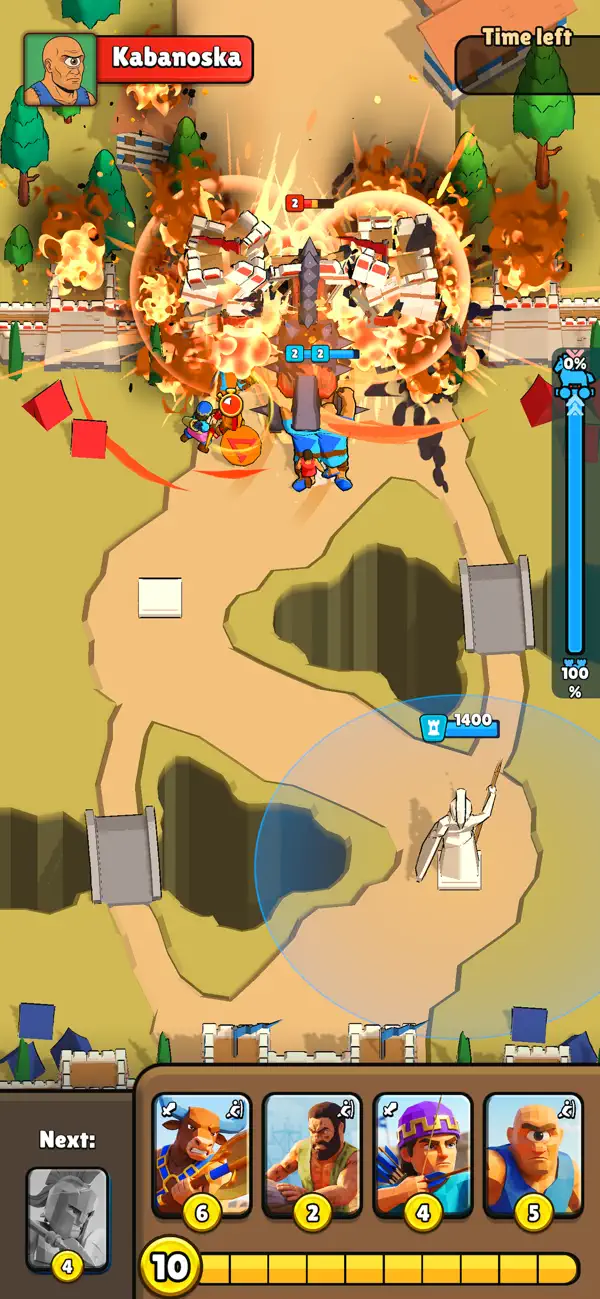
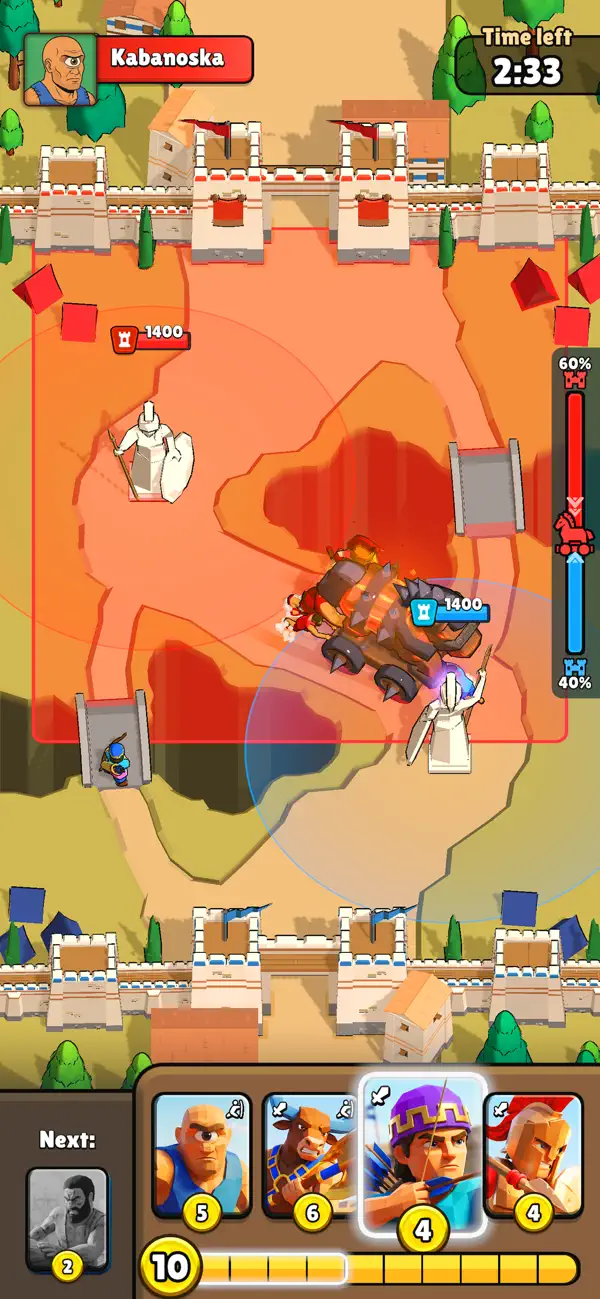
Olympush is a quick strategy battle game where two armies fight over one moving objective, a Trojan horse. Summon heroes from your deck, spend coins wisely, and push the horse into your opponent's base before time runs out.
Every match is a tug-of-war. Pushers move the horse. Fighters protect the push. Ranged units clear threats from safety. Heavy units can turn the battle if you play them at the right moment.
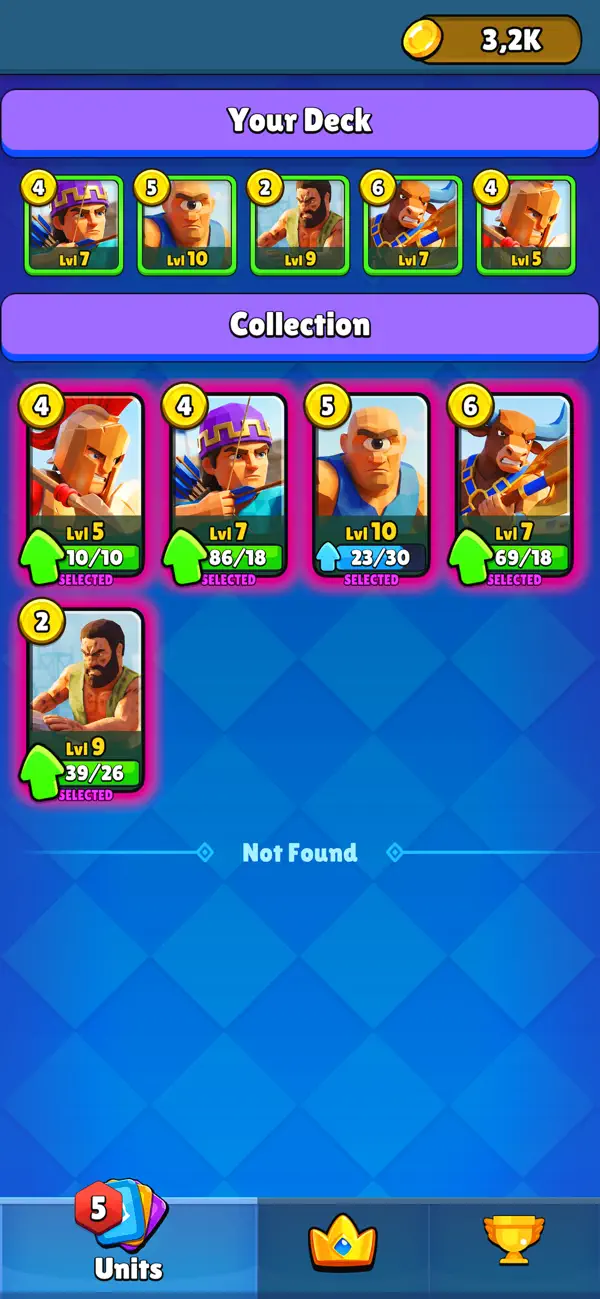
Build your deck with Spartans, Archers, Minotaurs, Labourers, Cyclops and more. Mix cheap pushers with strong defenders, create pressure, stop enemy advances, and choose when to save coins for a bigger attack.
Your statue guards your base and punishes careless pushes, but it will not win the match for you. Control the payload, protect your crew, and keep the horse moving.
Features:
- Fast one-on-one arena battles
- Drag and drop card controls
- Payload tug of war gameplay
- Heroes with pushing and attacking roles
- Deck building and card upgrades
- Short matches with comeback moments
- A funny mythic battlefield built for quick strategy
Outpush your opponent and turn a wooden horse into the most dangerous thing on the map.
- iPhone ou iPad avec ou sans Jailbreak.
- Sideloadly ou alternatives.
- Ordinateur sous Windows/macOS/Linux avec iTunes installé.
ÉTAPE 1: Téléchargez le fichier .IPA pré-modifié depuis le lien ci-dessus sur votre ordinateur. Pour le télécharger depuis l'iOSGods App, consultez notre Tutoriel de téléchargement de l'IPA depuis l'iOSGods App qui comprend un exemple en vidéo.
ÉTAPE 2: Téléchargez Sideloadly et installez-le sur votre Windows ou Mac.
ÉTAPE 3: Ouvrez Sideloadly sur votre ordinateur, connectez votre appareil iOS et attendez que le nom de votre appareil apparaisse dans Sideloadly.
ÉTAPE 4: Une fois votre iDevice reconnu, glissez le fichier .IPA modifié que vous avez téléchargé et déposez-le dans l'application Sideloadly.
ÉTAPE 5: Saisissez l'adresse e-mail de votre Apple Account, puis appuyez sur « Start ». Il vous sera ensuite demandé d'entrer votre mot de passe. Fournissez les informations requises.
ÉTAPE 6: Attendez que Sideloadly termine le sideloading/l'installation de l'IPA modifié. En cas de problème durant l'installation, veuillez lire la remarque ci-dessous.
ÉTAPE 7: Une fois l'installation terminée et l'app visible sur votre écran d'accueil, vous devez aller dans Réglages → Général → Profils / VPN et gestion de l'appareil. Là, appuyez sur l'adresse e-mail saisie à l'étape 6, puis appuyez sur « Faire confiance à [email protected] ».
ÉTAPE 8: Allez maintenant sur votre écran d'accueil et ouvrez l'app nouvellement installée ; tout devrait fonctionner correctement. Vous devrez peut-être suivre des instructions supplémentaires propres à chaque app, dans la fenêtre du hack en jeu.
REMARQUE : À partir d'iOS/iPadOS 16, vous devez activer le mode Développeur. Pour les comptes Apple Developer gratuits, vous devrez répéter ce processus tous les 7 jours. Pour toute question ou problème, lisez notre section FAQ Sideloadly du sujet.