Connexion requise
Connectez-vous avec votre compte iOSGods pour continuer.
Hack Features
- Damage Multiplier
- God Mode
Téléchargez OnceWorld iOS Mod IPA depuis les liens ci-dessus. Appuyez sur le bouton d'installation et suivez les instructions pour installer ce hack iOS sur votre iPhone, iPad ou Apple Silicon.
Besoin de plus d'aide ? Consultez notre FAQ de l'app iOSGods pour des réponses détaillées et des conseils de dépannage.
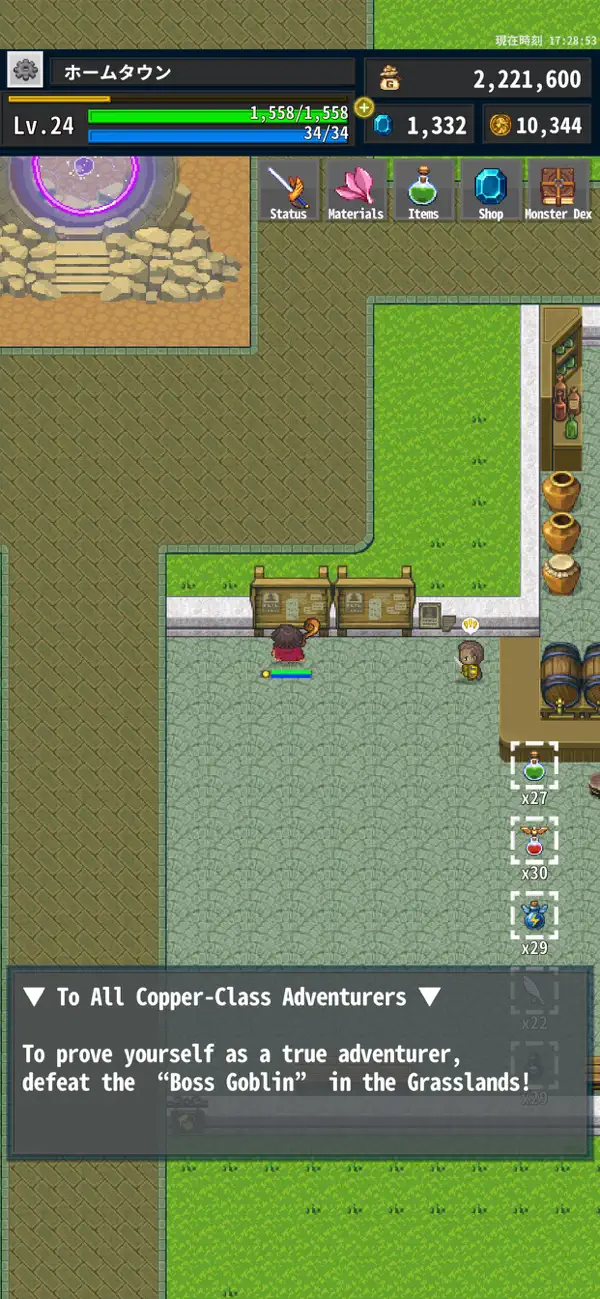
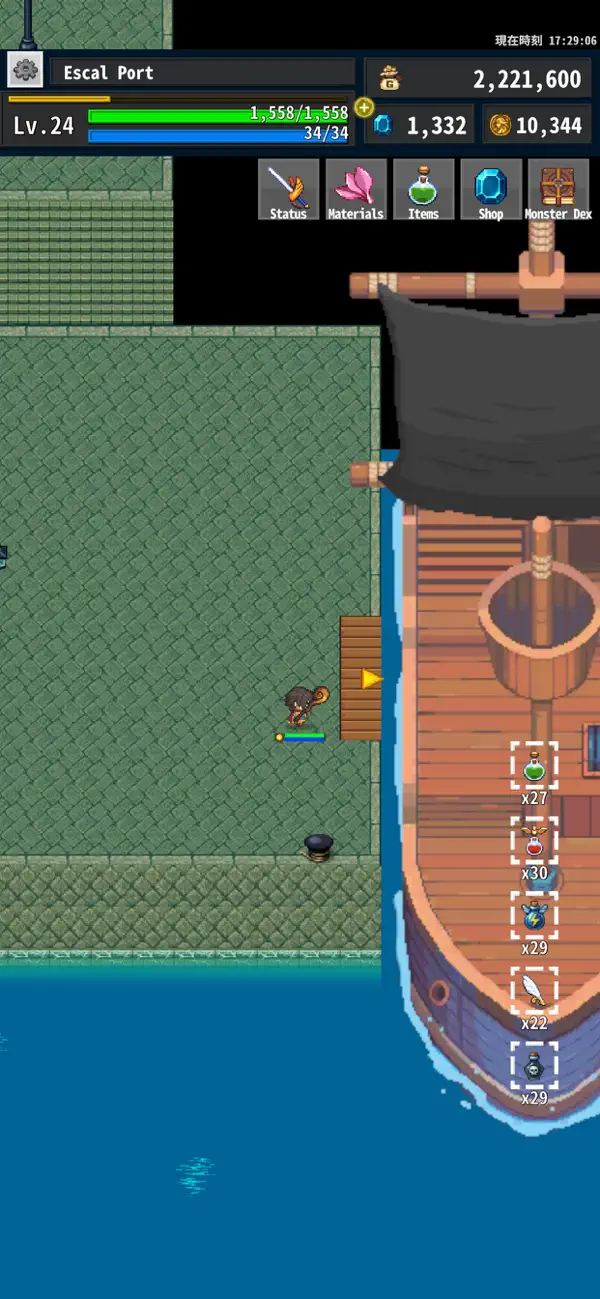
OnceWorld is a simple and casual 2D solo-play RPG.
Relive the charm of classic MMOs from the good old days — now reimagined for mobile with easy controls and deep progression!
Level up, reincarnate, raise pets, awaken equipment, collect materials, and battle in the arena — all in one nostalgic adventure.
It’s an RPG that brings the essence of those mid-2000s MMORPGs to your smartphone, blending nostalgia with modern convenience.
▼ Stat Distribution
Distribute points into seven basic stats to develop your character.
Points are earned as your hero levels up.
To reset your distribution, you’ll need a special item.
Stat meanings:
VIT – Increases HP
SPD – Attack speed & number of strikes
ATK – Physical attack power
INT – Magic attack power & SP capacity
DEF – Mainly physical defense power
M.DEF – Mainly magical defense power
LUK – Evasion & Physical Critical
▼ Weapons & Armor
Equip one weapon and five armor pieces.
Wearing all five pieces of a matching set grants a set bonus.
Use the heart icon at the top-left to toggle your favorite gear display.
▼ Equipment Enhancement
Use materials obtained during your adventures to enhance your gear.
Each enhancement attempt has a success rate — failure consumes the materials, but the item itself will never break.
Some special items can increase success rates.
▼ Accessories
Accessories grant special effects when equipped.
Defeating enemies while an accessory is equipped will level it up, enhancing its effects over time.
▼ Magic
Spend SP to cast powerful spells.
Magic attacks cannot be evaded and there are no critical hits.
Certain rare materials may further amplify spell power.
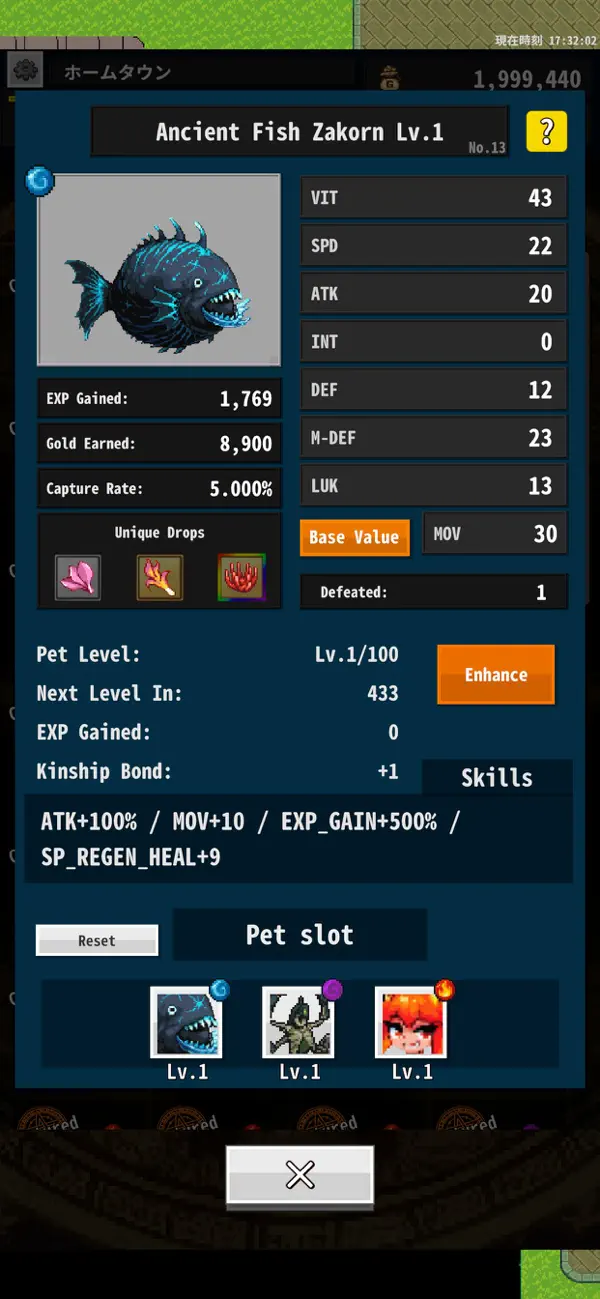
▼ Monsters & Pets
By carrying a special material, you’ll gain the ability to capture monsters.
Captured monsters become pets that grow stronger as they fight alongside you.
Some monsters learn skills as they level up.
These skills can activate even without being summoned, as long as the monster is accompanying you.
Pet switching can only be done at the Pet Keeper in your hometown.
Feeding specific materials will raise a pet’s stats.
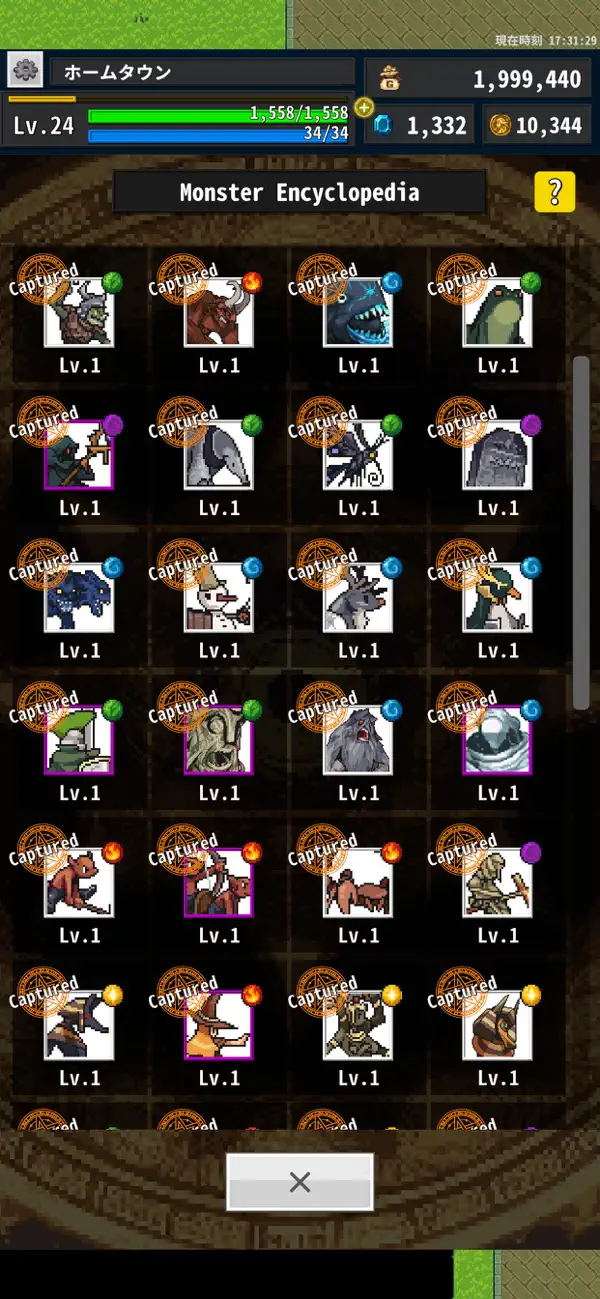
▼ Monster Encyclopedia
Once defeated, monsters are added to the encyclopedia where their stats can be viewed.
Captured monsters will display a “Caught” mark.
▼ Materials
Materials are divided into three categories:
Normal Materials
Used for equipment enhancement and trading.
Effect Materials
Provide passive bonuses simply by owning them.
Have a smaller carrying limit.
Key Items
Only one can be held.
Cannot be dropped or sold.
▼ Items
Items that grant various benefits during adventures.
You can assign them to shortcut slots for quick use in the field.
Swap registered items using the arrow icon beside the item list.
▼ Reincarnation
When your hero reaches the level cap, you can reincarnate.
Reincarnation resets your level but increases your level cap and available stat points, allowing for further growth.
▼ Abyss Corridor
A ranked mode that can be played a limited number of times per day.
Clear each floor by defeating all monsters as fast as possible — faster times rank higher.
Treasure chests appear as rewards on each floor.
Only Save Slot 1 is eligible for ranking participation.
▼ Arena
Watch monster battles.
Watch monster battles held several times a day.
Choose the strongest team from three teams and watch the battle.
Earn Arena Coins if your favorite team wins.
Try exchanging them for valuable materials at the Arena Shop.
▼ About the Kin-Slayer Rite ▼
The Kin-Slayer Rite
is a ceremony in which the target pet’s kin-bond, level,
and accumulated experience are all returned to zero
in exchange for enhancing its base stats.
A monster that undergoes this rite will gain experience
at a slower rate thereafter.
- iPhone ou iPad avec ou sans Jailbreak.
- Sideloadly ou alternatives.
- Ordinateur sous Windows/macOS/Linux avec iTunes installé.
ÉTAPE 1: Téléchargez le fichier .IPA pré-modifié depuis le lien ci-dessus sur votre ordinateur. Pour le télécharger depuis l'iOSGods App, consultez notre Tutoriel de téléchargement de l'IPA depuis l'iOSGods App qui comprend un exemple en vidéo.
ÉTAPE 2: Téléchargez Sideloadly et installez-le sur votre Windows ou Mac.
ÉTAPE 3: Ouvrez Sideloadly sur votre ordinateur, connectez votre appareil iOS et attendez que le nom de votre appareil apparaisse dans Sideloadly.
ÉTAPE 4: Une fois votre iDevice reconnu, glissez le fichier .IPA modifié que vous avez téléchargé et déposez-le dans l'application Sideloadly.
ÉTAPE 5: Saisissez l'adresse e-mail de votre Apple Account, puis appuyez sur « Start ». Il vous sera ensuite demandé d'entrer votre mot de passe. Fournissez les informations requises.
ÉTAPE 6: Attendez que Sideloadly termine le sideloading/l'installation de l'IPA modifié. En cas de problème durant l'installation, veuillez lire la remarque ci-dessous.
ÉTAPE 7: Une fois l'installation terminée et l'app visible sur votre écran d'accueil, vous devez aller dans Réglages → Général → Profils / VPN et gestion de l'appareil. Là, appuyez sur l'adresse e-mail saisie à l'étape 6, puis appuyez sur « Faire confiance à [email protected] ».
ÉTAPE 8: Allez maintenant sur votre écran d'accueil et ouvrez l'app nouvellement installée ; tout devrait fonctionner correctement. Vous devrez peut-être suivre des instructions supplémentaires propres à chaque app, dans la fenêtre du hack en jeu.
REMARQUE : À partir d'iOS/iPadOS 16, vous devez activer le mode Développeur. Pour les comptes Apple Developer gratuits, vous devrez répéter ce processus tous les 7 jours. Pour toute question ou problème, lisez notre section FAQ Sideloadly du sujet.