ログインが必要
iOSGodsアカウントでサインインして続けてください。
iOSGodsアカウントでサインインして続けてください。
このカジュアルな2D RPGチートツールはOnceWorldで、モバイルでクラシックMMOの懐かしさを再体験できます。ダメージ倍率とゴッドモードのチートを駆使して、レベルアップ、アリーナでの戦闘、ソロプレイアドベンチャーの進行を加速させましょう。
- ダメージ倍率 → 戦闘での攻撃力を強化
- ゴッドモード → ゲームプレイ中に無敵になる
このアプリにはiGameGodも搭載されており、繰り返し作業を自動化するAuto Touch、ゲーム速度を調整できるApp Speed Manager、Memory Engineによる値の編集など、強力なiOSゲーム用ツールをご利用いただけます。
OnceWorld iOS Mod IPAを上のリンクからダウンロードします。インストールボタンをタップし、画面の指示に従ってiPhone、iPad、Apple SiliconにこのiOSアプリハックをインストールします。
さらにヘルプが必要ですか? 詳しい回答とトラブルシューティングはiOSGodsアプリ よくある質問をご覧ください。
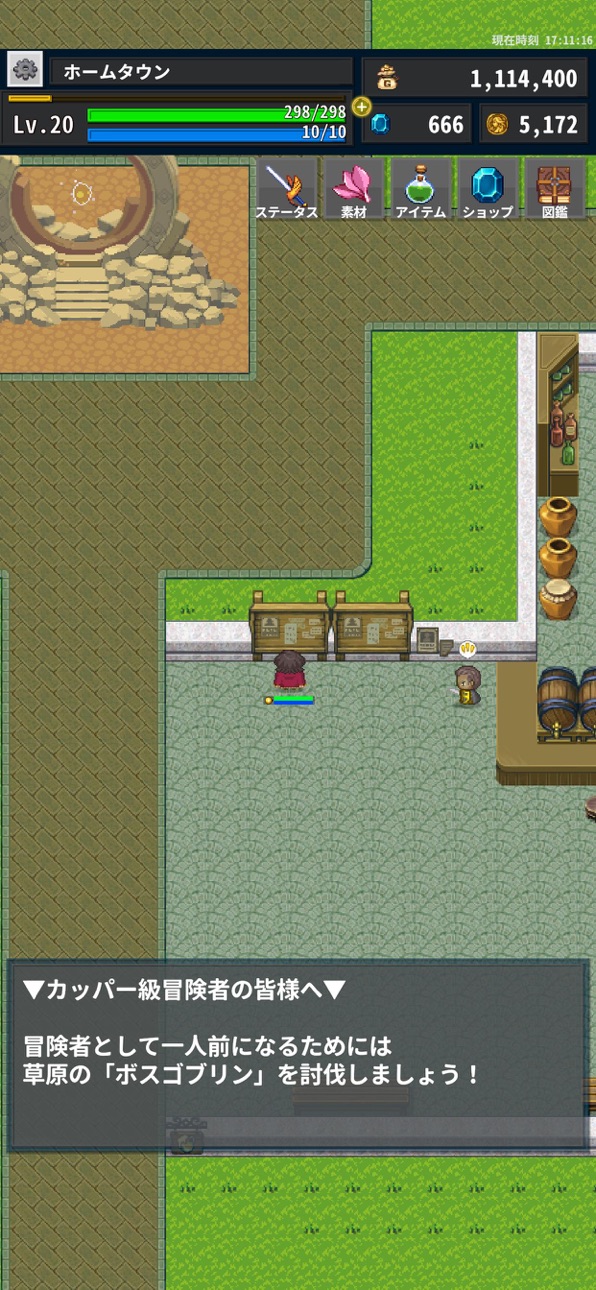
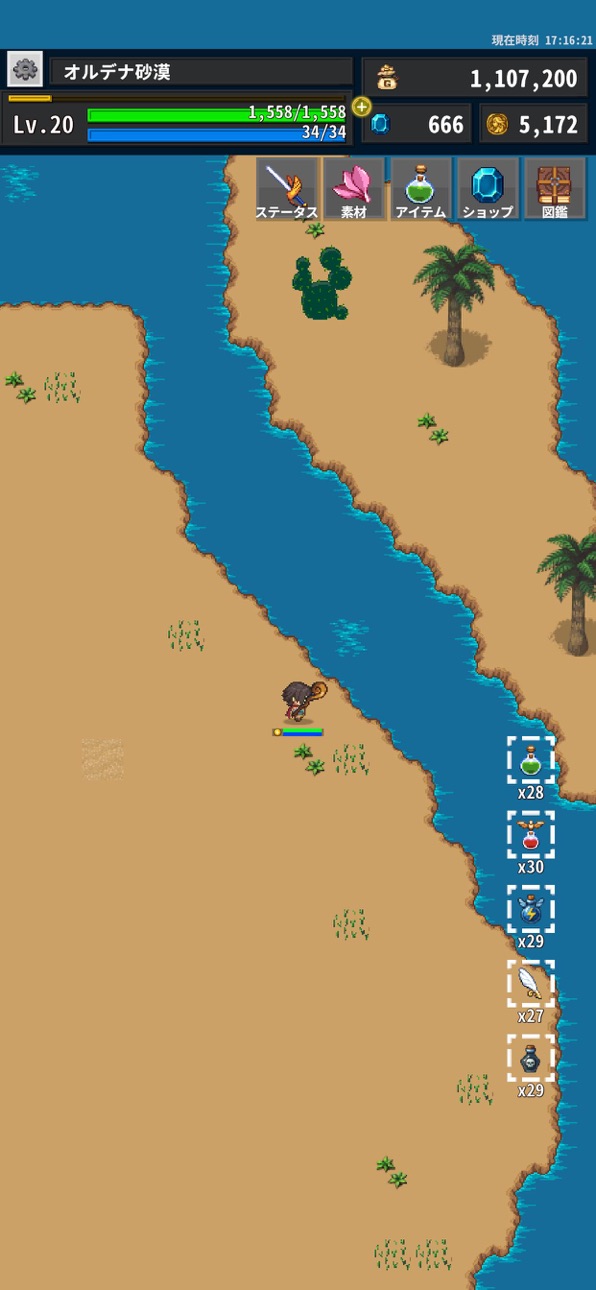
2Dのシンプルでお手軽なソロプレイ専用RPGゲーム「OnceWorld」です。
あの頃のMMOにあった要素を再現しつつ、スマホ用に簡単操作でやり込める!レベル上げ、転生、ペット育成、装備覚醒、素材集め、アリーナなどなど!
▼振り分けについて▼
基本となる7つのステータスに、ポイントを振り分けて育成
割り振れるポイントは、主人公のレベルを上げることで獲得
振り分けをリセットするためには専用のアイテムが必要
【関係】
VIT HPの量
SPD 攻撃スピード、攻撃回数
ATK 物理攻撃力
INT 魔法攻撃力、SPの量
DEF おもに物理防御力
M_DEF おもに魔法防御力
LUK 回避、物理クリティカル
▼武器・防具について▼
武器と5つの防具を装着可能
セット効果のある防具は5つを合わせることで能力UP
左上のハートマークで、お気に入り装備の表示切替
▼装備強化について▼
冒険で集めた素材を利用して装備を強化
強化には成功率があり、失敗すると使用した素材は消滅する
装備自体が破壊などはしない
特定のアイテムで成功率を上げることが可能
▼アクセサリーについて▼
装備することで能力を発揮する
アクセサリーを装着状態で敵を倒すとアクセサリーのレベルが上昇し、効果が高くなる
元が割合上昇系の値は、元の値に乗算する
例)10%の100%アップは110%ではなく20%
▼魔法について▼
SPを消費して、魔法を放つ
主人公の魔法攻撃は回避されない
クリティカル発生は無し
魔法には相手のステータスを変化させる特殊魔法も
魔法の効果が上昇する素材もあるかもしれない
▼モンスターについて▼
ある素材を所持することで、モンスターが捕獲できるようになる
ペットになったモンスターは、共に戦うことで強くなる
レベルが上がることでスキルを覚えるモンスターも存在する
スキルは、連れていると召喚しなくても発動する
元が割合上昇系の値は、元の値に乗算する
例)10%の100%アップは110%ではなく20%
ペットの入れ替えはホームタウンのペット預り所でのみ行える
ペットは特定の素材を与えてステータスを伸ばすことができる
▼モンスター図鑑について▼
一度でも倒したモンスターは能力を確認することができる
捕まえたモンスターは、「捕獲済み」のマークが付く
▼素材について▼
素材には3つのタブがある
・通常素材
装備の強化やトレードに利用する素材
・効果素材
所持してるだけで効果がある
所持上限が通常素材より低い
・だいじなもの
1個だけ持てる
置くことも売ることもできない
▼アイテムについて▼
使うと冒険を有利に進めることができるアイテム
ショートカットに登録することでプレイ画面で使用可能
入れ替えはアイテム一覧左の矢印アイコンで可能
▼転生について▼
主人公のレベルが上限になると、
転生を行うことができる
レベルリセットの代償とともに
レベル上限やポイント量が上昇する
▼深淵回廊について▼
1日に数回だけプレイできるランキング付きのモード
階層内の全てのモンスターを倒すまでの時間を計測
また、階層ごとに報酬の宝箱が登場
ランキングの参加はセーブスロット1のみ
▼アリーナについて▼
1日に数回モンスター同士の戦いが行われる
3つのチームから一番強そうなチームを選んでバトルを観戦
応援チームが勝てばアリーナコインを獲得
アリーナショップで貴重な素材と交換を目指そう
▼同族殲儀について▼
同族殲儀とは
対象のペットの同族の絆、レベル、獲得経験値を0に戻す代わりに
初期ステータスを高める儀式です。
儀式を行ったモンスターは、経験値があがりにくくなります。
スクリーンショット © 各権利者 · App Store


iOSGods は Apple Inc.、Google LLC、および掲載アプリの開発者と提携しておらず、承認や協賛も受けていません。Apple、iOS、App Store は Apple Inc. の商標です。Android および Google Play は Google LLC の商標です。その他のアプリ名、アイコン、画像、商標はすべて各権利者に帰属します。

- 脱獄/Jailed済みまたは脱獄済みのiPhoneまたはiPad。
- Sideloadlyまたは代替手段。
- iTunesがインストールされているWindows/macOS/Linuxを実行しているコンピュータ。
ステップ1: 上のリンクから事前にハックされた.IPAファイルをコンピュータにダウンロードします。iOSGodsアプリからダウンロードする方法は、ビデオ例付きのiOSGodsアプリIPAダウンロードチュートリアルをご覧ください。
ステップ2: SideloadlyをダウンロードしてWindowsまたはMacにインストールします。
ステップ3: コンピュータでSideloadlyを開き、iOSデバイスを接続して、デバイス名がSideloadlyに表示されるまで待ちます。
ステップ4: iDeviceが認識されたら、ダウンロードしたModされた.IPAファイルをSideloadlyアプリにドラッグ&ドロップします。
ステップ5: Apple Accountのメールアドレスを入力し、「Start」を押します。次にパスワードの入力を求められます。必要な情報を入力してください。
ステップ6: Sideloadlyがハックされたipaのサイドロード/インストールを完了するのを待ちます。インストール中に問題が発生した場合は、以下の注意事項をお読みください。
ステップ7: インストールが完了し、ホーム画面にアプリが表示されたら、設定 → 一般 → プロファイル / VPNとデバイス管理に移動する必要があります。そこで、ステップ6で入力したメールをタップし、「Trust [email protected]」をタップします。
ステップ8: ホーム画面に戻り、新しくインストールされたアプリを開けば、すべて正常に動作するはずです。ゲーム内のハックのポップアップで、アプリごとの追加指示に従う必要がある場合があります。
注意: iOS/iPadOS 16以降では、デベロッパモードを有効にするが必要です。無料のApple Developerアカウントの場合、このプロセスを7日ごとに繰り返す必要があります。質問や問題がある場合は、トピックのSideloadly FAQセクションをお読みください。
Game Name iOS Mod IPA is an action adventure game enhanced with powerful gameplay boosts and quality-of-life improvements. Win battles faster, earn rewards quicker, and enjoy uninterrupted play without ads.
- Unlimited Gold - spend freely to unlock premium content
- Damage Multiplier - deal significantly more damage in combat
- Defense Multiplier - take less damage and survive longer
- Reward Multiplier - earn more loot from every battle
- Max Level - instantly reach the highest player rank
- No Ads - play without interruptions or advertisements
This app also comes with iGameGod, giving you access to Auto Touch to automate repetitive tasks, App Speed Manager for adjustable gameplay speed, Memory Engine value editing, and more powerful iOS game tools.
Game Name Mod IPAを上のリンクからダウンロードします。インストールボタンをタップし、画面の指示に従ってiPhone、iPad、Apple SiliconにこのiOSアプリハックをインストールします。
さらにヘルプが必要ですか 詳しい回答とトラブルシューティングはiOSGodsアプリ よくある質問をご覧ください。
----------------------------------------------------------
--------------------------------------------------