Accesso richiesto
Accedi con il tuo account iOSGods per continuare.
Accedi con il tuo account iOSGods per continuare.

Sblocca gli strumenti di editing fotografico premium istantaneamente con questo SnapEdit: Photo Editor AI iOS Mod IPA gratuito, dandoti accesso completo alla rimozione di oggetti basata su IA e alle funzioni di miglioramento avanzate senza barriere di pagamento. Trasforma le tue foto con capacità di editing di livello professionale che normalmente richiedono un abbonamento.
- PREMIUM → tutte le funzioni premium sbloccate
Questa app include anche iGameGod, che ti offre accesso ad Auto Touch per automatizzare attività ripetitive, App Speed Manager per regolare la velocità di gioco, modifica dei valori con Memory Engine e altri potenti strumenti per giochi iOS.
Scarica SnapEdit: Photo Editor AI iOS Mod IPA dai link sopra. Tocca il pulsante di installazione e segui le istruzioni per installare questo hack iOS sul tuo iPhone, iPad o Mac con Apple Silicon.
Hai bisogno di altro aiuto? Consulta le nostre Domande frequenti sull'app iOSGods per risposte dettagliate e consigli per la risoluzione dei problemi.
SnapEdit is one of the best photo editing apps using AI with a mission to make your editing easy, smooth and fun.
Transform your photos like never before with SnapEdit, the ultimate photo editing app designed to effortlessly remove unwanted objects, enhance image quality, and create stunning visual masterpieces. Download SnapEdit now and unlock a world of possibilities for your photos!
KEY FEATURES:
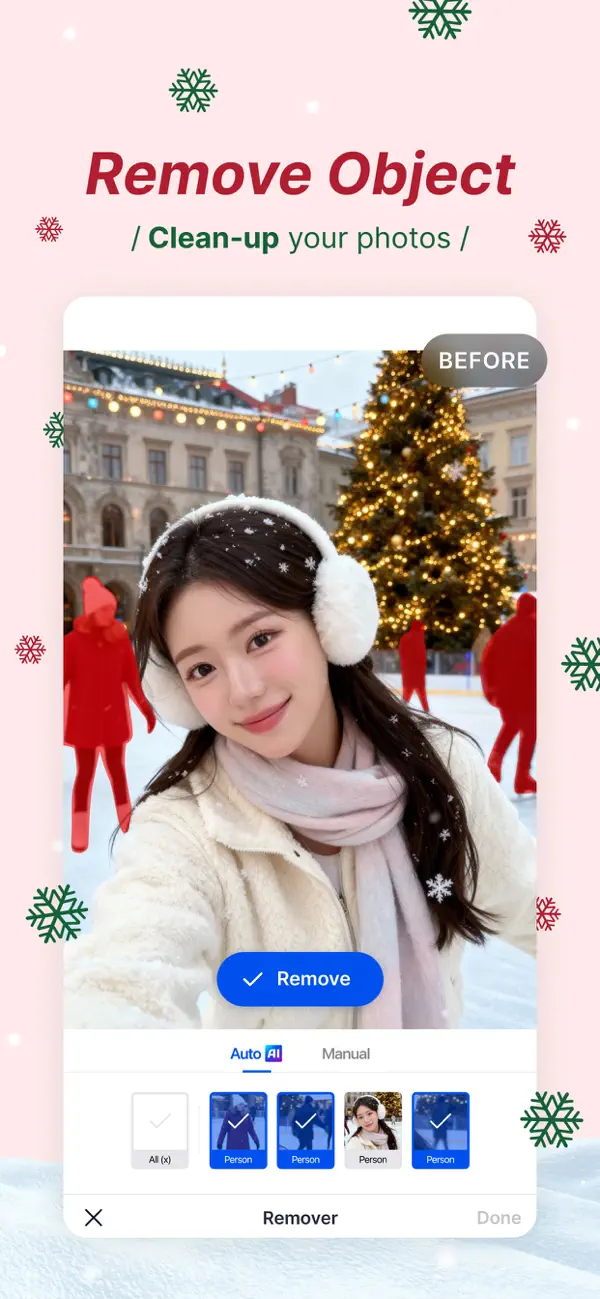
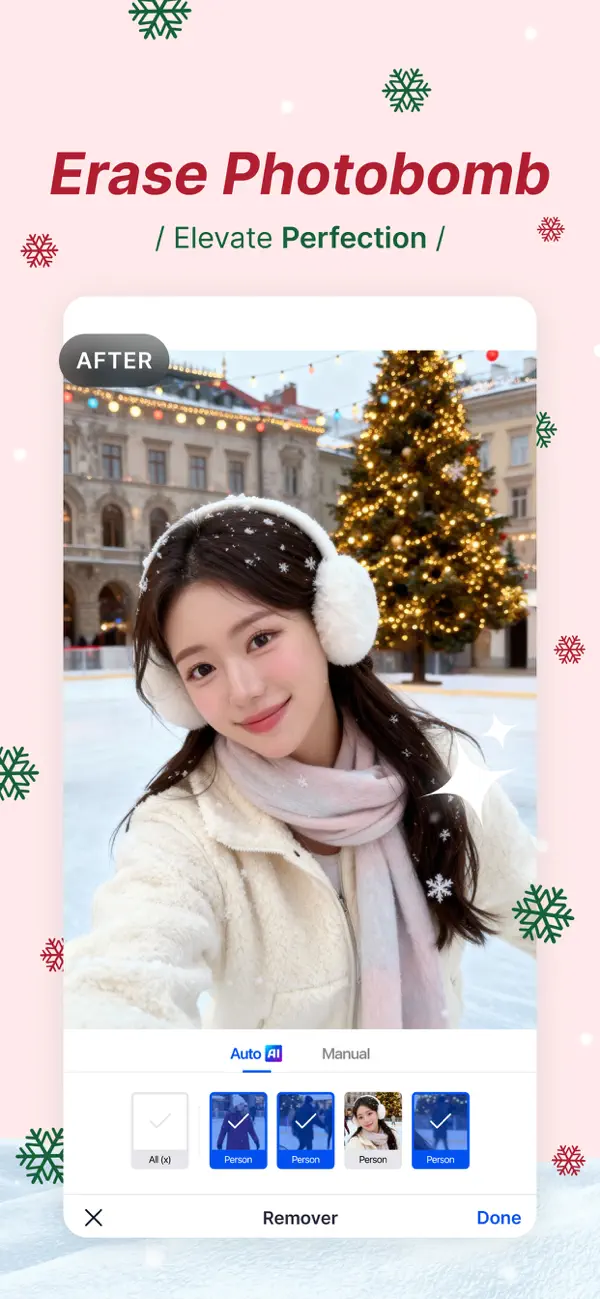
ONE-TOUCH OBJECT REMOVAL: Say goodbye to photobombers, unwanted elements, or distracting objects in your pictures. With just a single touch, SnapEdit intelligently analyzes your photo and seamlessly removes any undesired elements, leaving behind a clean and polished image.
SUPER ERASE (PRO required): Specialized model designed to remove larger distractions. Makes them vanish in a flash, leaving your photos sleek, clean, and distraction-free.
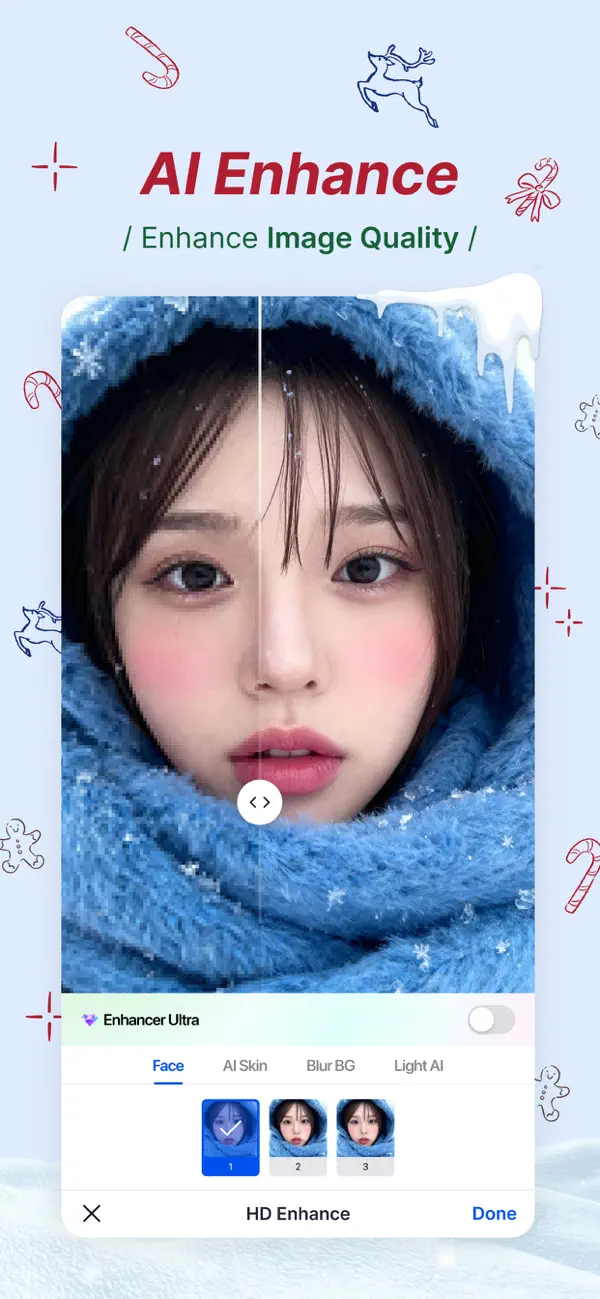
IMAGE ENHANCEMENT: Elevate your photo quality with SnapEdit’s powerful image enhancement tools. Adjust brightness, contrast, saturation, and more to bring out the hidden details and make your images truly captivating. Enhance colors, sharpen edges, and create a professional finish with ease.
AI Expand: Let you fix your limited framing in one tap. AI Expand will widen backgrounds, fill missing areas, or adjust photo sizes for social media. Create perfectly balanced images that look natural and complete every time.
VIDEO ENHANCER: Feel free to record your memories without worrying about blurry or low quality videos, SnapEdit will be the solution you are looking for to enhance videos in seconds.
SKY REPLACEMENT: The gloomy weather is just not what you want? Bring the best out of your picture with our sky replacement. Replace the gray, boring sky in your photo with a brand new sky. Choose from clear blue sky, sunny, sunset, storm and even fantasies skies.
BACKGROUND REMOVAL MADE EASY: Need to change the backdrop of your photo? No problem! SnapEdit offers a seamless background removal feature that allows you to isolate the main subject with incredible precision. Replace the background with a solid color, a custom image, or a transparent background for endless creative possibilities.
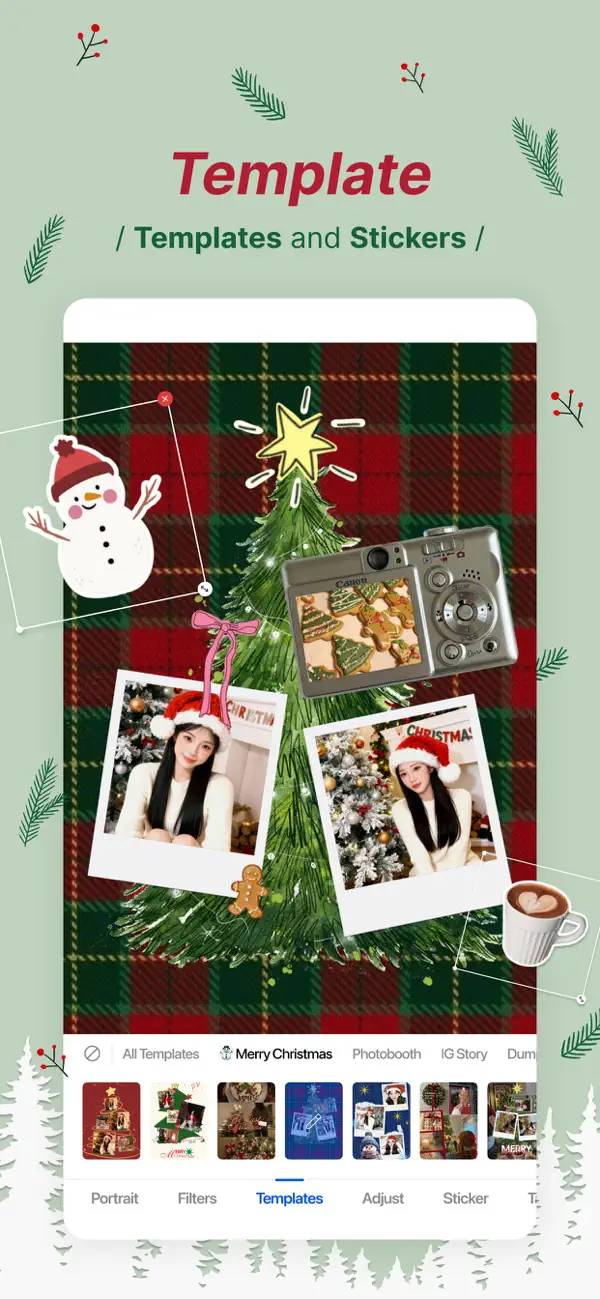
ARTISTIC FILTERS and ANIME EFFECTS: Unleash your artistic side with a wide range of filters and effects. Transform your photos into stunning works of art with a single tap. From vintage to modern, black and white to vibrant colors, SnapEdit offers a plethora of options to suit your unique style.
EASY-TO-USE: SnapEdit’s user-friendly interface ensures a seamless editing experience for both beginners and professionals. Effortlessly navigate through the app’s features, apply edits, and instantly preview changes. The intuitive design ensures that editing your photos becomes a breeze.
HIGH-QUALITY RESULTS: SnapEdit utilizes cutting-edge algorithms to deliver high-quality results without compromising on detail or resolution. Your edited photos will retain their clarity and sharpness, ensuring that every detail shines through.
SAVE AND SHARE WITH EASE: Once you’re satisfied with your masterpiece, save your edited photos in high resolution to your device’s gallery. Share your creations directly from the app to social media platforms like Instagram, Facebook, and more, and impress your friends and followers with your stunning imagery.
Unlock the true potential of your photos with SnapEdit. Download now and experience the power of one-touch object removal, image enhancement, background removal, and an array of artistic filters. Create captivating visuals that leave a lasting impression and showcase your unique vision. Get SnapEdit today and start transforming your photos like a pro!
Terms of use: https://www.apple.com/legal/internet-services/itunes/dev/stdeula/
- iPhone o iPad non jailbroken/jailed oppure jailbroken.
- Sideloadly o alternative.
- Computer con Windows/macOS/Linux con iTunes installato.
PASSO 1: Scarica il file .IPA pre-modificato dal link sopra sul tuo computer. Per scaricarlo dall'iOSGods App, consulta il nostro Tutorial download IPA dell'iOSGods App, che include un esempio video.
PASSO 2: Scarica Sideloadly e installalo sul tuo Windows o Mac.
PASSO 3: Apri Sideloadly sul tuo computer, collega il tuo dispositivo iOS e attendi finché il nome del dispositivo non appare in Sideloadly.
PASSO 4: Una volta riconosciuto il tuo iDevice, trascina il file .IPA moddato che hai scaricato e rilascialo nell'applicazione Sideloadly.
PASSO 5: Inserisci l'email del tuo Apple Account, poi premi “Start”. Ti verrà quindi chiesto di inserire la password. Procedi e fornisci le informazioni richieste.
PASSO 6: Attendi che Sideloadly completi il sideload/installazione dell'IPA modificata. Se ci sono problemi durante l'installazione, leggi la nota qui sotto.
PASSO 7: Una volta completata l'installazione e vista l'app sulla schermata Home, dovrai andare in Impostazioni → Generali → Profili / Gestione VPN e dispositivi. Una volta lì, tocca l'email inserita al passo 6 e poi tocca “Autorizza [email protected]”.
PASSO 8: Ora vai sulla schermata Home e apri l'app appena installata: tutto dovrebbe funzionare correttamente. Potrebbe essere necessario seguire ulteriori istruzioni specifiche all'interno del popup dell'hack nel gioco.
NOTA: Per iOS/iPadOS 16 e versioni successive, devi attivare la Modalità sviluppatore. Per gli account Apple Developer gratuiti, dovrai ripetere questa procedura ogni 7 giorni. Se hai domande o problemi, leggi la nostra sezione FAQ Sideloadly del topic.