تسجيل الدخول مطلوب
سجّل الدخول بحساب iOSGods للمتابعة.
سجّل الدخول بحساب iOSGods للمتابعة.
- Free IAP (Buy No Ads and Premium)
- Infinite Currencies
- No Ads
- Premium
قم بتنزيل Bus Escape: Traffic Jam iOS Mod IPA من الروابط أعلاه. اضغط على زر التثبيت واتبع التعليمات لتثبيت هذا التعديل لـ iOS على iPhone أو iPad أو Apple Silicon.
هل تحتاج إلى مزيد من المساعدة؟ راجع الأسئلة الشائعة لتطبيق iOSGods للحصول على إجابات مفصلة ونصائح لاستكشاف الأخطاء.
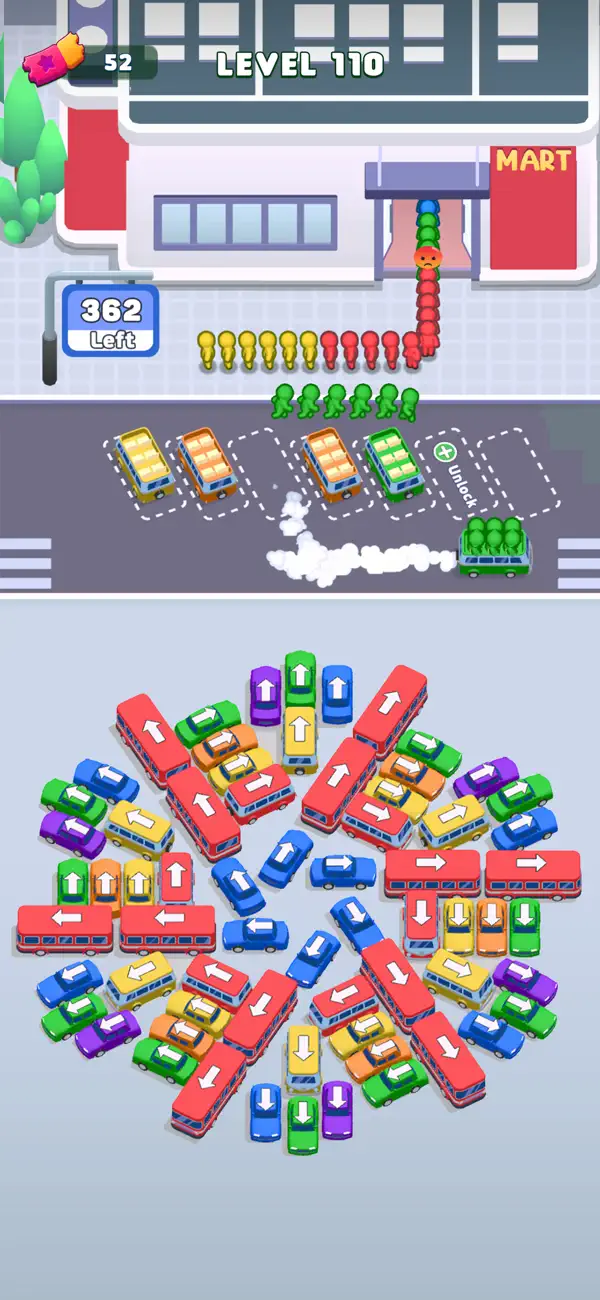
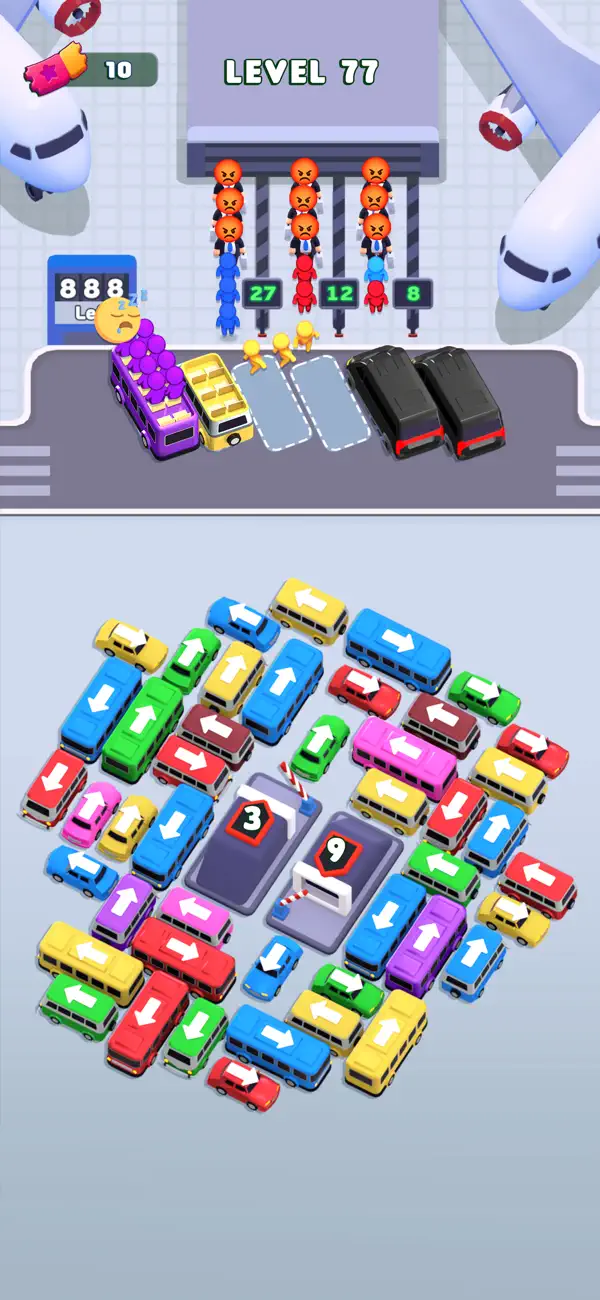
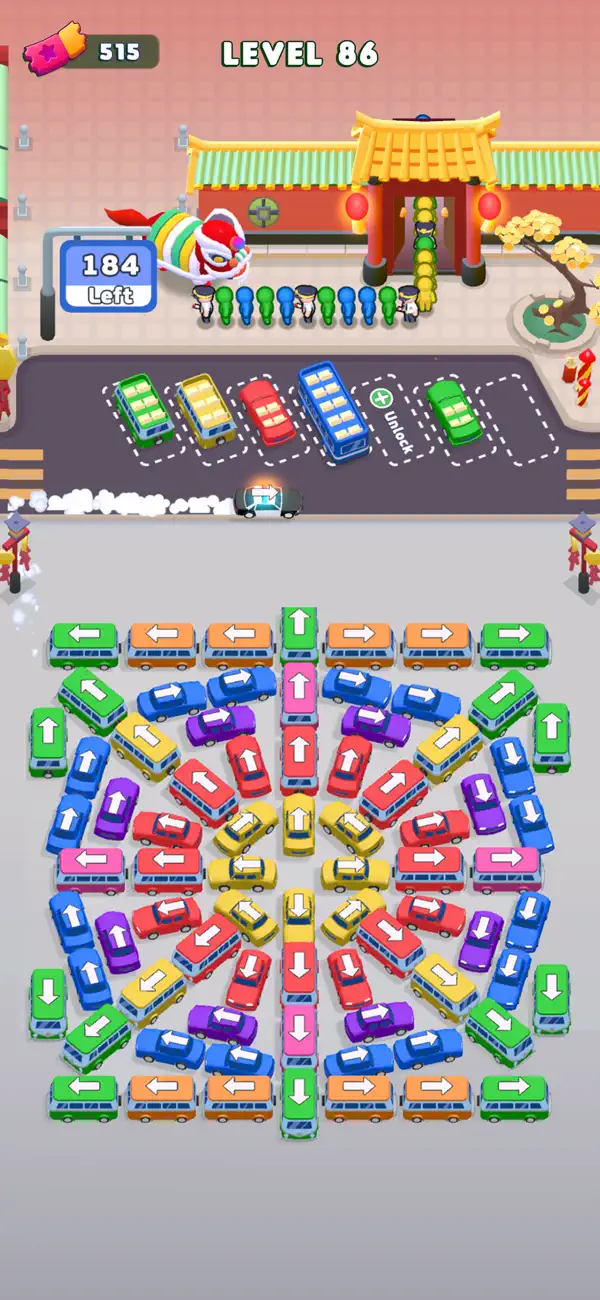
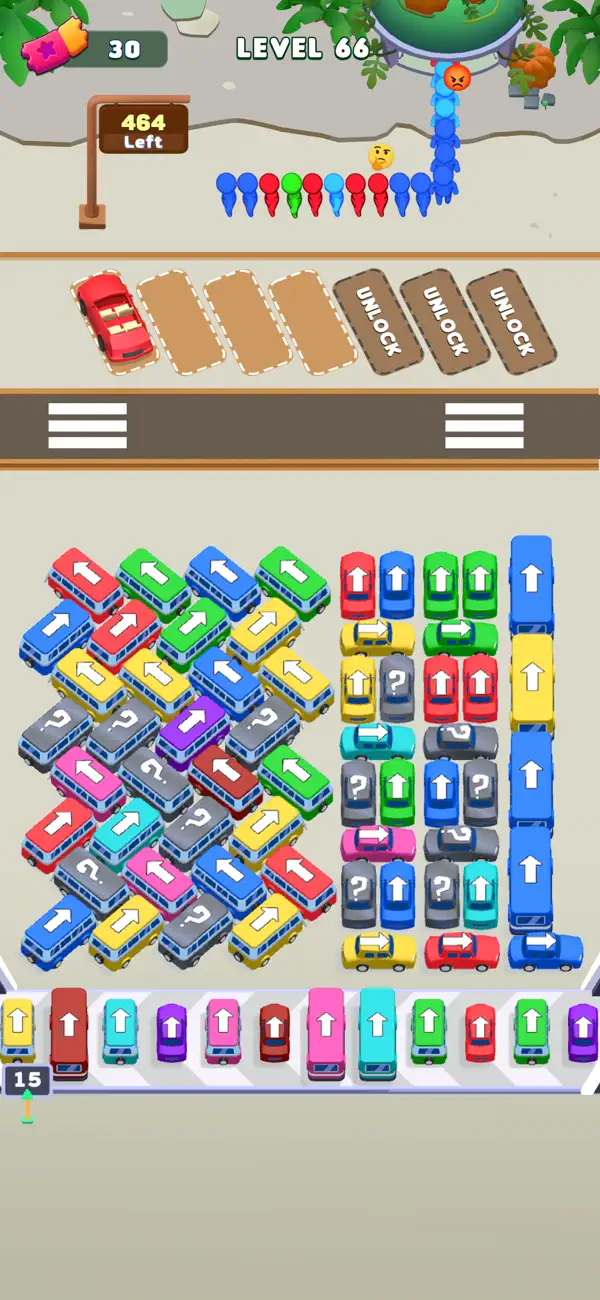
Get Ready for Bus Escape Color Jam - The Ultimate Parking Puzzle Challenge. It’s a perfect game for mental exercise and strategic thinking
How to play:
- Tap to move cars, each car go in only 1 direction
- Plan your moves carefully as the parking slot is limited
- Each type of car can carry 4 - 6 8 stickmen, so strategize your moves to tackle challenging sort puzzles.
- Ensure every passenger gets to their matching buses
- Stuck in jam? Power up a booster to secure a victory with ease
Game Feature
- Unique Gameplay: Experience a fresh take on puzzle games with Bus Escape - Traffic Jam Game's unique gameplay. Navigate through a crowded parking lot, match passengers to their cars, and solve intricate puzzles.
- Compete for Glory:
Challenge friends and players worldwide to dominate the bus. Climb the leaderboards, exchange strategies, and showcase your organizational skills.
organizational skills
- Unlock and unleash powerful boosters to overcome tricky puzzles. Enjoy addictive Color Sort Puzzle games, car jam, and parking jam puzzles without an internet connection.
- Endless Block Jam Adventures Await:
With diverse challenges, Bus Color Jam promises endless entertainment. Whether you're a casual gamer or a seasoned pro, the combination of color matching, bus maneuvering, and bus organizing ensures hours of captivating gameplay
Download Bus Escape - Traffic Jam today and immerse yourself in a world of strategic puzzles, exciting challenges, and intense competition. Don't miss out on the ultimate color sort puzzle adventure – it's time to jam

- iPhone أو iPad بجيلبريك أو بدون جيلبريك.
- Sideloadly أو بدائلها.
- كمبيوتر يعمل بنظام Windows/macOS/Linux مع تثبيت iTunes.
الخطوة 1: قم بتنزيل ملف .IPA المعدّل مسبقًا من الرابط أعلاه إلى الكمبيوتر الخاص بك. للتنزيل من تطبيق iOSGods App، اطلع على دليل تنزيل IPA من تطبيق iOSGods App الذي يتضمن مثالًا بالفيديو.
الخطوة 2: قم بتنزيل Sideloadly وتثبيته على جهاز Windows أو Mac.
الخطوة 3: افتح Sideloadly على الكمبيوتر، ووصّل جهاز iOS الخاص بك، وانتظر حتى يظهر اسم جهازك داخل Sideloadly.
الخطوة 4: بمجرد التعرّف على جهاز iDevice الخاص بك، اسحب ملف .IPA المعدّل الذي قمت بتنزيله وأفلِته داخل تطبيق Sideloadly.
الخطوة 5: أدخل البريد الإلكتروني لحساب Apple Account الخاص بك، ثم اضغط على «Start». سيُطلب منك بعد ذلك إدخال كلمة المرور. تابع وأدخل المعلومات المطلوبة.
الخطوة 6: انتظر حتى ينتهي Sideloadly من تحميل/تثبيت ملف IPA المعدّل. في حال واجهت أي مشاكل أثناء التثبيت، يرجى قراءة الملاحظة أدناه.
الخطوة 7: بعد اكتمال التثبيت ورؤية التطبيق على الشاشة الرئيسية، انتقل إلى Settings → General → Profiles / VPN & Device Management. ثم اضغط على البريد الإلكتروني الذي أدخلته في الخطوة 6، ثم اضغط على «الوثوق بـ [email protected]».
الخطوة 8: الآن انتقل إلى الشاشة الرئيسية وافتح التطبيق الذي تم تثبيته للتو وسيعمل كل شيء بشكل صحيح. قد تحتاج إلى اتباع تعليمات إضافية خاصة بكل تطبيق داخل النافذة المنبثقة للتعديل أثناء اللعب.
ملاحظة: بدءًا من iOS/iPadOS 16 وما بعده، يجب تفعيل وضع المطور (Developer Mode). بالنسبة لحسابات Apple Developer المجانية، ستحتاج إلى تكرار هذه العملية كل 7 أيام. إذا كانت لديك أي أسئلة أو مشاكل، يرجى قراءة قسم الأسئلة الشائعة حول Sideloadly في الموضوع.