Anmeldung erforderlich
Melden Sie sich mit Ihrem iOSGods-Konto an, um fortzufahren.

Laden Sie Reverse Image Search App Hack modded IPA über die obigen Links herunter. Tippen Sie auf den Installations-Button und folgen Sie den Anweisungen, um diese iOS-App auf Ihrem iPhone, iPad oder Apple Silicon zu installieren.
Brauchen Sie mehr Hilfe? In unseren iOSGods App häufig gestellten Fragen finden Sie ausführliche Antworten und Tipps zur Fehlerbehebung.
Reverse Image Search & AI Lens
Search by Image, Photo, or URL – Identify Anything Instantly
Ever wondered where a photo came from or who’s in it? Want to verify content, find similar images, or identify products and places? Reverse Image Search & AI Lens lets you instantly search using any image — powered by Google Lens, Bing, Yandex, and TinEye.
Perfect for detecting fake photos, tracing sources, discovering high-res versions, and identifying anything with AI.
Reverse Image & Keyword Search
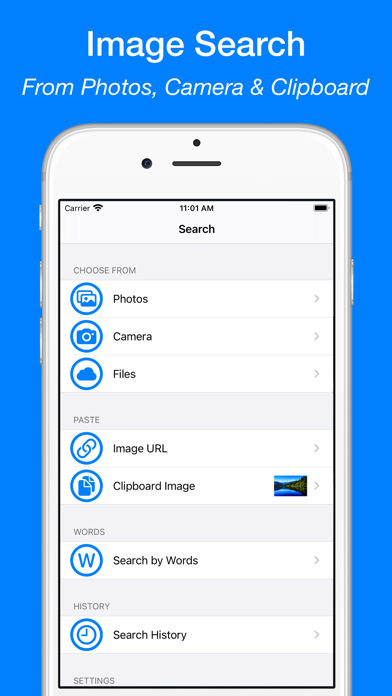
• Search by image from Camera, Photo Library, Clipboard, or Files
• Paste any image URL to search instantly
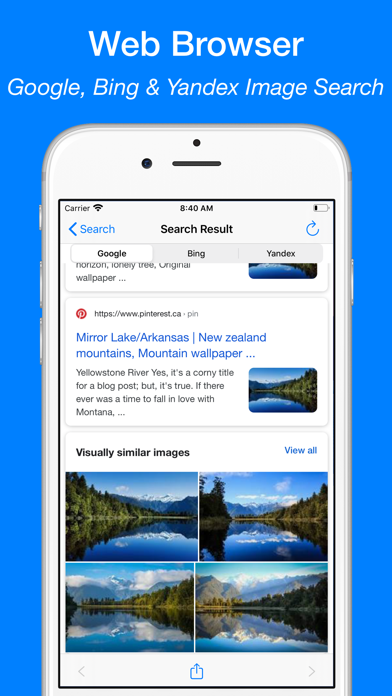
• Use Google Lens, Bing, Yandex, and TinEye for best results
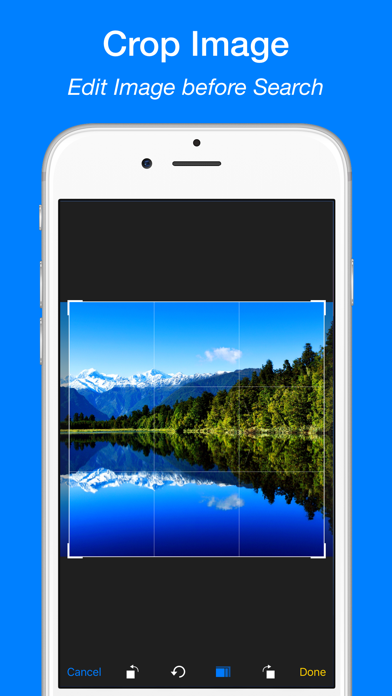
• Crop and rotate images before searching
• Search directly from Safari, Photos, and other apps via Share Extension
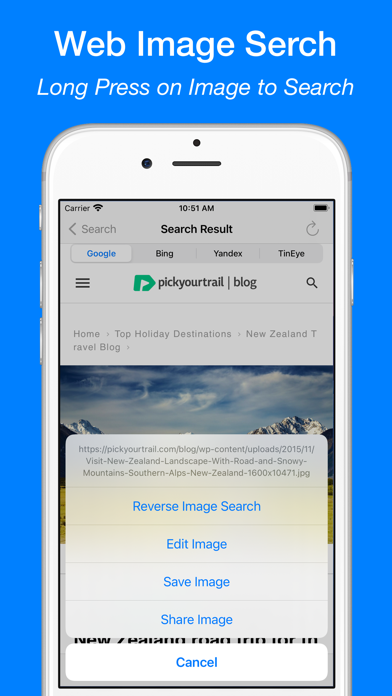
• Long press images in the built-in browser to search
• Search by keywords and phrases
• View and reuse your image search history
• Save images from results to your device
AI Lens – Object Identifier
• Identify landmarks, animals, plants, products, people, places and more
• Get instant info: names, facts, background details
• Auto-save your scan history
• Ask AI Chat for more in-depth explanations and insights about your images
• View and continue your AI Chat history anytime
AI Translator with OCR
• Translate text from images into 40+ languages
• Extract text with high-accuracy OCR
• Translate pasted or typed text instantly
• Copy, save, and share translations
• Access your translation history anytime
WHY CHOOSE REVERSE IMAGE SEARCH & AI LENS?
• Identify anything in a photo with AI
• Trace photo origins and sources
• Detect fake or edited images
• Discover visually similar or higher-resolution versions
• Great for verifying social media photos, memes, or dating profiles
• All-in-one tool for reverse image search, object recognition, and text translation
SUBSCRIPTION:
Payment will be charged to your iTunes Account upon confirmation of purchase. Subscriptions automatically renew unless auto-renew is turned off at least 24 hours before the end of the current period. Your account will be charged for renewal within 24 hours prior to the end of the current period based on the selected plan. You can manage subscriptions and turn off auto-renewal by visiting your Account Settings.
Any unused portion of a free trial period will be forfeited when purchasing a subscription.
Terms of Service: https://www.ipopapp.com/image/terms-of-service/
Privacy Policy: https://www.ipopapp.com/image/privacy-policy/
DISCLAIMER:
This app uses Google, Bing, Yandex, and TinEye within its built-in web browser to perform reverse image searches. It is not affiliated with or endorsed by any of these services.
- Nicht-Jailbroken/Jailed oder Jailbroken iPhone oder iPad.
- Sideloadly oder Alternativen.
- Computer mit Windows/macOS/Linux und installiertem iTunes.
SCHRITT 1: Laden Sie die vorinstallierte .IPA-Datei über den obigen Link auf Ihren Computer herunter. Zum Herunterladen aus der iOSGods-App siehe unser iOSGods App IPA Download-Tutorial mit Videobeispiel.
SCHRITT 2: Laden Sie Sideloadly herunter und installieren Sie es auf Ihrem Windows oder Mac.
SCHRITT 3: Öffnen Sie Sideloadly auf Ihrem Computer, verbinden Sie Ihr iOS-Gerät und warten Sie, bis Ihr Gerätename in Sideloadly erscheint.
SCHRITT 4: Sobald Ihr iDevice erkannt wird, ziehen Sie die heruntergeladene gemoddete .IPA-Datei in die Sideloadly-Anwendung.
SCHRITT 5: Geben Sie Ihre Apple-Account-E-Mail ein und drücken Sie „Start". Sie werden dann nach Ihrem Passwort gefragt. Geben Sie die erforderlichen Informationen ein.
SCHRITT 6: Warten Sie, bis Sideloadly das Sideloading/Installieren der gehackten IPA abgeschlossen hat. Bei Problemen während der Installation lesen Sie bitte den Hinweis unten.
SCHRITT 7: Sobald die Installation abgeschlossen ist und die App auf Ihrem Home-Bildschirm angezeigt wird, müssen Sie zu Einstellungen → Allgemein → Profile / VPN & Geräteverwaltung gehen. Tippen Sie dort auf die E-Mail, die Sie in Schritt 6 eingegeben haben, und dann auf „Trust [email protected]".
SCHRITT 8: Gehen Sie nun zu Ihrem Home-Bildschirm und öffnen Sie die neu installierte App – alles sollte einwandfrei funktionieren. Möglicherweise müssen Sie weitere App-spezifische Anweisungen im Hack-Popup im Spiel befolgen.
HINWEIS: iOS/iPadOS 16 und höher: Sie müssen den Entwicklermodus aktivieren. Bei kostenlosen Apple Developer-Accounts müssen Sie diesen Vorgang alle 7 Tage wiederholen. Bei Fragen oder Problemen lesen Sie bitte unsere Sideloadly-FAQ-Sektion im Thema.