ログインが必要
iOSGodsアカウントでサインインして続けてください。
Hack Features:
- Free PREMIUM (Press Purchase then cancle)
Polarr Photo Editor Modded modded IPAを上のリンクからダウンロードします。インストールボタンをタップし、画面の指示に従ってiPhone、iPad、Apple SiliconにこのiOSアプリハックをインストールします。
さらにヘルプが必要ですか? 詳しい回答とトラブルシューティングはiOSGodsアプリ よくある質問をご覧ください。
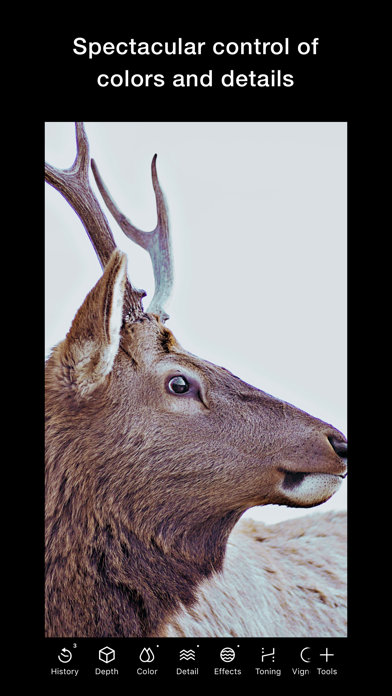
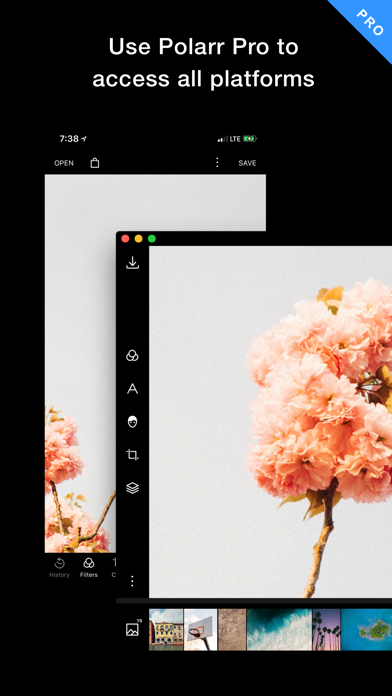
Elevate your aesthetics with Polarr, with dozens of advanced AI enabled tools, and millions of Polarr filters made by Polarr Creators around the world.
Tools:
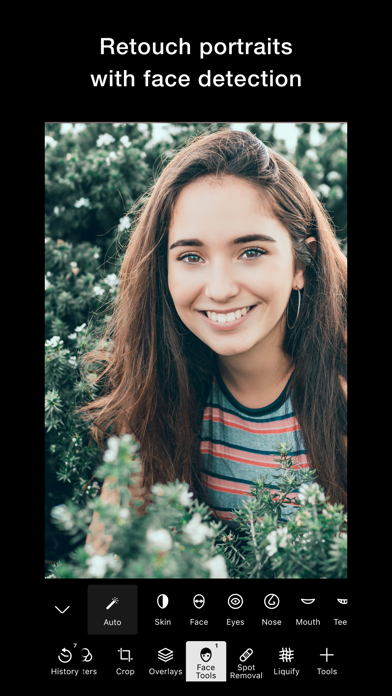
• Retouch AI: Face HD, Skin, Liquify, Facial Features Editing
• Selective AI objects: Sky, Person, Background, etc
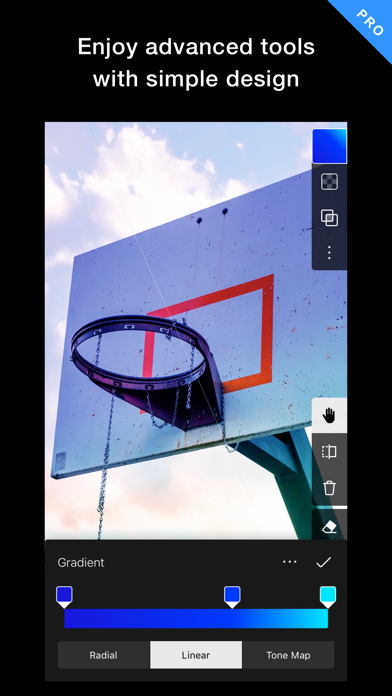
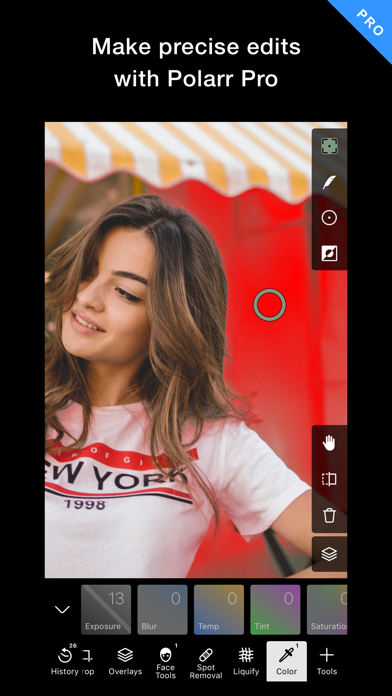
• Selective masks: Brush, Radial, Gradient, Color, Luminance
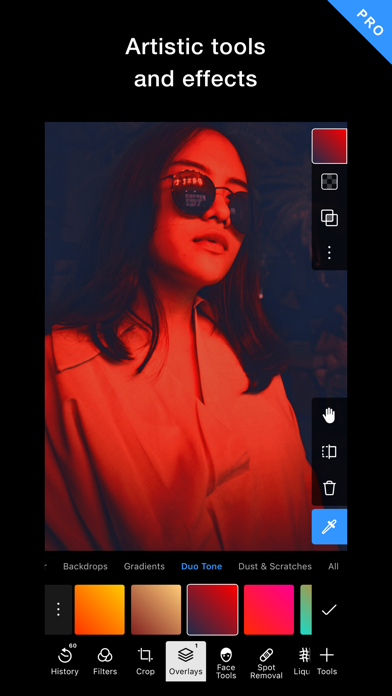
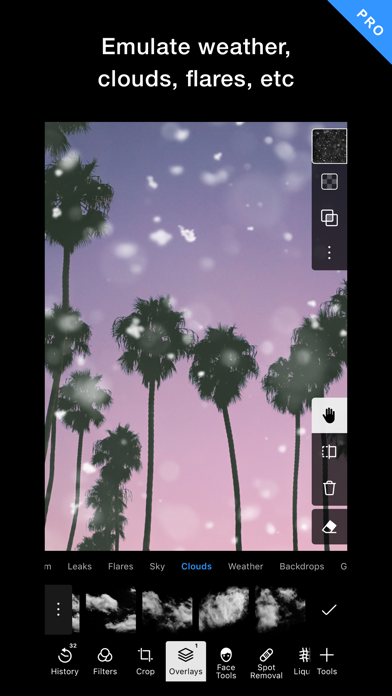
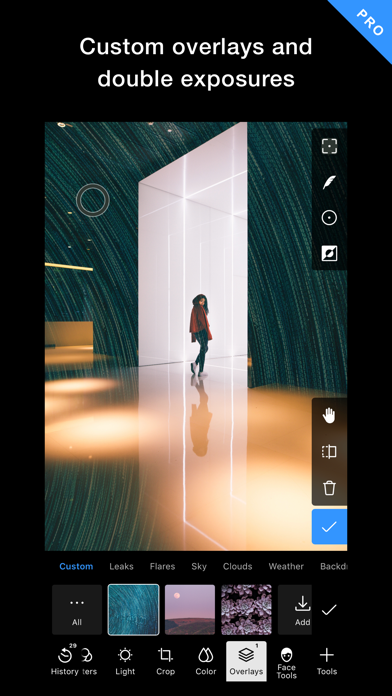
• Overlays: Gradient, Duotone, Weather, Backdrop, etc
• Global adjustments: Light, Color, HSL, Toning, Effects, Fringing, Details, Curves, Vignette, Grain, LUT
Filters:
• Search and discover trendy, new Polarr filters
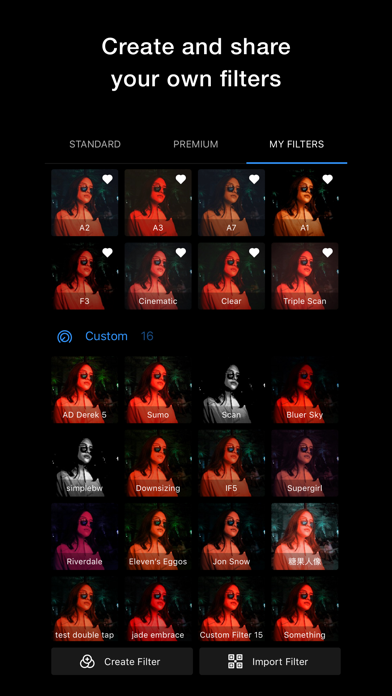
• Create and share your own Polarr filters
• Scan or produce Polarr filters as QR codes
• Synchronize all your Polarr filters with a Polarr account
===============================
Polarr Subscription Options:
===============================
Polarr Lite: $1.99 per month , $11.99 per year
Polarr Studio: $3.99 per month, or $23.99 per year
Pricing in other countries may vary, and charges may be converted to your local currency depending on the country you live in.
When you start your Polarr subscription with a free trial, once the trial is over, you’ll be charged a subscription fee. Subscriptions are billed monthly or annually at the rate selected depending on the subscription plan.
Monthly or yearly subscriptions unlock the same features in Polarr. Pricing in other countries may vary, and charges may be converted to your local currency depending on the country you live in.
Subscriptions auto-renew at the cost of the chosen package, unless canceled 24-hours in advance before the end of the current period. The subscription fee is charged to your iTunes account at confirmation of purchase. You may manage your subscription and turn off auto-renewal by going to your Account Settings after purchase. Any unused portion of a free trial period will be forfeited when the user purchases a subscription during free trial.
Terms of Use: https://www.polarr.com/policy/termsofservice_v3_en.html
Privacy Policy: https://www.polarr.com/policy/privacy_v3_en.html
- 脱獄/Jailed済みまたは脱獄済みのiPhoneまたはiPad。
- Sideloadlyまたは代替手段。
- iTunesがインストールされているWindows/macOS/Linuxを実行しているコンピュータ。
ステップ1: 上のリンクから事前にハックされた.IPAファイルをコンピュータにダウンロードします。iOSGodsアプリからダウンロードする方法は、ビデオ例付きのiOSGodsアプリIPAダウンロードチュートリアルをご覧ください。
ステップ2: SideloadlyをダウンロードしてWindowsまたはMacにインストールします。
ステップ3: コンピュータでSideloadlyを開き、iOSデバイスを接続して、デバイス名がSideloadlyに表示されるまで待ちます。
ステップ4: iDeviceが認識されたら、ダウンロードしたModされた.IPAファイルをSideloadlyアプリにドラッグ&ドロップします。
ステップ5: Apple Accountのメールアドレスを入力し、「Start」を押します。次にパスワードの入力を求められます。必要な情報を入力してください。
ステップ6: Sideloadlyがハックされたipaのサイドロード/インストールを完了するのを待ちます。インストール中に問題が発生した場合は、以下の注意事項をお読みください。

ステップ7: インストールが完了し、ホーム画面にアプリが表示されたら、設定 → 一般 → プロファイル / VPNとデバイス管理に移動する必要があります。そこで、ステップ6で入力したメールをタップし、「Trust [email protected]」をタップします。
ステップ8: ホーム画面に戻り、新しくインストールされたアプリを開けば、すべて正常に動作するはずです。ゲーム内のハックのポップアップで、アプリごとの追加指示に従う必要がある場合があります。
注意: iOS/iPadOS 16以降では、デベロッパモードを有効にするが必要です。無料のApple Developerアカウントの場合、このプロセスを7日ごとに繰り返す必要があります。質問や問題がある場合は、トピックのSideloadly FAQセクションをお読みください。