Accesso richiesto
Accedi con il tuo account iOSGods per continuare.
Hack Features:
- VIP
Scarica PewDiePie's Pixelings Idle RPG Hack modded IPA dai link sopra. Tocca il pulsante di installazione e segui le istruzioni per installare questo hack iOS sul tuo iPhone, iPad o Mac con Apple Silicon.
Hai bisogno di altro aiuto? Consulta le nostre Domande frequenti sull'app iOSGods per risposte dettagliate e consigli per la risoluzione dei problemi.
Journey to Pixeland, home of the cute and epic Pixelings.
Trouble brews; a mysterious being is consuming Pixeland’s inhabitants. It’s up to you and PewDiePie to battle against the threatening invaders and restore order to Pixeland’s different worlds!
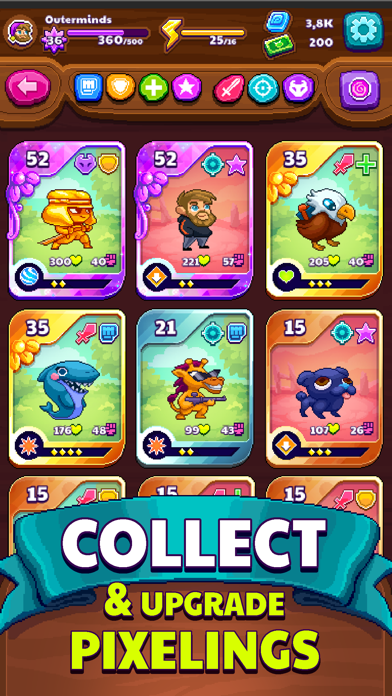
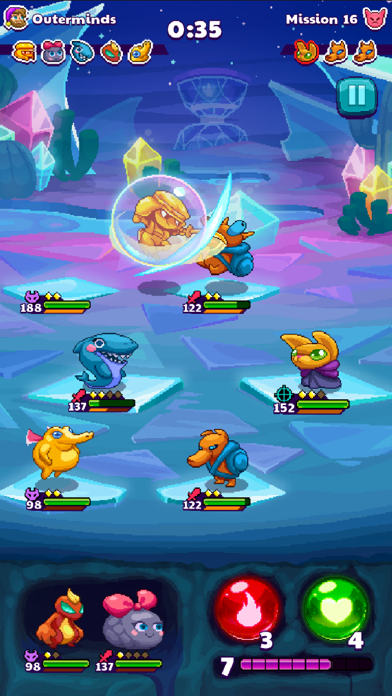
Build your deck of Pixelings and lead them to glorious victory! Collect and upgrade over 40 hand drawn pixel creatures in this EPIC Idle but not-so IDLE RPG Game. Make new friends and catch up with familiar faces from Tuber Simulator & Legend of the Brofist.
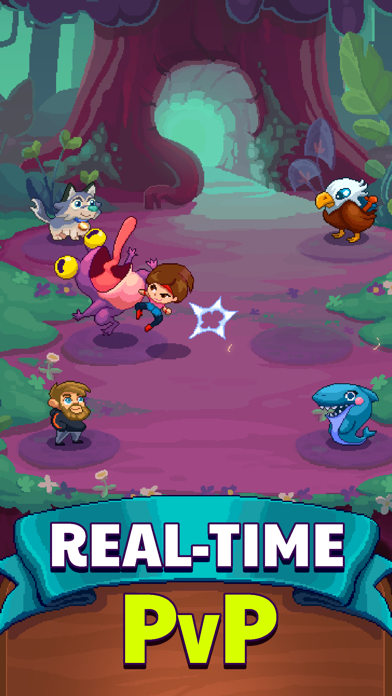
Go head-to-head against other players in gripping, real-time PvP battles. Devise the best strategy, use big brain tactics, and make your name famous in the arena!
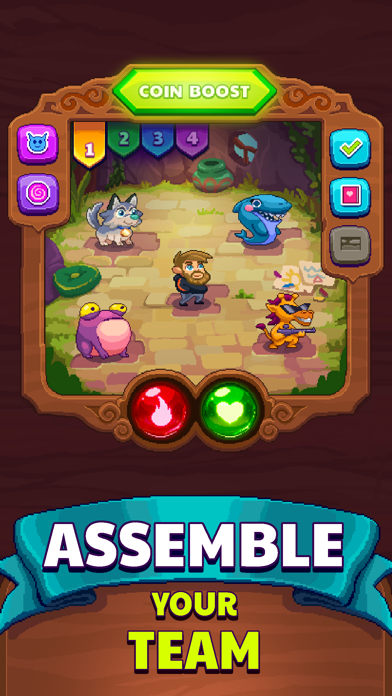
Drag, drop, and swap! PewDiePie’s Pixelings has the best combat system: it captures the essence of idle games and the strategic depth of turn-based strategy RPGs.
Create a guild and chat with your friends to build a new unique strategy!
TL;DR:
• Collect & upgrade new and epic Pixelings
• Join PewDiePie on a “meme-orable” quest across Pixeland, home of the Pixelings
• Play against other players in real-time PvP matches
• Battle using a unique, fluid combat system that captures elements of idle and strategy games
• Meme to glory in an all-new storyline set in PewDiePie’s Pixelverse (Tuber Simulator,
Legend of the Brofist)
• Join guilds and chat with your friends!
• Collect & master ALL the spells and experiment with different monster teams
PewDiePie’s Pixelings is a free-to-play mobile game. However, you may purchase items with real money. Should you wish to disable such purchases, please go to your device’s settings and disable in-app purchases.
PewDiePie’s Pixelings offers players a monthly VIP subscription, which grants players daily premium currency and other benefits. The subscription is priced at (USD) $7.99. Prices may vary depending on country and sales taxes.
Payment for PewDiePie’s Pixelings’s monthly VIP subscription will be charged to your iTunes account upon confirmation of the purchase. Please note: the monthly VIP subscription automatically renews itself, unless you disable the auto-renew feature 24 hours prior to the end of the current period. To disable the auto-renew feature, please go to your user Account settings. iTunes accounts are charged 24 hours prior to the end of the current period.
Privacy Policy & Terms of Use: https://outerminds.com/legal/
- iPhone o iPad non jailbroken/jailed oppure jailbroken.
- Sideloadly o alternative.
- Computer con Windows/macOS/Linux con iTunes installato.
PASSO 1: Scarica il file .IPA pre-modificato dal link sopra sul tuo computer. Per scaricarlo dall'iOSGods App, consulta il nostro Tutorial download IPA dell'iOSGods App, che include un esempio video.
PASSO 2: Scarica Sideloadly e installalo sul tuo Windows o Mac.
PASSO 3: Apri Sideloadly sul tuo computer, collega il tuo dispositivo iOS e attendi finché il nome del dispositivo non appare in Sideloadly.
PASSO 4: Una volta riconosciuto il tuo iDevice, trascina il file .IPA moddato che hai scaricato e rilascialo nell'applicazione Sideloadly.
PASSO 5: Inserisci l'email del tuo Apple Account, poi premi “Start”. Ti verrà quindi chiesto di inserire la password. Procedi e fornisci le informazioni richieste.
PASSO 6: Attendi che Sideloadly completi il sideload/installazione dell'IPA modificata. Se ci sono problemi durante l'installazione, leggi la nota qui sotto.
PASSO 7: Una volta completata l'installazione e vista l'app sulla schermata Home, dovrai andare in Impostazioni → Generali → Profili / Gestione VPN e dispositivi. Una volta lì, tocca l'email inserita al passo 6 e poi tocca “Autorizza [email protected]”.
PASSO 8: Ora vai sulla schermata Home e apri l'app appena installata: tutto dovrebbe funzionare correttamente. Potrebbe essere necessario seguire ulteriori istruzioni specifiche all'interno del popup dell'hack nel gioco.
NOTA: Per iOS/iPadOS 16 e versioni successive, devi attivare la Modalità sviluppatore. Per gli account Apple Developer gratuiti, dovrai ripetere questa procedura ogni 7 giorni. Se hai domande o problemi, leggi la nostra sezione FAQ Sideloadly del topic.