Accesso richiesto
Accedi con il tuo account iOSGods per continuare.
Accedi con il tuo account iOSGods per continuare.
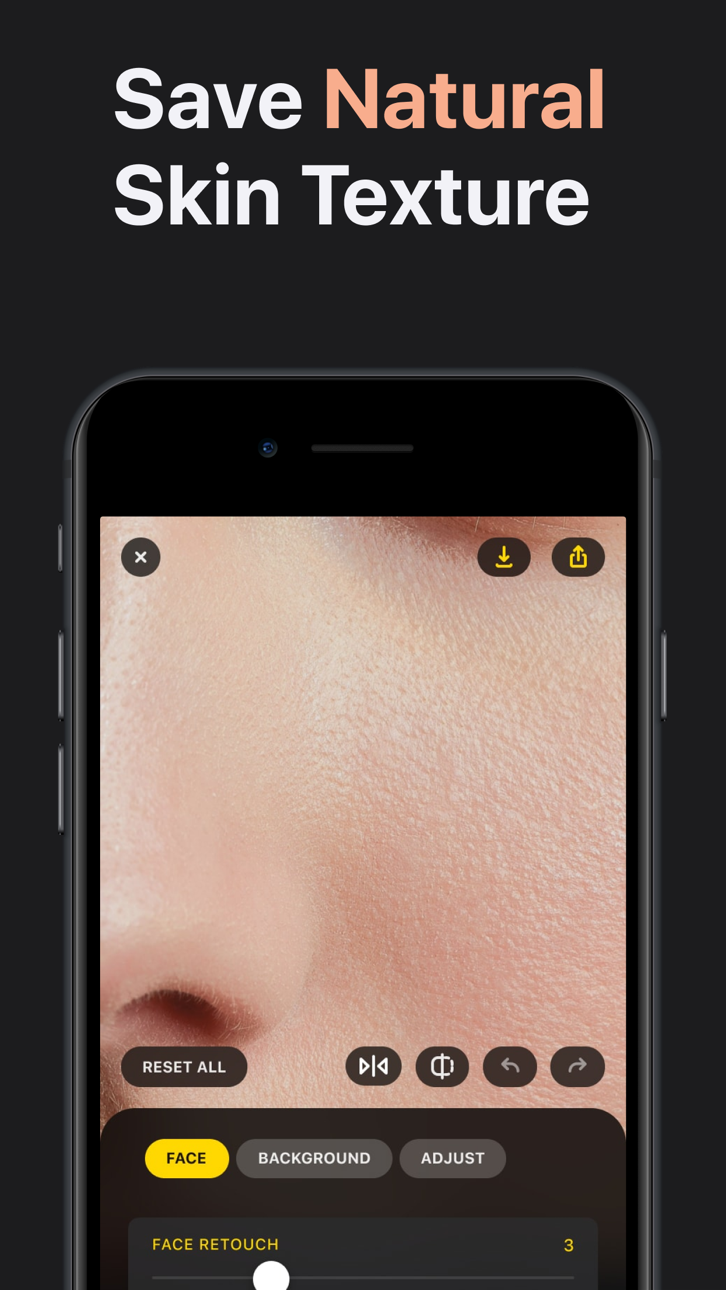
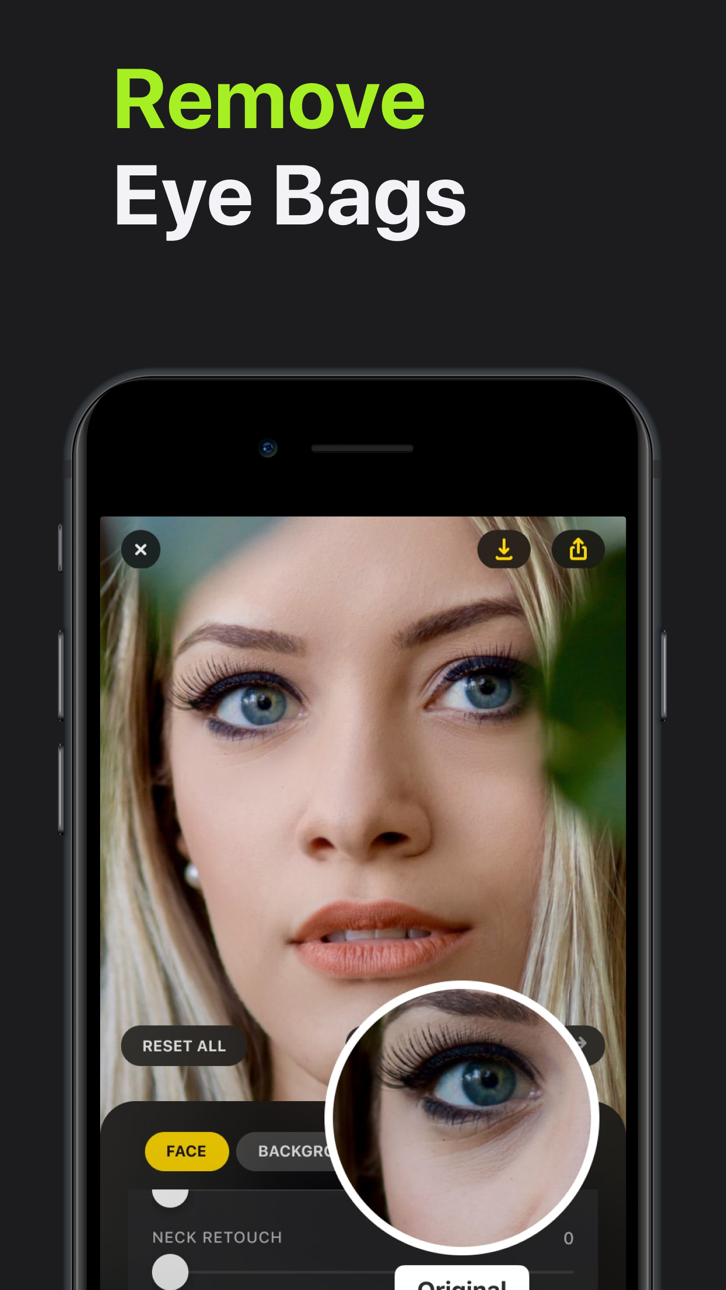
Ottieni strumenti di editing fotografico premium senza pagare con Lensa: Photo Editor Modded, un hack gratuito che sblocca tutte le funzioni a pagamento. Questo mod IPA per iOS ti consente di accedere all'intera suite di strumenti per il perfezionamento del viso e l'uniformazione della pelle di Lensa istantaneamente, così puoi migliorare i tuoi selfie con editing di qualità professionale ovunque tu sia.
- Premium Gratuito (Premi Acquista quindi premi Annulla) → sblocca tutte le funzioni di editing a pagamento gratuitamente
Questa app include anche iGameGod, che ti offre accesso ad Auto Touch per automatizzare attività ripetitive, App Speed Manager per regolare la velocità di gioco, modifica dei valori con Memory Engine e altri potenti strumenti per giochi iOS.
Scarica Lensa: Photo Editor Modded modded IPA dai link sopra. Tocca il pulsante di installazione e segui le istruzioni per installare questo hack iOS sul tuo iPhone, iPad o Mac con Apple Silicon.
Hai bisogno di altro aiuto? Consulta le nostre Domande frequenti sull'app iOSGods per risposte dettagliate e consigli per la risoluzione dei problemi.
Faites en sorte que chaque photo mérite d’être partagée – Lensa vous aide à être à votre avantage, à éliminer les distractions et à ajouter des effets saisissants pour que vos publications se démarquent toujours – Simple, rapide et amusant – parfait pour les réseaux sociaux et les souvenirs du quotidien.
Lensa AI : Vos photos, votre histoire
Chaque photo raconte une histoire – Lensa vous aide à la rendre inoubliable – Que ce soit un selfie, une photo de famille ou un souvenir de voyage, Lensa sublime vos clichés tout en conservant leur authenticité.
En quelques gestes, atténuez les imperfections, améliorez la lumière terne ou ajoutez une touche artistique – Créez des retouches accrocheuses, naturelles et sans effort – Idéal pour les partager avec vos amis ou sur les réseaux sociaux.
Ce que vous allez adorer :
– Être au top sur vos selfies et portraits sans effet trop retouché
– Effacer les objets ou éléments indésirables pour que l’attention reste sur vous
– Transformer n’importe quelle photo ou vidéo avec des filtres magnifiques et des tons de couleur
– Créer des avatars uniques qui expriment votre personnalité dans des styles artistiques amusants
– Profiter d’une retouche simple, rapide et ludique – aucune compétence requise
– Transformer les instants quotidiens en moments forts à partager – avec Lensa, vos photos ne sont pas seulement plus belles – elles vous ressemblent dans votre meilleure version
Politique de confidentialité http://lensa-ai.com/privacy.html
Conditions d'utilisation http://lensa-ai.com/terms.html
Screenshot © rispettivi proprietari · App Store


iOSGods non è affiliata, approvata né sponsorizzata da Apple Inc., Google LLC o dagli sviluppatori delle app elencate qui. Apple, iOS e App Store sono marchi di Apple Inc. Android e Google Play sono marchi di Google LLC. Tutti gli altri nomi delle app, icone, immagini e marchi appartengono ai rispettivi proprietari.

- iPhone o iPad non jailbroken/jailed oppure jailbroken.
- Sideloadly o alternative.
- Computer con Windows/macOS/Linux con iTunes installato.
PASSO 1: Scarica il file .IPA pre-modificato dal link sopra sul tuo computer. Per scaricarlo dall'iOSGods App, consulta il nostro Tutorial download IPA dell'iOSGods App, che include un esempio video.
PASSO 2: Scarica Sideloadly e installalo sul tuo Windows o Mac.
PASSO 3: Apri Sideloadly sul tuo computer, collega il tuo dispositivo iOS e attendi finché il nome del dispositivo non appare in Sideloadly.
PASSO 4: Una volta riconosciuto il tuo iDevice, trascina il file .IPA moddato che hai scaricato e rilascialo nell'applicazione Sideloadly.
PASSO 5: Inserisci l'email del tuo Apple Account, poi premi “Start”. Ti verrà quindi chiesto di inserire la password. Procedi e fornisci le informazioni richieste.
PASSO 6: Attendi che Sideloadly completi il sideload/installazione dell'IPA modificata. Se ci sono problemi durante l'installazione, leggi la nota qui sotto.
PASSO 7: Una volta completata l'installazione e vista l'app sulla schermata Home, dovrai andare in Impostazioni → Generali → Profili / Gestione VPN e dispositivi. Una volta lì, tocca l'email inserita al passo 6 e poi tocca “Autorizza [email protected]”.
PASSO 8: Ora vai sulla schermata Home e apri l'app appena installata: tutto dovrebbe funzionare correttamente. Potrebbe essere necessario seguire ulteriori istruzioni specifiche all'interno del popup dell'hack nel gioco.
NOTA: Per iOS/iPadOS 16 e versioni successive, devi attivare la Modalità sviluppatore. Per gli account Apple Developer gratuiti, dovrai ripetere questa procedura ogni 7 giorni. Se hai domande o problemi, leggi la nostra sezione FAQ Sideloadly del topic.
Game Name iOS Mod IPA is an action adventure game enhanced with powerful gameplay boosts and quality-of-life improvements. Win battles faster, earn rewards quicker, and enjoy uninterrupted play without ads.
- Unlimited Gold - spend freely to unlock premium content
- Damage Multiplier - deal significantly more damage in combat
- Defense Multiplier - take less damage and survive longer
- Reward Multiplier - earn more loot from every battle
- Max Level - instantly reach the highest player rank
- No Ads - play without interruptions or advertisements
This app also comes with iGameGod, giving you access to Auto Touch to automate repetitive tasks, App Speed Manager for adjustable gameplay speed, Memory Engine value editing, and more powerful iOS game tools.
Scarica Game Name Mod IPA dai link sopra. Tocca il pulsante di installazione e segui le istruzioni per installare questo hack iOS sul tuo iPhone, iPad o Mac con Apple Silicon.
Hai bisogno di altro aiuto Consulta le nostre Domande frequenti sull'app iOSGods per risposte dettagliate e consigli per la risoluzione dei problemi.
----------------------------------------------------------
--------------------------------------------------