需要登入
請使用您的 iOSGods 帳戶登入以繼續。
請使用您的 iOSGods 帳戶登入以繼續。
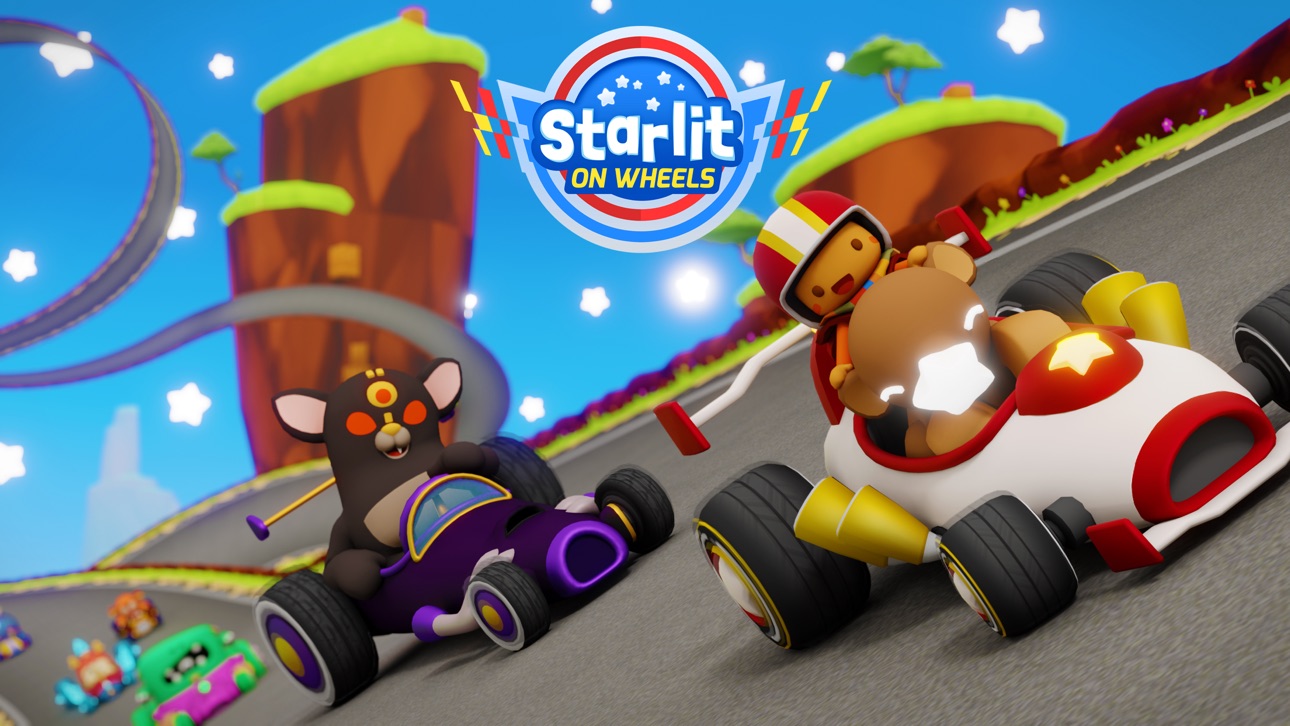
在這款改裝卡丁車賽車遊戲中無限制地駕駛,對手不會比賽,所有故事關卡從一開始就解鎖,並且能夠以全速在草地上疾馳。Starlit On Wheels: Super Kart Mod IPA 讓你完全控制賽道,與 Bo 和 Kikki 一起追捕被盜的星星,在充滿升級、獎勵和收藏品的錦標賽賽道上對抗敵人和障礙。
- 笨拙的對手 → 故事對手將不會駕駛
- 所有關卡解鎖 → 所有故事關卡從一開始就可用
- 在草地上駕駛 → 在草地上保持全速而不會減速
此應用程式也內建 iGameGod,讓你可以使用 Auto Touch 自動執行重複操作、透過 App Speed Manager 調整遊戲速度、使用 Memory Engine 修改記憶體數值,以及更多強大的 iOS 遊戲工具。
從上方連結下載 Starlit On Wheels: Super Kart - VIP Hack modded IPA。點選安裝按鈕並依照畫面指示在 iPhone、iPad 或 Apple Silicon 上安裝此 iOS 應用程式修改版。
需要更多協助?請查看我們的 iOSGods 應用程式常見問題 以獲得詳細解答與疑難排解。
¡Galardonado con el mejor juego móvil en BIG Festival 2019!
Bien venidos a la carrera de su vida con los herois del Starlit Adventures: Bo y Kikki!
Ayuda nuestros heróis en una alucinante perseguisíon del vilon Nuru para que el recoja a los Starlits las estrellas capturadas por su motor mágico.
Nesta empolgante carrera vos vás a depararse con pistas e obstáculos de tirar su folego y serás desafiado por inimigos y creaturas de todo el universo Starlit en campeonatos chenos de diversión y aventuras. Todo eso usando los autos chenos de personalidad y poderes especiales. Mientras esta jornada para ayudar sus amigos, vos todavia mejora tus autos, colecta premios, colecciona trofeos y crea sus proprias pistas que otros jugadores poden jugar e evaluar!
Características:
* Corra em 128 niveles en el modo historia con 8 mundos diferentes
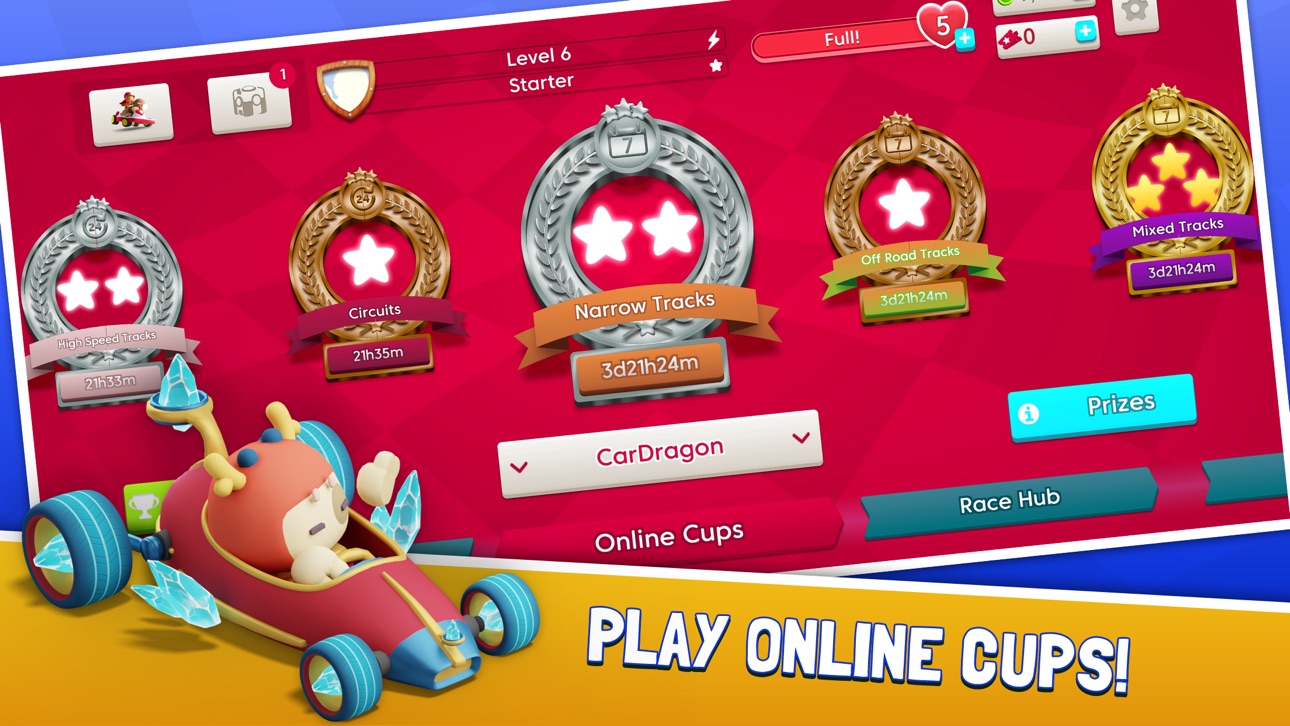
* Disputa campeonatos online
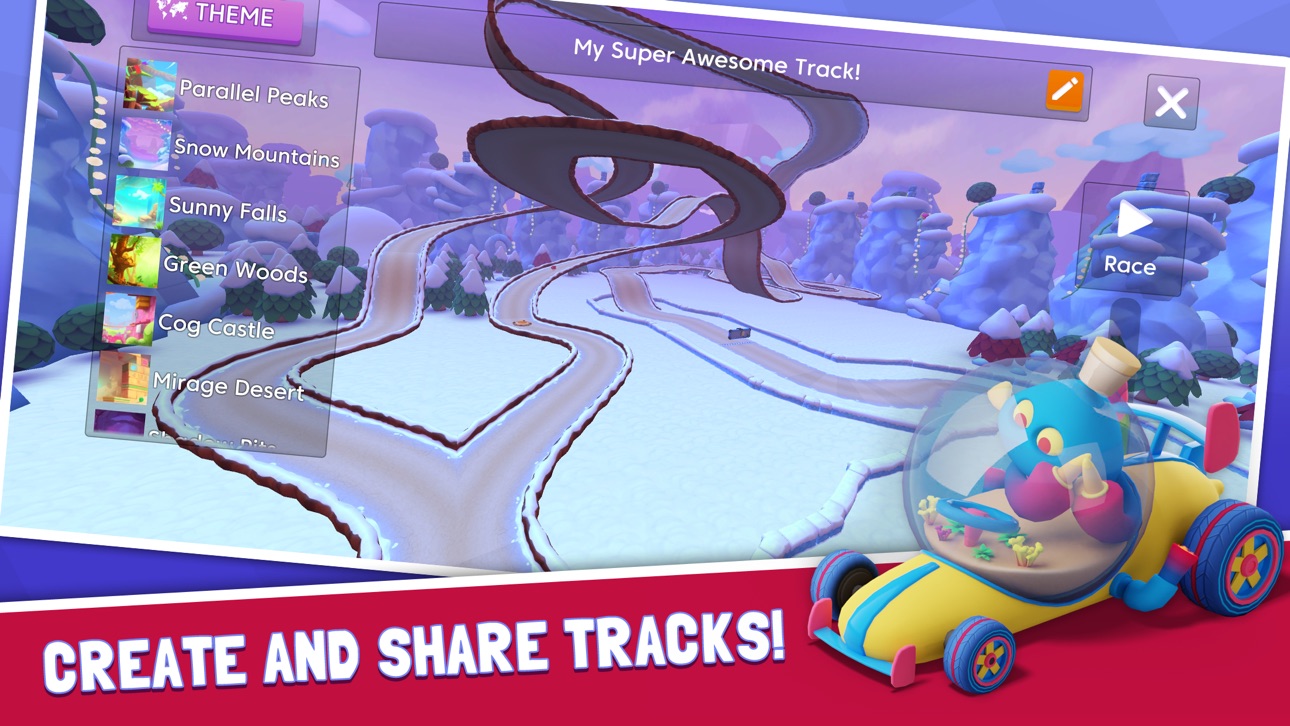
* Crea tus propias pistas y comparte con otros jugadores online
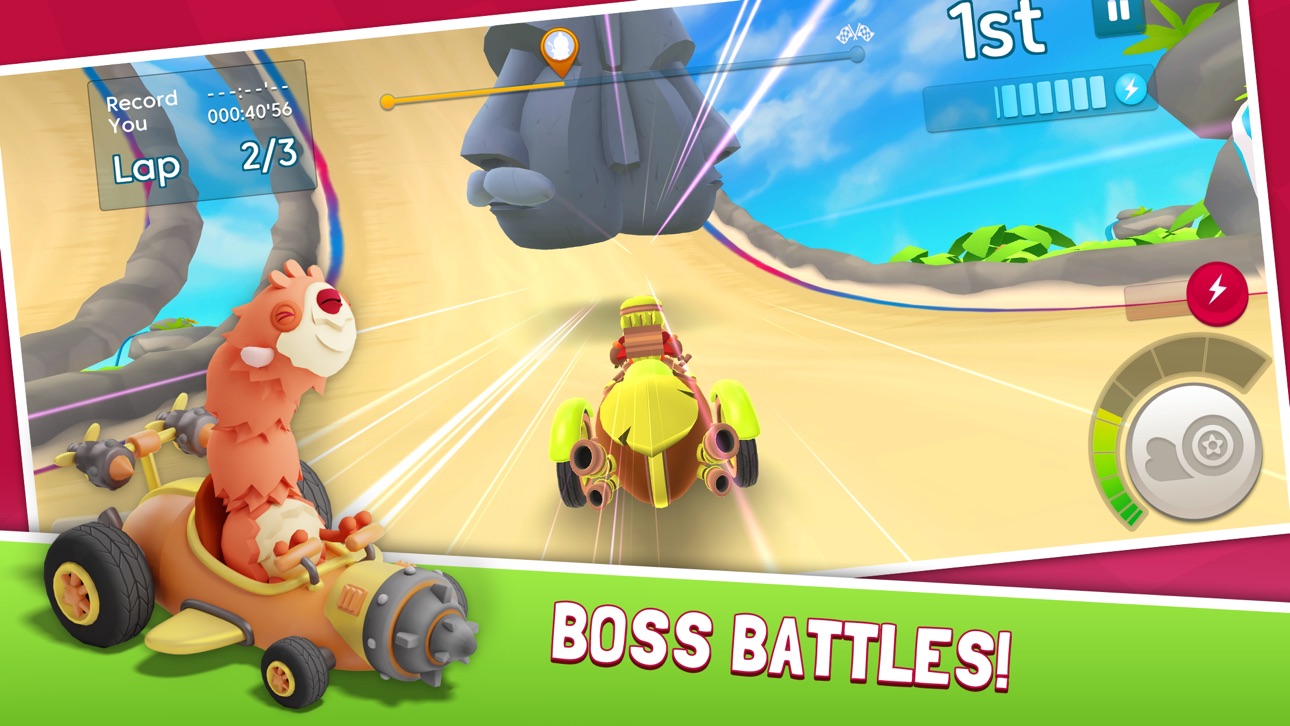
* Vence carreras contra jefes poderosos
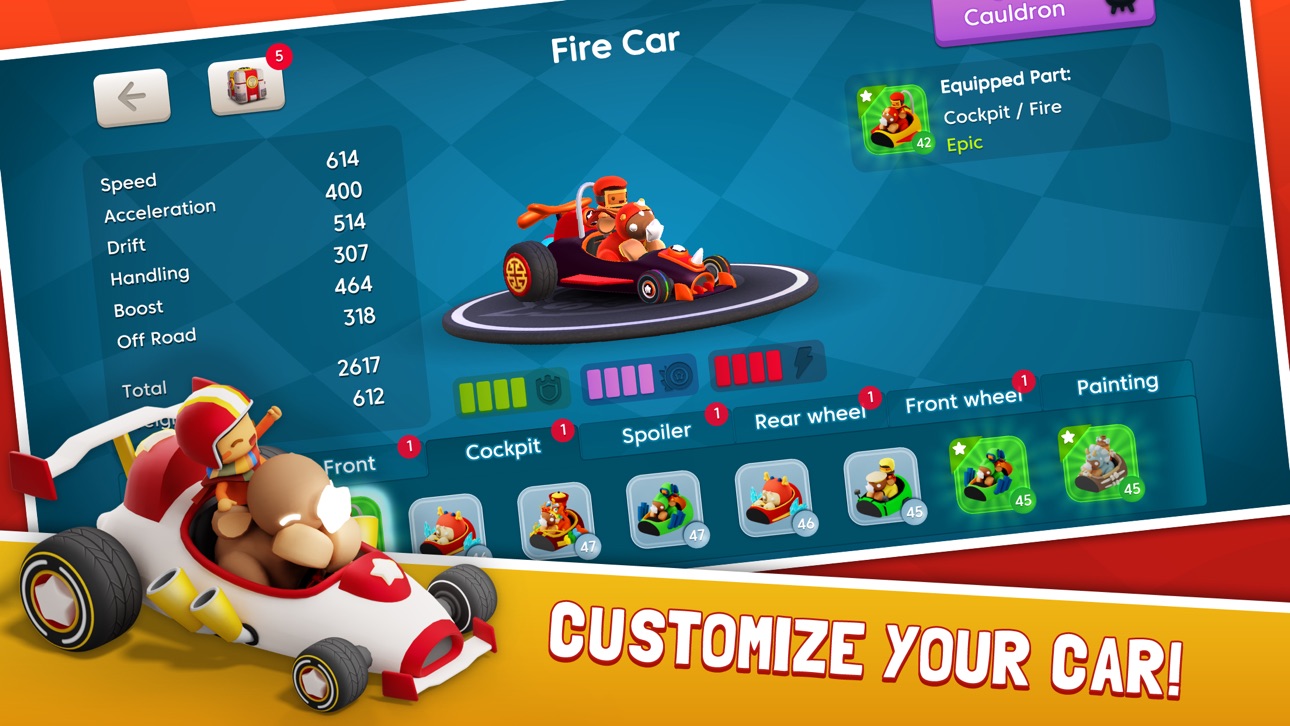
* Monte autos personalizados y con características especiales
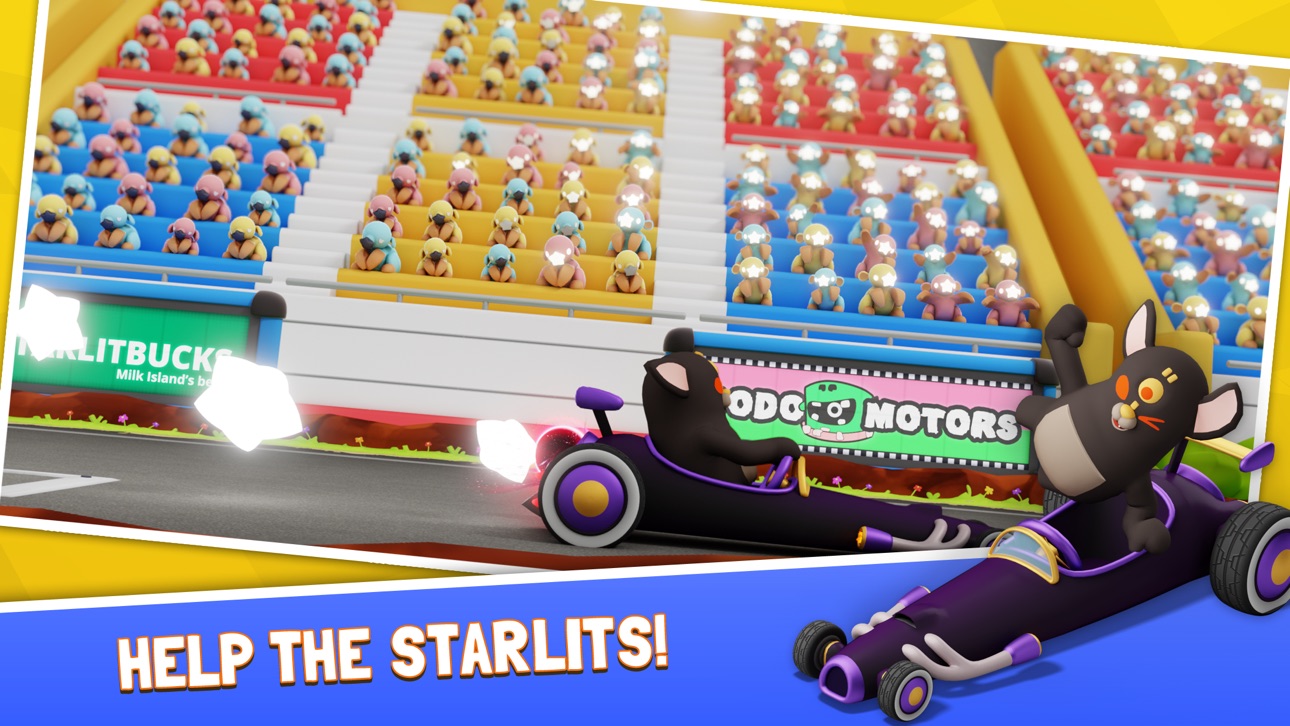
* Ayuda a los Starlits a recojir las estrellas robadas por Nuru
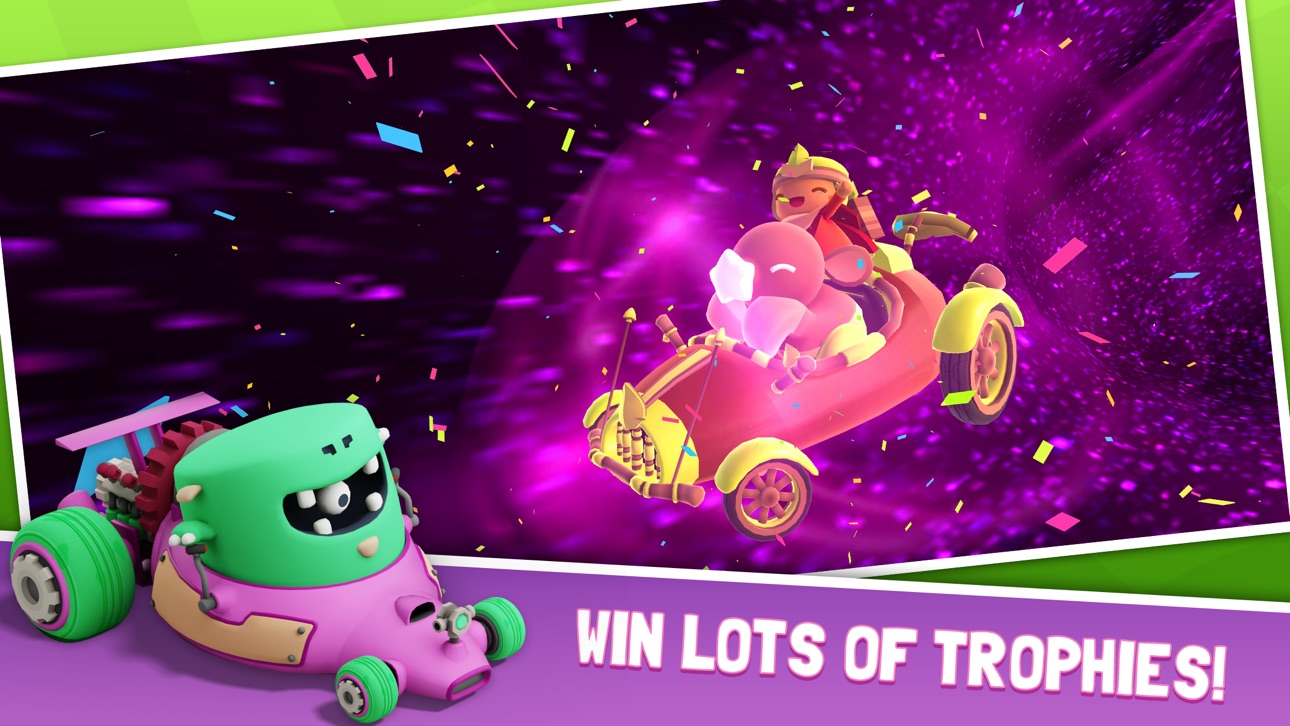
* Ganá un montón de trofeos con todas tus conquistas
* Descubra la verdad detrás de esta misteriosa carrera
¡¡¡Y mucho más!!!
¡¡¡Es hora de acelerar !!!!
Starlit On Wheels es pertencente a la franquia Starlit, que cuenta con juegos free-to-play de acción y puzzle para todas las edades disponibles en plataformas móviles y consolas. La diversión está garantizada con los controles inteligentes planeados para una mejor experiencia junto a los adorables personajes del universo Starlit.
螢幕截圖 © 各自所有者 · App Store



iOSGods 與 Apple Inc.、Google LLC 及此處列出應用程式的開發者並無關聯,亦未獲其認可或贊助。Apple、iOS 與 App Store 為 Apple Inc. 的商標。Android 與 Google Play 為 Google LLC 的商標。其他所有應用程式名稱、圖示、圖片與商標均屬其各自所有者。
- 未越獄/受限或已越獄的 iPhone 或 iPad。
- Sideloadly 或替代方案。
- 執行 Windows/macOS/Linux 且已安裝 iTunes 的電腦。
步驟 1: 透過上方連結將已破解的 .IPA 檔案下載到您的電腦。若要從 iOSGods App 下載,請參閱我們的 iOSGods App IPA 下載教學,其中包含影片範例。
步驟 2: 下載 Sideloadly 並將其安裝在您的 Windows 或 Mac 上。
步驟 3: 在電腦上開啟 Sideloadly,連接您的 iOS 裝置,並等待裝置名稱出現在 Sideloadly 中。
步驟 4: 當 Sideloadly 辨識到您的 iOS 裝置後,將下載好的修改版 .IPA 檔案拖曳並放到 Sideloadly 應用程式中。
步驟 5: 輸入您的 Apple Account 電子郵件,然後按下「Start」。系統會要求您輸入密碼,請依指示提供所需資訊。
步驟 6: 等待 Sideloadly 完成已破解 IPA 的旁載/安裝。如果安裝過程中發生問題,請閱讀下方的注意事項。
步驟 7: 安裝完成並在主畫面上看到該應用程式後,您需要前往 設定 → 一般 → 描述檔 / VPN 與裝置管理。進入後,點選您在步驟 6 中輸入的電子郵件,然後點選「信任 [email protected]」。
步驟 8: 現在回到主畫面並開啟新安裝的應用程式,一切應該都能正常運作。您可能需要依照遊戲內破解彈出視窗中的進一步指示操作。
注意: 在 iOS/iPadOS 16 及更新版本上,您必須 啟用開發者模式。若使用免費的 Apple Developer 帳號,您將需要每 7 天重複此程序。如有任何疑問或問題,請閱讀我們的 主題中的 Sideloadly 常見問題區段。
Game Name iOS Mod IPA is an action adventure game enhanced with powerful gameplay boosts and quality-of-life improvements. Win battles faster, earn rewards quicker, and enjoy uninterrupted play without ads.
- Unlimited Gold - spend freely to unlock premium content
- Damage Multiplier - deal significantly more damage in combat
- Defense Multiplier - take less damage and survive longer
- Reward Multiplier - earn more loot from every battle
- Max Level - instantly reach the highest player rank
- No Ads - play without interruptions or advertisements
This app also comes with iGameGod, giving you access to Auto Touch to automate repetitive tasks, App Speed Manager for adjustable gameplay speed, Memory Engine value editing, and more powerful iOS game tools.
從上方連結下載 Game Name Mod IPA。點選安裝按鈕並依照畫面指示在 iPhone、iPad 或 Apple Silicon 上安裝此 iOS 應用程式修改版。
需要更多協助請查看我們的 iOSGods 應用程式常見問題 以獲得詳細解答與疑難排解。
----------------------------------------------------------
--------------------------------------------------