Требуется вход
Войдите в учётную запись iOSGods, чтобы продолжить.
Войдите в учётную запись iOSGods, чтобы продолжить.

Разблокируйте меню читов с мгновенными наградами в Drive Ahead! Sports Mod IPA, нажмите на синюю кнопку с ошибкой, чтобы получить монеты, энергию, открыть все машины и уровни, максимальные улучшения и манипулировать результатами турниров на лету.
Независимо от того, работаете ли вы над конкретным транспортным средством, тестируете различные сборки персонажей или просто хотите пропустить гринд разблокировки и сразу же прыгнуть в многопользовательский хаос с друзьями, этот взлом позволяет вам настроить свою прогрессию. Неограниченные билеты означают бесконечные матчи без ожидания пополнения энергии, поэтому вы можете сосредоточиться на совершенствовании своих навыков автомобильного футбола и доминировании в таблице лидеров.
- Меню читов (нажмите на синюю кнопку с ошибкой, чтобы открыть) → Получите доступ ко всем читам из одного удобного меню
- +1000 монет → Мгновенный прирост валюты
- +10 энергии → Пополните выносливость для большего количества матчей
- Выиграть матч турнира → Гарантируйте победу в любом турнире
- Проиграть матч турнира → Намеренно проиграйте, когда это необходимо
- Получить 1000 звездных очков → Быстрое продвижение к наградам
- Открыть все машины и уровни → Разблокируйте весь список мгновенно
- Максимальные улучшения → Максимизируйте мощность персонажа сразу же
- Сброс машин, уровней и очков улучшений → Начните заново или отмените изменения
- Сброс сложности ИИ → Отрегулируйте уровень сложности противника
- Сброс монет → Очистите баланс валюты
- Бесплатные покупки в приложении (немного глючит, экспериментируйте с меню читов, чтобы разобраться, как его использовать) → Обойдите встроенные покупки с некоторым методом проб и ошибок
- Неограниченные билеты → Играйте в бесконечные матчи без ожидания
Это приложение также поставляется с iGameGod, который открывает доступ к Auto Touch для автоматизации повторяющихся действий, App Speed Manager для регулируемой скорости игры, редактированию значений Memory Engine и другим мощным инструментам для iOS-игр.
Скачайте Drive Ahead! Sports - Free Hack modded IPA по ссылкам выше. Нажмите кнопку установки и следуйте инструкциям, чтобы установить этот хак iOS на iPhone, iPad или Mac с Apple Silicon.
Нужна помощь? Посмотрите наши Часто задаваемые вопросы по приложению iOSGods, чтобы получить подробные ответы и советы по устранению неполадок.
Тачки! Спорт! Взрывы! Стань звездой на игровом поле! Удастся ли тебе стать №1?
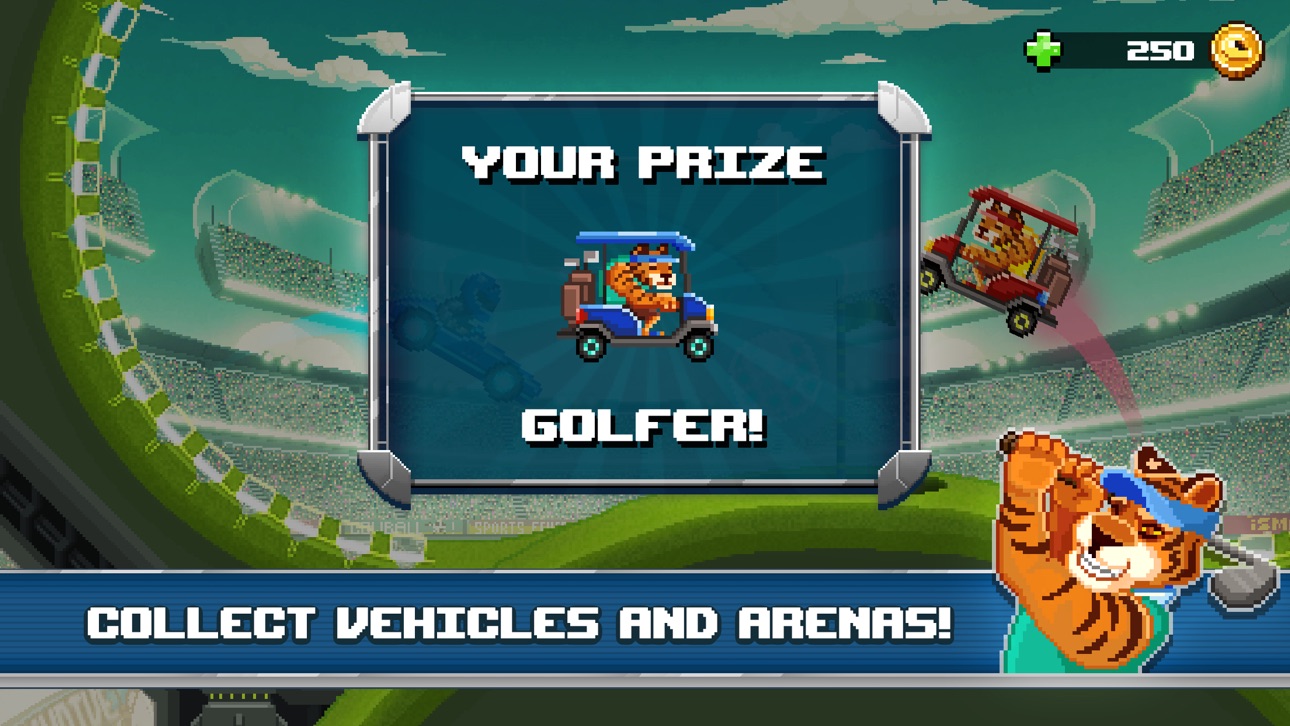
Drive Ahead! Sports берёт за отправную точку Drive Ahead! и прокачивает её безбашенность до новых высот, предлагая посоревноваться в разных видах спорта с новыми персонажами и эксклюзивными прикидами.
-- Сразись с друзьями --
Вызови двоих друзей и родных на отчаянный спортивный поединок без тормозов в режиме локального мультиплеера!
Кто бы мог подумать, что твоя мама покажет себя таким виртуозом на поле!?
-- Возойди на вершину турнирной таблицы сезона! --
Соревнуйся в турнирах, чтобы разблокировать эксклюзивные награды, доступные только ограниченное время. Не успеешь и моргнуть, как сезон подойдёт к концу, так что давай, не мешкай!
-- Урви себе эпические награды --
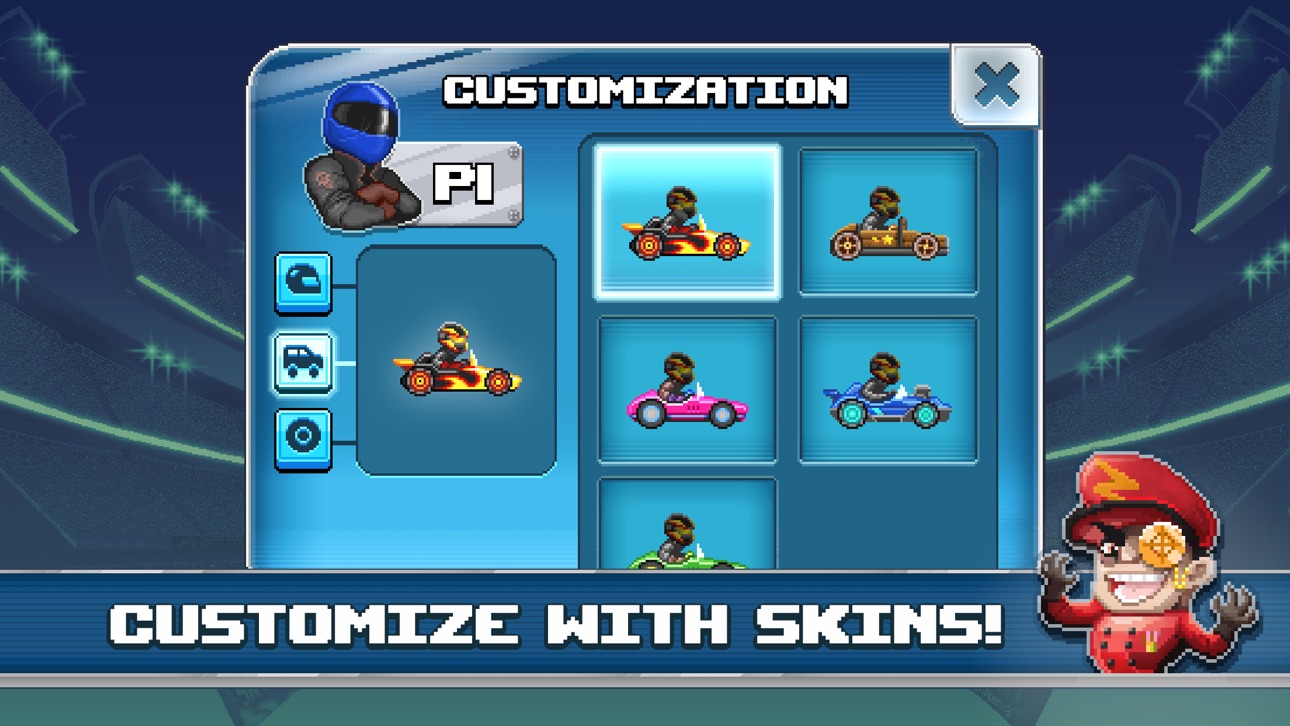
Получай доступ всё к новым, уникальным скинам, от которых твои соперники будут зеленеть от зависти!
Кто тут хочет слыть Стилягой на колёсах?
-- Отточи свои навыки во всех видах спорта --
Ты – ас в американском футболе? Неудержим в баскетболе? Несравним в хоккее? Каким бы не был твой козырь в видах спорта, мы дадим тебе возможность показать это с помощью разных доступных игровых режимов. Играй одиночно или сразись с друзьями!
Тебе нравится играть в Drive Ahead! Sports? Или ты хочешь поделиться тем, как улучшить игру? Напиши небольшой отзыв и пошли его нашей команде разработчиков, чтобы мы знали, что в Drive Ahead! Sports! охрененно, а что нет!
Нам можно написать на адрес driveaheadsports [at] dodreams [dot] com. Наша Политика Конфиденциальности: http://dodreams.com/pdf/dodreams_policy.pdf.
Скриншоты © их владельцев · App Store



iOSGods не связана с Apple Inc., Google LLC или разработчиками перечисленных здесь приложений, не одобрена и не спонсируется ими. Apple, iOS и App Store — товарные знаки Apple Inc. Android и Google Play — товарные знаки Google LLC. Все остальные названия приложений, значки, изображения и товарные знаки принадлежат их владельцам.
- iPhone или iPad без джейлбрейка/в обычном режиме или с джейлбрейком.
- Sideloadly или альтернативы.
- Компьютер с Windows/macOS/Linux и установленным iTunes.
ШАГ 1: Скачайте предварительно взломанный файл .IPA по ссылке выше на свой компьютер. Чтобы скачать его из приложения iOSGods, посмотрите наш Туториал по скачиванию IPA в приложении iOSGods, в котором есть видеопример.
ШАГ 2: Скачайте Sideloadly и установите его на Windows или Mac.
ШАГ 3: Откройте Sideloadly на компьютере, подключите iOS-устройство и дождитесь, пока его имя появится в Sideloadly.
ШАГ 4: Когда устройство будет распознано, перетащите скачанный модифицированный файл .IPA в окно Sideloadly.
ШАГ 5: Введите адрес электронной почты вашего Apple Account, затем нажмите «Start». После этого вас попросят ввести пароль. Укажите необходимые данные.
ШАГ 6: Дождитесь, пока Sideloadly завершит sideload/установку взломанного IPA. При возникновении проблем во время установки ознакомьтесь с примечанием ниже.
ШАГ 7: После завершения установки и появления приложения на главном экране перейдите в Настройки → Основные → Профили / VPN и управление устройством. Там нажмите на email, который вы ввели на шаге 6, а затем нажмите «Доверять [email protected]».
ШАГ 8: Теперь перейдите на главный экран и откройте установленное приложение — всё должно работать. Возможно, потребуется выполнить дополнительные инструкции в попапе мода внутри игры.
ПРИМЕЧАНИЕ: На iOS/iPadOS 16 и новее необходимо включить режим разработчика. Для бесплатных учётных записей Apple Developer этот процесс нужно повторять каждые 7 дней. Если возникнут вопросы или проблемы, ознакомьтесь с нашим разделом FAQ по Sideloadly в теме.
Game Name iOS Mod IPA is an action adventure game enhanced with powerful gameplay boosts and quality-of-life improvements. Win battles faster, earn rewards quicker, and enjoy uninterrupted play without ads.
- Unlimited Gold - spend freely to unlock premium content
- Damage Multiplier - deal significantly more damage in combat
- Defense Multiplier - take less damage and survive longer
- Reward Multiplier - earn more loot from every battle
- Max Level - instantly reach the highest player rank
- No Ads - play without interruptions or advertisements
This app also comes with iGameGod, giving you access to Auto Touch to automate repetitive tasks, App Speed Manager for adjustable gameplay speed, Memory Engine value editing, and more powerful iOS game tools.
Скачайте Game Name Mod IPA по ссылкам выше. Нажмите кнопку установки и следуйте инструкциям, чтобы установить этот хак iOS на iPhone, iPad или Mac с Apple Silicon.
Нужна помощь Посмотрите наши Часто задаваемые вопросы по приложению iOSGods, чтобы получить подробные ответы и советы по устранению неполадок.
----------------------------------------------------------
--------------------------------------------------