Inloggen vereist
Log in met je iOSGods-account om door te gaan.
Log in met je iOSGods-account om door te gaan.

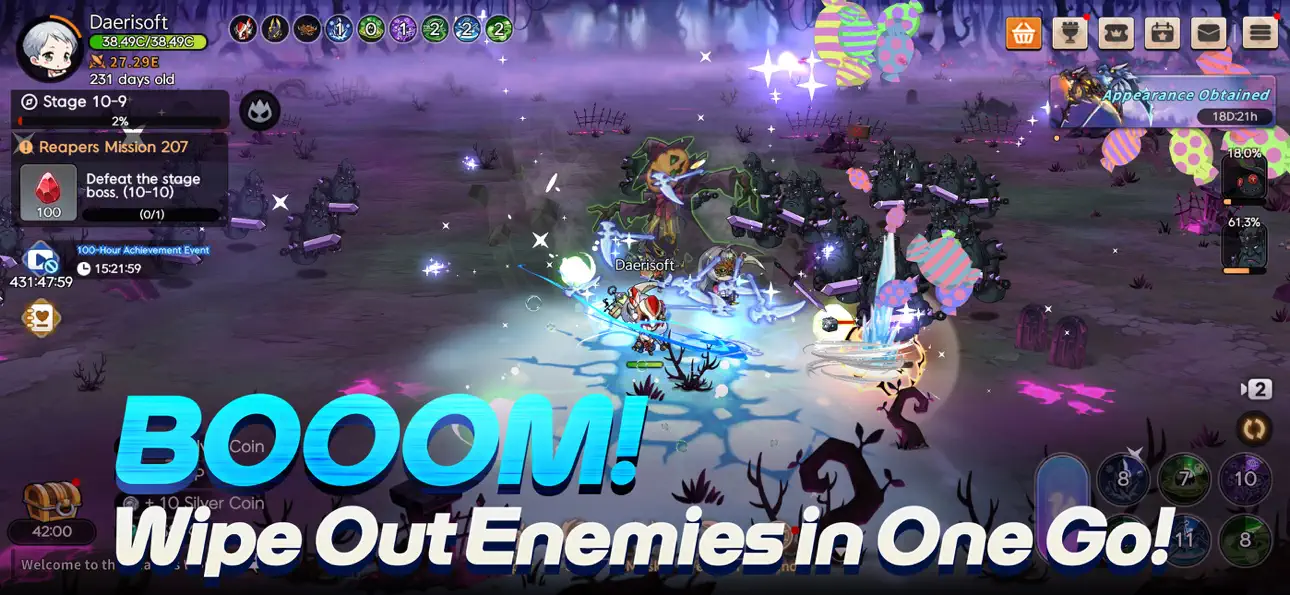
Activeer God Mode in Tiny Reaper: Reborn Mod IPA en word een onweerstaanbare kracht, neem nul schade terwijl je vijanden in één slag vallen, waardoor elke slag een snelle overwinning wordt.
Deze hack verwijdert de grind en vaardigheidsvertragingen die progressie vertragen, zodat je je kunt concentreren op het verhaal en fusiechanics zonder tussen aanvallen te wachten. Perfect voor spelers die de reis van de Reaper in hun eigen tempo willen ervaren, of die gewoon willen zien hoe ver ze een klein beschermgeest kunnen pushen zonder grenzen.
- God Mode → neem geen schade van vijanden
- Eenslag-kill → versla elke vijand in één slag
- Geen vaardigheidsafkoeling → gebruik vaardigheden onmiddellijk zonder te wachten
- Domme vijanden → tegenstanders worden passief en gemakkelijker te verslaan
Deze app bevat ook iGameGod, waarmee je toegang krijgt tot Auto Touch om repetitieve taken te automatiseren, App Speed Manager voor een aanpasbare spelsnelheid, het bewerken van waarden met Memory Engine en andere krachtige iOS-gametools.
Download Tiny Reaper: Reborn iOS Mod IPA via de bovenstaande links. Tik op de installatieknop en volg de instructies om deze iOS-app-hack op je iPhone, iPad of Apple Silicon te installeren.
Meer hulp nodig? Bekijk onze Veelgestelde vragen over de iOSGods-app voor uitgebreide antwoorden en probleemoplossingstips.
Parca. Renacimiento. Ascenso.
¿Cuánto tiempo se tarda en forjar una verdadera Parca?
En un mundo donde la vida y la muerte se repiten sin cesar, Tiny Reaper: Reborn comienza la historia de una Parca recién nacida, un adorable ser destinado a la grandeza.
[Empieza Pequeño – Crece Fuerte]
Tu viaje comienza como una diminuta Parca bebé. ¡Protéela y nútrela con la ayuda de espíritus guardianes!
Fusiónate con tus guardianes cuando estés en peligro para desatar un poder masivo.
[Renacimiento Sin Límites]
¿Te has topado con un muro? ¡Renace y vuelve más fuerte!
Cada renacimiento aumenta tu poder, infinitamente.
¡Crece más rápido, hazte más fuerte y resurge de nuevo!
[Crecimiento Visual]
A medida que subes de nivel, tu Parca evoluciona visualmente, desde un infante que gatea hasta un temible guerrero.
¿Podrá tu bebé convertirse en la Parca definitiva?
[Vestido para Matar – Literalmente]
¡Es un más allá a la vanguardia de la moda!
Desbloquea y equípate con una enorme variedad de trajes y accesorios.
¡Demuestra tu estilo en el Concurso de Transformación Definitivo de la Parca!
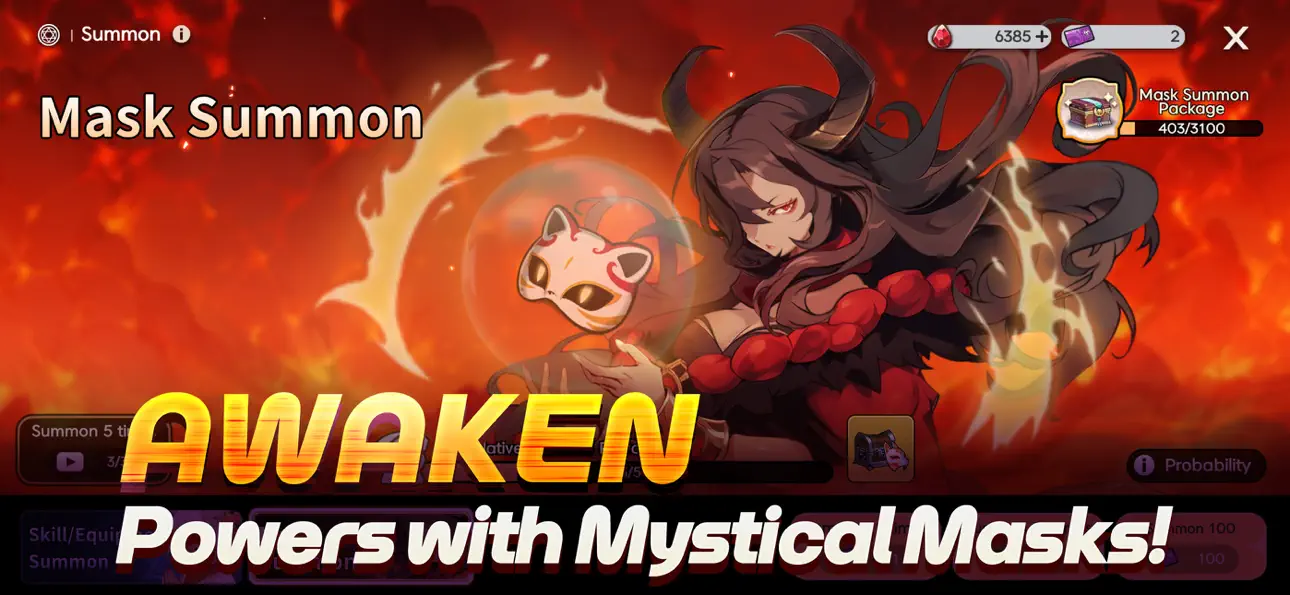
[Las Máscaras Contienen Poder]
Equipa máscaras místicas que crecen junto a tu Parca.
Cada máscara desbloquea nuevas habilidades: ¡domínalas para aplastar a los jefes y gobernar el campo de batalla!
[Más Que Solo Inactivo]
¿Cansado de la rutina inactiva?
¡Prueba el modo Bosque Sombrío de estilo roguelike para una emocionante acción PvP!
Enfréntate a feroces jefes en el Nido del Dragón y explora mazmorras repletas de contenido.
[¡Comienza la Era del Comercio Libre!]
¿No necesitas un traje? ¡Véndelo!
¿Quieres uno raro? ¡Cómpralo o gánalo!
Consigue trajes de eventos exclusivos e intercámbialos en el Mercado.
¿Estás listo para criar tu propia Parca en Tiny Reaper: Reborn?
- Niet-jailbroken/jailed of jailbroken iPhone of iPad.
- Sideloadly of alternatieven.
- Computer met Windows/macOS/Linux en iTunes geïnstalleerd.
STAP 1: Download het vooraf gehackte .IPA-bestand via de link hierboven naar uw computer. Om het te downloaden vanuit de iOSGods App, bekijk onze iOSGods App IPA-downloadhandleiding met een videovoorbeeld.
STAP 2: Download Sideloadly en installeer het op uw Windows of Mac.
STAP 3: Open Sideloadly op uw computer, sluit uw iOS-apparaat aan en wacht tot de naam van uw apparaat in Sideloadly verschijnt.
STAP 4: Zodra uw iDevice is herkend, sleept u het gedownloade gemodde .IPA-bestand naar de Sideloadly-applicatie.
STAP 5: Voer het e-mailadres van uw Apple Account in en druk op “Start”. U wordt vervolgens gevraagd om uw wachtwoord in te voeren. Geef de gevraagde informatie op.
STAP 6: Wacht tot Sideloadly het sideloaden/installeren van de gehackte IPA heeft voltooid. Als er problemen zijn tijdens de installatie, lees dan onderstaande opmerking.
STAP 7: Zodra de installatie is voltooid en u de app op uw beginscherm ziet, gaat u naar Instellingen → Algemeen → Profielen / VPN- en apparaatbeheer. Tik daar op het e-mailadres dat u in stap 6 hebt ingevoerd en tik vervolgens op “Vertrouw [email protected]”.
STAP 8: Ga nu naar uw beginscherm en open de zojuist geïnstalleerde app; alles zou correct moeten werken. Mogelijk moet u verdere app-specifieke instructies volgen in de hack-popup in het spel.
OPMERKING: Op iOS/iPadOS 16 en later moet u Ontwikkelaarsmodus inschakelen. Voor gratis Apple Developer-accounts moet u dit proces elke 7 dagen herhalen. Als u vragen of problemen hebt, lees dan onze Sideloadly FAQ-sectie van het onderwerp.
Hack Features:
- Inf Coins (Spend)
App Installation Instructions:
---------------------------------------------------------
----------------------------------------------------------
If you require more information or help, please read our Frequently Asked Questions topic on iOSGods.com.
----------------------------------------------------------
--------------------------------------------------