Anmeldung erforderlich
Melden Sie sich mit Ihrem iOSGods-Konto an, um fortzufahren.
Hack Features:
- PREMIUM
Diese App wird mit iGameGod geliefert und bietet Ihnen Zugriff auf Auto Touch zur Automatisierung sich wiederholender Aufgaben, App Speed Manager für eine anpassbare Spielgeschwindigkeit, Memory Engine zur Wertbearbeitung und weitere leistungsstarke iOS-Spielwerkzeuge.
Laden Sie Camera360-Selfie Photo Editor Modded modded IPA über die obigen Links herunter. Tippen Sie auf den Installations-Button und folgen Sie den Anweisungen, um diese iOS-App auf Ihrem iPhone, iPad oder Apple Silicon zu installieren.
Brauchen Sie mehr Hilfe? In unseren iOSGods App häufig gestellten Fragen finden Sie ausführliche Antworten und Tipps zur Fehlerbehebung.
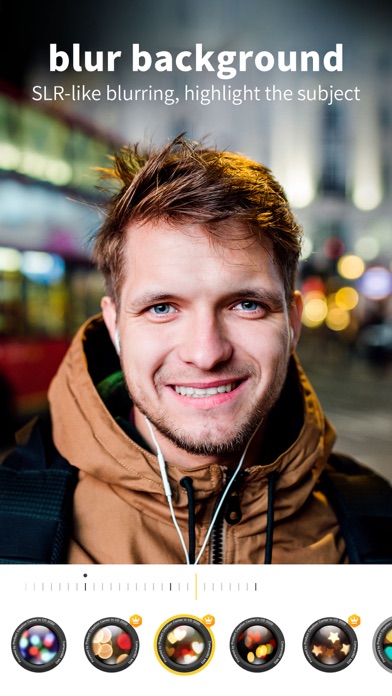
1 billion people in the world are using this professional mobile phone App for photography and image processing!
Many stars and celebrities recommend this App for selfie and image processing!
20 years devotion to photography techniques, for the best of every photo!
==Customized Portrait PS==
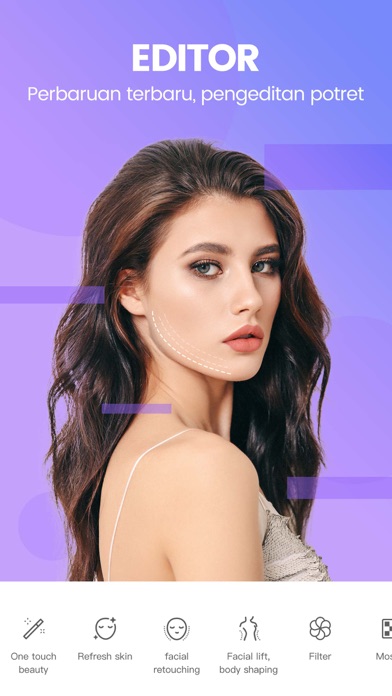
[New Skin] Say good bye to exaggerated skin and say hello to tender and smooth skin. All details matter to give the best outcome.
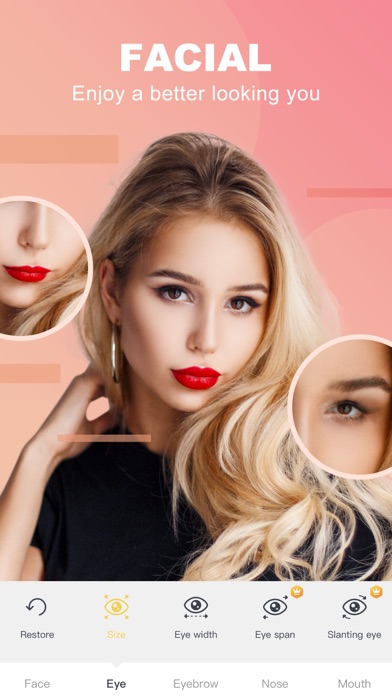
[Facial Features Remodel] 21 micro-adjustment at aesthetic medicine level, no PS trace at all
[Face and Body Slimming] Stepless magnification. Manual and real-time adjustment. Every detail matters. Unique area protection and no goof at all.
[Quick Beauty] Smartly beautify your photo. Say goodbye to complicated procedures and press one button to become beautiful.
==Filters of Various Styles ==
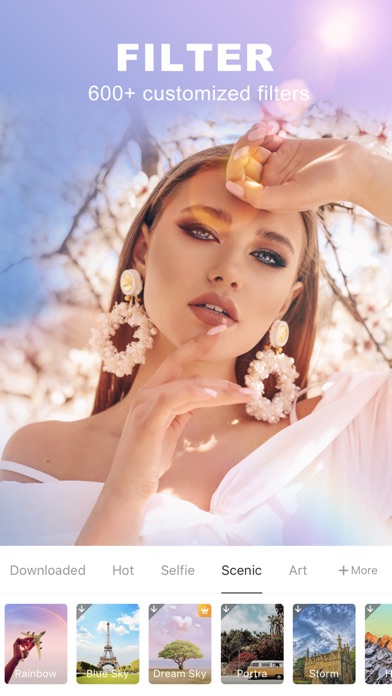
[Magic Sky] Say goodbye to smog. Change the sky as you like. Cartoon Sky, Dreamlike Sky, all sorts of filters waiting for you.
[Style Transfer] Make the photo look like a painting. Use “Great Artist” filter. Everyone is an artist.
[Cartoon Effect] Visual portrait, cartoon filter, turn your photos into another dimension.
[Movie Filter] Movie color, Flex film, old times movie series filters, make your photos look like art.
==High-resolution Quality Selfie ==
[Quality Filter] Over 300 filters to be chosen from: film, movie, Japanese, Black and White, HDR, LOMO, HK Style, etc.
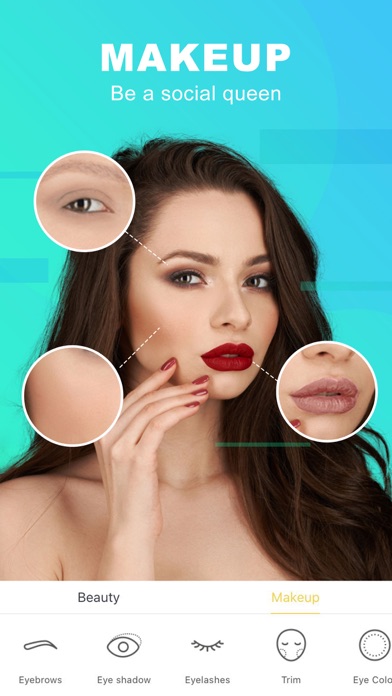
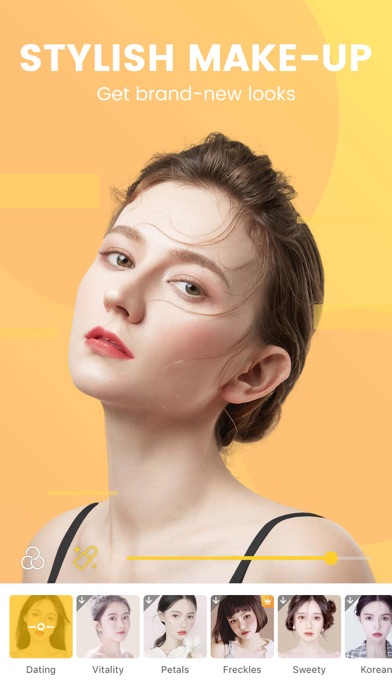
[Natural Make-up] 8 types, 27 sub-types, all for your choice. Separate settings for styles and colors, so you can change as you like.
[Cute Stickers] All kinds of fun gif stickers, cute and lovely. Smart recognition of human faces and facial expressions. You can even interact with it.
[Video Shooting] Support videos of 10s to 60s. Any music is OK. All stickers, filters and make-ups are available.
==Professional Image Processing==
[HSL Color Change] Only want to change one color? Here we go! Make the unique colored photo!
[Image Correction] Support vertical and horizontal correction. Suitable for photos of buildings. Lines will be straight and balanced.
[Basic Color Change] 13 basic parameters including saturation level, exposure, highlight, shade, layers, color temperature, hue, etc., just for you, and the best photos.
[Partial Filter] Over 300 filters can be used partially for photos. Use your imagination.
【Camera360 VIP Service Statement】
1. Service name:
- One Month Camera360 VIP;
- Monthly Camera360 VIP;
- Semiannual Camera360 VIP;
- Yearly Camera360 VIP;
- Permanent Camera360 VIP;
Hereinafter referred to as VIP.
2. Payment will be charged to iTunes Account at confirmation of purchase. Subscription automatically renews unless auto-renew is turned off at least 24-hours before the end of the current period. Account will be charged for renewal within 24-hours prior to the end of the current period, and identify the cost of the renewal.After successful deduction, Camera360 will be automatically extended for one subscription period. To cancel renewal, manually turn off automatic renewals in iTunes/AppleID setup 24 hours before the current subscription period expires.
3. You can suspend or terminate this service by:
Automatic renewal for Apple In App Payments (IAP payments, in-app purchases): Goto iPhone "Settings" --> Enter "iTunes Store and App Store" --> tap "Apple ID", select "View Apple ID", enter "Account Settings" page, tap "Subscribe", and select Camera360 VIP to cancel the subscription.
4. VIP Subscription Notice:
https://www.camera360.com/iap_subscription_en.html
5. Privacy Policy:
https://www.camera360.com/privacy.html
6. Terms of Use:
https://www.camera360.com/disclaimer.html
【Contact Us】
●Email us at:
●Follow us on:
Facebook: https://www.facebook.com/camera360official
Twitter: https://twitter.com/Camera360
Instagram: Camera360_Official
- Nicht-Jailbroken/Jailed oder Jailbroken iPhone oder iPad.
- Sideloadly oder Alternativen.
- Computer mit Windows/macOS/Linux und installiertem iTunes.
SCHRITT 1: Laden Sie die vorinstallierte .IPA-Datei über den obigen Link auf Ihren Computer herunter. Zum Herunterladen aus der iOSGods-App siehe unser iOSGods App IPA Download-Tutorial mit Videobeispiel.
SCHRITT 2: Laden Sie Sideloadly herunter und installieren Sie es auf Ihrem Windows oder Mac.
SCHRITT 3: Öffnen Sie Sideloadly auf Ihrem Computer, verbinden Sie Ihr iOS-Gerät und warten Sie, bis Ihr Gerätename in Sideloadly erscheint.
SCHRITT 4: Sobald Ihr iDevice erkannt wird, ziehen Sie die heruntergeladene gemoddete .IPA-Datei in die Sideloadly-Anwendung.
SCHRITT 5: Geben Sie Ihre Apple-Account-E-Mail ein und drücken Sie „Start". Sie werden dann nach Ihrem Passwort gefragt. Geben Sie die erforderlichen Informationen ein.
SCHRITT 6: Warten Sie, bis Sideloadly das Sideloading/Installieren der gehackten IPA abgeschlossen hat. Bei Problemen während der Installation lesen Sie bitte den Hinweis unten.
SCHRITT 7: Sobald die Installation abgeschlossen ist und die App auf Ihrem Home-Bildschirm angezeigt wird, müssen Sie zu Einstellungen → Allgemein → Profile / VPN & Geräteverwaltung gehen. Tippen Sie dort auf die E-Mail, die Sie in Schritt 6 eingegeben haben, und dann auf „Trust [email protected]".
SCHRITT 8: Gehen Sie nun zu Ihrem Home-Bildschirm und öffnen Sie die neu installierte App – alles sollte einwandfrei funktionieren. Möglicherweise müssen Sie weitere App-spezifische Anweisungen im Hack-Popup im Spiel befolgen.
HINWEIS: iOS/iPadOS 16 und höher: Sie müssen den Entwicklermodus aktivieren. Bei kostenlosen Apple Developer-Accounts müssen Sie diesen Vorgang alle 7 Tage wiederholen. Bei Fragen oder Problemen lesen Sie bitte unsere Sideloadly-FAQ-Sektion im Thema.