تسجيل الدخول مطلوب
سجّل الدخول بحساب iOSGods للمتابعة.
Hack Features:
- PREMIUM
This app also includes iGameGod. Use Auto Touch to automate repetitive tasks, the App Speed Manager to play at your own pace, the Memory Engine for value edits, and more powerful in-game tools.
قم بتنزيل Camera360-Selfie Photo Editor Modded modded IPA من الروابط أعلاه. اضغط على زر التثبيت واتبع التعليمات لتثبيت هذا التعديل لـ iOS على iPhone أو iPad أو Apple Silicon.
هل تحتاج إلى مزيد من المساعدة؟ راجع الأسئلة الشائعة لتطبيق iOSGods للحصول على إجابات مفصلة ونصائح لاستكشاف الأخطاء.
1 billion people in the world are using this professional mobile phone App for photography and image processing!
Many stars and celebrities recommend this App for selfie and image processing!
20 years devotion to photography techniques, for the best of every photo!
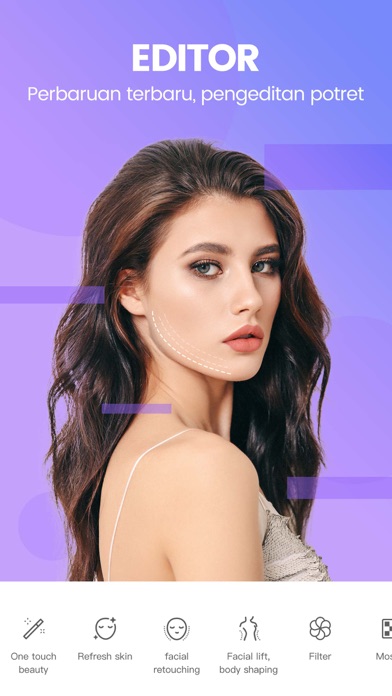
==Customized Portrait PS==
[New Skin] Say good bye to exaggerated skin and say hello to tender and smooth skin. All details matter to give the best outcome.
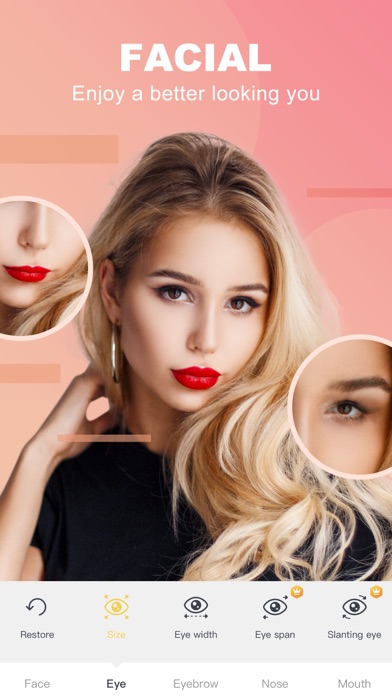
[Facial Features Remodel] 21 micro-adjustment at aesthetic medicine level, no PS trace at all
[Face and Body Slimming] Stepless magnification. Manual and real-time adjustment. Every detail matters. Unique area protection and no goof at all.
[Quick Beauty] Smartly beautify your photo. Say goodbye to complicated procedures and press one button to become beautiful.
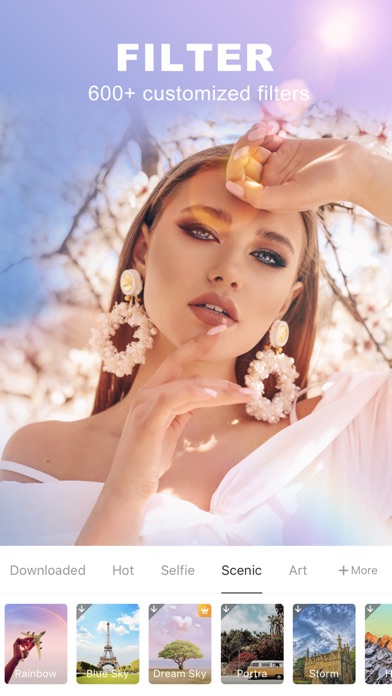
==Filters of Various Styles ==
[Magic Sky] Say goodbye to smog. Change the sky as you like. Cartoon Sky, Dreamlike Sky, all sorts of filters waiting for you.
[Style Transfer] Make the photo look like a painting. Use “Great Artist” filter. Everyone is an artist.
[Cartoon Effect] Visual portrait, cartoon filter, turn your photos into another dimension.
[Movie Filter] Movie color, Flex film, old times movie series filters, make your photos look like art.
==High-resolution Quality Selfie ==
[Quality Filter] Over 300 filters to be chosen from: film, movie, Japanese, Black and White, HDR, LOMO, HK Style, etc.
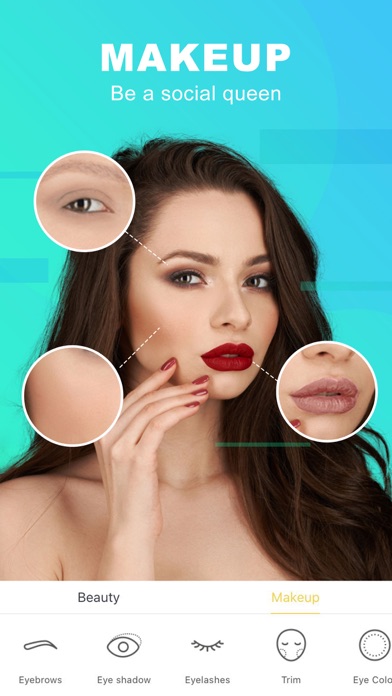
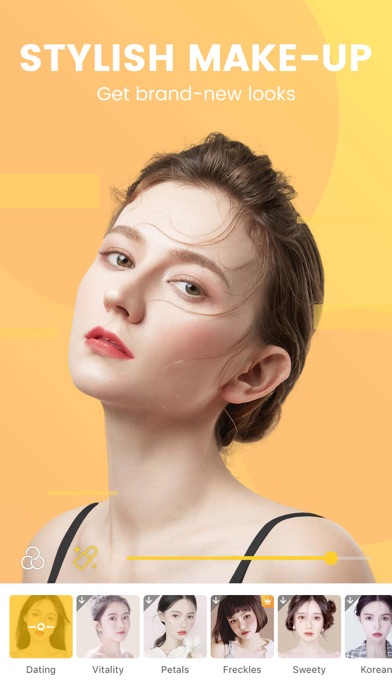
[Natural Make-up] 8 types, 27 sub-types, all for your choice. Separate settings for styles and colors, so you can change as you like.
[Cute Stickers] All kinds of fun gif stickers, cute and lovely. Smart recognition of human faces and facial expressions. You can even interact with it.
[Video Shooting] Support videos of 10s to 60s. Any music is OK. All stickers, filters and make-ups are available.
==Professional Image Processing==
[HSL Color Change] Only want to change one color? Here we go! Make the unique colored photo!
[Image Correction] Support vertical and horizontal correction. Suitable for photos of buildings. Lines will be straight and balanced.
[Basic Color Change] 13 basic parameters including saturation level, exposure, highlight, shade, layers, color temperature, hue, etc., just for you, and the best photos.
[Partial Filter] Over 300 filters can be used partially for photos. Use your imagination.
【Camera360 VIP Service Statement】
1. Service name:
- One Month Camera360 VIP;
- Monthly Camera360 VIP;
- Semiannual Camera360 VIP;
- Yearly Camera360 VIP;
- Permanent Camera360 VIP;
Hereinafter referred to as VIP.
2. Payment will be charged to iTunes Account at confirmation of purchase. Subscription automatically renews unless auto-renew is turned off at least 24-hours before the end of the current period. Account will be charged for renewal within 24-hours prior to the end of the current period, and identify the cost of the renewal.After successful deduction, Camera360 will be automatically extended for one subscription period. To cancel renewal, manually turn off automatic renewals in iTunes/AppleID setup 24 hours before the current subscription period expires.
3. You can suspend or terminate this service by:
Automatic renewal for Apple In App Payments (IAP payments, in-app purchases): Goto iPhone "Settings" --> Enter "iTunes Store and App Store" --> tap "Apple ID", select "View Apple ID", enter "Account Settings" page, tap "Subscribe", and select Camera360 VIP to cancel the subscription.
4. VIP Subscription Notice:
https://www.camera360.com/iap_subscription_en.html
5. Privacy Policy:
https://www.camera360.com/privacy.html
6. Terms of Use:
https://www.camera360.com/disclaimer.html
【Contact Us】
●Email us at:
●Follow us on:
Facebook: https://www.facebook.com/camera360official
Twitter: https://twitter.com/Camera360
Instagram: Camera360_Official
- iPhone أو iPad بجيلبريك أو بدون جيلبريك.
- Sideloadly أو بدائلها.
- كمبيوتر يعمل بنظام Windows/macOS/Linux مع تثبيت iTunes.
الخطوة 1: قم بتنزيل ملف .IPA المعدّل مسبقًا من الرابط أعلاه إلى الكمبيوتر الخاص بك. للتنزيل من تطبيق iOSGods App، اطلع على دليل تنزيل IPA من تطبيق iOSGods App الذي يتضمن مثالًا بالفيديو.
الخطوة 2: قم بتنزيل Sideloadly وتثبيته على جهاز Windows أو Mac.
الخطوة 3: افتح Sideloadly على الكمبيوتر، ووصّل جهاز iOS الخاص بك، وانتظر حتى يظهر اسم جهازك داخل Sideloadly.
الخطوة 4: بمجرد التعرّف على جهاز iDevice الخاص بك، اسحب ملف .IPA المعدّل الذي قمت بتنزيله وأفلِته داخل تطبيق Sideloadly.
الخطوة 5: أدخل البريد الإلكتروني لحساب Apple Account الخاص بك، ثم اضغط على «Start». سيُطلب منك بعد ذلك إدخال كلمة المرور. تابع وأدخل المعلومات المطلوبة.
الخطوة 6: انتظر حتى ينتهي Sideloadly من تحميل/تثبيت ملف IPA المعدّل. في حال واجهت أي مشاكل أثناء التثبيت، يرجى قراءة الملاحظة أدناه.
الخطوة 7: بعد اكتمال التثبيت ورؤية التطبيق على الشاشة الرئيسية، انتقل إلى Settings → General → Profiles / VPN & Device Management. ثم اضغط على البريد الإلكتروني الذي أدخلته في الخطوة 6، ثم اضغط على «الوثوق بـ [email protected]».
الخطوة 8: الآن انتقل إلى الشاشة الرئيسية وافتح التطبيق الذي تم تثبيته للتو وسيعمل كل شيء بشكل صحيح. قد تحتاج إلى اتباع تعليمات إضافية خاصة بكل تطبيق داخل النافذة المنبثقة للتعديل أثناء اللعب.
ملاحظة: بدءًا من iOS/iPadOS 16 وما بعده، يجب تفعيل وضع المطور (Developer Mode). بالنسبة لحسابات Apple Developer المجانية، ستحتاج إلى تكرار هذه العملية كل 7 أيام. إذا كانت لديك أي أسئلة أو مشاكل، يرجى قراءة قسم الأسئلة الشائعة حول Sideloadly في الموضوع.