Cần đăng nhập
Đăng nhập bằng tài khoản iOSGods để tiếp tục.
Đăng nhập bằng tài khoản iOSGods để tiếp tục.
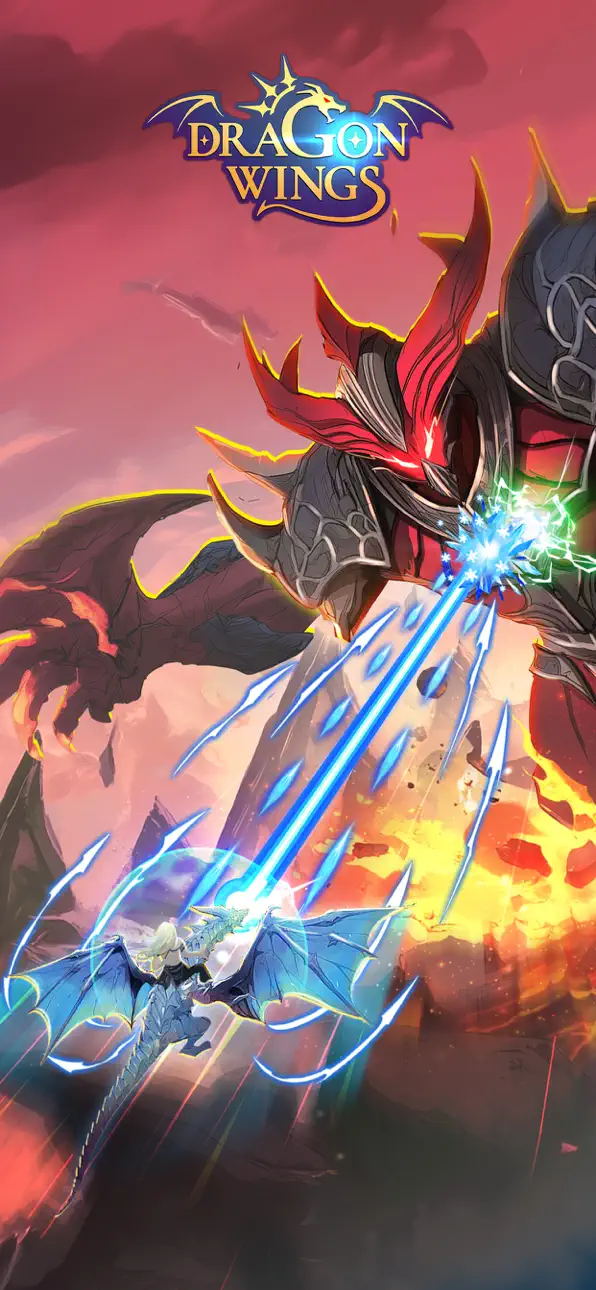
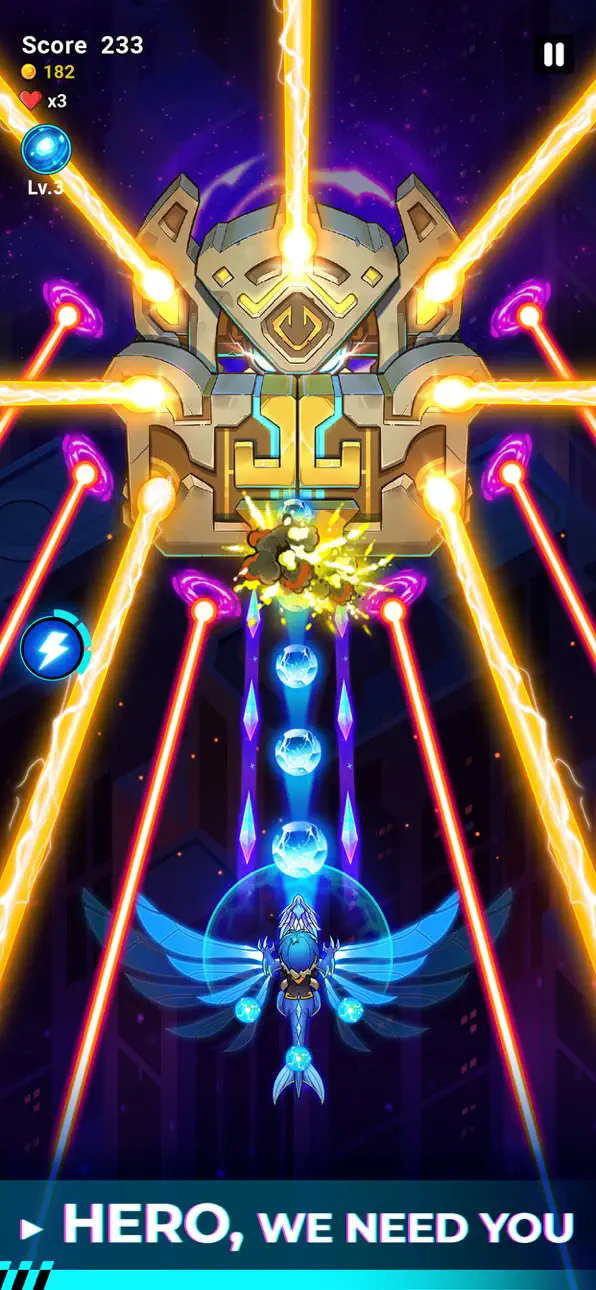
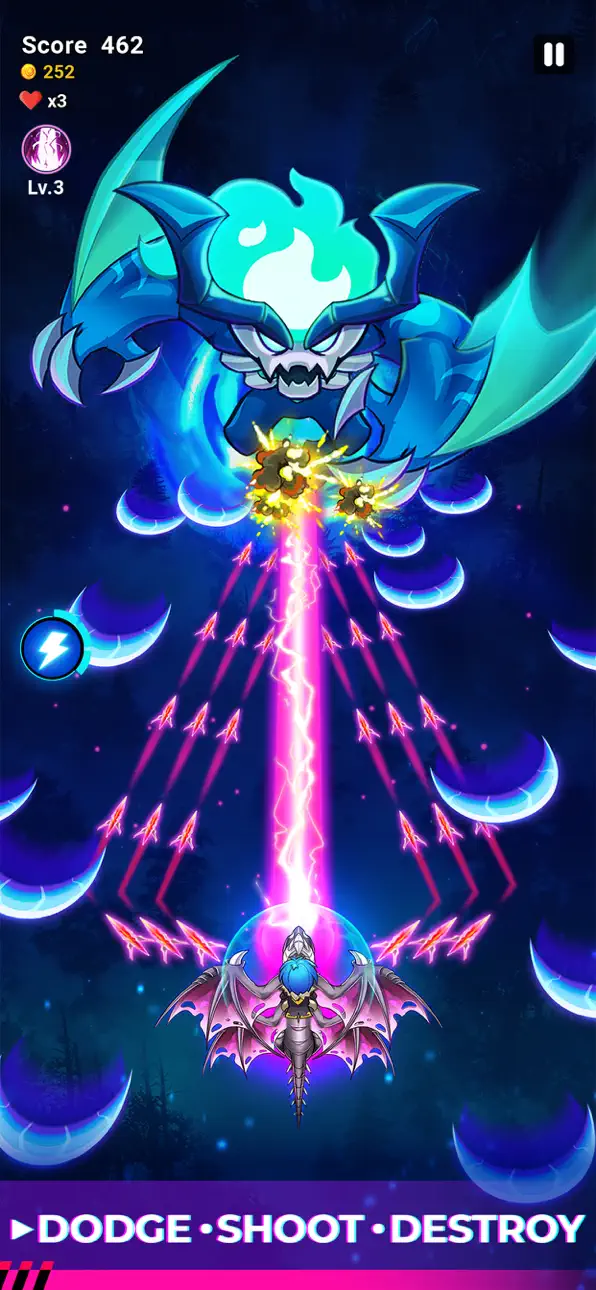
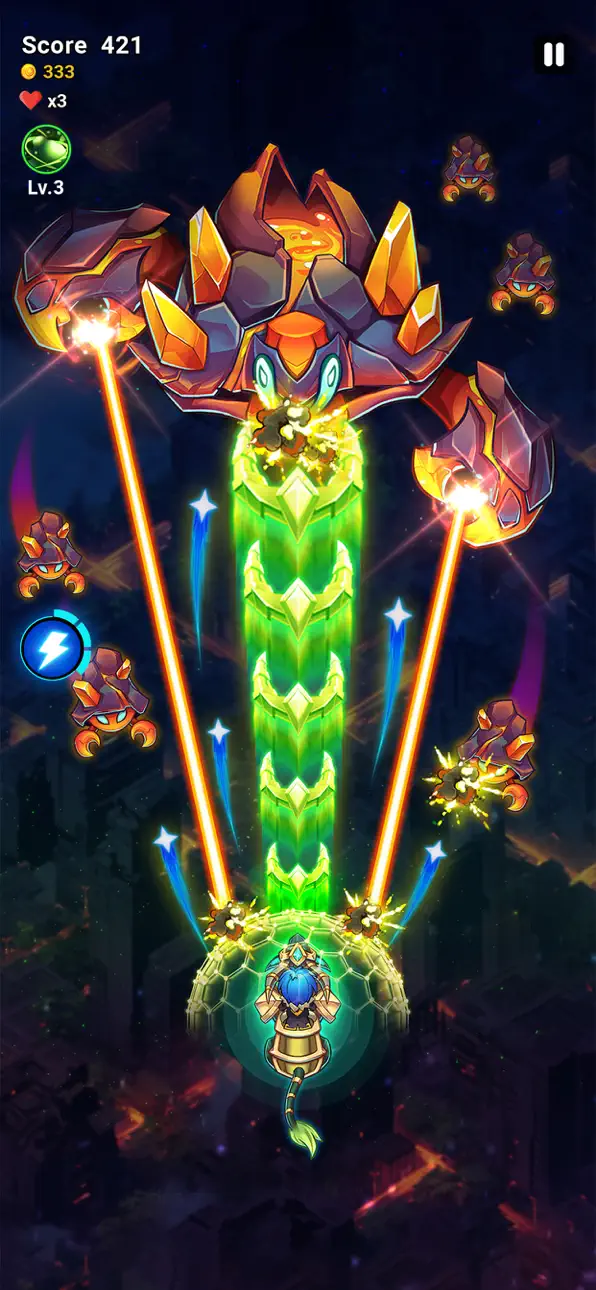
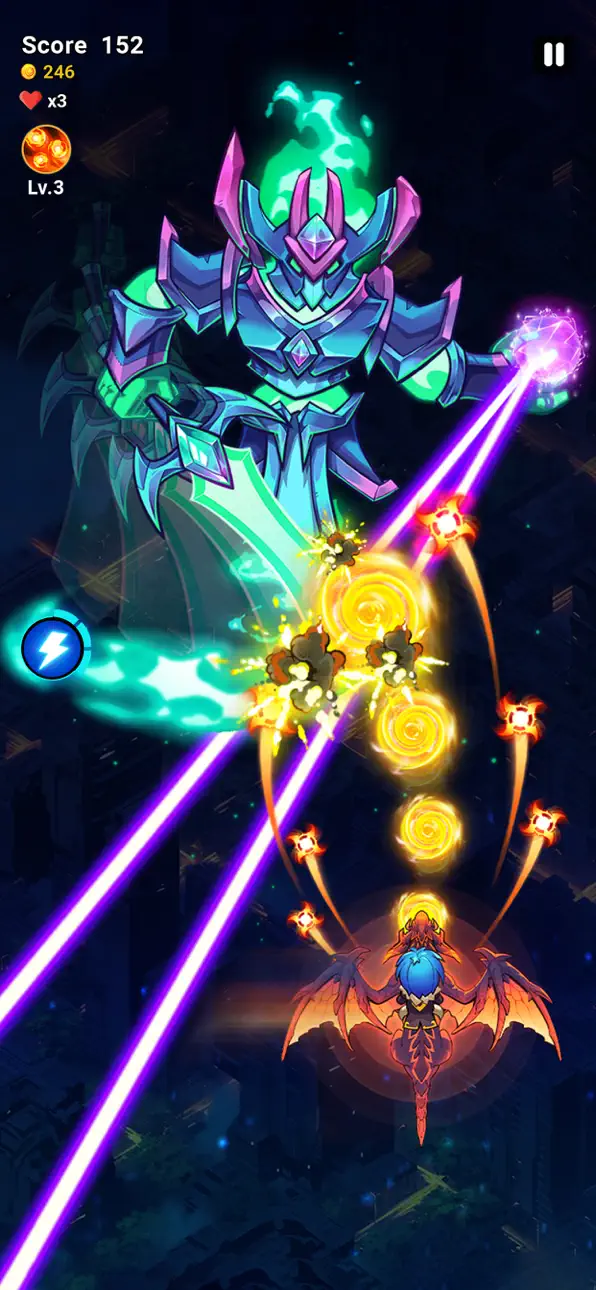
Dragon Wings là một trò chơi bắn súng hành động đầy kịch tính, nơi bạn điều khiển một kỵ sĩ rồng xuyên qua một thế giới fantasy hiện đại đang bị tấn công, kết hợp gameplay shmup cổ điển với tiến trình RPG. Hack Mod IPA này biến đổi cơ hội sống sót của bạn với những cheat tăng cường sức mạnh và tài nguyên, cho phép bạn tập trung vào trận chiến trên không gian tử tế mà không cần phải farm.
Cho dù bạn đang theo đuổi điểm số cao hay khám phá thế giới hybrid fantasy-hiện đại của trò chơi, những tính năng mod này sẽ giúp bạn có lợi thế để đi sâu hơn vào mỗi trận chiến và mở khóa toàn bộ phạm vi mà Dragon Wings cung cấp.
- Kích Hoạt Thẻ Siêu Cấp → Kích hoạt các hiệu ứng thẻ mạnh mẽ
- Ngọc Quý → Tiền tệ cao cấp không giới hạn
- Vàng → Tiền tệ trong trò chơi không giới hạn
- Không Bao Giờ Chết → Bất tử trong chiến đấu
- Tấn Công → Sức mạnh tấn công tăng lên
Ứng dụng này cũng đi kèm với iGameGod, cho phép bạn truy cập Auto Touch để tự động hóa các thao tác lặp lại, App Speed Manager để điều chỉnh tốc độ chơi game, chỉnh sửa giá trị bằng Memory Engine, và nhiều công cụ mạnh mẽ khác cho game iOS.
Tải Dragon Wings: RPG Shoot 'em up Hack modded IPA từ các liên kết ở trên. Nhấn nút cài đặt và làm theo hướng dẫn để cài bản hack iOS lên iPhone, iPad hoặc Apple Silicon.
Cần thêm trợ giúp? Hãy xem Câu hỏi thường gặp ứng dụng iOSGods để có câu trả lời chi tiết và mẹo khắc phục sự cố.
Der Schleier zwischen den Welten ist gefallen. Gewaltige Bestien sind aus den Schatten aufgetaucht und verwüsten die größten Städte der Erde. Von den leuchtenden Skylines moderner Metropolen bis in die Tiefen des Unbekannten steht die moderne Welt unter Belagerung.
Du bist die letzte Verteidigungslinie – ein Drachenreiter, dazu bestimmt, uralte Magie mit dem Überleben der modernen Welt zu vereinen. Schnall dich an, zieh deine Klinge und erhebe dich in Dragon Wings in die Lüfte – der ultimativen Verschmelzung aus klassischer Shmup-Action und epischem Fantasy-RPG.
SPIELFEATURES:
MODERNE TRIFFT FANTASY HAUTNAH. Erlebe ein einzigartiges Schlachtfeld, auf dem mächtige Magie in die urbane Skyline einbricht, mit kontrastreichen, visuell beeindruckenden Umgebungen, die den Konflikt zwischen Moderne und Fantasy lebendig werden lassen.
DIE VERBINDUNG ZWISCHEN WALKÜRE UND DRACHE. Du steuerst nicht nur ein Fluggerät – du führst eine Legende. Übernimm die Kontrolle über eine Walküre, führe legendäre Klingen und entfessle das elementare Feuer deines Drachen, um Monsterhorden zu besiegen.
BILDSCHIRMFÜLLENDE BOSSKÄMPFE. Stelle dich gigantischen Bossen mit mehreren Phasen – von der blitzgeladenen Bienenkönigin bis zum gewaltigen Leeren-Dämon. Jede Begegnung fordert deine Reflexe und strategischen Fähigkeiten.
TIEFGEHENDE RPG- UND ROGUELIKE-PROGRESSION. Entwickle deine Walküre weiter, verbessere deinen Drachen im Flug, wähle mächtige Fähigkeiten im Kampf und rüste seltene Ausrüstung aus. Meistere das Elementarsystem aus Wind, Feuer und Eis, um Schwächen deiner Gegner auszunutzen und die Lüfte zu beherrschen.
ÜBER 200 HERAUSFORDERNDE LEVEL. Starte eine umfangreiche Kampagne, um die Monsterinvasion zurückzuschlagen – mit täglichen Missionen, besonderen Events und einem endlosen Überlebensmodus.
ÜBERALL SPIELEN – KOMPLETT OFFLINE. Kein WLAN? Kein Problem. Rette die Welt jederzeit und überall. Dragon Wings ist vollständig offline spielbar und der perfekte Begleiter für unterwegs oder auf Reisen.
Der Himmel brennt. Wirst du dem Ruf folgen?
Lade Dragon Wings noch heute herunter und beginne deine Legende.
- iPhone hoặc iPad chưa jailbreak/đã đóng hoặc đã jailbreak.
- Sideloadly hoặc các lựa chọn thay thế.
- Máy tính chạy Windows/macOS/Linux đã cài iTunes.
BƯỚC 1: Tải tệp .IPA đã được hack sẵn từ liên kết phía trên về máy tính của bạn. Để tải từ iOSGods App, hãy xem Hướng dẫn tải IPA bằng iOSGods App của chúng tôi, có kèm ví dụ bằng video.
BƯỚC 2: Tải Sideloadly và cài đặt trên Windows hoặc Mac của bạn.
BƯỚC 3: Mở Sideloadly trên máy tính, kết nối thiết bị iOS của bạn và chờ cho đến khi tên thiết bị hiển thị trong Sideloadly.
BƯỚC 4: Khi thiết bị iOS của bạn đã được nhận diện, hãy kéo tệp .IPA đã chỉnh sửa mà bạn tải về và thả vào ứng dụng Sideloadly.
BƯỚC 5: Nhập email Apple Account của bạn, sau đó nhấn "Start." Bạn sẽ được yêu cầu nhập mật khẩu. Hãy cung cấp các thông tin cần thiết.
BƯỚC 6: Chờ Sideloadly hoàn tất quá trình sideload/cài đặt tệp IPA đã hack. Nếu gặp sự cố trong quá trình cài đặt, vui lòng đọc lưu ý bên dưới.
BƯỚC 7: Khi cài đặt hoàn tất và bạn thấy ứng dụng trên Màn hình chính, bạn cần truy cập Cài đặt → Cài đặt chung → Hồ sơ / VPN & Quản lý thiết bị. Tại đó, nhấn vào email bạn đã nhập ở bước 6, rồi nhấn "Tin cậy [email protected]".
BƯỚC 8: Bây giờ hãy về Màn hình chính và mở ứng dụng vừa cài đặt, mọi thứ sẽ hoạt động bình thường. Bạn có thể cần làm theo hướng dẫn riêng của từng ứng dụng trong cửa sổ popup của bản hack trong game.
LƯU Ý: Trên iOS/iPadOS 16 trở lên, bạn phải bật Chế độ nhà phát triển. Với tài khoản Apple Developer miễn phí, bạn sẽ cần lặp lại quy trình này mỗi 7 ngày. Nếu bạn có thắc mắc hoặc gặp sự cố, hãy đọc mục FAQ về Sideloadly trong chủ đề của chúng tôi.
Hack Features:
- Inf Coins (Spend)
App Installation Instructions:
---------------------------------------------------------
----------------------------------------------------------
If you require more information or help, please read our Frequently Asked Questions topic on iOSGods.com.
----------------------------------------------------------
--------------------------------------------------