Login Required
Sign in with your iOSGods account to continue.
Sign in with your iOSGods account to continue.
Unlock unlimited coins and boosters in this free Piggy Land 3D Mod IPA, letting you breeze through puzzles without grinding or watching ads. This hack removes the friction of resource limits, so you can focus on the clever strategy and charming animal characters that make the game special.
Whether you're tackling tricky board layouts or exploring beautifully themed worlds, the modded version keeps the fun flowing, no ad interruptions, no waiting for currency to refill, and the freedom to create custom levels and experiment with solutions at your own pace.
- Auto ADS No → removes ad interruptions
- Unlimited Coin → spend freely without limits
- Unlimited Booster → use power-ups as often as needed
- Custom Level → create and play your own puzzles
This app also comes with iGameGod, giving you access to Auto Touch to automate repetitive tasks, App Speed Manager for adjustable gameplay speed, Memory Engine value editing, and more powerful iOS game tools.
Download Piggy Land 3D iOS Mod IPA from the links above. Tap the install button and follow the on-screen instructions to install this iOS app hack on your iPhone, iPad, or Apple Silicon.
Need more help? Check out our iOSGods App Frequently Asked Questions for detailed answers and troubleshooting tips.
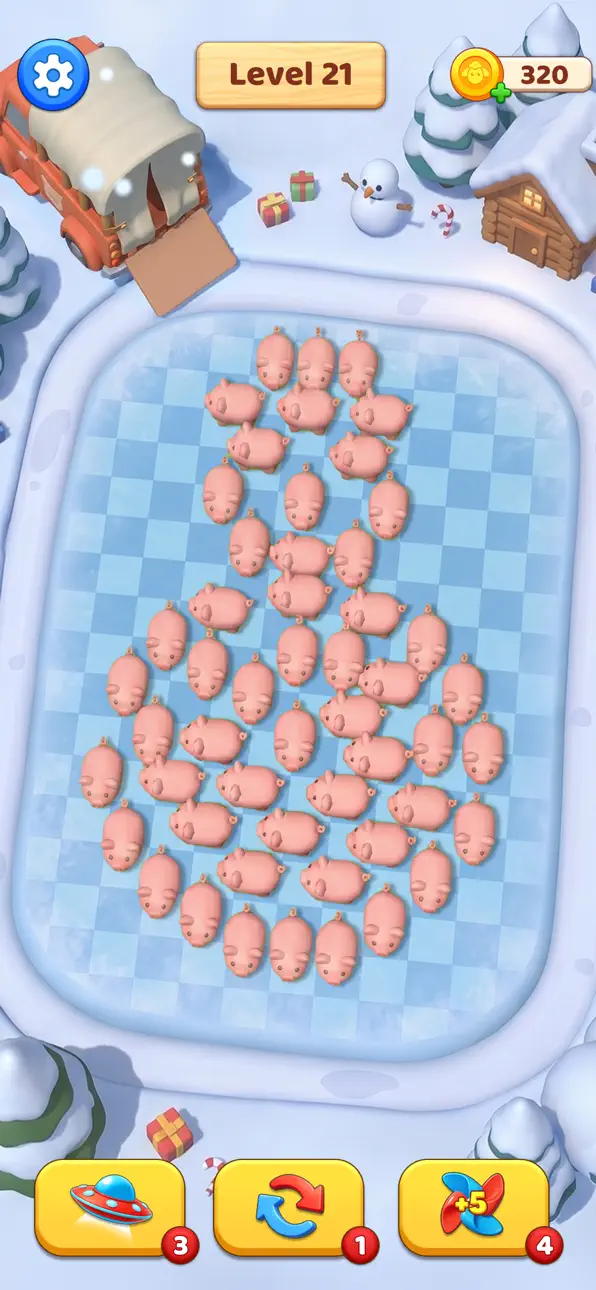
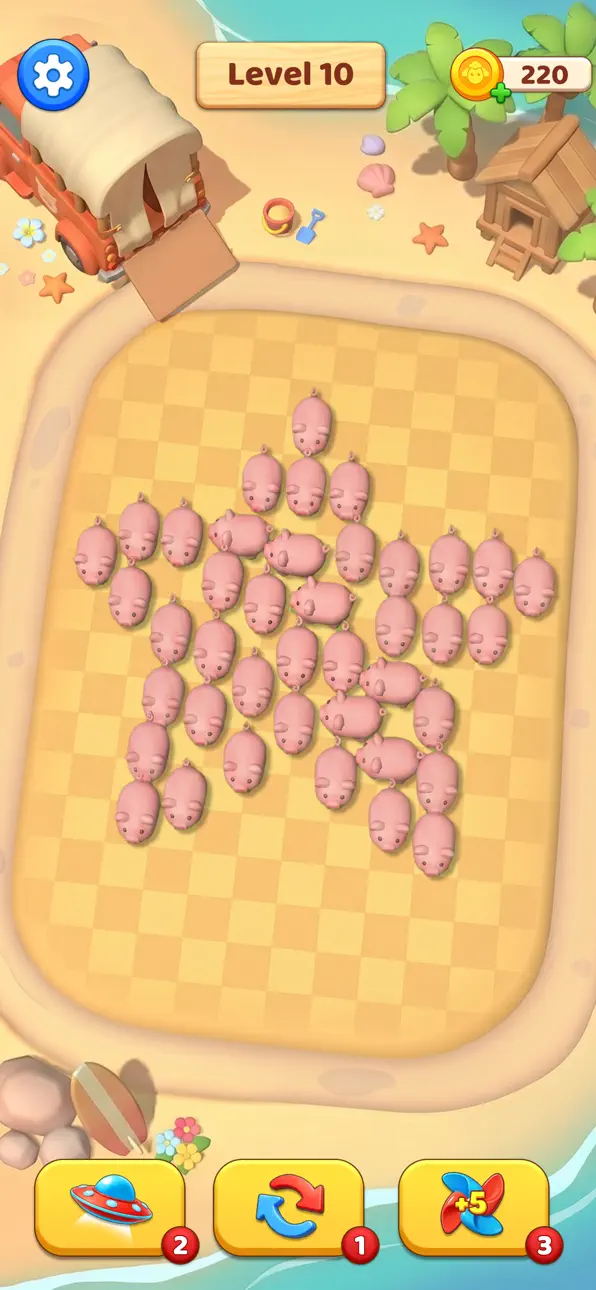
Welcome to Piggy Land 3D, a charming puzzle adventure filled with cute animals, clever challenges, and exciting worlds to explore.
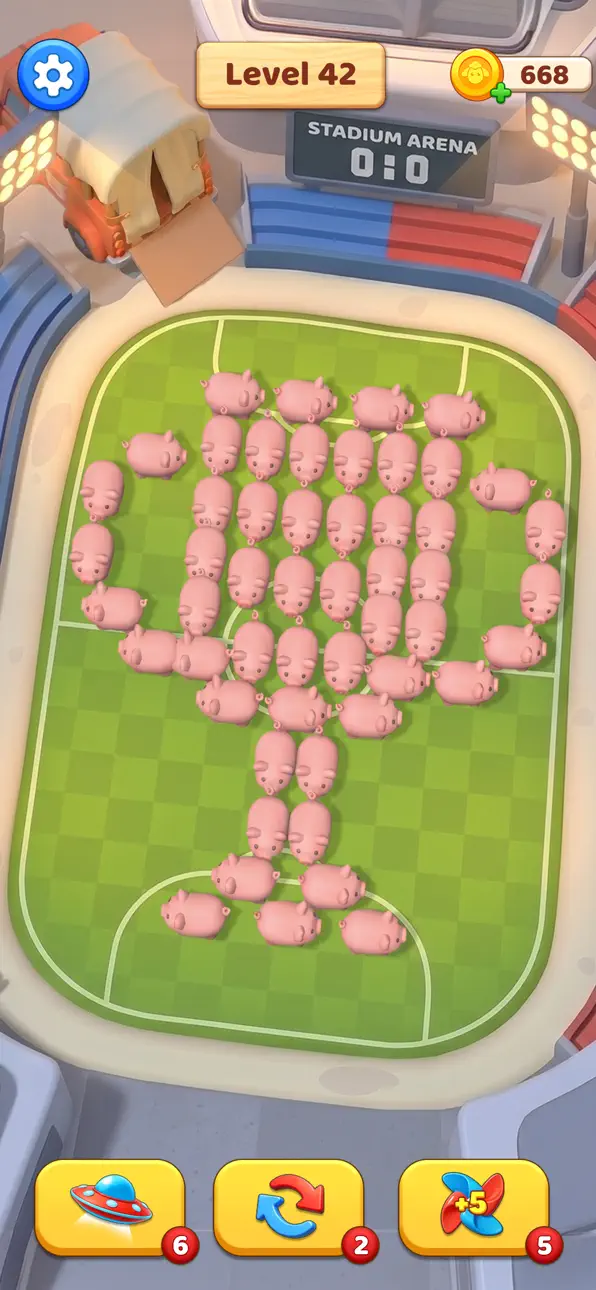
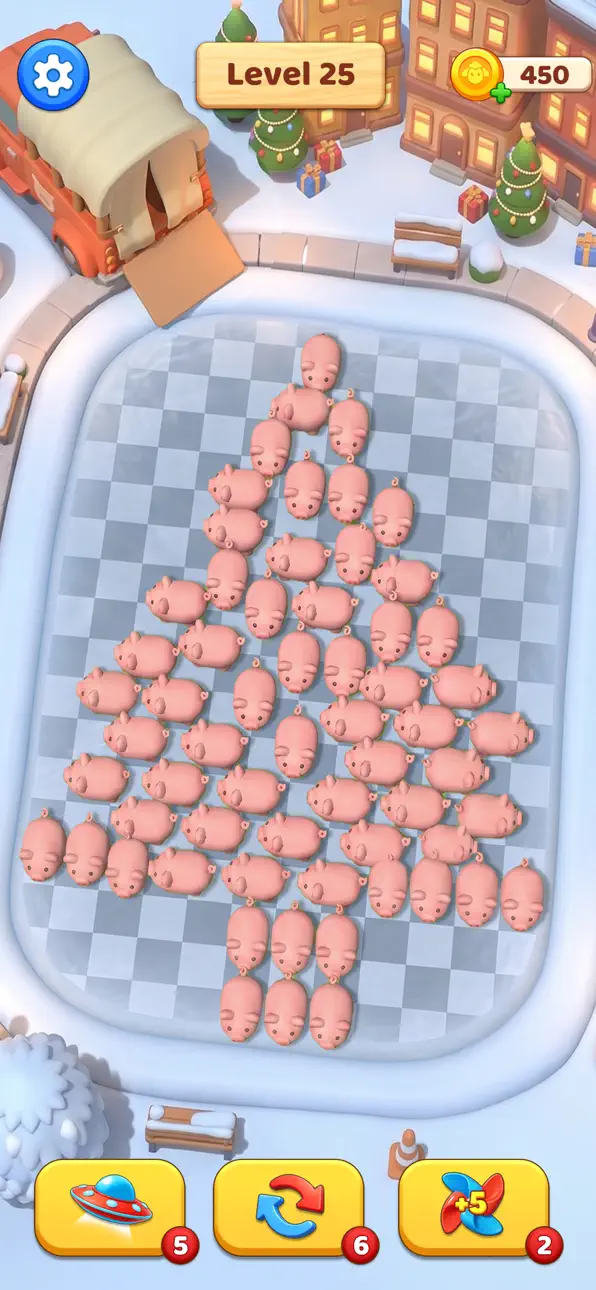
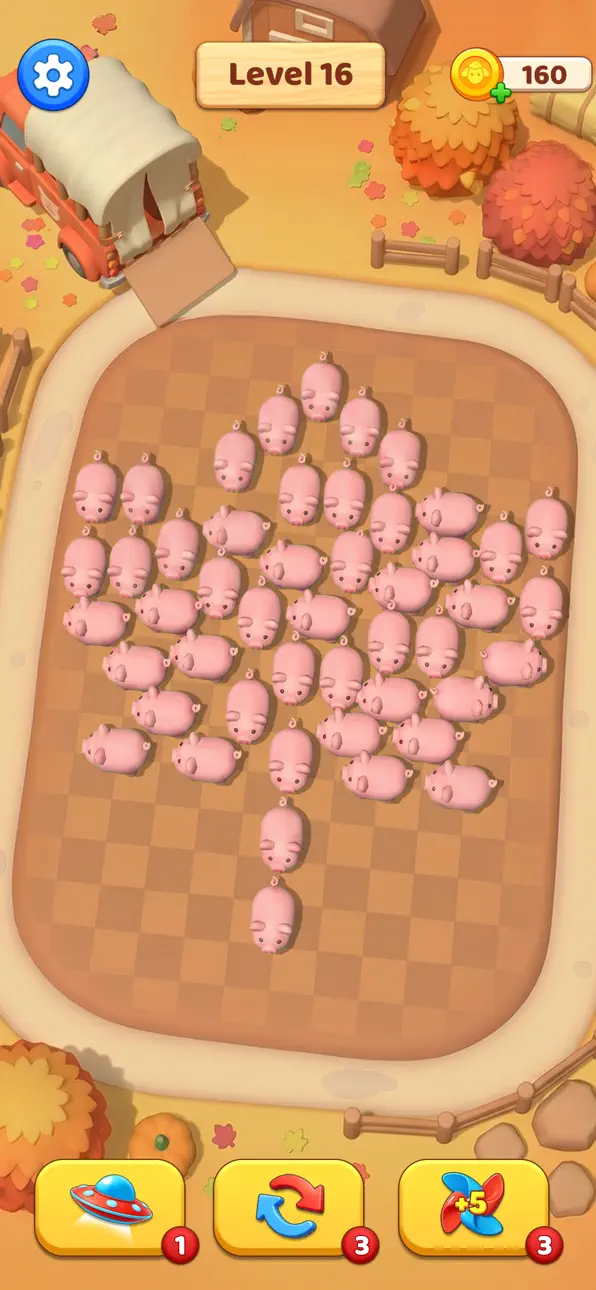
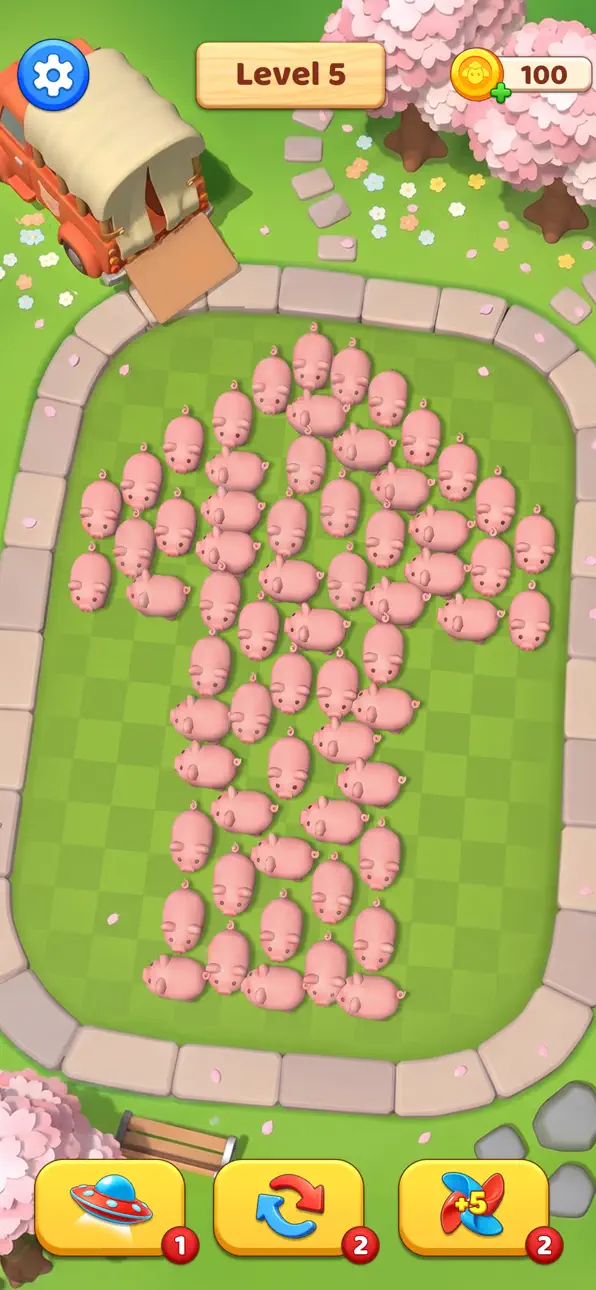
Tap animals such as pigs, sheep, cows, and more to help them move across the board and find their way out. Each animal follows a path until it reaches an obstacle or escapes the map, so every move requires planning and strategy.
Beyond the puzzles, Piggy Land 3D offers a wide variety of beautifully themed environments. Explore energetic stadiums, lively city streets, relaxing parks, and stunning seasonal landscapes. Experience the colors of spring, the sunshine of summer, the golden beauty of autumn, and the snowy magic of winter as you progress through hundreds of levels.
Every new world brings fresh visual experiences, creative layouts, and new puzzle challenges to keep your adventure exciting.
Features
- Fun animal escape puzzles with simple tap controls
- Guide pigs, sheep, cows, and other animals to safety
- Explore diverse worlds with unique visual themes
- Seasonal environments including spring, summer, autumn, and winter
- Stadium, city, park, and many more themed locations
- Hundreds of handcrafted levels with increasing difficulty
- Relaxing visuals and satisfying puzzle gameplay
- Easy to play, challenging to master
Travel across beautiful worlds, solve clever puzzles, and help every animal escape in Piggy Land 3D.
Screenshots © their respective owners · App Store


iOSGods is not affiliated with, endorsed by, or sponsored by Apple Inc., Google LLC, or the developers of the apps listed here. Apple, iOS and App Store are trademarks of Apple Inc. Android and Google Play are trademarks of Google LLC. All other app names, icons, artwork and trademarks belong to their respective owners.

- Non-Jailbroken/Jailed or Jailbroken iPhone or iPad.
- Sideloadly or alternatives.
- Computer running Windows/macOS/Linux with iTunes installed.
STEP 1: Download the pre-hacked .IPA file from the link above to your computer. To download from the iOSGods App, see our iOSGods App IPA Download Tutorial which includes a video example.
STEP 2: Download Sideloadly and install it on your Windows or Mac.
STEP 3: Open Sideloadly on your computer, connect your iOS device, and wait until your device name appears in Sideloadly.
STEP 4: Once your iDevice is recognized, drag the modded .IPA file you downloaded and drop it into the Sideloadly application.
STEP 5: Enter your Apple Account email, then press “Start.” You’ll then be asked to enter your password. Go ahead and provide the required information.
STEP 6: Wait for Sideloadly to finish sideloading/installing the hacked IPA. If there are issues during installation, please read the note below.
STEP 7: Once the installation is complete and you see the app on your Home Screen, you will need to go to Settings → General → Profiles / VPN & Device Management. Once there, tap on the email you entered from step 6, and then tap on “Trust [email protected]”.
STEP 8: Now go to your Home Screen and open the newly installed app and everything should work fine. You may need to follow further per app instructions inside the hack's popup in-game.
NOTE: iOS/iPadOS 16 and later, you must enable Developer Mode. For free Apple Developer accounts, you will need to repeat this process every 7 days. If you have any questions or problems, read our Sideloadly FAQ section of the topic.
Hack Features:
- Inf Coins (Spend)
App Installation Instructions:
---------------------------------------------------------
----------------------------------------------------------
If you require more information or help, please read our Frequently Asked Questions topic on iOSGods.com.
----------------------------------------------------------
--------------------------------------------------