需要登录
请使用您的 iOSGods 账户登录以继续。
请使用您的 iOSGods 账户登录以继续。
使用 Simpia, Learn piano by songs iOS Mod IPA 通过演奏真实歌曲来学习钢琴,这是一款免费的破解版本,为 iOS 上的音乐学习者解锁高级功能。这个教育工具可根据您的技能水平进行调整,无论您是完全初学者还是在完善技巧,都能与任何原声、数字或 MIDI 键盘无缝配合,在您跟随演奏时提供即时反馈。
- 高级版本 → 解锁所有付费功能
从上方链接下载 Simpia – Learn piano by songs iOS Mod IPA。点击安装按钮并按照屏幕提示在 iPhone、iPad 或 Apple Silicon 上安装此 iOS 应用修改版。
需要更多帮助?请查看我们的 iOSGods 应用常见问题解答 获取详细解答和故障排除技巧。
Before you start: To use all features of the app, you’ll need a real piano or a musical keyboard.
Simpia is the fun, easy, and effective way to learn piano—from absolute beginner to confident pianist. Whether you're just starting or looking to enhance your skills, Simpia adapts to your level and helps you improve rapidly.
Play Your First Song Today
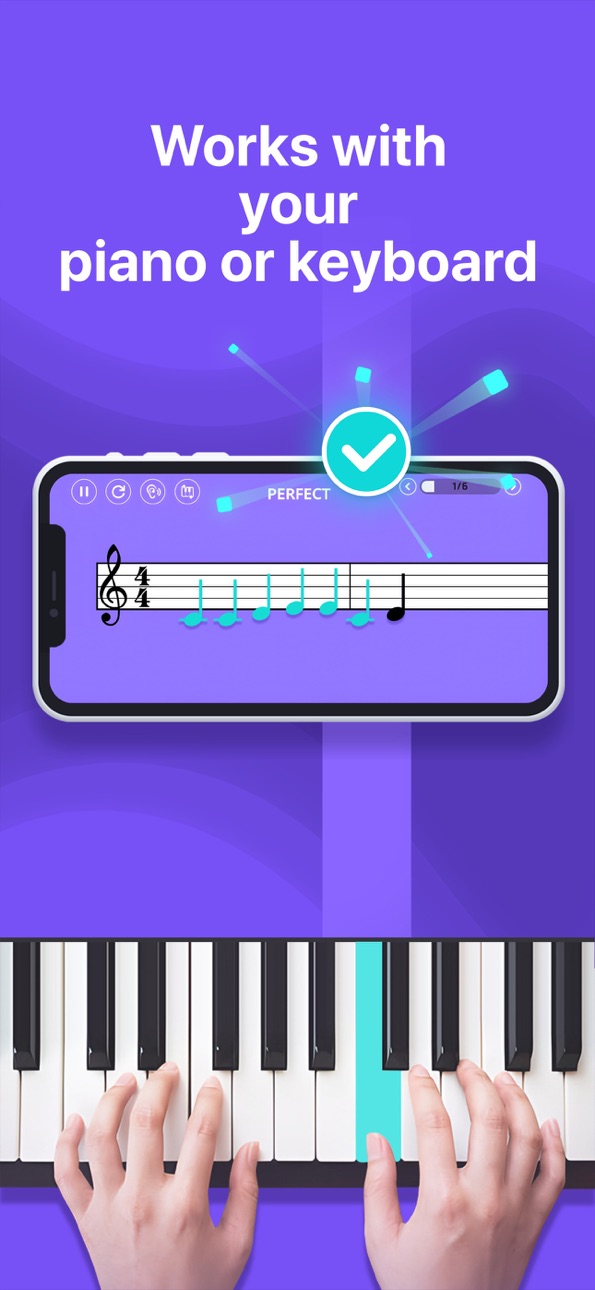
Simpia works perfectly with any piano or keyboard, whether acoustic, digital, or MIDI controller. Simply place your device nearby, play along, and receive instant, precise feedback on your notes and rhythm.
Why Choose Simpia?
- A step-by-step courses from beginner to advanced, crafted by professional educators and suitable for every level.
- Instant AI feedback that tells you right away whether each note you play is correct.
- Experience a variety of music genres, from classical to popular songs.
- Personalized Learning: Customized daily workouts tailored specifically to your skill level and musical goals.
- Advanced Tools: Comprehensive AI, MIDI and Bluetooth MIDI support for enhanced practice sessions.
Get Started Free!
Enjoy daily limited time free for all lessons and songs.
Or Start your free trial today and experience all we have to offer!
Upgrade to Premium for
- Full access to all courses & advanced lesson features.
- Complete song library and exclusive lessons
- Personalized daily learning content with daily workout and tutor
- Advanced AI feedback with MIDI and Bluetooth MIDI integration.
- Unlimited, unrestricted daily practice sessions.
Simpia Subscription:
Enjoy unlimited access to all courses and features with flexible Monthly, 3-Month or Annual plans (prices displayed in-app).The subscription is linked to your Apple ID and works on any iOS device using that account. Payment is charged to your Apple ID at purchase, and the plan renews automatically at the current price within 24 hours before each term ends unless you disable auto-renew at least 24 hours in advance in Settings › Apple ID › Subscriptions. You can manage or cancel your plan there at any time. Any unused portion of a free trial is forfeited when you subscribe. Subscriptions stay active until the end of the paid period and can’t be cancelled mid-cycle.
Questions or feedback? We're always happy to hear from you directly via our in-app "Have a Question" support chat.
Download now and play your first song today!
*** HAVE FUN! ***
Private Policy: https://smulie.io/privacy-policy/
Copyright/Claims/Issues: [email protected]
截图 © 各自所有者 · App Store

iOSGods 与 Apple Inc.、Google LLC 及此处列出应用的开发者没有任何关联,也未获得其认可或赞助。Apple、iOS 和 App Store 是 Apple Inc. 的商标。Android 和 Google Play 是 Google LLC 的商标。其他所有应用名称、图标、图片和商标均归各自所有者所有。

- 未越狱/受限或已越狱的 iPhone 或 iPad。
- Sideloadly 或替代方案。
- 运行 Windows/macOS/Linux 且已安装 iTunes 的电脑。
步骤 1: 通过上方链接将已破解的 .IPA 文件下载到您的电脑。如需从 iOSGods App 下载,请参阅我们的 iOSGods App IPA 下载教程,其中包含视频示例。
步骤 2: 下载 Sideloadly 并将其安装到您的 Windows 或 Mac 上。
步骤 3: 在电脑上打开 Sideloadly,连接您的 iOS 设备,等待设备名称在 Sideloadly 中显示。
步骤 4: 当 Sideloadly 识别到您的 iOS 设备后,将下载好的修改版 .IPA 文件拖放到 Sideloadly 应用中。
步骤 5: 输入您的 Apple Account 邮箱,然后点击 "Start"。系统会提示您输入密码,请按要求填写信息。
步骤 6: 等待 Sideloadly 完成已破解 IPA 的旁加载/安装。如果安装过程中出现问题,请阅读下方的注意事项。
步骤 7: 安装完成并在主屏幕上看到该应用后,您需要前往 设置 → 通用 → 描述文件 / VPN 与设备管理。进入后,点击您在第 6 步中输入的邮箱,然后点击 "信任 [email protected]"。
步骤 8: 现在返回主屏幕并打开新安装的应用,一切应可正常运行。您可能需要按照游戏内修改弹窗中的具体说明执行进一步操作。
注意: 在 iOS/iPadOS 16 及更高版本上,您必须 启用开发者模式。对于免费的 Apple Developer 账户,您需要每 7 天重复一次此操作。如有任何疑问或问题,请阅读我们的 主题中的 Sideloadly 常见问题部分。
Hack Features:
- Inf Coins (Spend)
App Installation Instructions:
---------------------------------------------------------
----------------------------------------------------------
If you require more information or help, please read our Frequently Asked Questions topic on iOSGods.com.
----------------------------------------------------------
--------------------------------------------------